23 Sep 2026
WhatsApp Number Not Registered Problem: Fix Verification Issues Fast
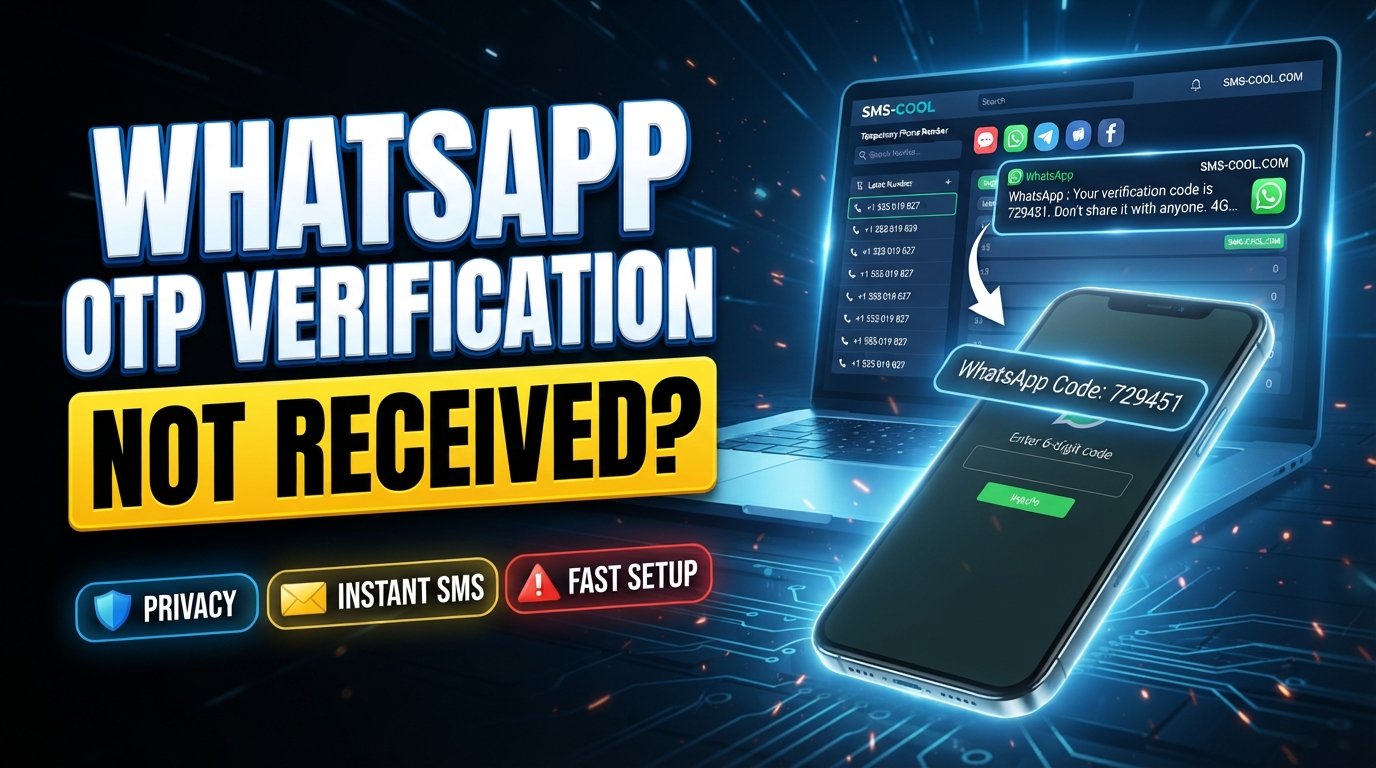
WhatsApp Number Not Registered Problem: Causes, Fixes, and SMS Verification Solutions
If you're seeing a WhatsApp number not registered problem, you're probably expecting one simple thing: a verification code that never arrives.
Instead, you may see messages indicating that your number cannot be registered, that verification failed, or that WhatsApp cannot complete the activation process. Sometimes the issue is temporary. In other cases, the problem is related to your phone number, mobile network, SMS delivery, or repeated verification attempts.
The good news is that a WhatsApp registration problem doesn't always mean something is seriously wrong with your account or phone.
In this guide, we'll explain the most common causes of WhatsApp verification issues, what you should check before trying again, and how SMS COOL can provide an alternative SMS verification option when you're having trouble receiving a verification message on your usual number.
What Does the WhatsApp Number Not Registered Problem Mean?
When you create or reactivate a WhatsApp account, WhatsApp needs to confirm that you control the phone number you're entering.
This usually involves WhatsApp phone number verification through an SMS verification code or another verification method offered during the registration process.
The WhatsApp number not registered message can appear when the registration process cannot be completed successfully. There isn't necessarily one single cause.
For example, you might be dealing with:
- A delayed or blocked SMS
- Incorrectly entered country or phone number information
- Poor cellular connectivity
- Too many verification attempts
- A number that cannot receive SMS
- Temporary restrictions or technical issues
- Problems with a virtual or temporary number
- An issue with the mobile carrier
Understanding the cause is important because repeatedly requesting new codes without checking the underlying problem can make the process more frustrating.
Why WhatsApp May Fail to Register a Phone Number
A WhatsApp activation problem can happen for several practical reasons.
1. Your Phone Can't Receive SMS
The most obvious cause is also one of the easiest to overlook. If your SIM cannot receive ordinary text messages, WhatsApp may not be able to deliver its verification code either.
Try receiving an SMS from another person or service. If regular messages aren't arriving, investigate the mobile network or SIM before attempting WhatsApp verification again.
2. The Number Was Entered Incorrectly
Country codes matter during phone number verification.
Make sure you've selected the correct country and entered the number in the format WhatsApp expects. A small mistake can prevent the verification message from reaching the intended destination.
3. Your Mobile Network Is Having Problems
Weak coverage, carrier delays, roaming limitations, or temporary network issues can interfere with SMS delivery.
If your phone shows little or no cellular signal, moving to an area with better coverage and trying again later may resolve the issue.
4. Too Many Verification Requests
Repeatedly requesting verification codes can complicate the process. If you've already tried several times, constantly pressing “send code again” may not be the best next step.
Instead, wait for the relevant cooldown period and follow the instructions displayed by WhatsApp.
5. The Number Has Limitations
Not every phone number works equally well for account registration. Certain virtual, temporary, VoIP, or internet-based numbers may have limitations depending on how WhatsApp handles verification and whether the number can reliably receive the required message.
This is where an SMS verification service such as SMS COOL may be relevant for users who need another number/SMS receiving option.
Common WhatsApp Verification and OTP Problems
The WhatsApp verification problem can take several forms.
One of the most common is WhatsApp OTP not received. You enter your number, wait for the message, and nothing happens.
Other common issues include:
- WhatsApp verification code delayed
- Verification SMS never arriving
- “Verification failed” messages
- Incorrect country code
- Number already associated with an account
- SMS delivery problems
- Unable to complete account registration
- Temporary activation restrictions
If your regular phone number is working normally but WhatsApp's verification message isn't arriving, it can be useful to troubleshoot the SMS delivery route rather than repeatedly requesting codes.
What to Check Before Trying Again
Before looking for an alternative number, run through a few basic checks.
Check Your Number
Confirm that the number and country code are correct.
Test Regular SMS
Ask someone to send you a normal text message. If you cannot receive ordinary SMS messages, WhatsApp's verification SMS may have the same problem.
Check Your Cellular Connection
A stable mobile connection can make a difference. If you're using roaming or have poor reception, try again when your cellular service is stronger.
Avoid Repeated Requests
If you've requested several codes, stop and wait rather than continuing to request new ones.
Follow WhatsApp's On-Screen Instructions
The available verification options and waiting periods can vary. Follow the instructions shown inside the official WhatsApp application.
If you've completed these checks and still can't receive the required message, an alternative number may be worth considering.
How SMS COOL Can Help With SMS Verification
SMS COOL is designed for users who need access to SMS receiving and verification options online.
For someone dealing with a WhatsApp registration problem, its relevance is straightforward: instead of relying exclusively on your usual mobile number, you can explore available numbers through an online SMS verification service and see whether an appropriate option is available for receiving a verification message.
This can be particularly useful when your primary number has SMS delivery problems, you need a separate number for a legitimate account-registration purpose, or you want to keep your personal number separate from a particular online service.
However, availability and acceptance can vary. WhatsApp controls its own registration and verification systems, so using an alternative number does not guarantee that registration will succeed.
How to Use SMS COOL for Receiving a Verification SMS
The general process is simple.
Step 1: Choose an Appropriate Number
Visit SMS COOL and review the available number options. Select a number suitable for your intended verification purpose.
Step 2: Enter the Number Correctly
Use the selected number when WhatsApp asks for your phone number. Double-check the country and number before continuing.
Step 3: Request Verification
Proceed with WhatsApp's normal registration process and request the verification SMS.
Step 4: Monitor the SMS
If the verification message is delivered to the selected SMS COOL number, retrieve the code through the service.
Step 5: Enter the Code in WhatsApp
Enter the verification code into WhatsApp and continue the registration process.
If the message doesn't arrive, don't assume the number will eventually work. Check whether another eligible number is available and follow WhatsApp's instructions regarding retry limits and waiting periods.
Benefits of Using SMS COOL
For users who need an alternative SMS receiving option, SMS COOL can offer several practical advantages.
An Alternative to Your Primary Number
You may not want to use your personal mobile number for every online registration. An alternative number can provide greater separation between personal communications and specific online services.
Convenient Online SMS Access
An online SMS verification service can be useful when receiving messages on your normal SIM is inconvenient or unavailable.
Useful for Troubleshooting
If your primary number is experiencing SMS delivery difficulties, trying an alternative verification route can help you determine whether the problem is specific to your number or the registration process.
Simple Verification Workflow
The basic process—select a number, request the SMS, retrieve the code, and enter it into the relevant service—is straightforward.
That said, SMS COOL should be viewed as a practical option rather than a guarantee. Number availability, SMS delivery, and WhatsApp's acceptance of a particular number can change.
Important Considerations When Using a Temporary or Online Number
A temporary phone number for WhatsApp can be useful in certain situations, but there are important considerations.
First, think about account recovery. If you register an account with a number you don't permanently control, you may have difficulty receiving future verification or recovery messages.
Second, don't assume every temporary or online number will be accepted. Services can apply their own verification rules, and WhatsApp may not accept every type of number.
Third, use numbers for legitimate purposes and follow WhatsApp's terms and applicable service rules.
Finally, never share your WhatsApp verification code with another person. A verification code is intended to confirm control of the number, so treat it as sensitive information.
Frequently Asked Questions
Why is my WhatsApp number not registered?
A WhatsApp number may fail to register because of incorrect number details, SMS delivery problems, network issues, repeated verification attempts, or limitations associated with the number.
Why am I not receiving my WhatsApp verification code?
If your WhatsApp verification code isn't arriving, check your number, country code, cellular connection, and ability to receive ordinary SMS. Also avoid repeatedly requesting new codes.
Can SMS COOL help if WhatsApp OTP is not received?
SMS COOL may provide an alternative number and SMS receiving option for users experiencing difficulties with their usual number. However, successful verification depends on SMS delivery and WhatsApp's acceptance of the number.
Can I use a temporary phone number for WhatsApp?
An online or temporary number may be usable in some situations, but acceptance isn't guaranteed. You should also consider whether you'll retain access to the number for future account verification or recovery.
What should I do if WhatsApp verification fails?
Check the phone number and country code, verify that your phone can receive SMS, ensure your network connection is working, and follow WhatsApp's instructions. If the problem continues, an alternative SMS receiving option may be worth exploring.
Is SMS COOL a WhatsApp service?
No. SMS COOL is an independent SMS verification service. WhatsApp controls its own registration and verification process, so SMS COOL cannot guarantee that a particular number will be accepted.
Should I keep requesting WhatsApp verification codes?
Not necessarily. If you've already requested multiple codes, repeatedly requesting more can make the process more frustrating. Follow the waiting instructions displayed by WhatsApp and troubleshoot the underlying SMS issue first.
Conclusion: A Practical Way to Approach WhatsApp Registration Problems
The WhatsApp number not registered problem can be frustrating, particularly when everything appears correct but the verification SMS simply doesn't arrive.
Before trying anything else, check your number, country code, mobile connection, SMS functionality, and recent verification attempts. These simple checks can resolve many common registration issues.
If the problem is specifically related to receiving SMS on your usual number, SMS COOL can provide an alternative route worth exploring. Its online SMS verification options may help users who need access to another number for receiving a verification message.
Just remember that no third-party SMS service can guarantee WhatsApp registration. Availability, number compatibility, SMS delivery, and WhatsApp's own verification rules all play a role.
If you're still stuck, explore SMS COOL to see what SMS verification options are currently available and choose an option that fits your legitimate registration needs.