13 Oct 2026
Instagram OTP Verification: How It Works and How to Fix Issues
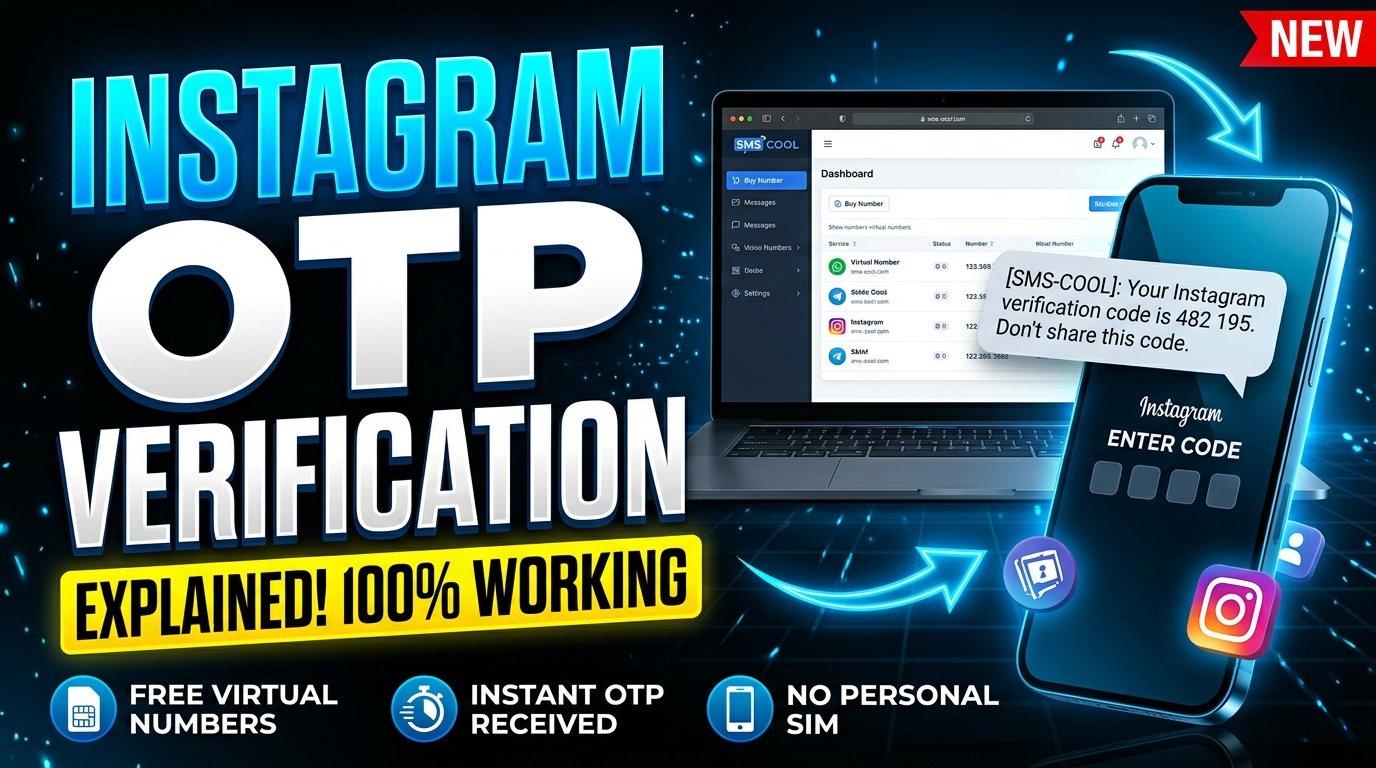
Instagram OTP Verification Explained: A Complete Guide
Instagram is an important platform for staying connected, sharing content, and growing a personal brand or business. But when Instagram asks you to confirm your phone number, log in from an unfamiliar device, or complete an additional security check, you may need an OTP verification code before continuing.
An OTP, or one-time password, is a temporary code used to verify access to a phone number or confirm a particular action. If the code never arrives, even a simple login or registration can become frustrating.
Instagram OTP verification helps confirm phone number access and supports account security. Understanding how it works can save time and help you resolve common verification problems.
If you prefer not to use your primary phone number for every online registration, SMS COOL is an option worth exploring. Its platform provides virtual phone numbers for supported SMS verification services, including Instagram. However, Instagram determines whether a particular number is accepted.
Let's explore how Instagram OTP verification works, why codes sometimes fail to arrive, and how you can approach online SMS verification responsibly.
What Is Instagram OTP Verification?
Instagram OTP verification is a process in which Instagram sends a temporary security code to a phone number to confirm access to that number or complete a verification step.
OTP stands for one-time password. Unlike your regular Instagram password, an OTP is intended for a specific verification attempt and may expire after a short period.
The process generally follows these steps:
- Instagram asks you to provide or confirm a phone number.
- You enter the number and request a verification code.
- Instagram attempts to send an SMS containing the code.
- You retrieve the message and enter the code in Instagram.
- Instagram checks the code and determines whether verification can proceed.
For example, imagine you're registering an account and Instagram asks you to confirm your phone number. You enter the number, receive a six-digit code, and submit it in the app. If the code is valid and Instagram accepts the verification attempt, you can continue.
The exact process may differ depending on the reason for verification, your account status, and the security checks Instagram applies.
Why Does Instagram Ask for Phone Number Verification?
Instagram phone number verification serves several purposes. It is not necessarily a sign that something is wrong with your account.
1. Confirming Access to a Phone Number
A verification code helps Instagram determine whether you can receive messages at the number you've submitted.
This can be useful during account registration, phone number changes, and other verification processes.
2. Supporting Account Security
Instagram may request additional confirmation when a login or account activity requires further checks. A verification code can form part of that process.
However, an OTP is not a complete security solution. Strong passwords, two-factor authentication, and secure recovery details remain important.
3. Helping With Account Recovery
If you lose access to an account, a phone number may be one of the recovery methods available to you. Having a number you can continue accessing can make future verification easier.
4. Checking Unusual Activity
Instagram may introduce additional security checks when activity appears unfamiliar or potentially suspicious. These checks can vary, and phone verification is not required for every login.
Understanding these reasons makes it easier to see why a valid, accessible phone number matters.
Why Is Your Instagram Verification Code Not Received?
Searching for “Instagram OTP not received” is common when a code fails to arrive. Fortunately, several possible causes can be investigated before trying another number.
Common causes of missing Instagram OTPs
- Incorrect phone number: A mistyped digit or incorrect country code can prevent delivery.
- Poor mobile reception: Network problems may delay or interrupt SMS delivery.
- Repeated code requests: Requesting multiple codes quickly may trigger temporary restrictions or cause confusion about which code is valid.
- Carrier filtering: Your mobile provider may filter or delay automated verification messages.
- Unsupported virtual number: Instagram may reject certain temporary, virtual, or previously used numbers.
- Temporary service issues: Instagram, the SMS provider, or the mobile network may experience technical problems.
- Expired codes: A code may no longer work if too much time has passed.
- Account-specific restrictions: Instagram may require another verification method or prevent further attempts temporarily.
Identifying the likely cause is more useful than repeatedly requesting new codes. It also helps you decide whether you need basic troubleshooting or a different verification method.
How to Fix Instagram OTP Verification Problems
Before using an online OTP service, try these practical steps.
Step 1: Check Your Phone Number
Confirm that the number is correct, including its country code. If you're using a personal mobile number, make sure the SIM is active and can receive SMS messages.
Step 2: Check Your Network and Messages
Verify that your phone has a working mobile connection. Review your messages, spam filters, and any settings that might block unknown senders.
If necessary, restart your phone and check whether ordinary SMS messages arrive.
Step 3: Wait Before Requesting Another Code
Avoid repeatedly pressing the resend button. Wait a reasonable amount of time, then request a fresh code if Instagram allows it.
When a new code arrives, use the most recent valid code rather than an older message.
Step 4: Try the Official App or Recovery Options
Make sure you're using the legitimate Instagram app or official website. If Instagram offers another verification or account recovery method, follow the instructions shown there.
Never share your password or verification code with someone claiming they can unlock your account.
Step 5: Consider Whether the Number Is Supported
If personal-number delivery continues to fail, the problem may involve the number type or Instagram's verification policies.
A virtual number can be an alternative in some situations, but it is not a guaranteed fix. Instagram may reject temporary numbers, even when they can receive SMS from other services.
If you need an alternative for a legitimate verification task, an online SMS verification service such as SMS COOL may be worth considering.
How Online SMS Verification Works
Online SMS verification allows you to receive text messages through an online platform rather than relying exclusively on a physical phone or personal SIM card.
A virtual phone number is a number provided through a service instead of being used solely through a conventional mobile subscription. Depending on the provider and number type, it may support receiving verification messages from selected websites and apps.
The basic workflow is straightforward:
- Select an appropriate virtual number through an online SMS service.
- Enter that number into the website or app requesting verification.
- Wait for the verification message.
- View the incoming message through the provider's interface.
- Enter the code into the original website or app, if the number is accepted.
This approach can be useful when you want to separate certain online registrations from your primary phone number.
However, not all virtual numbers are interchangeable. A number may work with one service and fail with another because platforms apply different acceptance rules.
What Should You Know About Temporary Phone Numbers for Instagram?
A temporary phone number for Instagram may appear convenient, particularly if you want to avoid sharing your primary number during a specific registration.
Before choosing one, consider these points:
- Instagram may reject virtual or temporary numbers.
- Some numbers may have been used previously.
- Access to a temporary number may expire or end after the service period.
- Publicly accessible or shared inboxes can expose verification messages to other people.
- Losing access to a number can complicate future account recovery.
- Instagram may request additional verification regardless of the number used.
For an account you intend to keep long-term, a personal number you control may be a safer choice for recovery. A temporary number is better treated as a limited-use option, not a substitute for reliable account security.
How SMS COOL Can Help With Instagram OTP Verification
When you need to receive OTP online, choosing a service with a clear purchasing and message-retrieval process can make the task easier.
SMS COOL provides virtual phone numbers and online SMS verification services for supported platforms, including Instagram. Users can select an available number for a supported verification task and check for incoming verification messages through the platform's interface.
Visit the official website at SMS COOL
to review its available services and number options.
Here is how SMS COOL may help with your verification needs.
Receive Instagram OTP Online
If an appropriate number is available and Instagram accepts it, SMS COOL may provide a way to receive the Instagram verification code through its online dashboard.
This can be useful if you need a separate number for a particular registration and prefer not to use your primary number.
Access Virtual Numbers Online
SMS COOL offers virtual numbers for supported verification workflows. This gives users an alternative to obtaining a separate physical SIM solely for a compatible online verification task.
The available countries, numbers, and supported services can vary, so check the platform before making a purchase.
Manage Verification Through an Online Dashboard
Rather than relying on a message arriving on your personal handset, you can check the SMS COOL interface for a verification message sent to your selected number.
This is the central benefit of an online SMS receiving service: the message can be accessed through the provider's platform when delivery succeeds.
Understand the Limitations
SMS COOL supplies virtual numbers and message-receiving services; it does not control Instagram's verification decisions.
Successful registration, account recovery, or login cannot be guaranteed. Instagram may reject a number, request additional checks, or restrict a verification attempt.
The best approach is to review the available options and use the service only where virtual-number verification is appropriate.
How to Use SMS COOL for Instagram OTP Verification
If you want to explore SMS COOL Instagram OTP options, follow this general workflow. The exact options presented may vary according to availability and your account.
Step 1: Visit the Official SMS COOL Website
Open sms-cool.com
and review the available virtual number and verification services.
Make sure you're using the official website rather than an imitation service.
Step 2: Create an Account
Register for an SMS COOL account and follow the instructions provided by the platform.
Keep your login credentials secure and review the service's terms and privacy policy before proceeding.
Step 3: Add Funds
SMS COOL requires users to fund their account before purchasing a virtual number or service. Review the available payment methods, charges, and purchasing conditions before adding funds.
Check the current terms carefully, including the applicable cancellation and refund rules.
Step 4: Select Instagram and an Available Number
Browse the available services and select Instagram if it is listed for your intended verification task.
Choose an available number that suits your requirements. Availability can change, and the existence of a number does not mean Instagram will necessarily accept it.
Step 5: Enter the Number in Instagram
If you decide to proceed, enter the selected number into the appropriate Instagram verification screen.
Use the number only for a legitimate purpose and in accordance with Instagram's rules and SMS COOL's terms.
Step 6: Check for the Incoming OTP
Return to the SMS COOL dashboard and look for the incoming verification message.
If the code arrives, enter it into the original Instagram verification screen while it remains valid.
If no message arrives, review the service's instructions and cancellation conditions before taking further action. Avoid repeatedly purchasing numbers or requesting codes without understanding the cause of the problem.
Important: These steps describe the general process. SMS COOL cannot guarantee that a particular number will receive an Instagram code or pass Instagram's checks.
Benefits, Limitations, and Privacy Considerations
Online OTP services can be useful, but it's important to understand both their advantages and their risks.
Potential Benefits
- Separation from your primary number: A virtual number may help keep some online registrations separate from your personal contact details.
- Online access: Supported incoming SMS messages can be viewed through the provider's interface.
- Convenience: You may not need to obtain a separate physical SIM for a compatible verification task.
- Choice: Available numbers and services can provide alternatives when your intended use is supported.
These benefits depend on the number type, provider, and receiving platform.
Important Limitations
- Instagram can reject temporary or virtual numbers.
- Message delivery may be delayed or unsuccessful.
- A number may have been used previously or may not be suitable for a particular verification attempt.
- Temporary access may not be suitable for long-term account recovery.
- An online verification service cannot override Instagram's security policies.
Protect Your Privacy and Account
Before using an online OTP service, consider who may be able to access the number and its incoming messages.
Follow these precautions:
- Never share your Instagram password or OTP with another person.
- Avoid using shared numbers for sensitive or valuable accounts.
- Use a unique password and enable two-factor authentication where appropriate.
- Keep your account recovery details current.
- Read the provider's privacy policy and understand how its services operate.
- Follow Instagram's terms and all applicable laws.
If you are verifying an account you already own, use the official recovery process whenever possible. Do not use virtual numbers to impersonate others, access someone else's account, or evade security restrictions.
Frequently Asked Questions
What is Instagram OTP verification?
Instagram OTP verification is a process that uses a temporary code to confirm access to a phone number or complete a security check. The exact requirements depend on the verification activity and Instagram's policies.
Why is my Instagram verification code not received?
Possible causes include an incorrect number, network issues, carrier filtering, repeated requests, an unsupported virtual number, or temporary restrictions. Check your number, wait before requesting another code, and follow Instagram's official instructions.
Can I receive Instagram OTP online?
Yes, it may be possible through an online SMS verification service when a suitable number is available and Instagram accepts it. Delivery and acceptance are not guaranteed.
Can I use a temporary phone number for Instagram?
Instagram may accept some virtual numbers but reject others. Temporary numbers can also create recovery and privacy risks, particularly if you lose access to the number or someone else can access its messages.
Does SMS COOL support Instagram OTP verification?
Instagram is listed among the supported services on the official SMS COOL website
. However, support availability does not guarantee that every number will work or that Instagram will approve a particular verification attempt.
Is SMS COOL free to use?
SMS COOL requires users to add funds before purchasing numbers or services. Check the official website for current payment options and applicable charges rather than assuming a particular price.
What should I do if an OTP does not arrive through SMS COOL?
Check that you selected the correct service and number, allow time for message delivery, and review the platform's cancellation and refund conditions. If the issue continues, consult SMS COOL's official support resources. Avoid assuming that repeated purchases will resolve an Instagram-side restriction.
Is an online OTP service suitable for long-term Instagram accounts?
It depends on your circumstances, but a temporary number may be unsuitable for an account you need to recover over time. A phone number you control consistently is generally a more practical recovery option. Always consider the risks before choosing a number.
Conclusion: Explore SMS COOL for Online Instagram OTP Verification
Instagram OTP verification is an important part of confirming phone number access and protecting accounts. When a verification code fails to arrive, checking your number, network, and verification settings should be your first step.
If you need an alternative way to receive SMS online, a virtual number may be worth considering for a legitimate, supported task. SMS COOL provides online access to virtual numbers and SMS verification services, including Instagram among its listed platforms.
Its suitability depends on number availability, successful message delivery, and Instagram's acceptance policies. It is an option to explore, not a guarantee of successful verification.
Ready to explore your options?
Visit the official SMS COOL website
, review the available Instagram verification options, and choose a suitable service only after checking its terms, costs, and limitations.
Use online SMS verification thoughtfully, protect your verification codes, and prioritize reliable account recovery when choosing how to verify your Instagram account.