13 Oct 2026
Facebook Phone Number Verification: A Complete Practical Guide
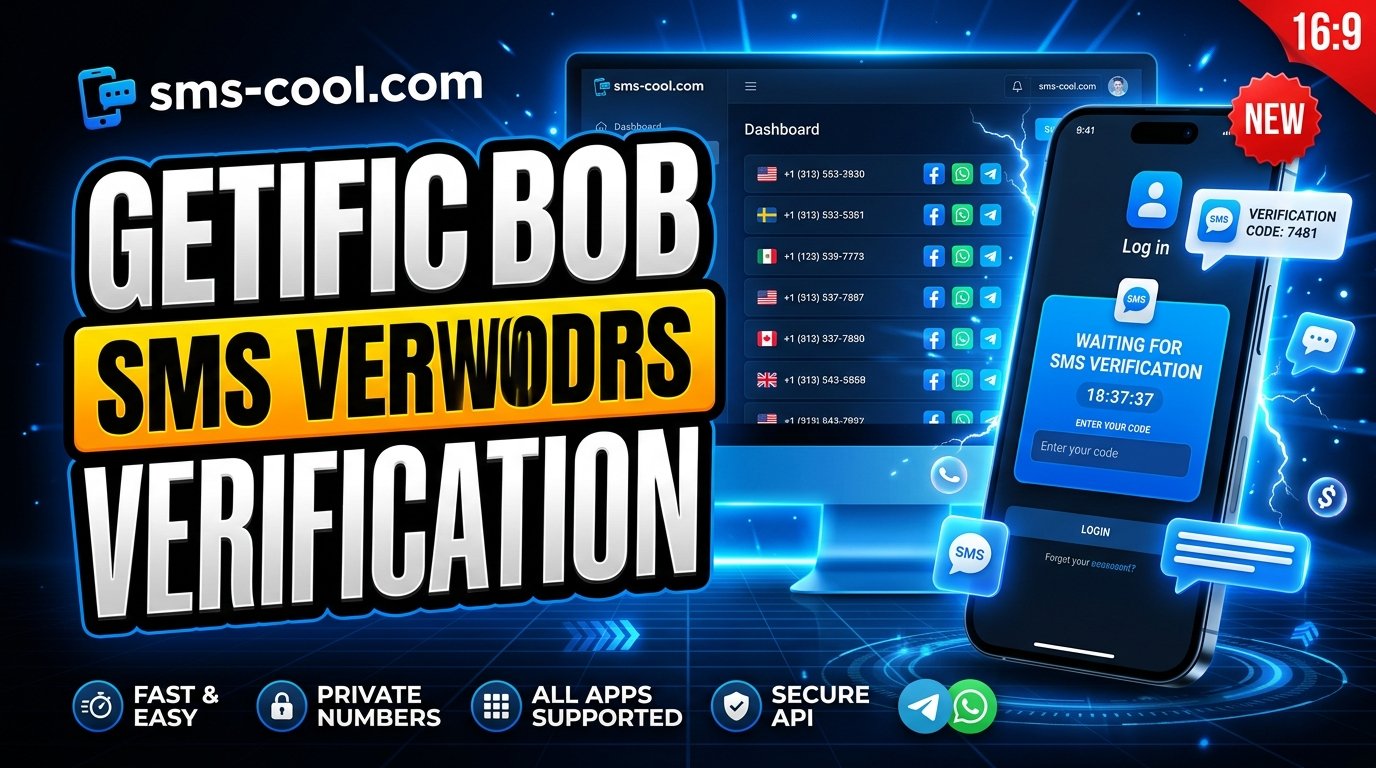
Understanding Facebook Phone Number Verification
Facebook is an important platform for staying connected, managing communities, and promoting businesses. However, before accessing certain features or completing specific account security checks, users may be asked to verify their phone numbers.
Facebook phone number verification helps confirm that a phone number is accessible to the person using it. Although the process is usually straightforward, problems such as delayed text messages, incorrect numbers, and unavailable SIM cards can make verification frustrating.
Fortunately, there are practical ways to troubleshoot these issues. For users who need an alternative to their personal number, online SMS verification services such as SMS COOL may offer another option, depending on number availability and Facebook's acceptance policies.
In this guide, you'll learn how Facebook SMS verification works, why it matters, how to resolve common problems, and what to consider before using an online SMS receiver.
What Is Facebook Phone Number Verification?
Facebook phone number verification is a process in which Facebook sends a confirmation code to a phone number supplied by a user. The user enters that code into the appropriate verification screen to demonstrate access to the number.
This process is commonly known as Facebook SMS verification.
Depending on the account and situation, Facebook may request phone verification during registration, when adding or changing contact information, or when an additional security check is required.
How Does the Verification Process Work?
The process generally follows these steps:
- Enter your phone number in the Facebook verification screen.
- Select the option to receive a code by SMS, if available.
- Wait for the Facebook verification code to arrive.
- Enter the code in the designated field.
- Follow any additional instructions displayed by Facebook.
The code is intended for the specific verification request and may expire. If the message does not arrive, avoid repeatedly requesting new codes without first checking the problem.
Keep in mind that Facebook determines which verification methods are available for your account. Not every account will have the same options.
Why Does Facebook Ask for Phone Verification?
Phone verification can support account security, contact confirmation, and certain account recovery processes. It also helps platforms evaluate whether an account meets their security requirements.
Here are some common reasons Facebook may request verification.
1. Confirming Contact Information
A phone number can provide another way to contact an account holder. Verifying it helps establish that the person completing the process can access the supplied number.
2. Supporting Account Security
Facebook may request additional verification when an account activity or login attempt requires further review. Phone verification can be one part of that process, although it does not guarantee that an account is secure.
3. Assisting With Account Recovery
If you lose access to an account, a previously registered and accessible phone number may help with certain recovery procedures. Available options depend on your account settings and Facebook's current recovery process.
4. Completing Account Registration
Some registration flows require phone verification before users can continue. Following the instructions displayed on the platform is the most reliable way to understand what is required.
Common Facebook Phone Verification Problems
Even when you enter the correct information, Facebook phone verification problems can prevent you from completing the process.
Understanding the likely cause makes troubleshooting easier.
Facebook Code Not Received
One of the most common complaints is that the Facebook verification code never arrives. This may happen because of mobile network delays, carrier restrictions, incorrect contact details, or temporary delivery issues.
If you are using an online number, the number may also be unavailable for incoming messages or unsupported for Facebook verification.
Incorrect Phone Number or Country Code
An incorrect country code or missing digit can send the message to the wrong destination. Always check the complete number before requesting a code.
Too Many Verification Requests
Requesting multiple codes within a short period may trigger temporary restrictions or create confusion about which code is valid. Wait before trying again and follow any instructions shown on the screen.
Virtual Numbers Not Accepted
Facebook may reject some temporary phone numbers, VoIP numbers, or virtual phone numbers. Services that work with other platforms are not necessarily compatible with Facebook.
Messages Arrive Late
SMS delivery depends on the originating service, the receiving network, and other technical factors. A delayed message may arrive after a newer code has been requested, making it important to use the code associated with the active verification attempt.
How to Solve Facebook Code Not Received Issues
If your Facebook verification code is missing, try these practical troubleshooting steps before switching numbers or services.
1. Check your phone number. Confirm that the number and country code are correct.
2. Check your mobile connection. Make sure your device can receive text messages and that your carrier has not blocked relevant SMS traffic.
3. Review your messages. Check your inbox and any spam or filtered message folders supported by your device.
4. Wait before requesting another code. SMS delivery can take time. Repeated requests may complicate the process or lead to temporary restrictions.
5. Use the available resend option. If the waiting period has passed, request another code through Facebook's official interface.
6. Review alternative verification methods. If Facebook offers another method for your account, consider following that route instead.
7. Check whether your number is supported. If you're using an online SMS receiver, confirm that the selected number supports incoming messages and that the service lists it as available.
These steps can resolve many routine delivery issues. If Facebook continues to reject your number, consult its official Help Center rather than repeatedly attempting verification.
How SMS COOL Can Help With Online SMS Verification
For users who prefer not to use their personal phone number for every online service, an online SMS verification platform may provide a useful alternative.
SMS COOL is an option to explore when you need an online SMS verification number. Depending on the available numbers and supported services, it may help users receive SMS verification messages without relying on their primary phone number.
For someone trying to receive Facebook SMS code online, the important first step is to check whether SMS COOL currently offers a suitable number and whether Facebook verification is supported for that option.
A temporary phone number for Facebook verification is not a guaranteed solution. Facebook may decline particular numbers, and some numbers may not receive messages from every platform.
Benefits of Using SMS COOL
An online SMS verification service may be helpful in several situations.
- An alternative to your personal number: You can explore a separate number when you prefer not to share your primary contact information with an online service.
- Convenient online access: Where supported, messages can be viewed through the service's provided interface rather than on a personal SIM card.
- Flexible number selection: You can check the available options and choose a number that matches the supported service and your requirements.
- Useful for supported verification tasks: Online SMS receivers can simplify certain registration and confirmation workflows when the receiving number is compatible.
- Less dependence on a physical SIM: Depending on the service and selected number, a physical SIM card may not be necessary.
These benefits depend on the actual service configuration and the number selected. Availability, message delivery, and Facebook acceptance are not guaranteed.
SMS COOL is an independent service option to explore; do not assume it is officially affiliated with, endorsed by, or guaranteed to work with Facebook.
How to Use SMS COOL for SMS Verification
If you want to explore SMS COOL verification, follow the instructions provided by the service.
Step 1: Visit SMS COOL
Open the SMS COOL website and review its available online SMS verification options.
Step 2: Check the available numbers
Look through the numbers currently listed and identify an option that explicitly supports the service you intend to verify, where such support is offered.
Step 3: Select a suitable option
Choose a number based on the displayed instructions and availability. Do not assume that every listed number can receive Facebook messages.
Step 4: Enter the number on Facebook
If Facebook offers phone verification and the selected number is appropriate for your use, enter it into the relevant verification field.
Step 5: Check for the incoming message
Return to the SMS COOL interface and follow its instructions for viewing incoming messages. If Facebook sends the code successfully and the message is available, locate the verification code.
Step 6: Complete verification
Enter the code on Facebook and follow any additional instructions. If the number is rejected or the message does not arrive, review the service's guidance or choose another verification method offered by Facebook.
Never share your password or Facebook login credentials with an SMS verification provider. You should only need to follow the legitimate verification flow presented by Facebook.
Is Using an Online SMS Receiver Safe?
An online SMS receiver can be convenient, but convenience should not come at the expense of account security.
The biggest concern is that some online numbers use public or shared inboxes. If multiple people can view messages sent to the same number, they may also see your Facebook verification code.
That creates a potential risk if someone attempts to use the code to access an account or complete another verification process.
Before choosing a virtual phone number for Facebook, consider the following precautions:
- Check whether the inbox is public, shared, or private.
- Avoid using publicly accessible numbers for sensitive accounts.
- Never share verification codes with another person.
- Do not enter your Facebook password on an SMS receiver website.
- Avoid relying on a temporary number for an account you intend to keep long-term.
- Prefer a private number that you control for important accounts and recovery purposes.
A temporary number may be appropriate for some low-risk verification tasks, but it is generally a poor choice for long-term account ownership.
If your Facebook account is important for business, advertising, community management, or personal communication, use a contact method you can reliably access and recover.
Tips for Successful Facebook SMS Verification
A few simple practices can reduce common errors and make the process smoother.
Use the correct country code. Verify that the number includes the appropriate international dialing prefix.
Choose a compatible number. Before attempting Facebook account verification, confirm that the number is available for incoming messages and is suitable for the intended service.
Avoid excessive requests. Give each verification attempt enough time to complete, and respect any waiting periods imposed by Facebook.
Keep your account recovery options current. Use contact methods you can continue accessing, especially for important accounts.
Protect your verification code. Treat it as sensitive authentication information. Never post it publicly or share it with someone claiming to provide support.
Follow Facebook's instructions. If the platform rejects a number or requests another verification method, follow the available official options rather than trying to bypass its security checks.
Review privacy before using an online SMS receiver. Understand who can see incoming messages and whether the number may be reused by other people.
These practices apply whether you use a personal SIM, a supported virtual number, or another legitimate verification method.
Frequently Asked Questions
1. What is Facebook phone number verification used for?
Facebook phone number verification confirms access to a supplied phone number. It may be required during registration, contact updates, account security checks, or certain recovery processes.
2. Can I receive Facebook SMS code online?
Potentially, yes. You can explore an online SMS receiver such as SMS COOL if a suitable number is available and supports Facebook messages. However, Facebook may reject temporary or virtual numbers, and delivery is not guaranteed.
3. Does SMS COOL guarantee Facebook SMS verification?
No guarantee should be assumed. Results depend on number availability, message delivery, compatibility, and Facebook's verification rules. Check the current options and instructions on SMS COOL before proceeding.
4. Why is my Facebook verification code not arriving?
Possible causes include an incorrect number, network delays, carrier restrictions, repeated code requests, or an unsupported virtual number. Check your details, wait before retrying, and use Facebook's available troubleshooting options.
5. Is a temporary phone number safe for Facebook verification?
It depends on the number's privacy and how you plan to use the account. Public inboxes may expose verification codes to others. For important or long-term accounts, a private number you control is generally the safer choice.
Conclusion: Simplify Online SMS Verification With SMS COOL
Facebook phone number verification is an important part of certain registration, contact confirmation, and account security processes. Although the steps are usually simple, delayed messages, incorrect numbers, carrier restrictions, and unsupported virtual numbers can make verification challenging.
The best approach is to check your number, troubleshoot delivery problems, and follow Facebook's official verification instructions.
If you prefer an alternative to using your personal number, SMS COOL is worth exploring as a potential online SMS verification solution. Check the available numbers, review the supported options, and follow the displayed instructions to see whether a suitable number can receive your verification message.
Remember that no temporary number can guarantee successful Facebook verification. For sensitive or long-term accounts, prioritize privacy and use a number you can reliably access.
Ready to explore your options? Visit SMS COOL to check the available online SMS verification numbers and find an option that fits your needs.