23 Sep 2026
How to Get Webflow Login Without Phone Number
How to Get Webflow Login Without Phone Number
Trying to complete a webflow login without phone number can be confusing when an authentication screen asks for a number or verification code.
The good news is that a phone number is not necessarily part of every Webflow login flow. Webflow's own documentation describes account access through email and password, Google sign-in, and additional authentication methods such as two-factor authentication. The exact screen you see can depend on how your account was created and which security or organizational settings apply.
If you simply want to keep your personal number separate from online services, an alternative number can sometimes be useful. A virtual or temporary SMS number may let you receive a verification message online without exposing your everyday mobile number, provided the service accepts that type of number.
Here's how the different options work.
Can You Log In to Webflow Without a Phone Number?
Yes, a Webflow account can use login methods that do not require entering a phone number at every sign-in. Webflow documents email-and-password login as well as Google sign-in for accounts created through Google. It also supports two-factor authentication through an authenticator app rather than relying exclusively on SMS.
This means a request for a phone number should not automatically be interpreted as a universal Webflow requirement.
There is an important distinction between Webflow account login and a particular verification step. Your account may present an additional verification challenge depending on the authentication method, security configuration, or account situation.
For example, Webflow's documented 2FA system uses an authenticator app that generates a time-sensitive code. Webflow also provides backup codes for account recovery when 2FA is enabled.
If you're locked out of an existing account, Webflow recommends its account-recovery process. Its support documentation also explains that account-access requests may require verification of account ownership through the primary email address.
So, rather than looking for a way to bypass Webflow's security, the goal should be to use an authentication method that you legitimately control.
Why You May Need an Alternative Number
There are several perfectly legitimate reasons to avoid using your personal phone number for an online verification process.
You may want to:
- Keep your personal and online activity separate.
- Avoid sharing your everyday mobile number unnecessarily.
- Use a separate number for temporary account workflows.
- Receive a verification code when you don't want to use your primary SIM.
- Maintain a dedicated number for certain online services.
- Receive SMS online while traveling or working across different devices.
An alternative number can also be useful when a website requires SMS verification but you prefer not to attach that verification step to your personal mobile identity.
The important consideration is whether the number is accepted by the service and whether using it complies with the service's terms.
Ways to Access Webflow Without Using Your Personal Phone Number
Depending on what Webflow presents during your particular login or account workflow, several legitimate approaches may be available.
1. Use Another Legitimate Phone Number You Control
If you have access to another personal, business, or dedicated number, you may be able to use it when a phone number is requested.
This is the most straightforward option because you retain control of the number and can potentially access future messages sent to it.
2. Use an Appropriate Virtual Number
A virtual phone number can provide SMS functionality without requiring another physical SIM in your primary phone.
However, virtual numbers aren't universally accepted. Some platforms restrict temporary, VoIP, recycled, or shared numbers. Always check whether the service accepts the number before relying on it for account verification.
3. Use an SMS Receiving Service When Permitted
An online SMS verification service can provide access to a number through a web-based dashboard. Instead of waiting for a text on your personal phone, the incoming message appears through the service.
This can be practical for a one-time verification workflow when the platform accepts the number.
4. Check for Another Authentication Method
If you're already a Webflow user, check whether your account offers another authentication route.
Webflow documents Google sign-in, password-based login, authenticator-app 2FA, and recovery options. Enterprise Workspace environments can also use Single Sign-On where configured.
5. Follow Webflow's Recovery Process
If you're trying to regain access to an existing account rather than create or verify a new one, use Webflow's official recovery process instead of trying to circumvent authentication.
Webflow specifically recommends its Account Recovery Helper for several login, signup, and 2FA problems.
Using SMS COOL for Webflow SMS Verification
If Webflow presents an SMS verification step and you prefer not to use your personal number, SMS COOL can be a practical option to consider.
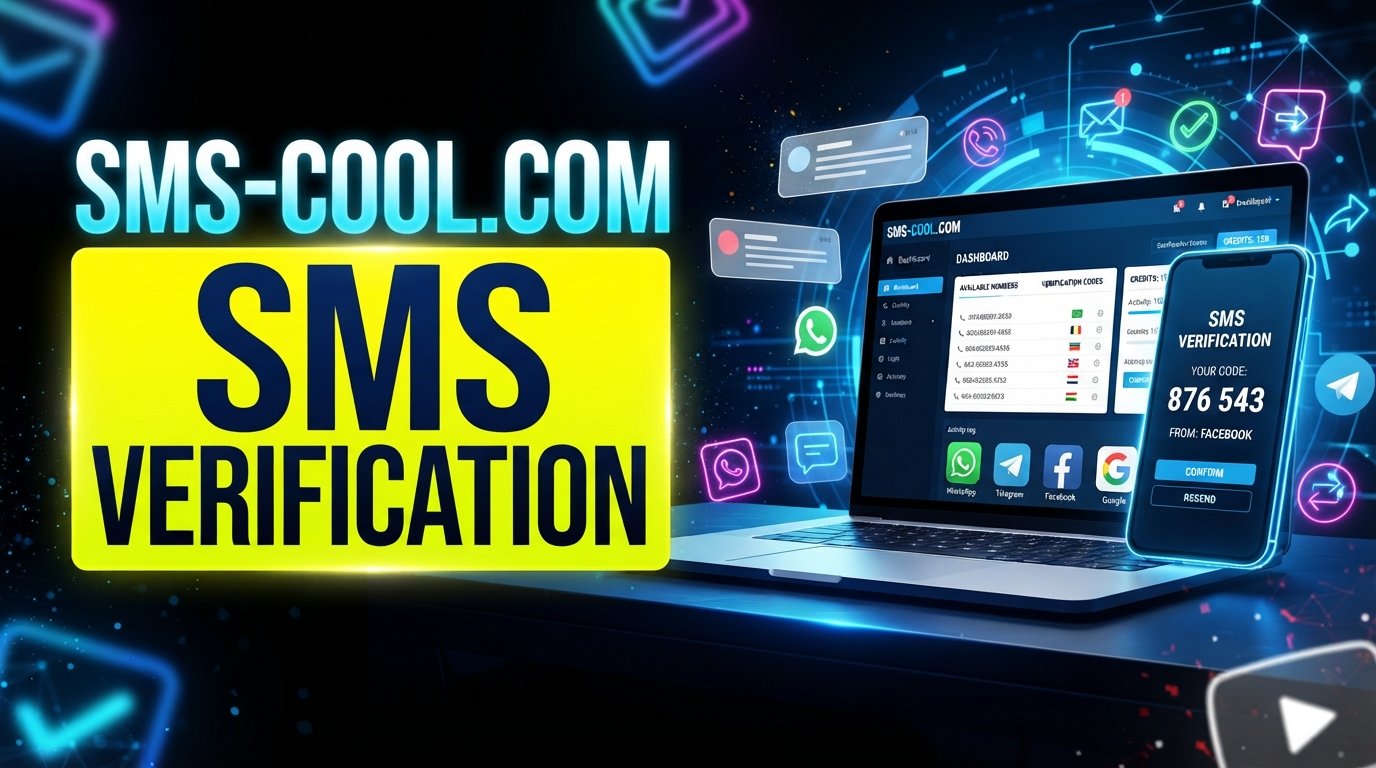
SMS COOL provides virtual numbers that can receive SMS messages through an online dashboard. Its service supports instant virtual numbers as well as longer-term number rentals, depending on the available option.
The basic idea is simple: instead of entering your personal mobile number, you use an available alternative number and check the online inbox for the incoming verification message.
A typical workflow looks like this:
- Choose an available number through SMS COOL.
- Select the relevant service if it is supported.
- Enter the provided number where Webflow requests a phone number.
- Request the verification SMS.
- Wait for the message to arrive in the SMS COOL dashboard.
- Copy the verification code.
- Enter the code into the appropriate Webflow verification field.
- Continue with the normal authentication process.
There is an important qualification: this does not guarantee that every Webflow verification request will accept every SMS COOL number. Number availability, geographic coverage, previous usage, and the receiving service's validation rules can affect whether a particular number works.
Use the method only where permitted, and never use it to impersonate another person or bypass account ownership requirements. SMS COOL's own terms prohibit illegal, fraudulent, abusive, or unauthorized use of its services.
Why Use SMS COOL Instead of Your Personal Number?
The main attraction is separation.
When an online service requires SMS verification, some users simply don't want their everyday number associated with another account. An alternative number can create a practical boundary between personal communications and temporary online verification.
Potential advantages include:
- Privacy: You don't have to disclose your primary mobile number when an alternative is appropriate.
- Convenience: Incoming messages can be viewed through an online interface.
- Separation: A dedicated number keeps personal and online activity distinct.
- Flexibility: Depending on availability, you may choose an instant or longer-term number.
- Online access: You can receive verification SMS through the service rather than relying on your physical SIM.
SMS COOL describes its virtual numbers as suitable for receiving OTP and SMS verification messages through its dashboard.
Still, convenience should not come at the expense of account recovery. For an account you expect to keep for a long time, make sure you understand how future verification and recovery will work before relying on a temporary number.
Step-by-Step: How to Use SMS COOL for Verification
If a Webflow workflow requests an SMS code and permits the type of number you're using, follow these steps:
1. Open SMS COOL.
Visit the SMS COOL platform and browse the available virtual numbers.
2. Select a suitable number or service.
Choose an option that supports the relevant service and region, where available.
3. Copy the provided number.
Use the number exactly as displayed.
4. Enter it into the relevant Webflow verification field.
Do not substitute your personal number if your goal is to keep it separate.
5. Request the verification SMS.
Continue through the normal Webflow workflow.
6. Check SMS COOL for the incoming message.
Return to the dashboard and look for the verification SMS.
7. Enter the received code.
Copy the code into the verification field shown by Webflow.
8. Complete verification.
If the code is accepted, continue with the normal account or login process.
If the number isn't accepted or the message doesn't arrive, don't repeatedly submit random numbers. Check availability, try an appropriate alternative where permitted, or use Webflow's official recovery and support channels.
Common Problems With Webflow SMS Verification
SMS verification can fail for reasons that aren't necessarily related to your account.
Verification SMS Isn't Arriving
The message may be delayed, the selected number may not be available for the service, or the service may not accept that number type.
Give the message a reasonable amount of time, then check the number and service selection.
The Number Is Unavailable
Virtual numbers can be temporary or limited by location and service. If a number disappears or cannot be selected, choose another available option rather than assuming the verification system is broken.
The Number Was Already Used
Some platforms may reject numbers that have previously been associated with accounts. If this happens, another legitimate number may be required.
The Service Doesn't Accept Virtual or Temporary Numbers
This is one of the biggest limitations of online SMS services. A virtual SMS number isn't guaranteed to work everywhere. If the platform rejects it, use another authentication method or a number you legitimately control.
The Code Is Incorrect
Check that you're entering the latest code and that it hasn't expired. Avoid confusing similar characters when copying the message.
The Number Expired
Temporary numbers aren't suitable for every long-term account. If future recovery depends on the same number, consider a number you can retain for the required period.
Is Using an Online SMS Number Safe?
There isn't a universal yes-or-no answer.
An online SMS number can be useful for privacy-conscious, temporary, or legitimate verification workflows, but users should understand the trade-offs.
The biggest consideration is account ownership and recovery. If an account is important and you may need to receive another verification message later, a disposable number could create problems after it expires or becomes unavailable.
For long-term accounts, consider whether you can retain the number or whether the service offers another recovery method.
You should also review the policies of both the website you're verifying and the SMS provider you're using. Webflow recommends protecting authentication credentials and enabling stronger account-security options such as 2FA or SSO where appropriate.
In short, an online number can be useful, but it should be treated as an authentication tool—not as a replacement for responsible account security.
Frequently Asked Questions
Can I log in to Webflow without a phone number?
In many cases, yes. Webflow documents email-and-password and Google-based login methods, while 2FA can use an authenticator app. The exact authentication flow depends on your account and the screen Webflow presents.
Can I receive a Webflow verification code online?
If Webflow sends an SMS verification message to a number you provide, an online SMS service may be able to receive it. However, acceptance depends on Webflow's verification system and the specific number.
Can I use a virtual number for Webflow verification?
Potentially. A virtual SMS number may work when Webflow accepts that type of number, but there is no guarantee that every virtual or temporary number will be accepted.
How does SMS COOL work?
SMS COOL provides virtual numbers that can receive SMS messages through its online dashboard. You select an available number, use it for a supported verification workflow, and view incoming messages through the service.
What should I do if the Webflow verification SMS does not arrive?
First, check that the number is correct and still active. Check the SMS service dashboard, allow reasonable time for delivery, and verify that the selected number supports the relevant service. If the issue concerns an existing Webflow account, use Webflow's official recovery options.
Can I use a temporary number for account verification?
You can use one where the service permits it. However, temporary numbers aren't ideal for accounts that require ongoing recovery access because you may not be able to receive future messages after the number expires.
Is SMS COOL suitable for receiving verification codes?
It can be suitable for supported SMS verification workflows. SMS COOL specifically offers virtual numbers for OTP and SMS verification, but whether a particular Webflow verification request works depends on Webflow's acceptance rules and the number available to you.
Conclusion
Finding a webflow login without phone number doesn't necessarily mean bypassing Webflow's authentication system. In many situations, Webflow already provides login and authentication methods that don't require an SMS message, including email/password, Google sign-in, and authenticator-based 2FA.
If a particular verification workflow does require SMS and you don't want to use your personal number, an alternative virtual number may be worth considering where permitted.
SMS COOL offers online virtual numbers designed to receive SMS verification messages, giving users a practical way to separate temporary verification activity from their personal mobile number.
Just remember that acceptance varies. If Webflow doesn't accept a particular virtual or temporary number, use another legitimate authentication or recovery method rather than attempting to circumvent its security controls.
For users who need to receive SMS online without a personal number, SMS COOL can be a convenient option to explore when the verification service and applicable policies allow it.