10 Oct 2026
Temporary Email for QA Testing: A Smarter Workflow with SMS COOL
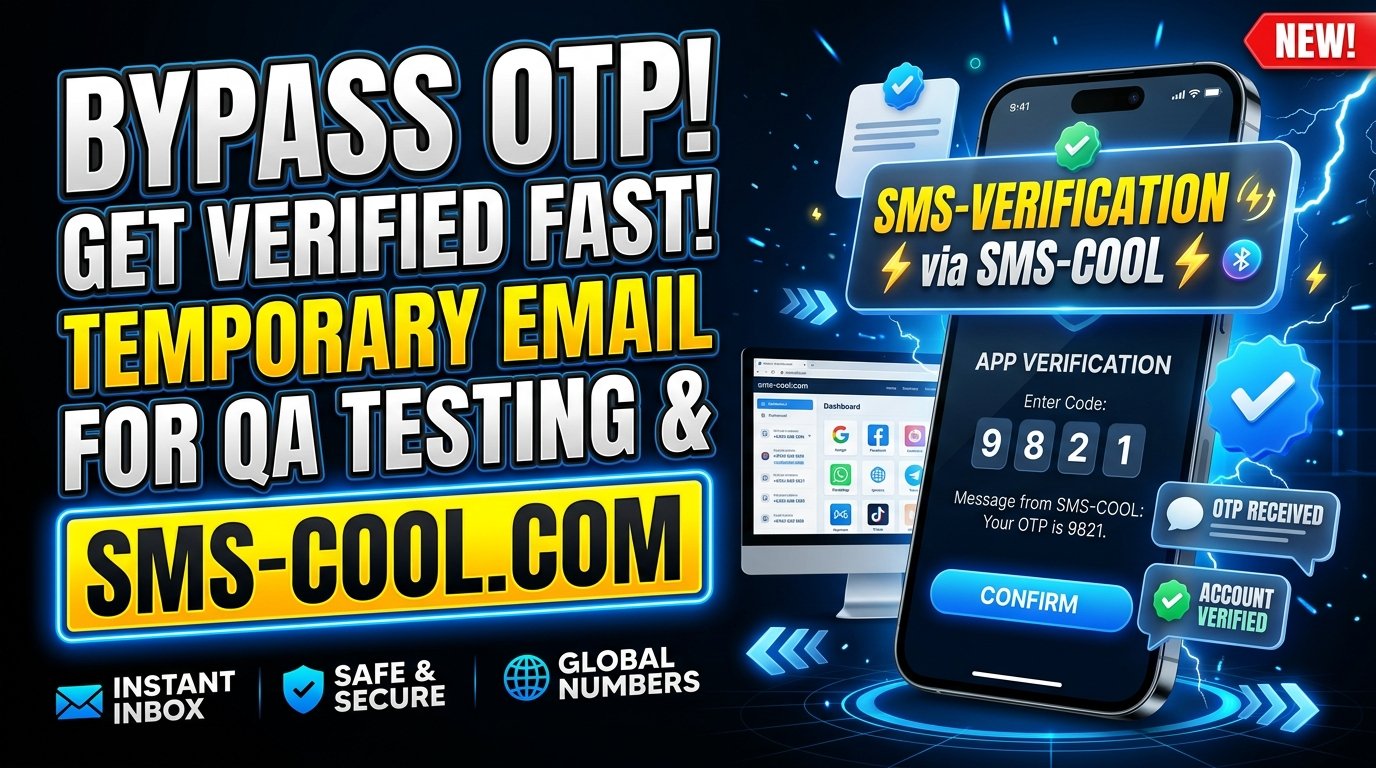
Temporary Email for QA Testing: A Smarter Workflow with SMS COOL
Software testing involves much more than checking whether buttons work or pages load correctly. QA testers and developers must also verify registration forms, confirmation emails, one-time passwords (OTPs), password recovery links, and other email-dependent features. Every workflow needs to behave as expected before an application reaches real users.
However, testing these features repeatedly with personal email accounts can quickly become inconvenient. Test inboxes fill up, account management becomes complicated, and automated test runs may interfere with previous results.
Temporary Email for QA Testing offers a practical way to simplify these workflows. By using disposable email addresses for appropriate test scenarios, development teams can separate testing activity from personal communication and make registration testing easier to organize.
SMS COOL provides temporary email services for verification-related needs, making it an option worth exploring for testers who need a separate inbox for short-term registration and email verification tasks.
Let's explore how temporary email works, where it fits into a QA workflow, and how to use it effectively.
What Is Temporary Email for QA Testing?
Temporary email for QA testing means using a disposable email address to test email-dependent features in a website, application, or software product.
Instead of repeatedly registering accounts with a personal email address, a tester uses a temporary address for a suitable test scenario. The application sends its confirmation or verification message to that address, allowing the tester to check whether the expected workflow works correctly.
A temporary inbox may receive messages such as:
- Welcome and account confirmation emails
- Email verification links
- One-time verification codes
- Password reset instructions
- Notifications triggered by user actions
The exact availability and lifespan of a temporary inbox depend on the provider.
For QA teams, the main advantage is separation. Test messages can be kept apart from everyday correspondence, reducing clutter and making certain manual testing tasks easier to manage.
SMS COOL is worth considering when a disposable email address is suitable for your testing requirements and the application accepts temporary email addresses.
Common Email-Related Challenges for QA Testers
Email functionality can introduce unexpected problems into even a well-designed application. Testing these workflows reliably requires more than simply entering an address into a form.
1. Repeated registrations create unnecessary work
Testing registration often requires creating several accounts with different details. Reusing the same address may fail when an application enforces unique email addresses.
Creating and managing numerous conventional email accounts adds extra work to the testing process.
2. Test messages clutter personal inboxes
Every registration can generate confirmation messages, notifications, and password reset emails. When testers use their primary inboxes, test-related messages become mixed with important personal or professional communication.
3. Verification workflows are difficult to repeat
A tester may need to repeat the same process after a bug fix, interface change, or backend update. Finding the right email among many previous messages can slow down manual testing.
4. Automated tests need predictable workflows
Automation scripts may create users, request verification messages, and proceed only after a confirmation step succeeds. If email handling is poorly organized, debugging failed tests becomes more difficult.
5. Different test scenarios need different data
A QA team may need to test new registrations, duplicate-email validation, expired verification links, and password recovery. These scenarios require deliberate test data management rather than uncontrolled reuse of accounts.
A suitable temporary email service can help with short-term inbox access, while a dedicated test email environment may be better for complex automation.
How Does a Temporary Email Address Work?
The basic process is straightforward.
Step 1: Obtain a temporary email address. Visit a disposable email service and use the available option to obtain an address.
Step 2: Enter the address into your test application. Use it in the registration form or another email-dependent workflow.
Step 3: Trigger the email event. Submit the form, request verification, or initiate another action that sends an email.
Step 4: Check the temporary inbox. Look for the expected message and inspect its content.
Step 5: Validate the result. Check the sender, subject, message content, verification link, or code, depending on the test objective.
Step 6: Record the outcome. Document whether the workflow passed, failed, or requires further investigation.
This process makes a temporary email address for software testing useful for exploratory checks and short-lived test scenarios.
Before using any disposable inbox, review its access and retention limitations. Never assume that messages will remain available indefinitely.
Benefits of Disposable Email for QA Testing
Keep testing separate from personal communication
Using a separate address helps distinguish test registrations from personal accounts. It also reduces the need to expose an everyday email address during low-risk testing activities.
Simplify manual testing
A temporary inbox can make it easier to test a registration form, receive a confirmation email, and verify that the application responds as expected.
Reduce repetitive account administration
For suitable tests, disposable email addresses can reduce the overhead associated with creating and managing conventional email accounts.
Improve workflow organization
Keeping test messages separate can make it easier to investigate registration problems and track the outcome of individual manual test cases.
Support focused verification checks
Testers can concentrate on specific outcomes, such as whether a confirmation message arrives or whether its link directs the user to the correct page.
These benefits depend on the service and application being tested. Temporary email is a useful part of a QA toolkit, not a replacement for comprehensive testing infrastructure.
Practical Use Cases for Temporary Email Testing
User registration and account creation
Registration testing checks whether an application accepts valid addresses, rejects malformed inputs, handles duplicate addresses correctly, and creates accounts as intended.
A disposable email address can support new-user scenarios when the application permits it. For duplicate-address testing, reuse the same address deliberately rather than generating a different one for every attempt.
Email verification and OTP workflows
Email verification testing checks whether the application sends the right message and whether users can complete the verification process.
A tester can inspect the received email, follow its verification link, and confirm that the account status changes correctly.
If a workflow uses an OTP delivered by email, validate the code-entry process separately from SMS-based verification. These are different delivery channels and should not be confused.
Password reset functionality
Password recovery is another important test case. Verify that the reset email arrives, the link opens the intended page, and the reset process behaves according to the application's security rules.
Use controlled test accounts and avoid placing sensitive recovery information in public or shared inboxes.
Automated email testing
Automation engineers can use temporary email in limited, controlled scenarios where an address can be obtained and its inbox accessed reliably.
For repeatable automated email testing, consider a dedicated test mailbox, a mail-catching tool, or a test email API designed for automation. Confirm the service's API and inbox-access capabilities before integrating it into a script.
Staging and development environments
Temporary email can help testers validate signup and verification flows in a staging environment without mixing test messages with personal correspondence.
Use non-production data wherever possible. Make sure staging messages cannot accidentally trigger communications to real customers or interact with production accounts.
Why Traditional Email Accounts Can Be Inefficient for Testing
Conventional email accounts remain essential for long-term communication, but they are not always the most convenient option for short-term QA tasks.
Common drawbacks include:
- Inbox clutter: repeated test runs generate large numbers of messages.
- Account administration: maintaining multiple mailboxes requires additional effort.
- Test-data conflicts: reused addresses may trigger duplicate-registration errors.
- Manual cleanup: old messages and test accounts can become difficult to manage.
- Automation complexity: separate login sessions and inbox handling may add steps to test scripts.
Temporary email can reduce some of this friction, particularly during exploratory testing and short-lived verification tasks.
However, if your team needs reliable message retention, multiple controlled test users, or extensive automated regression tests, a dedicated test email system may be more appropriate.
Why Consider SMS COOL for Temporary Email for QA Testing?
SMS COOL lists temporary email as part of its broader verification-focused service offering. Its official website describes disposable email addresses for account verification without exposing a user's regular inbox.
That makes SMS COOL a relevant option for testers who want to explore temporary email for short-term, appropriate verification tasks.
A dedicated option for temporary email needs
Rather than using a personal inbox for every low-risk registration, you can explore SMS COOL's temporary email service for workflows where disposable addresses are accepted.
Useful for verification-related scenarios
The service is intended for verification-related email use, which aligns with common QA tasks such as checking registration confirmations and receiving one-time verification messages.
Additional verification services
SMS COOL also lists virtual phone numbers for SMS verification and a developer API for supported phone-number and verification workflows. These are separate capabilities from temporary email, so check the relevant documentation before deciding whether they fit your test environment.
A practical starting point for QA teams
The right tool depends on your testing needs. SMS COOL is worth evaluating for suitable temporary email scenarios, while complex automation suites may require a dedicated test mailbox or a purpose-built email testing platform.
Do not assume that every website accepts disposable email addresses or that temporary inboxes provide permanent access, guaranteed delivery, or universal compatibility.
How to Use SMS COOL in Your QA Workflow
Follow this practical approach to evaluate SMS COOL for your testing tasks.
- Identify the test case. Decide whether you need to test registration, email verification, or another short-term email workflow.
- Review the service. Visit the official SMS COOL website and check its available temporary email option, current terms, and access limitations.
- Obtain an appropriate address. Use the available workflow to get a temporary address for the test.
- Trigger the application email. Enter the address into your authorized development or staging environment and perform the relevant action.
- Inspect the received message. Verify the expected sender, content, link, or code.
- Document the outcome. Record the result and any issues so the test can be repeated or investigated.
For automated email testing, first determine whether the available service provides the inbox access and integration capabilities your scripts require. SMS COOL documents a developer API for supported verification workflows, but you should verify whether the specific email workflow you need is supported before building an integration.
Best Practices for Secure and Reliable Email Testing
Use temporary email thoughtfully to get the most value from your QA testing tools.
- Use authorized test environments. Keep testing within systems you own or have permission to evaluate.
- Protect sensitive information. Avoid public or shared disposable inboxes for passwords, confidential data, or important account recovery.
- Check retention limits. Complete tests promptly if inbox access may expire.
- Keep test cases reproducible. Document the address strategy, expected outcome, and test conditions.
- Test negative scenarios. Check invalid addresses, duplicate registrations, expired links, and incorrect verification codes.
- Monitor email delivery. A missing message may indicate a delivery delay, filtering issue, application bug, or provider limitation.
- Use purpose-built tools for automation. Prefer controlled test mailboxes or mail-catching systems when predictable access and repeatability are essential.
- Follow application policies. Some websites reject disposable addresses, and some workflows require permanent email accounts.
Most importantly, separate email delivery from application behavior when diagnosing failures. A test may fail because the application generated the wrong message, because delivery was delayed, or because the inbox was inaccessible. Identifying the cause helps your team resolve defects faster.
Conclusion: Make Email Testing Easier with SMS COOL
Email-dependent features are a critical part of modern software applications, and testing them should not require unnecessary personal inbox management.
Temporary Email for QA Testing can simplify appropriate registration and verification checks, reduce test-related clutter, and help developers keep short-term testing activity separate from everyday communication.
SMS COOL offers temporary email services for verification-related needs and is worth exploring if you want a disposable email option for your QA workflow. For extensive automation, evaluate its supported capabilities alongside dedicated test email tools to ensure your chosen setup meets your reliability and security requirements.
Visit the official SMS COOL website to explore its temporary email service and determine whether it fits your next software testing task.