01 Oct 2026
How to Add SMS Verification to a Mobile App
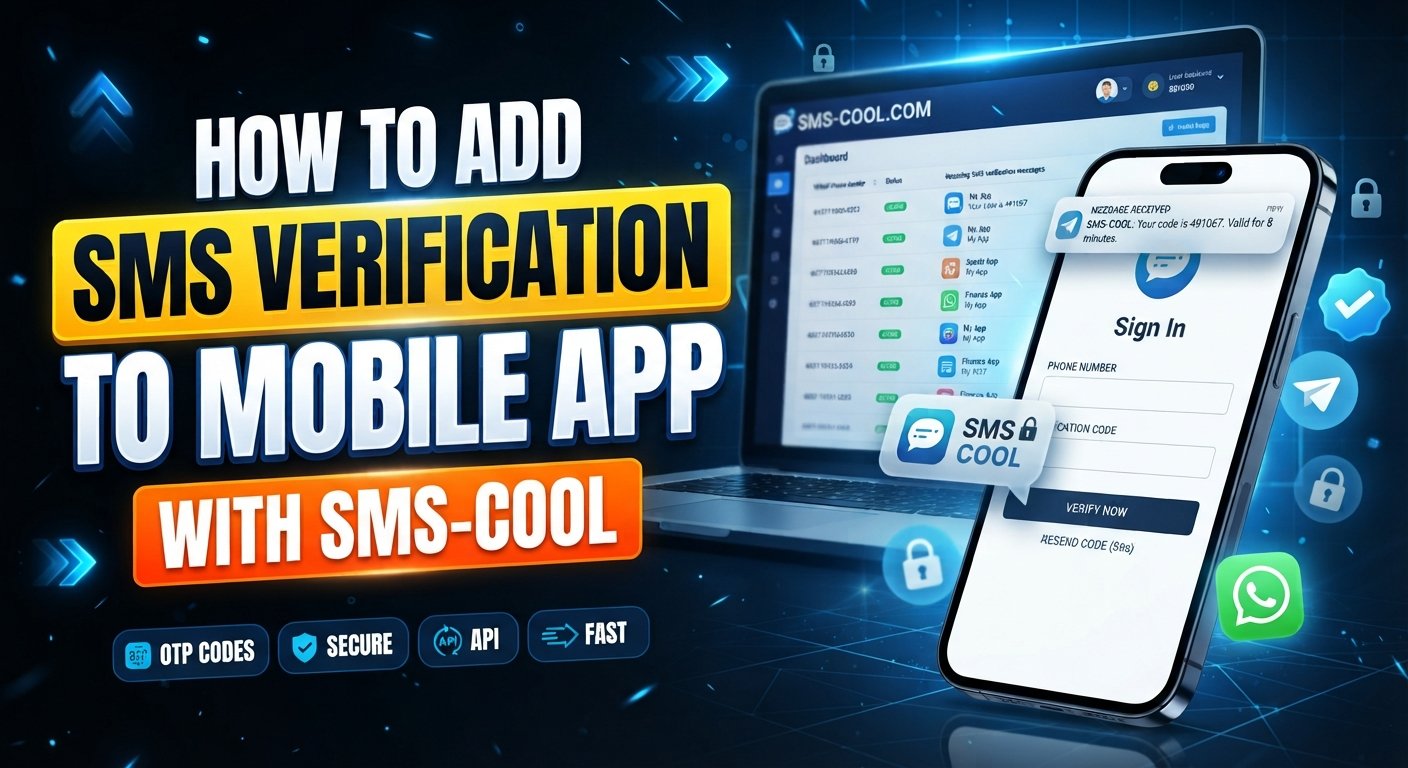
How to Add SMS Verification to a Mobile App
Introduction
A phone number can be one of the simplest ways for a mobile app to confirm that a user has access to an account. Whether someone is creating an account, signing in, recovering access, or confirming an important action, a one-time password can add a practical verification step without requiring another permanent password.
That is why SMS verification for mobile app authentication remains a common implementation pattern. The basic experience is familiar: a user enters a phone number, receives an SMS containing a verification code, enters that code in the app, and continues.
Behind that simple experience, however, several components must work together. The mobile application, backend, OTP logic, SMS service, and security controls all have different responsibilities.
This guide explains how the process works, what you need to build it properly, and how a service such as SMS COOL can fit into verification-related workflows.
What Is SMS Verification?
SMS verification is a process used to confirm that a person can access a particular phone number.
The most common approach uses an OTP, or one-time password. The application generates or requests a temporary verification code and sends it to the user's phone through an SMS service.
For example:
Phone number entered → OTP sent → Code entered → Code validated → Phone verified
An SMS verification code is normally short-lived and intended for a specific verification attempt. Once the user submits the code, the backend checks whether it is correct, valid, and associated with the appropriate verification request.
Apps use phone number verification for several reasons:
- Confirming ownership or access to a phone number
- Supporting account registration
- Adding a verification step to login
- Supporting password recovery
- Reducing some automated or fraudulent registrations
- Adding another authentication factor
SMS authentication can therefore become an important part of a broader mobile app authentication strategy.
Why Add SMS Verification to a Mobile App?
A well-designed verification flow can provide practical benefits for both users and product teams.
Confirm phone ownership
SMS OTP verification provides a straightforward way to check whether a user can receive messages at the number they submitted.
Reduce fake registrations
Requiring a verification step can add friction for automated registration attempts and some types of abusive account creation. It should be viewed as one control among several, not a complete fraud-prevention system.
Improve account security
Phone verification can add another layer to selected login, recovery, or account-management workflows.
Support secure login
An app can use an OTP during selected login scenarios instead of relying exclusively on a password.
Create a smoother onboarding experience
Most mobile users understand the basic process of entering a phone number and confirming a code. A simple verification screen can make the workflow easy to follow.
How SMS Verification Works in a Mobile App
A typical mobile app SMS verification flow looks like this:
- The user enters their phone number.
- The mobile app collects the number and performs basic format validation.
- The app sends the number to the backend.
- The server receives the verification request rather than allowing sensitive verification logic to remain entirely on the device.
- The backend generates an OTP.
- The server creates a temporary, unpredictable verification code or initiates an OTP process through the selected service.
- The SMS service delivers the code.
- The backend communicates with an SMS API, gateway, or verification provider responsible for the relevant messaging workflow.
- The user enters the OTP.
- The app displays a verification screen where the user submits the received code.
- The backend validates the OTP.
- The server checks the code, expiration time, verification session, and attempt limits.
- The account or action is verified.
- If validation succeeds, the backend can mark the phone number as verified or allow the requested action to continue.
The distinction between these components matters. The mobile app handles the interface, the backend controls verification logic, and the SMS service handles the communication layer required by the chosen implementation.
What You Need to Implement SMS Verification
Before adding mobile app SMS verification, plan for these components:
- Mobile application: Phone-number and OTP screens
- Backend/server: Verification logic and session management
- OTP generation: Secure random code generation
- OTP validation: Server-side code checking
- SMS API or SMS gateway: Communication with the SMS service
- Phone number handling: Validation and international formats
- Expiration logic: Automatic invalidation of old codes
- Retry controls: Resend and attempt limits
- Rate limiting: Protection against excessive requests
- Error handling: Delivery failures, invalid codes, and expired sessions
- Secure storage and logging: Careful handling of phone numbers, tokens, and verification data
Keeping these responsibilities separated makes the system easier to maintain and secure.
How to Add SMS Verification to a Mobile App
Step 1: Collect the Phone Number
Start with a simple phone-number screen.
The application should clearly explain why the number is needed and provide appropriate input validation. International numbers should be handled consistently rather than assuming every user has the same country code or formatting convention.
Store the phone number in a normalized format on the backend where appropriate. Avoid treating client-side formatting checks as proof that a number is valid or owned by the user.
Step 2: Generate a Secure OTP
The backend should generate an unpredictable OTP.
A common implementation uses a short numeric code, but the important properties are that the code should be difficult to guess, associated with the correct verification session, and valid only for a limited period.
Do not generate codes using predictable values such as timestamps, user IDs, or simple counters.
The backend should also avoid storing OTPs unnecessarily in plaintext. Depending on the architecture, a protected representation can be used for validation while keeping sensitive verification data out of ordinary application logs.
Step 3: Send the OTP Through an SMS API
The backend now needs a communication path to the SMS service.
An SMS API for mobile apps allows the server to communicate with an SMS provider programmatically. The application can trigger the required SMS workflow without manually sending messages.
Keep API credentials on the server. Never embed secret API keys directly inside Android, iOS, or other client-side application code because mobile applications can be inspected and reverse-engineered.
Before selecting an SMS service, confirm that its documented capabilities match your exact use case, especially if you need outbound transactional SMS delivery to your own customers.
Step 4: Display the Verification Screen
The verification screen should make the next action obvious.
Provide:
- A field for the OTP code
- A clear indication of where the code was sent
- A resend option
- A visible countdown or cooldown when appropriate
- An option to correct the phone number
- Useful feedback for invalid or expired codes
On supported platforms, automatic code detection can also reduce typing friction. For example, Android provides an SMS Retriever API that can help apps perform SMS-based verification without requiring manual code entry or additional SMS permissions.
Step 5: Validate the OTP
OTP validation should happen on the server.
The client should send the entered code to the backend, which verifies the code against the relevant verification session.
The server should check:
- Whether the code matches
- Whether it has expired
- Whether it has already been used
- Whether too many attempts have occurred
- Whether the verification request is still valid
Never rely solely on a comparison performed inside the mobile application. A client-side-only verification check can be bypassed by someone controlling or modifying the application environment.
Step 6: Handle Expiration, Resend, and Failed Attempts
A good OTP system assumes that users will sometimes mistype a code, request another one, or fail to receive an SMS.
Set a reasonable expiration period and invalidate old codes when a new verification session is created.
Also apply:
- Resend cooldowns
- Maximum verification attempts
- Per-user rate limits
- Per-phone-number rate limits
- Appropriate IP or device-level controls
- Clear handling of delivery failures
These controls help protect the verification endpoint from brute-force attempts and unnecessary message requests.
Why Use SMS COOL for SMS Verification?
SMS COOL can be a practical option for developers and businesses whose verification workflow involves receiving SMS verification codes through virtual numbers and automating related verification tasks.
Its published service information describes virtual numbers for OTP verification, number rentals, and a REST API for automating number, rental, and SMS-related workflows.
This can be useful in scenarios such as:
- Testing phone-verification workflows
- Receiving verification codes
- Managing verification-related numbers programmatically
- Automating supported SMS verification processes
- Building development or operational workflows around phone verification
For developers, using an API-based service can reduce the need to handle every verification-related task manually. The application can keep its own user interface and business logic while connecting the relevant workflow to the external service.
One important distinction is worth noting: SMS COOL's published API documentation focuses on virtual-number management and receiving SMS verification codes rather than presenting itself as a conventional outbound transactional SMS gateway for sending OTPs to your customers.
Therefore, if your mobile application needs to send SMS OTPs directly to your own users, verify that the current SMS COOL offering supports that exact outbound requirement before building your architecture around it.
For supported verification workflows, however, SMS COOL is worth exploring as a practical SMS verification solution. Explore SMS COOL
Best Practices for SMS OTP Verification
A reliable OTP implementation needs security controls as well as good user experience.
Keep OTPs short-lived
An old verification code should not remain valid indefinitely. Expiration limits the usefulness of a compromised or outdated code.
Use secure random generation
OTP codes should be unpredictable. Avoid values derived from easily guessed information.
Limit verification attempts
Repeatedly guessing an OTP should trigger appropriate restrictions or require a new verification session.
Add resend cooldowns
Do not allow users or automated clients to request unlimited codes in rapid succession.
Rate-limit requests
Apply controls at multiple levels where appropriate, including accounts, phone numbers, devices, and IP addresses.
Protect phone numbers and user data
Phone numbers are personal information in many contexts. Store and process them according to your application's privacy and security requirements.
Validate OTPs on the server
The backend should remain the source of truth for verification status and code validation.
Avoid exposing OTPs in logs
Application logs, analytics systems, crash reports, and debugging tools should not unnecessarily contain complete verification codes.
Handle international numbers properly
Use a consistent international format and validate country-specific requirements before sending verification requests.
Provide useful error messages
Tell users whether they entered an invalid or expired code without exposing unnecessary information about the account or verification system.
Monitor failed verification attempts
Patterns of repeated failures can help product and security teams identify abuse, delivery problems, or usability issues.
Common SMS Verification Mistakes to Avoid
Several implementation mistakes can weaken an otherwise useful OTP system.
Generating predictable OTPs: Simple or repeatable code-generation methods make guessing easier.
Never expiring OTPs: A code should not remain usable indefinitely.
Unlimited resend requests: Excessive requests can increase costs and create opportunities for abuse.
Client-only validation: Verification decisions should be controlled by the backend.
Poor error handling: Generic or confusing messages can leave legitimate users stuck.
Exposing sensitive information: Avoid placing API keys, OTPs, or unnecessary phone data in client-side code and logs.
Ignoring international phone formats: Assuming a single numbering format can cause failed verification requests.
Creating a confusing experience: Users should immediately understand where the code was sent and what to do next.
Exposing SMS API credentials: Keep provider credentials on trusted backend infrastructure, never inside the mobile application.
SMS Verification vs. Other Authentication Methods
SMS verification is only one option for mobile app authentication.
Email verification can work well when email is already central to the application's account model, but it requires access to an email inbox.
Authenticator apps can provide time-based codes without depending on SMS delivery and may be appropriate for higher-security authentication scenarios.
Push authentication can create a convenient experience when users already have an authenticated device and the application supports push notifications.
Password-based authentication remains common and gives users a familiar credential-based login model, although passwords introduce their own security and usability considerations.
For sensitive applications, SMS-based two-factor authentication should be evaluated alongside other authentication mechanisms rather than treated as universally sufficient. The right approach depends on the application's threat model, users, regulatory requirements, and security needs.
FAQ
What is SMS verification in a mobile app?
SMS verification is a process where an app sends a temporary verification code to a user's phone number. The user enters the code, and the backend validates it before completing registration, login, or another protected action.
How does SMS OTP verification work?
The application collects a phone number, initiates verification, sends or requests an OTP through the appropriate SMS service, and asks the user to enter the code. The backend then validates the code and its expiration before confirming verification.
How do I add SMS verification to my app?
You need a mobile verification interface, a backend, secure OTP generation and validation, an appropriate SMS API or gateway, phone-number handling, expiration rules, rate limiting, and error handling.
What is an SMS API?
An SMS API is a software interface that allows an application backend to communicate programmatically with an SMS service. It can be used for supported messaging and verification workflows without requiring developers to manually send individual messages.
How can I send OTPs from a mobile app?
The recommended architecture is to have the mobile app send a verification request to your backend. The backend handles OTP creation and communicates with the appropriate SMS provider. Do not expose SMS API credentials in the mobile client.
Is SMS verification useful for user authentication?
Yes. SMS verification can confirm access to a phone number and can be used for registration, login, recovery, or additional authentication steps. It should be combined with appropriate security controls for the application's risk level.
Why use SMS COOL for mobile app verification?
SMS COOL can be useful for supported SMS verification workflows involving virtual numbers, receiving verification codes, and API-based automation. Its published API documentation should be checked carefully against your specific integration requirements, particularly if you need outbound OTP delivery to your own customers.
Conclusion
Adding SMS verification for mobile app users does not require putting the entire verification process inside the mobile client. A better architecture separates the responsibilities: the app collects information and displays the verification interface, the backend manages OTP logic and security, and an appropriate SMS service handles the required messaging workflow.
The most important safeguards are straightforward: use unpredictable OTPs, keep them short-lived, validate them server-side, limit attempts and resends, protect API credentials, and design the experience carefully for legitimate users.
For developers and businesses working with supported verification workflows, SMS COOL offers a practical way to explore virtual numbers, SMS verification, and API-based automation. If your requirement is outbound OTP messaging to your own customers, confirm that the current service capabilities match that use case before integration.
Explore SMS COOL to evaluate whether its verification and API capabilities fit your mobile app authentication workflow.