26 Sep 2026
How to Protect Your Original Gmail Account Safely Using Temp Mail
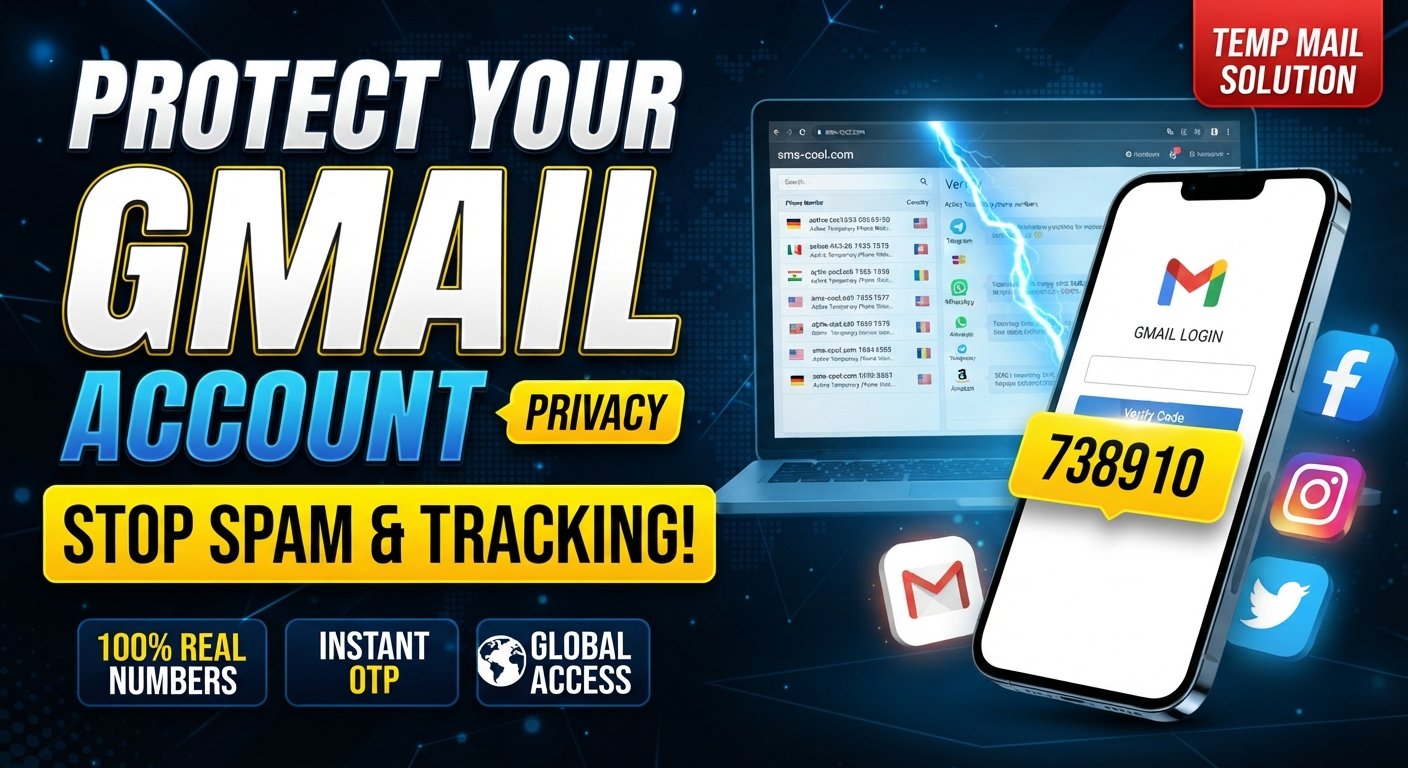
How to Protect Your Original Gmail Account Using Temp Mail
Your primary Gmail address is often connected to some of the most important parts of your digital life. You may use it for personal communication, work, account recovery, subscriptions, shopping, online services, and important notifications.
The problem is that the same address can also end up being used for website registrations, free trials, downloads, newsletters, promotions, and one-time verification requests. Over time, this can lead to inbox clutter, unwanted marketing messages, and unnecessary exposure of your personal email address.
One practical way to reduce that exposure is to use temp mail for suitable temporary online activities. A temporary email address can act as a separate inbox when you do not need to give a website your primary Gmail address.
For users who also need temporary verification support, SMS COOL can be a practical part of this privacy-conscious approach. Instead of treating your main Gmail account as the contact point for every online activity, you can separate important communication from temporary registrations and verification needs.
Why You Should Protect Your Original Gmail Account
Your primary email address is more than just an inbox. It can be an important part of your online identity and account recovery system.
Using it everywhere may create several problems.
Inbox clutter
Every registration can result in confirmation messages, promotional emails, product updates, and notifications. Even legitimate emails can become distracting when they accumulate.
Spam and promotional messages
Some websites may send frequent marketing messages after registration. Others may share contact information with advertising or marketing partners according to their policies.
Using a separate temporary email address for suitable activities can help reduce the number of services connected directly to your main inbox.
Privacy concerns
Your personal email address can reveal a direct way to contact you. While sharing an email address is not automatically dangerous, minimizing unnecessary exposure is a sensible part of good online privacy.
Unnecessary verification messages
Many websites request an email address simply to send a confirmation or account verification message. If the activity is genuinely temporary and does not require long-term account recovery, a temporary inbox may be more appropriate.
The basic idea is simple: keep your primary Gmail address for things that matter, and use temporary contact details for suitable short-term activities.
What Is Temp Mail?
Temp mail is a temporary email service that provides an email address and inbox intended for short-term use.
Instead of creating another permanent Gmail account, a user can obtain a temporary email address and use it for a website registration, download, newsletter, trial, or another activity where a permanent email address may not be necessary.
A temporary inbox can receive messages such as confirmation emails and temporary verification emails. Depending on the service, the address or messages may remain available only for a limited period.
This makes temporary email different from your primary Gmail account.
Your Gmail account is designed for long-term communication, account recovery, and persistent access. A temporary email address is generally designed for limited, short-term purposes.
Common uses for temporary email
People may use a temporary email address for:
- Website registrations
- Free trials
- Downloads
- Newsletters
- Temporary services
- One-time verification requirements
- Testing online services
- Low-risk online registrations
However, temporary email is not a universal replacement for a permanent email account. Its temporary nature is precisely what makes it useful in some situations and unsuitable in others.
How Temp Mail Helps Protect Your Gmail Account
The main benefit of using a temporary email service is separation.
Imagine that you want to download a resource from a website. The website requires an email address before providing access. If you use your personal Gmail address, that website now has a direct connection to your primary inbox.
If the activity is low-risk and genuinely temporary, you could instead use a temporary email address.
The process can look like this:
- Visit a trusted temporary email service.
- Obtain a temporary email address.
- Enter that address when the website requests an email.
- Check the temporary inbox for a confirmation or verification email.
- Complete the appropriate registration step.
- Keep your primary Gmail address reserved for important communication.
This approach can help reduce unnecessary exposure of your original email address and may also help reduce inbox spam.
It is important to keep expectations realistic. Temp mail does not provide complete anonymity, eliminate all tracking, or guarantee that a website will accept a temporary address. Some websites deliberately block disposable email addresses.
It is also wise to consider the sensitivity of the information involved. Temporary email is most appropriate for activities where losing access to the temporary inbox would not create a serious problem.
[Internal Link: SMS COOL Guide]
How SMS COOL Fits Into the Solution
SMS COOL can be useful when an online activity requires temporary verification support in addition to an email address.
For privacy-conscious users, the goal is not to replace Gmail. Instead, it is to keep different types of online activity separate.
For example, a user may want to register for a short-term service that requires verification but does not justify sharing their primary contact information. In an appropriate situation, a temporary email address can handle the email side of the process, while SMS COOL can support temporary verification needs where applicable.
This can create a more organized approach to online registration:
Primary Gmail: important communication, trusted services, recovery, and long-term accounts.
Temp mail: suitable short-term registrations, temporary inbox activity, and low-risk online interactions.
SMS COOL: temporary verification support when an applicable service requires it.
The exact requirements vary between websites, and temporary verification services are not guaranteed to work with every platform. Users should always follow the rules of the service they are accessing.
The practical advantage is separation. Your primary Gmail address does not have to become the default contact point for every temporary online activity.
How to Use Temp Mail With Your Gmail Account Safely
A few simple habits can make temporary email much more useful.
1. Keep your original Gmail address for important accounts
Use your permanent Gmail address for services where you need reliable long-term access, account recovery, security notifications, and important communication.
2. Ask whether the website genuinely needs your primary email
Before entering your Gmail address, consider whether the service requires a permanent contact method.
If it is simply a download, short-term registration, or low-risk trial, temporary email may be worth considering.
3. Use a temporary email address when appropriate
Choose a reputable temporary email service and use the temporary inbox for the intended short-term activity.
4. Use SMS COOL when temporary verification support is required
If a suitable registration requires temporary verification support, SMS COOL can be considered as part of the process.
Do not assume that every website will accept temporary verification methods.
5. Avoid temporary services for critical accounts
If losing access to the address or verification method could lock you out of an important account, use a permanent and trusted email address instead.
6. Keep important recovery information connected to trusted accounts
Your most valuable accounts should have reliable recovery options. Do not build a critical account around a temporary inbox that may disappear.
7. Review privacy and security settings regularly
Good email protection is not only about the address you provide. Check connected apps, account permissions, recovery information, login activity, and security settings regularly.
When You Should NOT Use Temp Mail
Temporary email is convenient, but it is not appropriate for everything.
Avoid using a temporary email address for:
- Banking accounts
- Financial services
- Government services
- Healthcare accounts
- Long-term business accounts
- Important personal accounts
- Accounts where password recovery is essential
- Services containing important records or sensitive information
The reason is straightforward: a temporary inbox may expire, become inaccessible, or stop being available.
If an account needs to remain accessible for months or years, a permanent email address is generally more appropriate.
Temporary email should therefore be viewed as a tool for secure email usage and separation, not as a replacement for your primary email account.
Temp Mail vs. Your Original Gmail Account
FeatureTemp MailOriginal Gmail AccountPurposeShort-term or limited online activitiesLong-term communication and account accessPermanenceUsually temporaryDesigned for ongoing usePrivacyCan reduce unnecessary email exposureBetter suited to trusted, established relationshipsSpam exposureCan help isolate temporary messagesMay accumulate messages from many servicesAccount recoveryGenerally unsuitable for critical recoverySuitable for important recovery functionsBest use casesTrials, downloads, low-risk registrationsBanking, work, personal accounts, essential servicesLong-term reliabilityLimited by temporary availabilityDesigned for continued access
The two serve different purposes. Good email privacy does not necessarily mean using temporary email everywhere. It means choosing the right email type for the right situation.
Practical Tips for Better Gmail Privacy
Temporary email is only one part of a broader Gmail security strategy.
Use unique passwords. Avoid reusing the same password across multiple services. A password manager can make unique credentials easier to manage.
Enable two-factor authentication. An additional verification step can provide stronger protection for your primary Gmail account.
Avoid sharing your primary email unnecessarily. Before entering your Gmail address on an unfamiliar website, consider whether a temporary email address would be more appropriate.
Review connected apps. Remove third-party applications you no longer use or trust.
Remove unused subscriptions. Unsubscribe from newsletters and promotional messages that no longer provide value.
Be careful with suspicious links. An unexpected email can contain phishing links designed to capture login information.
Use separate email addresses for different purposes. Depending on your needs, you might maintain one address for important personal communication and another for less important online registrations.
Protect personal information. An email address is only one piece of your digital identity. Avoid providing unnecessary personal information during online registration.
These habits support broader online account privacy and make your primary inbox easier to manage.
Why SMS COOL Can Be a Practical Choice
When temporary online activities involve verification, having a dedicated solution can make the process more organized.
SMS COOL is relevant when users need temporary verification support and want to avoid unnecessarily connecting every online activity to their main contact information.
Its practical value comes from the separation it can provide. Instead of treating your primary Gmail account as the default destination for every registration, you can reserve it for communication that deserves a permanent place in your inbox.
This is particularly useful when combined with a temporary email address for appropriate low-risk activities.
Still, privacy-conscious users should understand the limitations. SMS COOL should not be viewed as a guarantee of anonymity, universal verification acceptance, or guaranteed access to every service. Different websites have different rules, and some may restrict temporary verification methods.
The smarter approach is to use the right tool for the right situation.
For important accounts, rely on permanent email and trusted recovery methods. For suitable temporary activities, a combination of temp mail and SMS COOL can help keep your primary email separate from short-term online interactions.
8. Frequently Asked Questions
What is temp mail?
Temp mail is a temporary email service that provides an email address and inbox for short-term online activities such as registrations, downloads, trials, and certain verification processes.
Can temp mail protect my Gmail account from spam?
It can help reduce the amount of spam and promotional email reaching your primary Gmail inbox by keeping temporary registrations separate. It cannot prevent all spam or guarantee complete privacy.
Is temporary email safe to use?
It can be useful for low-risk activities, but users should understand its limitations. Temporary inboxes may expire, and sensitive or important accounts should use permanent contact information.
Can I use temp mail for Gmail-related registrations?
In some cases, yes. However, websites and services set their own registration and verification rules. Some may block disposable email addresses or require a permanent email account.
What is SMS COOL used for?
SMS COOL can provide temporary verification support for suitable online activities where a service requires verification. Availability and acceptance can vary by platform.
Should I use temp mail for important accounts?
Generally, no. Banking, healthcare, government, financial, business, and other important accounts usually require reliable long-term access and recovery options.
Does temporary email provide complete anonymity?
No. Temporary email can reduce exposure of your primary email address, but it does not guarantee complete anonymity. Websites can still use other technologies and information to identify or track activity.
Conclusion
Protecting your original Gmail address does not mean avoiding online registrations altogether. It means being more selective about where and when you share your primary email.
A temporary email address can help separate low-risk, short-term activities from the inbox you rely on for important communication. This can reduce unnecessary inbox clutter, limit exposure of your personal email address, and support better email privacy.
For temporary verification needs, SMS COOL can complement this approach by providing a practical option for suitable verification activities without positioning it as a replacement for Gmail.
The key is to use temporary services thoughtfully. Keep your original Gmail account for important and long-term relationships, use temp mail where temporary access makes sense, and rely on trusted recovery methods for critical accounts.
When used appropriately, this simple separation can make online registration more organized while helping you maintain better control over your personal email and online account privacy.
9. SEO Keyword Summary
Primary keywords:
SMS COOL, temp mail, temporary email, temporary email address, Gmail account protection, protect Gmail account, temporary email for Gmail, Gmail privacy, email privacy, disposable email
Secondary keywords used:
temp mail service, temporary email service, disposable email address, protect your primary email, protect your personal email, Gmail security, online privacy, email verification, verification emails, reduce inbox spam, protect personal information, secure email usage, online account privacy, temporary inbox, email protection, safe online registration, account verification, temporary verification email
Search intent:
Informational and practical — users looking to protect their primary Gmail address, reduce unnecessary inbox exposure, understand temporary email, and use temporary verification solutions appropriately.