26 Sep 2026
How to Get Pipedrive Login Without Phone Number: Practical Guide
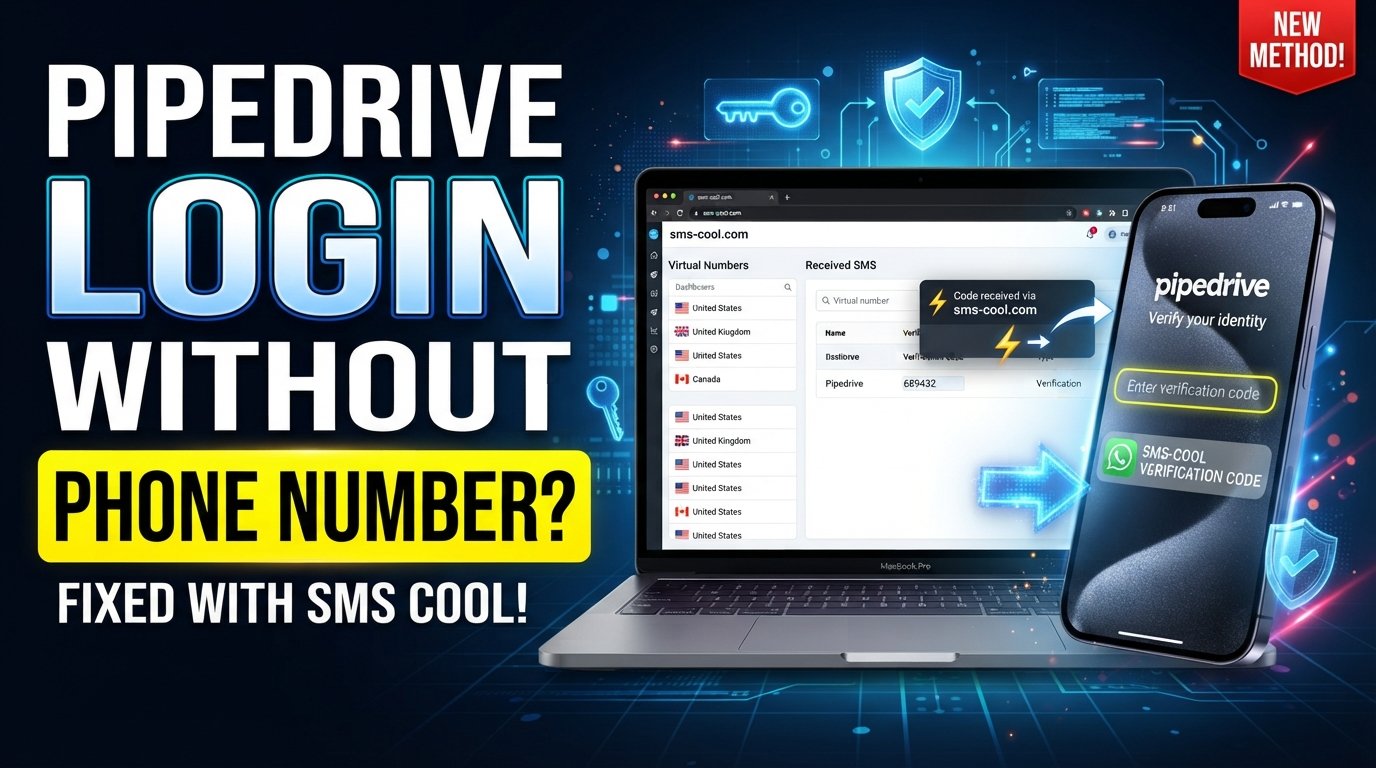
How to Get Pipedrive Login Without Phone Number
Losing access to your usual phone number can turn a simple Pipedrive login into a frustrating problem. You may remember your email and password perfectly, yet still encounter an additional verification step that you cannot complete because your usual phone is unavailable.
The good news is that not every Pipedrive sign-in situation depends on access to a phone. Depending on your account configuration, your organization’s security settings, and the login method you use, verification may involve email, an authenticator app, or another approved authentication method. Pipedrive currently documents 2FA through an authenticator app or email verification rather than standard SMS-based 2FA.
However, if the specific verification flow you are using requests an SMS and accepts the type of number you have available, an online SMS service such as SMS COOL can be one practical option for receiving the message.
Can You Log In to Pipedrive Without a Phone Number?
Yes, potentially.
A phone number is not automatically required for every Pipedrive account login. The exact requirements depend on how your account is configured and whether additional security controls have been enabled.
For example, Pipedrive supports 2FA using an authenticator app. It also supports email-based verification, where a verification email can contain a link for browser login or a one-time code for mobile app login.
Pipedrive also supports login with Google and, for organizations that configure it, single sign-on (SSO).
This means the first step is to identify which verification method your account is actually requesting. If the login screen asks for email verification or an authenticator code, an SMS number may not be relevant.
If your particular workflow does request SMS verification, you can consider an appropriate SMS-enabled number, provided that the number and service are accepted by the verification system.
Why You Might Need Pipedrive Login Without Your Phone
There are several legitimate reasons someone may search for Pipedrive sign in without phone number.
Common situations include:
- Your phone has been lost, damaged, or replaced.
- You changed your mobile number and no longer have the previous one.
- You are traveling internationally and cannot receive messages on your usual SIM.
- Your mobile network is temporarily unavailable.
- You are using a business account and your work number has changed.
- SMS messages are delayed or not reaching your device.
- You prefer not to use your personal number for a particular verification process.
- You have access to your account credentials but not to the phone associated with a specific verification step.
The right solution depends on whether you are trying to access an existing account or create a new account. These are different situations and should not be treated as interchangeable.
What You Need for Pipedrive Login
Before trying alternative verification methods, make sure you have the legitimate information associated with your account.
Depending on your setup, this may include:
- Your Pipedrive login email address
- Your current password
- Access to your email inbox
- Your authenticator app, if 2FA is enabled
- Backup codes, if you previously generated them
- Access to your organization's SSO provider, if applicable
- Any information needed to confirm account ownership
If you simply forgot your password, using an alternative phone number may not solve the underlying problem. Pipedrive provides account-access and password-recovery options, and repeated failed password attempts can temporarily lock an account.
How to Receive a Pipedrive Verification Code Without Your Regular Number
If your specific login or verification process genuinely requires an SMS, you have several possibilities.
1. Use another number you legitimately control
If you have access to another personal, business, or secondary mobile number that can receive SMS, that may be the simplest option.
Make sure you are permitted to use the number for the account and that it can receive the required verification message.
2. Check whether another verification method is available
Before searching for a temporary phone number for verification, check the actual Pipedrive verification screen.
Your account may support another method, such as:
- Email verification
- Authenticator app verification
- Google sign-in
- Company SSO
Pipedrive's documentation specifically identifies email verification and authenticator apps as its 2FA options.
3. Use an online SMS number when SMS is actually required
If your legitimate verification flow requires an SMS and accepts a virtual number, an online SMS receiving service can provide another way to access the incoming message.
This is where SMS COOL may be useful.
Using SMS COOL for Pipedrive Verification
SMS COOL provides virtual numbers and SMS receiving services intended for supported online verification tasks. Its platform describes options including instant virtual numbers and longer-term number rentals, with incoming messages available through its online dashboard.
If your Pipedrive verification flow accepts the relevant type of online number, the general process is straightforward:
- Visit SMS COOL.
- Open the SMS COOL service and review the available verification-number options.
- Select an appropriate number or service.
- Choose a number that supports incoming SMS and is suitable for your legitimate verification requirement.
- Enter the number during Pipedrive verification.
- If Pipedrive presents a phone-number field and permits the selected number type, enter it using the required country code and format.
- Request the verification SMS.
- Continue with the legitimate Pipedrive verification process and wait for the message.
- Check the SMS COOL dashboard.
- If the message is successfully delivered, access the incoming SMS through the service.
- Retrieve the verification code.
- Locate the relevant code in the received message.
- Enter the code into Pipedrive.
- Return to the Pipedrive verification screen and enter the code in the appropriate field.
- Complete the verification process.
- If the number is accepted and the code is valid, continue with the normal account-access process.
The important limitation is compatibility. SMS COOL itself states that successful registration or verification with every third-party platform is not guaranteed, because acceptance can depend on the third party's restrictions and security requirements.
Also, Pipedrive's current standard 2FA documentation does not describe SMS as its standard second-factor method. Therefore, do not assume that SMS COOL will be relevant to every Pipedrive login.
Benefits of Using SMS COOL for SMS Verification
When an SMS-based verification flow accepts an online number, a service such as SMS COOL can be convenient in several situations.
Separate your personal number
An online SMS number can help keep a personal mobile number separate from a particular online verification task.
Receive SMS online
Instead of relying exclusively on a physical handset, supported messages can be accessed through the SMS COOL dashboard.
Useful for temporary situations
If your regular phone is temporarily unavailable, an appropriate virtual number may provide another way to receive an SMS when the relevant platform accepts it.
No need for another physical SIM
A virtual number can be useful when obtaining another physical SIM solely for a short-term verification requirement would be inconvenient.
However, convenience should not be confused with guaranteed compatibility. A number that works for one website may be rejected by another, and number availability can change.
Other Ways to Access Your Pipedrive Account
Before relying on an SMS verification service, check the alternatives available to your account.
Use an already authenticated session
If you are still signed in to Pipedrive on another trusted browser or device, you may be able to access your account without starting a fresh login immediately.
Use that access responsibly and review your account's security settings when appropriate.
Check your email verification option
Pipedrive supports email-based 2FA. When enabled, browser logins can use a verification link sent to your login email, while mobile-app logins can receive a one-time verification code by email.
Use an authenticator app
If you previously configured an authenticator app, it may provide the code required for your Pipedrive verification.
Pipedrive also provides backup codes when authenticator-based 2FA is set up, so keeping those codes somewhere secure can be helpful.
Contact Pipedrive support
If you are the legitimate account owner and cannot complete verification, contacting Pipedrive support is an appropriate next step. Pipedrive says users having login trouble can select “Having issues logging in?” on its login page to start support assistance.
Common Problems With Pipedrive SMS Verification
If you are attempting a verification flow that uses SMS, several issues can prevent the code from arriving.
Verification SMS does not arrive
Wait briefly and confirm that the number was entered correctly. Avoid repeatedly requesting codes because multiple attempts can create additional confusion.
Incorrect number format
Check the country code and formatting requirements shown by the verification form.
The number is unavailable
An online number may already be assigned, temporarily unavailable, or unsuitable for the requested service.
The verification code expires
One-time codes are generally time-sensitive. If a code has expired, request a new one rather than repeatedly entering an old code.
The verification number is rejected
Some platforms restrict certain virtual, temporary, or previously used numbers. If that happens, use another legitimate verification method or contact the platform's support team.
The account has additional security restrictions
Business administrators can configure security rules that affect account access. Pipedrive recommends contacting a user with account-settings access when those restrictions prevent login.
Is Using an Online SMS Number Safe?
An online SMS number can be useful, but it is important to understand its limitations.
First, consider account ownership. Only use a number as part of a verification process when you are authorized to access the account.
Second, consider number reuse. Temporary numbers may not be intended for long-term account recovery. If an account remains associated with a number you later lose access to, recovering the account can become more difficult.
Third, consider privacy. Understand how the SMS service provides access to incoming messages and avoid sending sensitive information through services you do not trust.
Finally, follow the rules of both the SMS provider and the platform you are accessing. SMS COOL's terms prohibit illegal, fraudulent, abusive, or unauthorized use and state that third-party verification success is not guaranteed.
The goal should be legitimate account access—not bypassing authentication or defeating security controls.
Frequently Asked Questions
Can I log in to Pipedrive without my phone number?
In many cases, yes. Pipedrive's documented 2FA options include email verification and an authenticator app, so a phone number is not necessarily required for every login. Your organization's configuration can affect the available authentication process.
How can I receive a Pipedrive verification code?
First, identify which verification method Pipedrive is requesting. Depending on your setup, the code or approval may come through email or an authenticator app. If your specific workflow requests SMS, you can consider an SMS-enabled number that the service accepts.
Can SMS COOL receive Pipedrive SMS?
SMS COOL provides numbers intended for receiving SMS verification messages, but compatibility with Pipedrive cannot be assumed. Whether a particular number receives and is accepted for a Pipedrive verification process depends on Pipedrive's current requirements and the available number.
What should I do if my Pipedrive verification code does not arrive?
Check the destination carefully, confirm that your number or email address is correct, look for spam or filtered messages when using email, and request a new code if appropriate. If the problem continues, use another available verification method or contact Pipedrive support.
Can I use a temporary number for SMS verification?
A temporary number may work for a service that accepts it and can receive the relevant SMS. However, acceptance is not guaranteed, and temporary numbers may be unsuitable for future account recovery.
What if Pipedrive rejects my verification number?
Do not try to bypass the rejection. Check whether another legitimate authentication method is available, use a number that you are authorized to use, or contact Pipedrive support if you are unable to access your account.
Is SMS verification required for every Pipedrive login?
No. Pipedrive's documented 2FA system supports email verification and authenticator apps, and organizations may also use options such as Google sign-in or SSO. The exact login process depends on the account configuration.
Final Thoughts
Getting a Pipedrive login without phone number access is often possible, but the right solution depends on the verification method configured for your account.
Start by checking whether you can authenticate through your email, authenticator app, Google sign-in, SSO, or an already authenticated device. If a particular legitimate verification flow specifically requires SMS, an online SMS service such as SMS COOL can be one potential option for receiving the message, provided that the relevant number is accepted.
The key is to treat SMS COOL as a practical receiving tool—not a way to bypass Pipedrive security. Verification requirements can change, and neither an online SMS number nor an SMS verification service guarantees acceptance by a third-party platform.
For existing account access, use the authentication methods available to you and contact Pipedrive support when legitimate verification remains blocked. That approach keeps the process focused on secure, authorized access while giving you practical alternatives when your regular phone number is unavailable.