29 Sep 2026
Patreon Login Without Phone Number: Easy Verification Guide
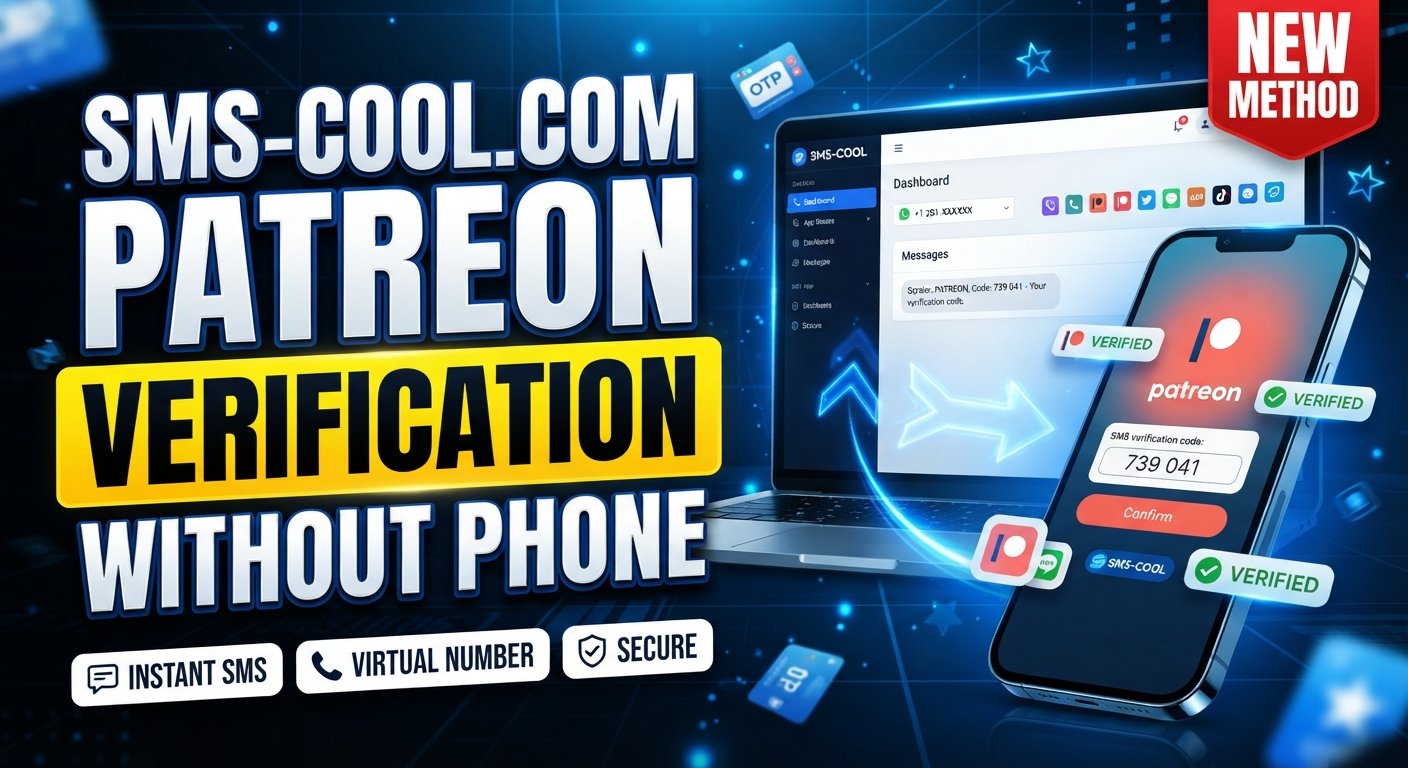
How to Get Patreon Login Without Phone Number
Needing a Patreon login without phone number can be frustrating, especially when you have your account credentials but don't have access to the mobile number associated with a verification step.
The good news is that not every Patreon login requires an SMS. Depending on how your account was created and what security checks Patreon presents, you may be able to authenticate through email, a supported third-party login, an authenticator app, or account recovery. Patreon also documents passwordless login for eligible free members, where a code is sent to the account's email address.
If Patreon specifically presents an SMS verification requirement, however, you'll need access to an accepted phone number. In situations where using a personal number isn't practical, an SMS verification service such as SMS COOL may provide a useful option, provided the number and verification method are accepted by Patreon.
Let's look at the legitimate options step by step.
Can You Log Into Patreon Without a Phone Number?
Yes, in some circumstances.
A Patreon account login and phone verification are not necessarily the same thing. Patreon supports several authentication and recovery paths, and the exact option available depends on your account and the security check being triggered.
For example, Patreon documents passwordless login for eligible free members. Instead of entering a password, the user receives a verification code by email. Patreon also supports third-party sign-in options such as Google, Apple, or Facebook for accounts created through those services.
However, this does not mean there is a universal method for a Patreon sign in without phone number when Patreon specifically requires phone-based authentication.
If a phone verification screen appears, the correct approach is to complete the requested verification through an accepted method rather than attempting to bypass it.
Why Patreon May Ask for Phone Verification
Phone-based verification is generally used as an additional account-security measure. Patreon also has separate device verification and two-factor authentication processes.
For example, Patreon explains that SMS can be used as a two-factor authentication method, while an authenticator app can also generate authentication codes. Patreon provides backup recovery codes for users who enable two-factor authentication.
A verification request may therefore appear because of your account's existing security configuration or because Patreon wants to confirm that a login is legitimate.
It's important to distinguish this from identity verification. Patreon also has an account identity-verification process for certain accounts, particularly where compliance and payouts are involved. That process is separate from simply receiving an SMS code.
What to Do If You Don't Have Access to Your Phone Number
Before looking for an alternative number, check whether you can recover the account using an existing authentication method.
1. Check your email
If your Patreon account uses email authentication, make sure you can access the associated inbox. Search your spam, junk, and promotional folders if a login or password-reset message doesn't appear.
Patreon says password resets are handled through email, and its support documentation also provides troubleshooting steps for missing verification emails.
2. Try your original sign-in method
If you originally used Google, Apple, or Facebook to access Patreon, try that same authentication method rather than creating a new account or guessing a password.
3. Check your recovery options
If you previously enabled two-factor authentication, look for your authenticator app or backup recovery codes. Patreon specifically recommends keeping these recovery codes somewhere secure because they can be useful when you lose access to a device.
4. Contact Patreon Support when necessary
If you've lost access to the phone number used for SMS two-factor authentication, Patreon directs users to contact its Support team. Account-specific assistance may require identity verification before changes can be made.
These options should be your first choice when you're trying to recover an existing account.
Can a Temporary or Virtual Number Help?
A temporary phone number for verification or a virtual phone number can sometimes be useful when a website legitimately accepts that type of number.
The concept is straightforward: instead of receiving the verification message on your everyday mobile phone, you use an SMS-enabled number provided through an online service. The incoming message can then be viewed through the provider's dashboard.
This is commonly called receive SMS online or online SMS verification.
However, there is an important limitation: not every website accepts every virtual or temporary number. A number that works with one service may be rejected by another.
You should also never use a temporary number to bypass account restrictions, defeat security controls, impersonate another person, or gain unauthorized access. The purpose should simply be to complete a verification process you are legitimately entitled to complete.
How SMS COOL Can Help With SMS Verification
When you need to receive verification SMS but don't want to use your personal mobile number, SMS COOL can be a practical option to consider.
SMS COOL provides access to virtual numbers that can receive SMS for supported verification services. Its general workflow involves selecting an available number, using it for an appropriate verification task, and checking the SMS COOL interface for the incoming message.
The process is simple:
- Visit SMS COOL.
- Select an appropriate SMS or verification number from the available options.
- Use the number where phone verification is legitimately required and where that type of number is supported.
- Request the verification SMS from the relevant service.
- Check SMS COOL for the incoming message.
- Copy the Patreon verification code if the SMS arrives successfully.
- Enter the code on the relevant Patreon verification screen.
- Complete the login or verification process.
The important word here is supported. SMS COOL itself notes that third-party compatibility can vary, so users shouldn't treat a virtual number as a guaranteed way to complete every verification request.
In other words, SMS COOL is a tool for receiving SMS—not a method for bypassing Patreon's security.
Step-by-Step: Patreon Login Without Phone Number
If you're trying to complete a Patreon account login without your personal phone number, use this sequence.
Step 1: Open Patreon
Go to Patreon through the official website or app and select the login option.
Step 2: Enter Your Account Credentials
Use the email and password associated with your account, or select the third-party login option you originally used.
If your account supports passwordless authentication, follow the email verification instructions provided by Patreon.
Step 3: Check Whether Verification Is Required
If Patreon allows you to continue after email or another authentication method, you may not need an SMS number at all.
If an SMS verification screen appears, don't repeatedly submit random numbers. First determine which verification method Patreon is requesting.
Step 4: Review Available Recovery Methods
Look for an authenticator app, backup codes, email verification, or other recovery method already associated with your account.
If you've lost the phone number used for SMS two-factor authentication, Patreon recommends contacting Support rather than trying to circumvent the security requirement.
Step 5: Consider SMS COOL When Appropriate
If the verification flow legitimately permits a virtual or temporary number, you can explore SMS COOL verification.
Select a suitable available number, enter it in the requested field, and wait for the verification message.
Step 6: Receive the Verification Code
If Patreon accepts the number and sends an SMS, check the SMS COOL dashboard for the incoming message.
Step 7: Enter the Code
Enter the received Patreon verification code into the verification field and continue.
If the number isn't accepted or the message doesn't arrive, don't assume that your account is blocked. The issue may simply be number compatibility, SMS delivery, or a temporary service problem.
Important Things to Know Before Using an SMS Verification Number
Using an online number can be convenient, but there are several things worth considering first.
Number availability
Virtual numbers can sell out or become unavailable. Available countries and services can also change.
SMS delivery delays
An SMS may arrive quickly, but delivery isn't guaranteed to be instantaneous. Give the service some time before requesting another code.
Number expiration
Temporary numbers may only remain accessible for a limited period. If you need the number again for account recovery, a temporary number may not be suitable.
Service compatibility
This is one of the biggest considerations. Patreon controls which numbers and verification methods it accepts. An SMS verification service cannot override those requirements.
Account security
If you're accessing an important account, use a strong password and protect your email account as well. Never share verification codes with other people.
Privacy
A virtual number can help separate a personal phone number from an online registration, but you should understand how the provider handles messages and account information before using the service.
Patreon's requirements
Always follow Patreon's current authentication and verification requirements. A temporary or virtual number should never be used as a way to defeat security or account restrictions.
Common Problems and Solutions
Verification SMS isn't arriving
First, confirm that the number was entered correctly. Then check whether the selected number supports incoming SMS and whether Patreon accepts that number type.
Avoid repeatedly requesting codes because multiple attempts can make troubleshooting harder.
The verification code is incorrect
Make sure you're entering the newest code. Older codes may expire when a new verification request is generated.
The number is unavailable
Try another available number if the service permits it. Availability can change based on country, service, and inventory.
The temporary number expired
If you no longer have access to the number, you may need another legitimate verification method. For an existing Patreon account, contacting Patreon Support may be more appropriate than repeatedly attempting new numbers.
Patreon requests another verification method
Follow the method displayed by Patreon. A virtual SMS number cannot replace an authenticator app, email verification, identity verification, or another security process when Patreon specifically requires one.
You can't recover the account
Use Patreon's official support process. Patreon states that login issues can be submitted to its Product Support team, where account-specific requests can be handled securely.
Is SMS COOL Right for Patreon Verification?
SMS COOL may be useful when you need convenient access to an SMS-enabled number and the verification process accepts that number type.
Its main practical benefit is convenience. Instead of obtaining another physical SIM card, you can use an available virtual number and check incoming messages through an online interface. SMS COOL describes its service as providing virtual numbers and online SMS reception for supported verification tasks.
It's particularly worth considering if you:
- Prefer not to use your personal number for an appropriate online verification task.
- Need to receive SMS online.
- Want a temporary phone number for a legitimate verification process.
- Need access to an SMS-enabled virtual phone number.
- Want to keep online verification messages separate from your everyday phone.
Still, compatibility matters more than convenience. SMS COOL does not control Patreon's verification system, and having a virtual number does not guarantee that Patreon will accept it or deliver an SMS to it.
Final Thoughts
Finding a Patreon login without phone number doesn't necessarily mean you need an alternative number. Start with the authentication method already connected to your account, including email, supported third-party sign-in, an authenticator app, or backup recovery codes.
If Patreon specifically requires SMS and you don't want to use your personal number, an online SMS verification service such as SMS COOL can be a practical option when virtual numbers are accepted. The basic process is straightforward: select an available number, request the verification SMS, receive the code through SMS COOL, and enter it into the legitimate verification screen.
The key is to treat SMS COOL as a convenient SMS-receiving tool—not as a way around Patreon's security requirements. That approach keeps the process practical, transparent, and focused on legitimate account access.
FAQ Section
Can I log into Patreon without a phone number?
Sometimes. Patreon supports authentication methods such as email-based passwordless login for eligible accounts and third-party sign-in options. If Patreon specifically requires SMS authentication for your account, you'll need an accepted verification method.
Does Patreon require phone verification?
Not for every login scenario. Patreon supports several authentication and verification methods, including email device verification, authenticator apps, and SMS-based two-factor authentication. The method you're asked to use depends on your account and the security process being triggered.
How can I receive a Patreon verification code?
If Patreon sends a code by SMS, you need access to the phone number receiving that message. Where permitted, an SMS-enabled virtual number may be an option. Services such as SMS COOL provide online access to incoming SMS for supported verification uses, although Patreon compatibility isn't guaranteed.
Can a temporary number be used for SMS verification?
It can be used by some services, but acceptance varies. Before using a temporary phone number for verification, make sure the platform permits that type of number and understand how long you'll retain access to it.
What should I do if the Patreon verification SMS does not arrive?
Check the number and country code, verify that the number can receive SMS, wait briefly, and request another code only if Patreon allows it. If you're using SMS COOL, also check the service dashboard and number status. For persistent account-access problems, contact Patreon Support.
Can SMS COOL receive verification SMS?
SMS COOL provides virtual numbers designed to receive SMS for supported verification services. You can select an available number, use it for an appropriate verification process, and check the online dashboard for incoming messages. However, successful delivery and acceptance depend on the third-party platform and selected number.
Is using an SMS verification number safe?
It can be appropriate for legitimate verification needs, but users should consider privacy, number ownership, accessibility, expiration, and platform compatibility. Never use an SMS number to bypass security controls or obtain unauthorized access to an account.