03 Oct 2026
Midjourney Login Without Phone Number: Easy Verification Guide
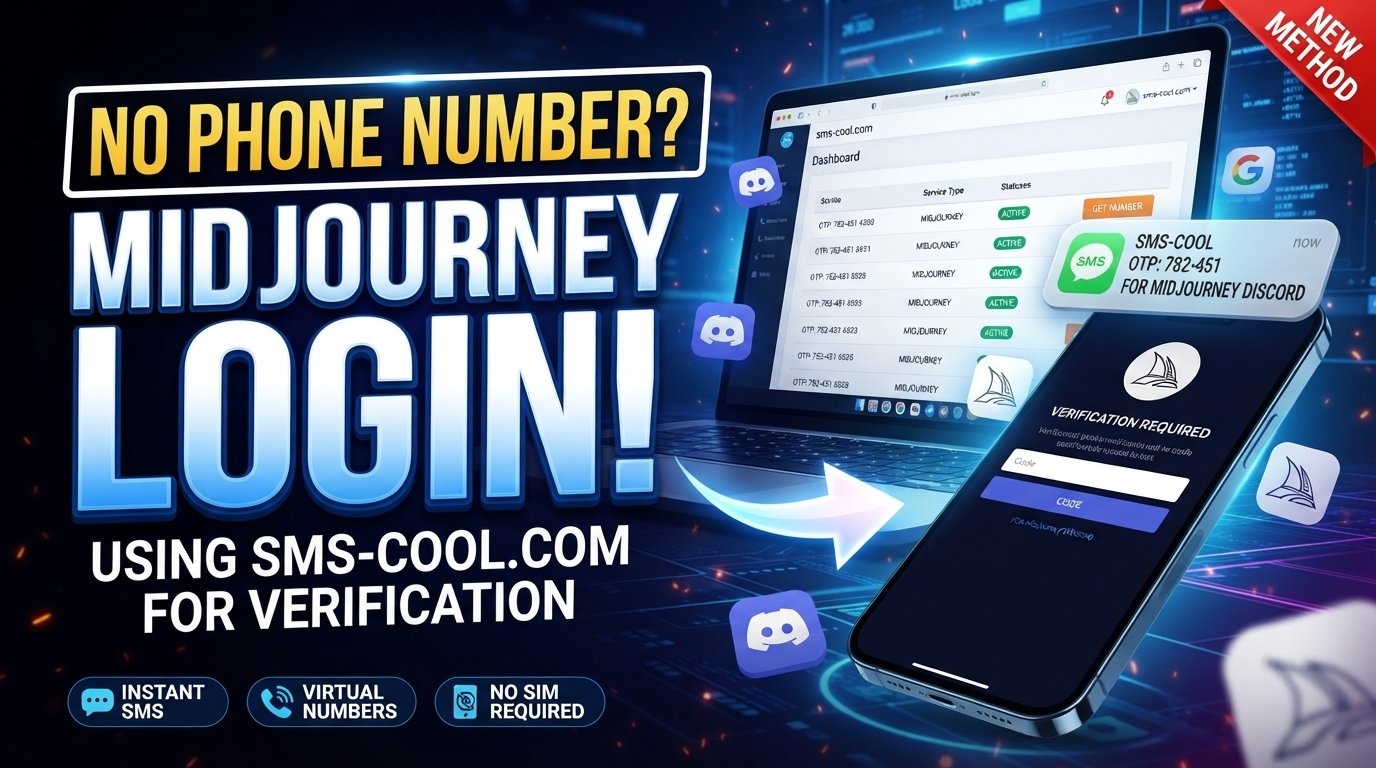
How to Get Midjourney Login Without Phone Number
Trying to complete a Midjourney login without phone number can be frustrating when a verification screen appears and you would rather not provide your personal mobile number.
There is an important distinction, though: Midjourney’s official documentation currently describes Google and Discord as its account sign-in methods. If you encounter a phone verification request while setting up or accessing an account, the prompt may be associated with a particular verification flow or a connected service such as Discord rather than being a universal requirement for every Midjourney login.
That is where online SMS verification can become useful. Instead of immediately using your primary number, you may be able to use a virtual phone number from a service such as SMS COOL when the relevant platform accepts that type of number.
This guide explains how the process works, what to expect, and how to use SMS COOL responsibly without assuming that every number will be accepted.
What Is Midjourney?
Midjourney is an AI creative platform designed for generating images and videos from text prompts.
Users can access Midjourney through its website, while Discord can also be connected for users who want to create through the Discord environment. Midjourney’s official documentation explains that new users can sign in using either Google or Discord, and existing users should pay attention to which account they previously connected.
That account structure matters when troubleshooting a Midjourney login problem. If you use a different Google or Discord account from the one originally associated with your Midjourney activity, you may appear to have a new or empty account.
Why Can Phone Verification Become an Obstacle?
Phone verification is commonly used online to confirm that a person can access a particular phone number. A website or connected service sends a one-time password, or OTP, by SMS. You then enter that code into the verification field.
For some users, the problem is not receiving SMS itself. The problem is having to use their personal number.
Common concerns include:
- Keeping a personal phone number private
- Avoiding unnecessary exposure of a primary number
- Not having access to a suitable mobile number
- Dealing with a number that a platform does not accept
- Waiting for a verification SMS that never arrives
- Receiving an error after entering a number
- Trying to separate temporary online registrations from a personal mobile account
If your verification screen comes from Discord rather than Midjourney, remember that you are dealing with Discord's verification requirements. A virtual number therefore cannot be treated as a guaranteed solution to a Midjourney access issue.
Can You Access Midjourney Without Your Personal Phone Number?
In many situations, yes—but the answer depends on which stage of the account process is requesting the number.
The first thing to check is the actual Midjourney login method. According to the official documentation, Midjourney currently supports signing in with Google or Discord rather than a dedicated Midjourney username-and-password login.
If you are simply trying to log in, you may not need to enter a phone number at all.
However, if a connected account or a particular verification workflow asks for a phone number, you may need to complete that separate requirement before continuing.
For users who do not want to use their personal number, an online SMS verification service can provide another option where permitted.
What Is SMS Verification?
SMS verification is a straightforward process:
Enter number → Receive verification SMS → Copy OTP → Enter code → Complete verification
The website or application sends a temporary verification code to the number you provide. The number then receives the SMS, and the code is entered into the original verification screen.
A temporary phone number for verification works on the same basic principle, except the incoming message is displayed through an online service rather than directly on your personal phone.
The key limitation is that not every platform accepts every type of virtual number. Some services may reject particular number ranges, previously used numbers, or virtual/VoIP numbers.
That is why choosing a suitable number and checking availability for the specific service is important.
How SMS COOL Can Help
SMS COOL provides virtual numbers designed for SMS and OTP verification workflows. Its platform allows users to select available numbers and receive verification messages through an online dashboard.
For someone searching for Midjourney login without phone number, the appeal is simple: if the relevant verification service accepts the selected virtual number, you can receive the verification message without putting your personal mobile number into that particular verification form.
SMS COOL offers both temporary activation numbers and longer-term rental options, depending on the user's needs. Its rules explain that an activation provides temporary access to a virtual number for receiving verification codes, while rentals can provide access for a longer period.
Importantly, SMS COOL itself states that it does not guarantee successful registration with third-party platforms. Platform restrictions, security checks, account policies, and number availability can all affect the outcome.
How to Use SMS COOL for Verification
If the website or connected service you're using permits a virtual number, the general process is simple.
1. Visit SMS COOL
Open the SMS COOL website and create or access your account.
The platform uses a balance-based system for purchasing virtual numbers, so check the available payment and account requirements before selecting a service.
2. Select the Appropriate Service and Number
Look for the relevant service in the available options.
Availability can change, so choose a number specifically offered for the service you are trying to verify. If a particular number type is unavailable, do not assume another number will work identically.
3. Enter the Number Where Verification Is Requested
Return to the verification page and enter the SMS COOL number in the appropriate phone-number field.
Make sure the country code and number format are correct before requesting the verification SMS.
4. Request the Verification Code
Submit the phone number and wait for the platform to send its OTP.
Do not repeatedly request new codes if the first message is delayed. Multiple requests can sometimes create confusion because older codes may expire or become invalid.
5. Receive the SMS Online
Return to your SMS COOL dashboard and monitor the selected number for the incoming message.
SMS COOL explains that verification codes are displayed through its dashboard after they are received.
6. Enter the Verification Code
Copy the received code and enter it into the verification field on the original website or application.
Check the digits carefully. Verification codes are usually time-sensitive.
7. Finish the Login or Account Process
If the code is accepted, continue with the remaining account or login steps.
If it is rejected, do not assume that the service itself is broken. The number may not be supported, may have been used previously, or the platform may restrict that particular number type.
What Should You Consider Before Using a Temporary Number?
A virtual phone number can be convenient, but it should not automatically be treated as a permanent replacement for your personal number.
Before choosing a number, consider:
Platform Compatibility
Check whether the service accepts virtual or temporary numbers. Some platforms have restrictions that can prevent certain numbers from being used.
Number Availability
A number available for one service may not be available for another. Always select a number associated with the correct service when the option is provided.
Account Recovery
Think carefully before using a temporary number for an account you expect to keep for a long time.
If future recovery or security checks require access to the same number, losing access to a temporary number could create complications.
Privacy
A temporary number can help separate an online verification task from your primary phone number. However, it does not make an account anonymous or remove the need to follow the platform's policies.
Terms and Restrictions
Use virtual numbers only for legitimate purposes. SMS COOL's terms prohibit illegal, fraudulent, abusive, or unauthorized use of its services.
Common Mistakes to Avoid
When trying to solve a Midjourney login problem, avoid making the situation more complicated than it needs to be.
Using the wrong Midjourney account:
If you previously used Discord, logging in through an unrelated Google account can result in a different account experience. Midjourney specifically recommends checking the correct connected account when returning to an existing account.
Assuming Midjourney always requires a phone number:
The current official login documentation lists Google and Discord as sign-in options. First identify exactly which service is asking for the phone verification.
Requesting too many codes:
Repeatedly requesting OTPs can cause expired or conflicting codes. Wait for the current request before trying again.
Using an unavailable or unsuitable number:
A random temporary number is not necessarily appropriate for every platform.
Expecting guaranteed verification:
No legitimate SMS verification service can guarantee that a third-party platform will accept every number.
Using temporary numbers for important long-term recovery:
If account security matters, make sure you understand how you will recover the account if the temporary number is no longer accessible.
A Practical Example
Suppose you are attempting to create or access a Midjourney-related account and a connected service displays a phone verification screen.
Instead of immediately entering your personal number, you could first determine whether the verification step permits a virtual number.
If permitted, you can:
- Open SMS COOL.
- Select the relevant service and an available number.
- Copy the provided number.
- Enter it on the verification screen.
- Request the SMS.
- Watch the SMS COOL dashboard for the OTP.
- Copy the code into the verification field.
- Continue if the platform accepts the verification.
This is the basic SMS COOL verification workflow. The important point is that SMS COOL supplies the number and receives the message; the third-party platform ultimately decides whether that number is acceptable.
Frequently Asked Questions
Can I complete a Midjourney login without a phone number?
Midjourney's official documentation currently lists Google and Discord as its supported sign-in methods. If you encounter a phone prompt, identify whether it belongs to Midjourney itself or a connected service such as Discord.
Does Midjourney always require phone verification?
No universal phone requirement should be assumed from a verification prompt. Midjourney's current official login documentation describes Google and Discord sign-in. A phone request may occur in a particular account or connected-service workflow.
How can I receive a Midjourney verification code?
If the verification process sends an SMS and permits a virtual number, you can use an appropriate SMS verification service such as SMS COOL to receive the message online. Acceptance depends on the platform and number.
Can I use a temporary number for Midjourney verification?
A temporary number may work when the relevant platform accepts that number type. However, neither the number provider nor a third party can guarantee acceptance by every service.
What is online SMS verification?
Online SMS verification allows a verification message to be received through an online dashboard instead of directly on your personal mobile device. The basic process is to obtain a supported number, receive the OTP, and enter it into the requesting service.
Does SMS COOL guarantee Midjourney verification?
No. SMS COOL explicitly states that it does not guarantee successful registration with third-party platforms. Platform restrictions, security systems, number availability, and other factors can affect whether verification succeeds.
Can a virtual number work for verification?
Yes, virtual numbers can work for some online verification workflows, but acceptance varies by platform. Always check the available service and number options before purchasing and avoid relying on a temporary number as your only long-term account recovery method.
Final Thoughts
Finding a Midjourney login without phone number option is not always about bypassing a security requirement. Often, the first step is identifying which account or service is actually requesting verification.
If you can sign in directly through Google or Discord, follow Midjourney's official account-login process. If a legitimate verification step requires an SMS and permits a virtual number, SMS COOL offers a practical way to receive verification messages online without immediately exposing your primary phone number.
The process is straightforward: select an appropriate number, enter it where permitted, wait for the SMS, retrieve the verification code, and complete the verification step.
Just keep expectations realistic. Number availability and third-party acceptance can vary, and no SMS verification provider can guarantee that every platform will accept every virtual number.
For users who want a convenient way to receive SMS online for supported verification workflows, SMS COOL is worth exploring.