25 Sep 2026
Jira Login Without Phone Number: SMS Verification Guide
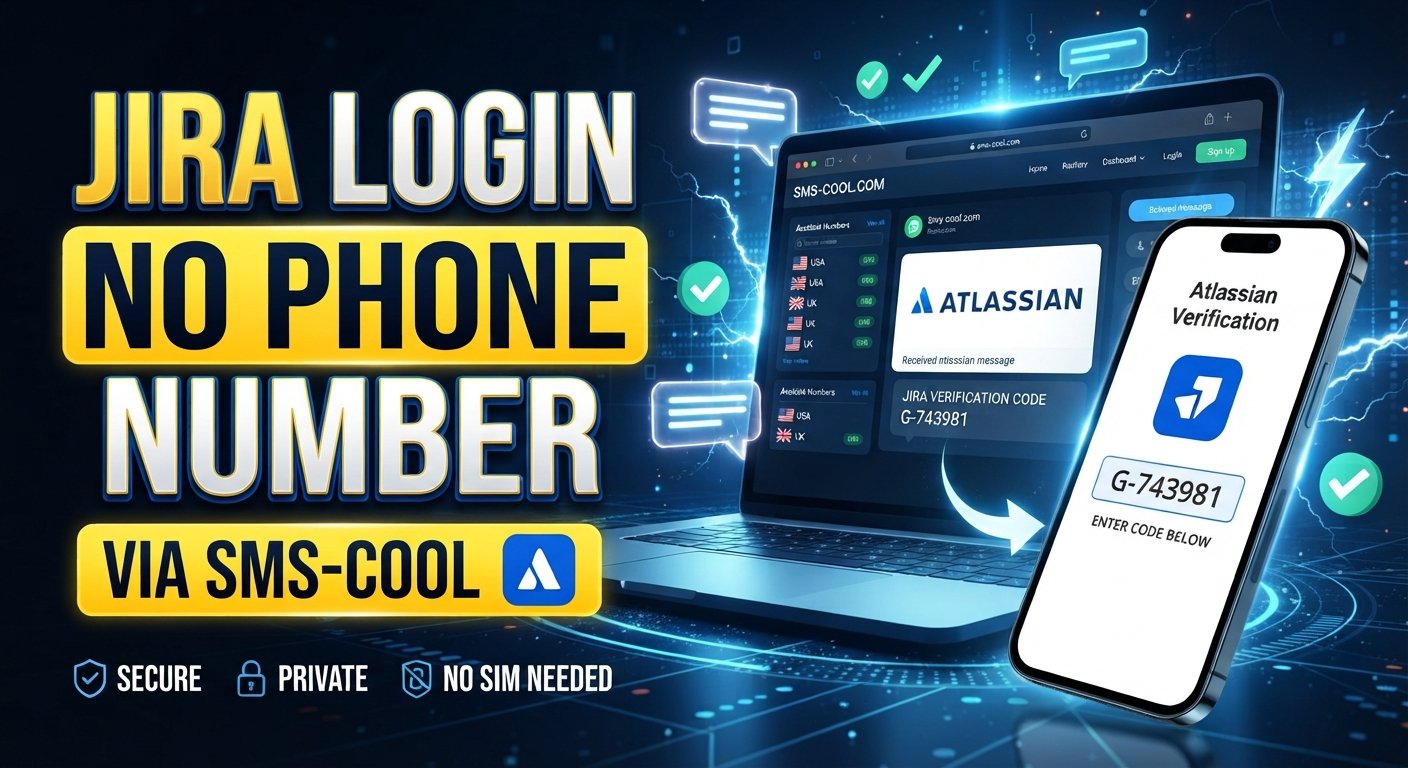
How to Get Jira Login Without Phone Number
Need a Jira login without phone number? If Jira or your Atlassian account asks for phone verification, you may prefer not to connect your personal mobile number to the account.
The good news is that phone-based verification is only one part of the Atlassian authentication ecosystem. Depending on your account, organization settings, and the verification step being requested, Atlassian may use email verification, passwords, third-party sign-in, passkeys, authenticator apps, security keys, or SMS.
If your particular Jira or Atlassian workflow requires an SMS, a practical option is to use a separate virtual number where such numbers are accepted. SMS COOL provides access to available virtual numbers designed for receiving SMS and OTP messages, which can help users complete supported verification workflows without exposing their personal phone number.
The important distinction is that this does not bypass Jira security. You still need to complete whatever verification Atlassian requires.
Can You Use Jira Without a Phone Number?
Yes, in some situations you can use Jira or create an Atlassian account without relying on a personal phone number.
Atlassian's account-creation documentation says that users creating an account themselves are asked to verify their email address. Its login documentation also describes several authentication methods, including email and password, third-party accounts, SAML single sign-on, and passkeys for eligible accounts.
However, your experience can be different if an organization manages your account or has additional security requirements.
For example, Atlassian allows organizations to enforce two-step verification. Depending on the configuration, users may be required to use an authenticator app or SMS for the additional login step.
So, Jira without phone number does not necessarily mean there is a universal setting that removes phone verification. It means choosing an available authentication or verification method that does not require your personal number, when Atlassian and your organization's settings allow it.
Why Jira May Ask for Phone Verification
Phone verification is generally used as an additional security mechanism.
With SMS-based authentication, the process is straightforward:
- You provide a phone number.
- The service sends a verification SMS.
- The SMS contains a one-time code.
- You enter the code.
- The service checks the code before completing the requested action.
For Atlassian accounts, SMS can be used as a two-step verification method. Atlassian explains that SMS is one of several possible additional verification methods, alongside authenticator apps and security keys.
An organization can also enforce two-step verification for managed accounts, which means the requirement may come from your organization's authentication policy rather than from the individual Jira project itself.
This is why Jira phone verification can vary from one user to another.
How to Get Jira Login Without Phone Number
If you are trying to access Jira without giving the service your personal mobile number, first determine which verification step you are actually being asked to complete.
Option 1: Use an Available Non-SMS Authentication Method
If your account offers another method, you may be able to use it instead of SMS.
Depending on your account configuration, Atlassian supports options such as:
- Email and password
- Google, Microsoft, Slack, or Apple sign-in
- SAML single sign-on
- Passkeys for eligible non-managed accounts
- Authenticator applications
- Security keys
- Recovery keys for certain account-recovery situations
This can be the simplest approach for Jira login without phone verification when the relevant alternative is available.
Option 2: Use a Separate Number for SMS Verification
If SMS is specifically required, you may not necessarily want to use your primary personal number.
A virtual phone number can provide a separate channel for receiving SMS. This is where an online SMS verification service such as SMS COOL can be useful where the number type is accepted by the verification system.
The idea is simple: instead of entering your everyday mobile number, you use an available SMS-receiving number, receive the Jira verification code, and enter that code into the relevant verification field.
How SMS COOL Helps With Jira Verification
SMS COOL provides virtual phone numbers intended for SMS and OTP verification workflows. Its platform allows users to select an available number and view incoming verification messages through its online dashboard.
This can be useful if you need to receive Jira verification code messages without using your personal phone number.
The important qualification is compatibility. SMS COOL itself states that it does not guarantee successful registration with every third-party platform, and factors such as platform restrictions, security checks, availability, and account policies can affect whether a verification attempt succeeds.
In other words, SMS COOL is a way to receive an SMS, not a tool for bypassing Jira authentication.
If Jira accepts the relevant virtual number and sends an SMS to it, you can view the message through SMS COOL and enter the supplied code normally.
Step-by-Step Guide to Using SMS COOL for Jira Verification
If your Jira or Atlassian workflow specifically requests SMS and permits the type of number you are using, the process can look like this:
1. Visit SMS COOL
Open the SMS COOL platform and create an account if you do not already have one.
2. Choose an Available Number
Look for an appropriate number based on the service and country requirements shown by SMS COOL.
Availability can vary, so select a number that is currently offered for the relevant verification purpose.
3. Enter the Number in Jira
When Jira or Atlassian asks for a phone number, enter the SMS COOL number instead of your personal number, provided that virtual numbers are accepted in that particular workflow.
4. Request the Verification SMS
Submit the number and request the verification message from the Jira or Atlassian interface.
5. Check SMS COOL
Open the SMS COOL dashboard and wait for the incoming SMS.
If the message is successfully delivered, the verification code should appear in the relevant SMS inbox.
6. Enter the Jira Verification Code
Copy the code from the SMS and enter it into the verification field provided by Jira or Atlassian.
This is the Jira OTP verification stage.
7. Complete the Login or Account Process
If the number and code are accepted, continue with the remaining Jira or Atlassian setup.
If the number is rejected or no message arrives, do not repeatedly request codes. Check the number, country, account settings, and available verification methods first.
Benefits of Using a Separate Number for SMS Verification
There are several practical reasons someone might prefer a separate number.
Keep Your Personal Number Separate
A dedicated verification number can separate account-related SMS from your everyday communications.
Receive SMS Online
An online SMS service lets you access supported messages through a web-based dashboard instead of depending on your personal handset.
Avoid Getting Another Physical SIM
For a short-term verification task, a virtual number may be more convenient than purchasing and maintaining another physical SIM.
Useful for Temporary Projects
A temporary phone number for Jira may be useful for a legitimate short-term account or testing workflow when the platform accepts that type of number.
Maintain a Separate Verification Channel
A dedicated number can make it easier to keep verification messages separate from personal calls and messages.
Things to Know Before Using an Online SMS Number
An online number is not automatically accepted everywhere.
Before using one for Jira verification, consider the following:
- Check compatibility: Jira or Atlassian may reject certain virtual, temporary, recycled, or carrier-specific numbers.
- Follow account rules: Use the number only for legitimate account access and verification.
- Consider account recovery: If you use a temporary number and later lose access to it, it may not be available for future verification.
- Do not treat it as a security bypass: A virtual number still has to pass the verification process.
- Check your organization: Managed Atlassian accounts may have security policies that you cannot change yourself.
- Protect verification codes: Never share an OTP or login code with another person.
Atlassian also provides recovery options for users who have configured two-step verification. For example, an emergency recovery key can be used when the normal phone or authenticator method is unavailable.
Common Jira Phone Verification Problems
The Jira Verification SMS Does Not Arrive
First, check whether the number is supported and whether the SMS request was actually submitted.
If you are using SMS COOL, check the dashboard for the incoming message. Also make sure you selected a number intended for the relevant service.
The Jira OTP Is Rejected
Make sure you entered the latest code exactly as received. Verification codes can expire, and requesting multiple codes can sometimes make earlier codes unusable.
Jira Does Not Accept the Number
The platform may restrict certain number types. A virtual number that works for one service is not necessarily accepted by another.
You Are Being Asked for Two-Step Verification
If your organization enforces two-step verification, you may need to configure one of the authentication methods permitted by the organization's policy.
You Lost Access to Your Verification Method
For configured two-step verification, Atlassian documents recovery-key and account-recovery options. If the account is managed by an organization, you may need to contact the relevant administrator.
FAQs
Can I log in to Jira without a phone number?
Sometimes. Atlassian supports multiple login and authentication methods, and not every Jira login requires SMS. However, your available options depend on your account and organization settings.
Can I create a Jira account without phone verification?
In some cases, yes. Atlassian's standard account creation process includes email verification, while additional security requirements can vary by account configuration.
How can I receive a Jira verification code?
If Atlassian sends a verification SMS, you need access to the phone number entered during the verification process. Where virtual numbers are accepted, an SMS verification service such as SMS COOL can provide an available number for receiving the message.
Can I use a temporary number for Jira verification?
You may be able to use a temporary number if Jira or Atlassian accepts that number type. Acceptance is not guaranteed, so check the relevant account and security requirements before relying on it.
What should I do if my Jira verification SMS does not arrive?
Check that the number is correct, wait briefly, and confirm that the number supports the required service. If available, try another permitted authentication method rather than repeatedly requesting codes.
Is online SMS verification useful for Jira?
It can be useful when you need to receive an SMS without using your personal number, but only where the virtual number is accepted. Online SMS verification does not bypass Jira's security checks.
Can SMS COOL receive Jira verification codes?
SMS COOL provides virtual numbers for receiving SMS and OTP messages. Whether it can receive a particular Jira verification SMS depends on number availability, Jira/Atlassian restrictions, and the specific verification workflow. SMS COOL does not guarantee successful verification with third-party services.
Conclusion
Getting a Jira login without phone number does not always require avoiding verification altogether. The right approach depends on what Atlassian is asking you to verify and which authentication methods are available on your account.
If email, passkeys, an authenticator app, a security key, or another supported method is available, you may be able to use that instead of SMS. When SMS is specifically required, a separate virtual number can be an alternative to using your personal number, provided the relevant Jira or Atlassian workflow accepts it.
SMS COOL can help by providing an available SMS-receiving number and a dashboard for viewing incoming verification messages. This makes it a practical option for users who want to receive SMS online without exposing their primary phone number.
The key is to use it as a legitimate verification channel—not as a way to bypass authentication. Always follow the account's requirements, confirm that virtual numbers are accepted, and keep any Jira verification code or login credentials private.
FAQs
Can I log in to Jira without a phone number?
Yes, potentially. Available login methods depend on your Atlassian account and organization settings.
Can I create a Jira account without phone verification?
Standard account creation may rely on email verification, but additional security requirements can vary.
How do I receive a Jira verification code?
Use the phone number or authentication method requested by Atlassian. Where supported, SMS COOL can provide a virtual number for receiving SMS.
Can I use a temporary number for Jira verification?
Only if the relevant Jira or Atlassian verification flow accepts that number type.
What if my Jira SMS verification code does not arrive?
Check the number, service compatibility, SMS inbox, and alternative authentication methods. Avoid repeatedly requesting codes.
Is SMS COOL guaranteed to work with Jira?
No. Compatibility depends on Jira/Atlassian policies, number availability, and the specific verification workflow.
Can I use SMS COOL for Jira OTP verification?
SMS COOL can provide SMS-receiving numbers for supported verification workflows, but successful Jira verification is not guaranteed.
Conclusion: For users searching for Jira without phone number, the practical path is to first check Atlassian's available authentication methods. If SMS is required and a virtual number is permitted, SMS COOL can provide a separate channel for receiving the verification SMS without requiring you to expose your personal phone number.
Atlassian account login documentation
Atlassian two-step verification documentation