25 Sep 2026
How to Make International WhatsApp Account: Easy Step-by-Step
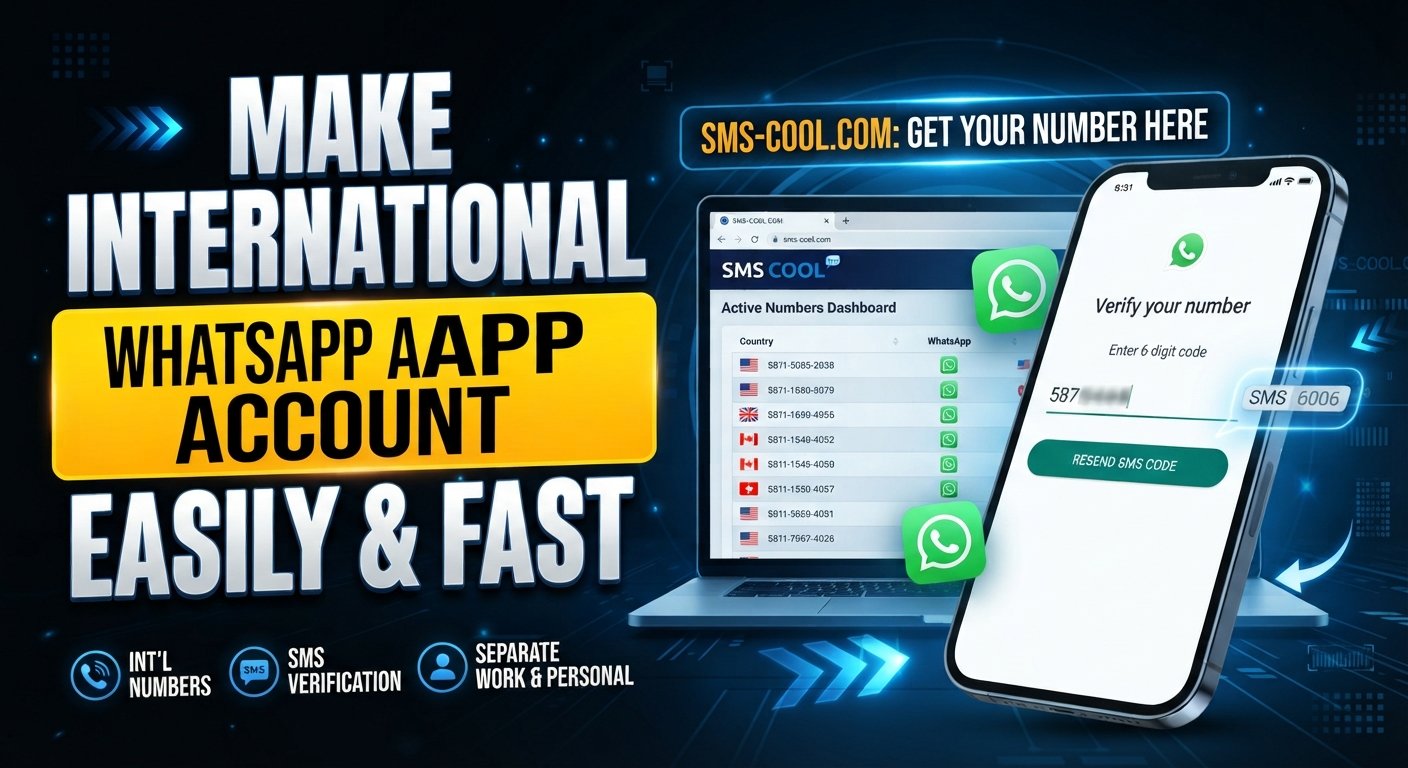
How to Make International WhatsApp Account
If you need to communicate with people in another country, separate personal and business conversations, or maintain an overseas contact number, you may be wondering how to make an international WhatsApp account.
The basic process is straightforward: WhatsApp accounts are registered using phone numbers, and the number must go through WhatsApp's verification process. The main challenge is having access to an appropriate international number that can receive the required verification message.
This is where a service such as SMS COOL can be useful. Where supported, SMS COOL provides access to international or virtual numbers that can receive SMS, giving users another option when they need an international phone number for WhatsApp registration.
However, verification is ultimately controlled by WhatsApp. Not every virtual or international number will necessarily be accepted, and SMS reception and availability can vary by number and service.
What Is an International WhatsApp Account?
An "international WhatsApp account" generally means a WhatsApp account registered with a phone number from a country different from the user's usual country or location.
For example, someone who normally uses a local phone number may want to register WhatsApp with a number associated with another country. The account itself still works through WhatsApp in the normal way; the international aspect primarily comes from the phone number used during registration.
The phone number is important because WhatsApp uses it during account verification. After entering a number, WhatsApp may send a WhatsApp verification code by SMS or provide another verification method when available.
So, when people search for how to create an international WhatsApp account, they are usually looking for a legitimate international number that can complete this verification process.
Why Do People Want an International WhatsApp Number?
There are several practical reasons someone might want WhatsApp with an international number.
International communication
People who regularly communicate with contacts overseas may prefer having a number associated with a particular country.
Separating personal and business communication
An additional number can help keep business conversations separate from a personal WhatsApp account, depending on the user's setup and the WhatsApp features available to them.
Maintaining an overseas presence
Someone who works with international clients, travels frequently, or maintains contacts in another country may find an international number convenient for communication.
Testing international communication workflows
Businesses and developers may need to test how their communication processes work with numbers from different regions. Any testing should follow the applicable service terms and WhatsApp's requirements.
Communicating with contacts in another country
An international number can also be useful when your communication needs are closely connected to a particular country or region.
The important point is that the number should be obtained and used legitimately, and the WhatsApp registration process must still be completed through WhatsApp.
What You Need Before Creating an International WhatsApp Account
Before beginning your WhatsApp account setup, make sure you have the basics ready:
- A compatible smartphone or supported device
- A reliable internet connection
- An international phone number capable of receiving the required verification message
- The correct country code for the number
- Access to WhatsApp's official verification process
- A way to receive the WhatsApp OTP if SMS verification is offered
If you are using a virtual number, confirm that the specific number can receive SMS before relying on it for registration.
How to Make an International WhatsApp Account Step by Step
If you're learning how to make an international WhatsApp account, follow these general steps.
1. Decide which country and number you need
First, determine which country you want the number to be associated with.
Consider your actual communication requirements rather than simply choosing a country at random. You should also check whether an appropriate number is available for SMS reception.
2. Obtain an appropriate international number
You can use a traditional SIM or, where appropriate, an international virtual phone number.
For users who want an online option, SMS COOL can be considered for obtaining an international or virtual SMS number where available.
Select an available number and check its stated SMS reception capabilities before proceeding.
3. Install or open WhatsApp
Install WhatsApp through its official distribution channel, or open the application if it is already installed.
Begin the account registration process.
4. Select the correct country code
Choose the country associated with your international number.
This is important because the country code forms part of the complete phone number used for verification.
5. Enter the international number
Enter the number carefully.
Double-check the country code, area or network prefix where applicable, and the remaining digits. A small mistake can prevent the verification message from reaching the intended number.
6. Request the WhatsApp verification code
WhatsApp will attempt to verify the number using the verification method it makes available.
If SMS verification is offered, request the code and wait for the message.
7. Receive the verification SMS
If your number supports WhatsApp SMS verification and the message is successfully delivered, you can access the WhatsApp verification code.
With an SMS service such as SMS COOL, this generally means checking the service interface for the incoming SMS where supported.
8. Enter the verification code
Enter the code into WhatsApp exactly as provided.
Avoid repeatedly requesting new codes if the first message is delayed. Multiple requests can make troubleshooting more complicated.
9. Complete your WhatsApp profile
After successful number verification, finish your profile setup according to your preferences.
Your international WhatsApp account can then be configured and used according to WhatsApp's available features and policies.
How SMS COOL Can Help With International WhatsApp Verification
For people looking for an international phone number for WhatsApp, SMS COOL can provide a practical online option where suitable numbers are available.
The basic workflow is simple:
- Choose an available country and number through SMS COOL.
- Obtain the selected number.
- Enter the number into WhatsApp during registration.
- Request the WhatsApp verification code.
- Check SMS COOL for the incoming message if SMS reception is supported.
- Enter the verification code into WhatsApp.
- Complete the account setup if WhatsApp accepts and verifies the number.
This approach can be convenient for users who need a virtual number for WhatsApp rather than obtaining another physical SIM.
There is an important qualification, however: not every SMS COOL number is guaranteed to work with WhatsApp. Number availability, SMS delivery, and acceptance can vary. WhatsApp controls its own verification process and may reject or restrict certain numbers.
For that reason, SMS COOL should be viewed as a practical option for obtaining an international SMS number—not as a way to bypass WhatsApp's security systems or policies.
Physical SIM vs Virtual Number for WhatsApp
Both traditional SIM cards and virtual numbers can have a place in international communication.
FeatureInternational SIMVirtual/SMS NumberPhysical cardRequiredNot necessarilySetupMay require obtaining and activating a SIMUsually managed onlineAccessibilityDepends on the device and networkCan be accessed through the serviceSMS receptionUsually available when activeDepends on the specific number/serviceWhatsApp verificationSubject to WhatsApp verificationAlso subject to WhatsApp verificationConvenienceUseful for long-term mobile useConvenient for online number needs
A physical SIM may make more sense if you need a conventional mobile connection for calls, data, and long-term use.
A virtual SMS number may be more convenient when your primary requirement is receiving SMS online. Either way, WhatsApp must accept and successfully verify the number.
Common Problems When Creating an International WhatsApp Account
International WhatsApp registration does not always go perfectly. Here are some common problems and what you can try.
Verification code is not arriving
Check that the number is correct and can actually receive SMS. Wait before requesting another code.
If you're using SMS COOL, also confirm that the selected number supports incoming SMS for the relevant service.
The number is already being used
A number may have an existing WhatsApp history or account association. Follow the verification instructions presented by WhatsApp rather than attempting to circumvent account protections.
The number is unsupported
Some virtual, temporary, or service-based numbers may not be accepted by WhatsApp.
If this happens, the issue may be related to WhatsApp's handling of the particular number rather than a problem with your registration steps.
Incorrect country code
Review the country code before submitting the number. An incorrect country selection can send the verification request to the wrong number format.
Temporary SMS availability
Some numbers are available only for a limited period. If you need long-term account access, consider whether the number will remain accessible when future verification is required.
WhatsApp rejects the number
WhatsApp determines whether a number can be used for registration. If it is rejected, trying repeated verification requests is unlikely to solve the underlying issue. Consider another legitimate number that meets WhatsApp's requirements.
Tips for a Smooth WhatsApp Verification Process
A few simple precautions can make the WhatsApp number verification process easier:
- Enter the correct country code.
- Check every digit before submitting the number.
- Use a number that can genuinely receive SMS.
- Avoid repeatedly requesting WhatsApp OTPs.
- Keep access to the number during the verification process.
- Choose a reputable provider when using an online number.
- Check the availability and limitations of a number before starting registration.
- Follow WhatsApp's official verification process.
- If using SMS COOL, confirm that the selected number supports the SMS service you require.
- Remember that WhatsApp decides whether a particular number can be verified.
These steps are particularly useful when using a temporary phone number for WhatsApp, because access and availability may differ from a traditional mobile number.
Is an International WhatsApp Account Right for You?
An international number can be useful if your communication needs genuinely involve another country.
It may make sense for:
- International business communication
- Overseas contacts
- Travel-related communication
- Separating different communication channels
- Testing legitimate international messaging workflows
Before choosing a number, think about how long you need it and whether you will need continued access to incoming SMS.
If you expect to need future verification, account recovery, or other number-related services, reliable ongoing access can be particularly important.
Why Consider SMS COOL?
SMS COOL is worth considering if you need an online option for accessing international numbers and receiving SMS where supported.
Its practical appeal is that users can look for an available international number without necessarily obtaining a traditional physical SIM first.
For someone searching for an SMS COOL international number, the general process is:
- Find an available number.
- Check its supported SMS capabilities.
- Use the number for the intended registration or verification process.
- Monitor the service for incoming SMS where supported.
- Complete verification directly through the relevant application.
The key is to use the service according to its available features and the requirements of the platform you are registering with.
For WhatsApp specifically, there is no universal guarantee that every SMS COOL virtual number will be accepted. WhatsApp controls its verification system, and individual numbers can have different availability or compatibility.
9. FAQs
Can I create WhatsApp with an international number?
Yes, WhatsApp registration can use an international phone number when that number is accepted by WhatsApp and can complete its verification process. You need to enter the correct country code and successfully receive the required verification method.
How do I get an international number for WhatsApp?
You can obtain an international number through a traditional SIM provider or an online service such as SMS COOL, where suitable numbers are available. The number must still be accepted by WhatsApp for verification.
Can I use a virtual number for WhatsApp?
A virtual number may work for WhatsApp if WhatsApp accepts the specific number and the number can receive the required verification message. Not every virtual number is guaranteed to be compatible.
How do I receive a WhatsApp verification code?
Enter your number in WhatsApp and request verification. If SMS verification is available for that registration, WhatsApp sends a verification code to the number. With an eligible SMS service, you can check the service for the incoming message.
Why am I not receiving my WhatsApp OTP?
Check the number, country code, SMS reception capability, and network or service availability. Avoid repeatedly requesting codes. If the problem continues, the particular number may not support or be accepted for the requested verification process.
Does every international number work with WhatsApp?
No. An international number is not automatically guaranteed to work with WhatsApp. WhatsApp controls number verification, and compatibility can depend on the specific number and circumstances.
Can SMS COOL provide a number for WhatsApp verification?
SMS COOL can provide access to international or virtual SMS numbers where available, which may be useful for WhatsApp verification. However, SMS COOL cannot guarantee that every number will be accepted by WhatsApp. Verification remains subject to WhatsApp's own process.
What should I do if WhatsApp does not accept my number?
First, confirm that you entered the correct country code and number. Check whether the number can receive SMS and avoid excessive verification attempts. If WhatsApp continues to reject the number, consider a different legitimate number that meets WhatsApp's requirements.
10. Conclusion
Learning how to make an international WhatsApp account is mainly about getting the right phone number and completing WhatsApp's standard verification process.
The steps are simple: choose an appropriate country and number, enter it correctly in WhatsApp, request the verification code, receive the SMS where supported, and complete your account setup.
For users who prefer an online option, SMS COOL can be a practical place to explore international and virtual SMS numbers. It can simplify access to an international number without necessarily requiring a physical SIM, depending on the number and service available.
Just remember that WhatsApp controls its own verification system. An international or virtual number is not automatically guaranteed to work, and SMS delivery or acceptance can vary.
If an international number fits your communication needs, explore SMS COOL to see which international SMS numbers are available and suitable for your intended use.