07 Oct 2026
How to Get HelloSign Login Without Phone Number: A Simple Guide
How to Get HelloSign Login Without Phone Number
Trying to complete a HelloSign login without phone number access can be frustrating when the service asks for a verification message and your personal phone is unavailable.
The good news is that not every situation requires you to rely on your everyday mobile number. Depending on the authentication method being used and whether the service accepts the number type, a virtual phone number or temporary number can provide a practical way to receive an authentication SMS online.
HelloSign is now known as Dropbox Sign, so you may see either name when searching for instructions or accessing the service. Dropbox Sign supports additional authentication features, including SMS-based authentication for certain signing workflows.
This guide explains how HelloSign verification works, what options you have when your personal number is unavailable, and how SMS COOL can help you receive a verification code online without exposing your primary number.
Can You Log Into HelloSign Without a Phone Number?
The answer depends on what authentication step Dropbox Sign is requesting.
If your account only requires your normal credentials, you may be able to complete the HelloSign account login using those credentials without entering a phone number at that moment. Dropbox Sign states that users can log in with their Dropbox Sign credentials, while signers can also access documents through a signature request sent to their email.
However, an account or signing workflow may require an additional authentication step. Dropbox Sign offers two-factor authentication and SMS-based signer authentication as security measures.
That means there is no universal method for HelloSign without phone number access. If the particular login or verification flow requires an SMS code, you need access to a phone number that the service accepts.
This is where an online SMS solution may be useful.
Why HelloSign May Ask for Phone Verification
Phone verification is primarily about adding another layer of account or signer security.
A password alone can sometimes be compromised, reused, or exposed. An additional verification step asks the user to prove access to another channel, such as a mobile number.
For signing workflows, this can be particularly important because electronic signatures may involve contracts, agreements, financial documents, employment paperwork, or other sensitive information.
Dropbox Sign specifically describes SMS authentication and one-time access codes as security features designed to help confirm that the intended recipient is accessing a document.
So, if you encounter HelloSign SMS verification, it should not be viewed as an obstacle to bypass. It is an authentication requirement that you need to complete legitimately.
How HelloSign Verification Codes Work
A typical HelloSign verification code process is straightforward:
- You start the normal HelloSign or Dropbox Sign login or signing process.
- The service asks for phone verification if required.
- You provide an eligible phone number.
- A verification SMS is sent to that number.
- You retrieve the one-time code.
- You enter the code in the appropriate verification field.
- The normal authentication process continues.
The exact screen and authentication requirements can vary depending on the account, document, administrator settings, region, or specific Dropbox Sign workflow.
This is why it is important to distinguish between login without phone number and bypassing authentication. A legitimate alternative number can help you receive a required SMS, but it does not remove Dropbox Sign's security requirements.
How to Get HelloSign Verification Without Using Your Personal Number
If you do not have access to your regular mobile number—or simply prefer not to expose it for a particular legitimate verification task—you can consider an online phone number that supports incoming SMS.
A virtual number works through an online service rather than requiring you to use your everyday SIM card. Depending on the provider and number type, incoming messages can be viewed through an online dashboard.
This approach can be useful for people who:
- Temporarily do not have their phone available
- Need a separate number for a legitimate online task
- Want to keep their primary number private
- Are traveling and have limited access to their usual SIM
- Need to receive SMS online
- Need a temporary SMS number for a supported verification workflow
The important limitation is compatibility. Some websites and applications restrict virtual, VoIP, temporary, or disposable numbers. A virtual number therefore does not guarantee that every HelloSign or Dropbox Sign verification flow will accept it.
Use SMS COOL to Receive the Verification Code
For users looking for a practical way to handle online SMS verification, SMS COOL is a convenient option to consider.
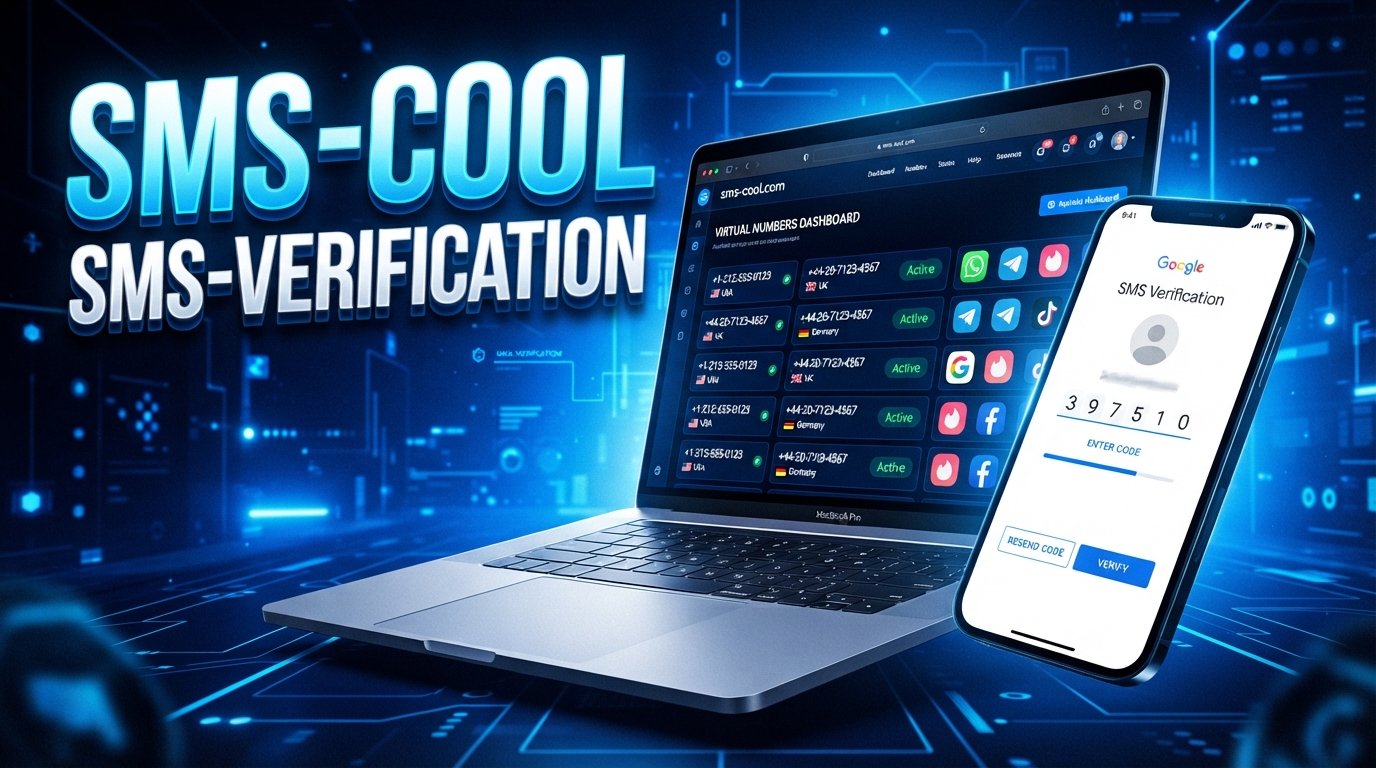
SMS COOL provides virtual numbers intended for SMS and OTP verification. Its platform allows users to choose available numbers and view incoming verification messages through an online dashboard. The service also offers short-term activations and longer-term number rentals, depending on the user's needs.
The advantage is simple: instead of putting your personal mobile number into every online verification workflow, you can use an appropriate virtual number where the third-party service permits it.
Step-by-Step: How to Use SMS COOL for HelloSign Verification
If your legitimate HelloSign or Dropbox Sign workflow requires SMS authentication and you do not want to use your personal number, the general process is:
1. Visit SMS COOL
Open SMS COOL and create an account if required.
2. Choose an appropriate number or service
Look for an available virtual or temporary number that supports the verification service you need. Availability can vary by country and platform.
3. Enter the number during the normal HelloSign or Dropbox Sign process
Use the number only where the official verification form asks for a phone number.
4. Request the verification SMS
Continue through the normal authentication process so Dropbox Sign sends the verification message.
5. Check SMS COOL for the incoming message
If the number and service are compatible, the verification SMS should appear in the SMS COOL dashboard.
6. Enter the valid verification code
Copy the code from the received message and enter it into the appropriate HelloSign or Dropbox Sign verification field.
7. Complete the normal authentication process
If the code is accepted, continue with the regular account login, document access, or signing workflow.
SMS COOL explains that its virtual numbers are designed for receiving supported verification codes online, but third-party services ultimately control whether a number is accepted.
Benefits of Using SMS COOL for Online SMS Verification
A good SMS verification service should make the process easier without pretending to defeat the security system of another platform.
Here are some practical reasons users may consider SMS COOL:
Convenience
You can access incoming verification messages through an online dashboard rather than depending entirely on a physical SIM card.
Privacy
Using a separate number can help you avoid unnecessarily sharing your personal mobile number with an online service when a separate number is appropriate.
Flexibility
SMS COOL offers temporary activations as well as rental options, giving users different choices depending on whether they need a number briefly or for longer-term use.
Accessibility
For someone who has lost access to their phone, is traveling, or needs an additional number for a legitimate purpose, an online number can be more convenient than obtaining another physical SIM.
Simple SMS Access
The basic workflow is easy to understand: select a supported number, use it for the verification request, wait for the message, and read the code online.
What to Do If the HelloSign Verification Code Does Not Arrive
Sometimes the problem is not the phone number itself.
If you cannot receive HelloSign verification code messages, try these steps:
- Confirm that you entered the number correctly.
- Check whether the selected number supports the relevant service.
- Wait briefly before requesting another code.
- Avoid repeatedly requesting codes in rapid succession.
- Check whether the verification message appears in your SMS provider's dashboard.
- Try another eligible number if the first one is not accepted.
- Check the Dropbox Sign account or document settings for another available authentication method.
- Contact Dropbox Sign support if you believe the verification requirement is preventing legitimate access.
Do not assume that repeatedly requesting codes will solve the issue. Multiple requests can sometimes make troubleshooting more confusing because several codes may become invalid as newer ones are generated.
Is Using a Temporary Phone Number Safe?
A temporary phone number can be useful, but it should be treated carefully.
First, understand what type of number you are getting. Some temporary numbers are short-lived, while rental or dedicated numbers may remain available for longer. SMS COOL provides both activation and rental options, with different usage periods.
Second, consider the sensitivity of the account.
For an important long-term account, a dedicated or longer-term number may make more sense than a disposable number because you may need access to future verification messages.
Finally, never share verification codes with another person. A code sent to you is an authentication credential. Treat it as private.
Most importantly, a temporary or virtual number should be used only for legitimate purposes and in accordance with the rules of the service you are accessing. SMS COOL's own terms prohibit illegal, fraudulent, abusive, or unauthorized use.
HelloSign Login Without Phone Number: Common Questions
Can I sign in to HelloSign without a phone number?
Sometimes. If your login only requires your normal Dropbox Sign credentials, a phone number may not be needed for that particular step. If the account or signing workflow requires SMS authentication, you will need access to an eligible number.
Is HelloSign the same as Dropbox Sign?
Yes. HelloSign was rebranded as Dropbox Sign. You may therefore see Dropbox Sign login pages, documentation, and authentication screens when looking for HelloSign login information.
Can I receive a HelloSign verification code online?
If the particular verification flow accepts the virtual number you use, you may be able to receive the verification SMS through an online SMS platform such as SMS COOL. However, acceptance is controlled by the service requesting verification.
Can I use a virtual phone number for HelloSign verification?
A virtual phone number may work when the relevant Dropbox Sign workflow accepts that number type. Not every platform accepts temporary or virtual numbers, so compatibility should never be assumed.
What is the difference between a temporary phone number and a virtual phone number?
A virtual phone number describes how the number is provided, usually through online infrastructure rather than a physical SIM. A temporary number emphasizes that the number is intended for short-term use. A temporary number can also be a virtual number.
Is SMS COOL a way to bypass HelloSign security?
No. SMS COOL does not bypass authentication or defeat Dropbox Sign security. It can provide access to a number capable of receiving SMS where the service permits it. You still need valid account credentials and must complete the required verification process.
What should I do if Dropbox Sign rejects my virtual number?
Try another eligible number if available, check whether the workflow permits virtual numbers, or use an alternative authentication method offered by Dropbox Sign. If necessary, contact official support for help with legitimate account access.
Final Thoughts
Finding a HelloSign login without phone number option is not always about avoiding phone verification altogether. In many cases, the real challenge is finding a practical way to receive the required HelloSign verification code when your personal phone number is unavailable or when you prefer not to use it.
Because HelloSign is now Dropbox Sign, authentication requirements can vary depending on the account and signing workflow. SMS-based authentication is an intentional security feature, so there is no legitimate reason to try to bypass it.
For supported situations, SMS COOL provides a practical way to obtain a virtual or temporary number and receive SMS online. It can be especially useful when you need convenience, separation from your personal number, or short-term access to an SMS verification channel.
Just remember that compatibility is never guaranteed. The safest approach is to use a number that the service accepts, keep your credentials and verification codes private, and follow Dropbox Sign's normal authentication requirements.
If you need a convenient online SMS verification option, consider exploring SMS COOL and checking which numbers and services are currently available for your legitimate verification needs.