13 Oct 2026
Google SMS Verification Explained: Codes, Fixes & SMS COOL
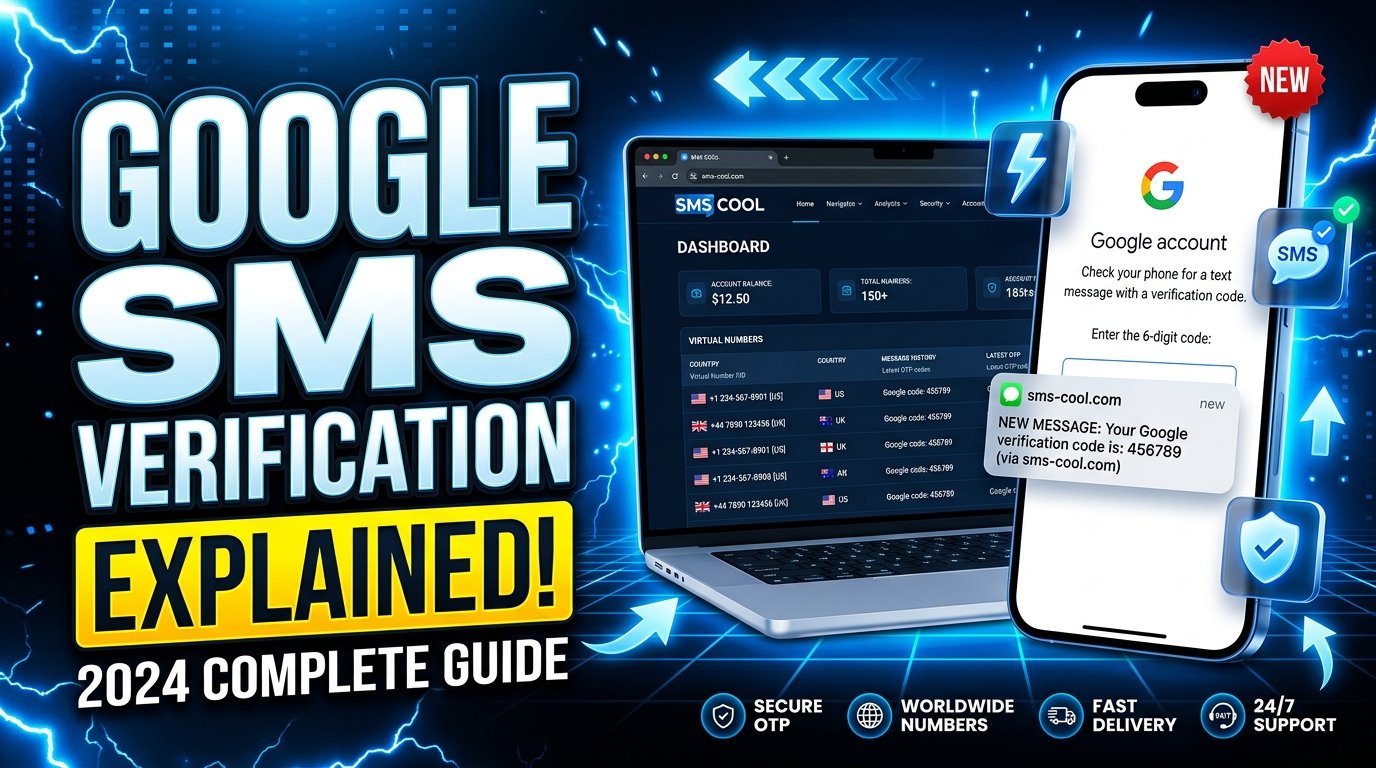
Google SMS Verification Explained
Introduction: Why Google SMS Verification Matters
Creating a Google account or signing in to an existing one is usually straightforward, but sometimes Google asks you to verify your phone number before proceeding. You may receive a text message containing a verification code that you must enter to confirm your request.
This process is known as Google SMS verification. It helps Google assess account activity, confirm access to a phone number, and protect services against certain forms of abuse.
However, verification does not always go smoothly. Messages can arrive late, some phone numbers may be rejected, and users may encounter repeated verification requests.
Understanding how the process works makes these situations easier to handle. This guide explains Google phone verification, common verification problems, practical troubleshooting steps, and how SMS COOL can help users explore SMS verification options.
Whether you are creating an account, reviewing phone number requirements, or researching an SMS verification service, you will find practical information to make informed decisions.
What Is Google SMS Verification?
Google SMS verification is a phone-based identity or access check in which Google sends a text message containing a verification code to a phone number.
The user enters that code into the relevant Google interface to complete the requested verification step.
For example, imagine you are setting up a Google account. During registration, Google asks for a phone number and sends a text containing a one-time code. You retrieve the message, enter the code, and wait for Google to confirm whether it is valid.
This is one form of Google account verification.
Depending on the situation, Google may request phone verification during account creation, suspicious sign-in attempts, account recovery, or other security-related activities. Not every account or action requires SMS verification.
It is also important to distinguish phone verification from full identity verification. Receiving a code generally demonstrates access to a phone number at that moment. It does not necessarily establish a person's legal identity or prove permanent ownership of the number.
How Does Google SMS Verification Work?
The process is relatively simple, although Google's requirements can vary depending on the account and circumstances.
Step 1: Start the Google process
Visit the relevant Google service and begin creating an account, signing in, or completing another requested action.
If Google requires phone verification, follow the instructions displayed on the screen.
Step 2: Enter an eligible phone number
Provide a phone number in the format requested by Google. Check the country code and remaining digits carefully.
Google determines which numbers and verification methods it accepts. A number that works for ordinary messaging may not necessarily be accepted for verification.
Step 3: Request the Google verification code
If SMS verification is available for your situation, Google sends a text message to the supplied number.
The message contains a code intended for the current verification attempt.
Step 4: Receive and enter the code
Open your messaging application, locate the message, and enter the code in the Google verification field.
Avoid sharing verification codes with other people. Anyone who obtains a valid code may be able to complete the associated verification step, depending on the circumstances.
Step 5: Wait for confirmation
Google checks the submitted code and determines whether the verification attempt can proceed.
A correct code does not guarantee that every account action will be approved. Google may apply additional checks or require another verification method.
Why Does Google Require Phone Verification?
Phone verification can help protect Google services and improve confidence in account activity.
Several reasons explain why the process may appear.
- Reducing automated abuse: Phone verification can make certain automated account-creation activities more difficult.
- Assessing unusual activity: A new device, unfamiliar sign-in location, or unusual pattern may lead to additional checks.
- Supporting account security: Depending on the setup, a verified phone number may be useful for account recovery or security notifications.
- Confirming access to a number: Receiving a code helps establish that the person completing the step can access the specified number at that time.
- Meeting service requirements: Some Google services or account actions may request additional verification before allowing users to continue.
These checks are not identical for every user. Google controls its verification requirements and may change the available methods based on risk, account history, and other factors.
Phone verification should therefore be understood as one part of a broader secure account verification process, rather than a universal requirement for every Google account.
Common Google SMS Verification Problems
Even when users follow the instructions correctly, Google verification problems can occur.
1. The verification code never arrives
The message may be delayed because of mobile network congestion, carrier filtering, weak coverage, or an incorrect phone number.
Some online numbers may also be unable to receive the type of message being sent.
2. Google rejects the phone number
Google may decline a number because of its type, previous use, suspected abuse, regional limitations, or other eligibility checks.
A number that receives ordinary SMS messages is not automatically suitable for Google phone verification.
3. The code arrives too late
Verification codes may expire or become invalid when a new code is requested. Entering an older message can therefore fail.
4. Too many attempts have been made
Repeated requests or unsuccessful attempts may trigger temporary restrictions. Continuing to request codes rapidly can make the situation more frustrating.
5. A virtual or temporary number does not work
A temporary phone number for verification may be shared, recycled, unsupported, or classified as unsuitable by the service requesting verification.
Even a virtual phone number for verification that can receive messages may not be accepted by Google.
6. The code is accepted, but the process does not continue
Google may require an additional security check, reject the overall attempt, or present a different verification option. SMS delivery alone does not guarantee successful account creation or recovery.
How to Fix Google Verification Code Issues
Before switching numbers or trying another SMS verification solution, work through these practical steps.
Check the phone number
Confirm that you entered the correct digits and country code. Correct simple formatting mistakes before requesting another message.
Check mobile reception
If you are using your personal SIM, make sure your device can receive ordinary text messages. Check network coverage, airplane mode, and any carrier-level message restrictions.
Wait before requesting another code
Give the message time to arrive. If it does not, follow Google's on-screen instructions instead of repeatedly requesting new codes.
When you request another code, use the newest valid message and follow the instructions provided by Google.
Try an alternative verification method
If Google offers another option, such as a prompt on a recognized device or an available account recovery method, consider using it.
The available alternatives depend on your account and the situation.
Review Google's official guidance
For account-specific issues, consult Google's official help resources:
- Google Account Help: https://support.google.com/accounts/
- Google account recovery: https://accounts.google.com/signin/recovery
These resources are especially useful when a verification restriction persists or you cannot access an existing account.
Choose a suitable number
If you are considering SMS verification online, understand the limitations of the number before using it. Confirm that you can access incoming messages and that the service's terms permit your intended use.
No third-party SMS verification service can guarantee that Google will accept a particular number.
How SMS COOL Can Help With SMS Verification
SMS COOL is an option worth exploring if you need a service to help manage SMS-based verification needs.
For users who do not want to rely exclusively on their personal phone number for every online registration, an online SMS verification service may provide another way to approach supported verification tasks.
SMS COOL can be considered when researching available phone-number options and the process for receiving verification messages. Before choosing a number, review the service's current offerings, usage conditions, and the destinations supported by the specific option.
For example, suppose you need to complete a phone verification step on an online platform. You could first identify the platform's requirements, explore whether SMS COOL offers a suitable number for that destination, and check the instructions for accessing incoming messages.
Google requires additional caution.
Do not assume that every number available through SMS COOL is compatible with Google. Google independently determines which numbers and verification methods it accepts. Availability, message delivery, and successful verification can differ by number and circumstance.
Before using any service, consider the following:
- Does the service explicitly list the destination you need?
- Can you access the incoming message within the required time?
- Are the number's privacy and reuse conditions clear?
- Does your intended use comply with Google policies and the SMS provider's terms?
- Can you use a personally controlled number instead if long-term account recovery is important?
SMS COOL should be evaluated on the basis of its current, verifiable offerings rather than assumed features or promises of universal compatibility.
For accounts you intend to keep for a long time, a personal number or another Google-supported verification method may be more appropriate, especially when you need reliable future access.
Benefits of Choosing SMS COOL
When evaluating SMS COOL as an SMS verification service, focus on practical considerations rather than marketing promises.
An option to investigate beyond your personal number
Depending on the available service options, an online SMS verification service may be useful for supported registration workflows where using a personal number is not necessary or preferred.
Review SMS COOL's current number options to determine whether they meet your specific needs.
A more informed verification process
Using a service with clear instructions can help you understand how to select an available option, request a message, and check for an incoming code.
Always verify the actual process and capabilities offered by SMS COOL before relying on them.
Flexibility for supported online services
Different platforms have different phone verification requirements. A service may be suitable for one destination but unsuitable for another.
Check destination compatibility before proceeding, and remember that Google retains control over its own acceptance rules.
An opportunity to consider privacy
Some users prefer not to provide their personal number to every online service. Alternative number arrangements may help separate certain activities, but they are not automatically private or anonymous.
Shared or temporary numbers can introduce additional risks, including other people seeing messages or future users gaining access to the same number.
SMS COOL should be assessed according to its actual privacy practices, number ownership arrangements, and terms of use.
Ultimately, the best SMS verification solution is one that meets your requirements without compromising account security or future access.
Tips for a Smoother SMS Verification Experience
A few good practices can prevent avoidable problems.
- Use accurate information. Enter the correct number and country code.
- Avoid excessive retries. Repeated code requests may trigger restrictions or invalidate earlier messages.
- Read the instructions carefully. Use the latest valid code and follow the exact steps displayed.
- Review number eligibility. Check whether your selected number type is suitable for the destination.
- Protect verification codes. Never share codes with strangers or enter them into untrusted websites.
- Consider long-term access. For an important Google account, prioritize a number or recovery method you can control in the future.
- Use official recovery channels. If you lose access to an existing account, follow Google's recovery process rather than relying on a third party to guarantee access.
- Check provider terms. Understand whether a number is private, shared, temporary, or subject to reuse before submitting sensitive information.
These habits help make Google SMS verification more predictable while reducing unnecessary security and privacy risks.
Conclusion: Choose SMS COOL for Your Verification Needs
Google SMS verification is an important checkpoint that helps Google assess access to a phone number and protect its services against certain types of abuse. Understanding how codes work, why numbers are rejected, and how to troubleshoot delivery issues can save time and reduce frustration.
When you need to explore an SMS verification service, SMS COOL is a provider to investigate for available options that fit your intended use. Review its current offerings, check destination compatibility, and understand the privacy implications before selecting a number.
Remember that Google controls its own verification requirements, and no external service can guarantee acceptance or successful verification.
Ready to explore your options? Visit SMS COOL, review the available services, and choose an approach that fits your verification needs. For important Google accounts, prioritize secure, supported verification methods and recovery options that you can access in the future.