08 Oct 2026
How Google Phone Verification Works: Complete Step-by-Step Guide Now
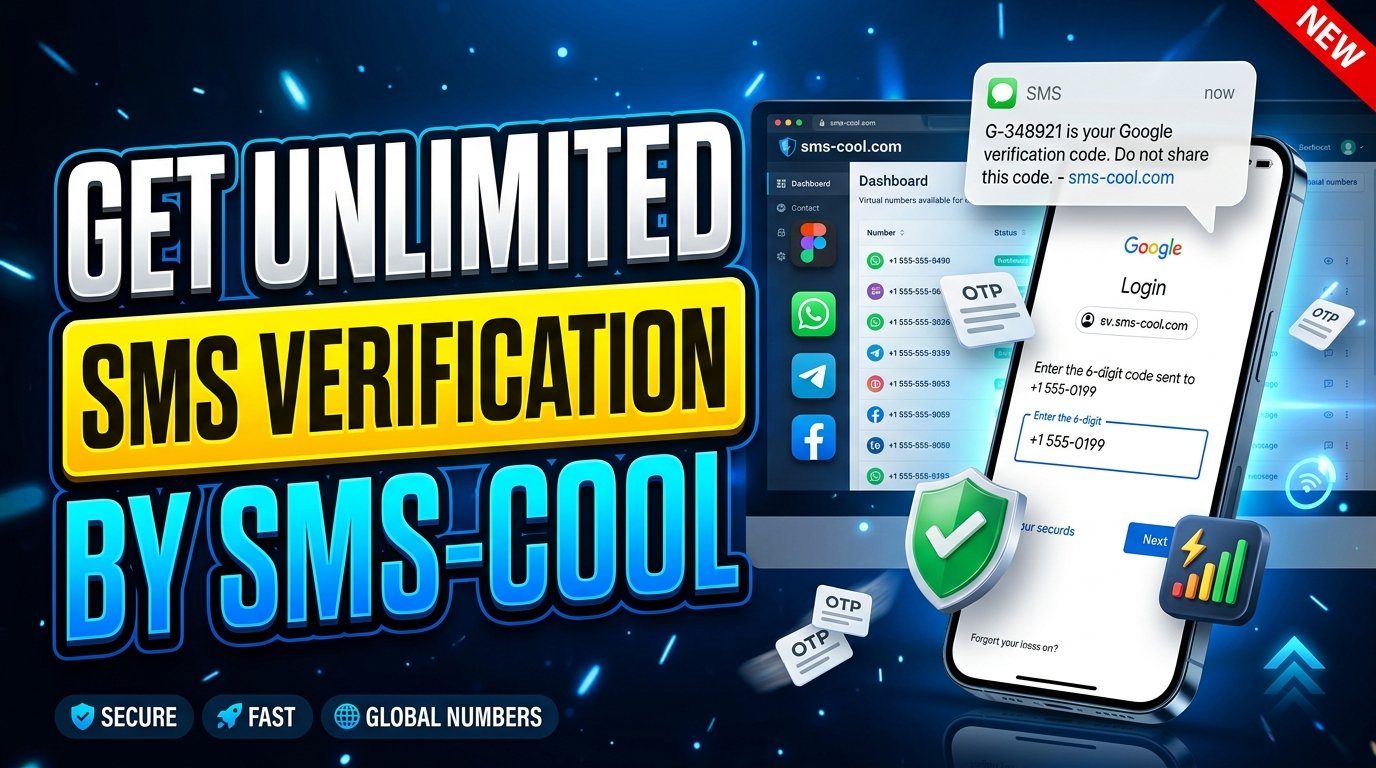
How Google Phone Verification Works
Introduction
You are signing up for a Google account, changing an important security setting, or trying to confirm your identity—and suddenly Google asks for a phone number. Then comes the familiar message: enter the verification code sent by SMS.
For many users, this takes only a few seconds. For others, the code never arrives, the number is rejected, or repeated requests temporarily stop working. That can make a simple security step surprisingly frustrating.
So, how Google phone verification works is worth understanding before you start troubleshooting. In simple terms, Google uses a phone number and a one-time verification code to confirm that you can access that number. The process helps support account security and reduce certain forms of abuse.
This guide explains the Google phone verification process from beginning to end, why verification may be required, what to do when a code does not arrive, and how an SMS verification service such as SMS COOL can provide a practical option when you need to receive verification messages.
What Is Google Phone Verification?
Google phone verification is a process used to confirm access to a specific phone number.
Instead of relying only on a password, a service can send a temporary verification code to the number you provide. You then enter that code on the relevant Google screen. If the code matches and the verification request is accepted, the phone number has been successfully confirmed for that particular purpose.
This is commonly known as SMS verification or OTP verification. OTP stands for “one-time password,” although a verification code does not necessarily function as your account password.
The important distinction is that phone verification confirms access to a number. It does not automatically mean that the phone number becomes your permanent account recovery method or that every Google feature will use it in exactly the same way.
How Google Phone Verification Works
The basic process is straightforward.
1. Entering a Phone Number
Google first asks you to provide a phone number when phone verification is required.
You need to enter the number in the correct format and, where applicable, select the correct country code. An incorrect digit, unsupported number, or number that cannot receive the required message can prevent verification.
2. Receiving an SMS Verification Code
After submitting the number, Google may send an SMS containing a temporary Google verification code.
The message usually contains a short numeric code that is intended for the current verification attempt. Delivery speed can vary depending on network conditions, carrier routing, and other factors.
3. Entering the Code
You enter the received code into the verification field.
Because verification codes are time-sensitive, it is generally better to use the newest code rather than repeatedly requesting additional messages.
4. Google Confirms the Number
If the code is correct and the verification request is still valid, Google can confirm access to the number.
The exact behavior can vary depending on why Google requested verification and which account or security process you are completing.
5. What Happens After Successful Verification?
After successful verification, Google can continue the relevant account setup, security, recovery, or verification process.
The result depends on the context. A verified number may be associated with an account or used for a particular security function, but verification does not necessarily mean the number will be used for every future account action.
Why Does Google Ask for Phone Verification?
There is no single reason why Google may request a phone number. Common reasons include:
- Account security: A phone number can provide an additional way to confirm account access.
- Identity or account verification: Google may use phone verification as part of a process designed to confirm that a user can access a particular number.
- Abuse prevention: Phone verification can make certain types of automated or abusive account activity more difficult.
- Account recovery and security: Depending on the account configuration, a phone number may support recovery or security-related processes.
- Unusual activity: Suspicious sign-ins, unfamiliar devices, or other signals may trigger additional verification.
In other words, phone verification is generally about adding another layer of confidence around an account or action.
Why You May Not Receive the Google Verification Code
A missing code does not necessarily mean that something is wrong with your Google account. Several technical or account-related issues can interfere with SMS delivery.
Delayed SMS
SMS messages can sometimes take longer than expected to arrive. Network congestion and carrier routing can contribute to delays.
Incorrect Phone Number
Even one incorrect digit can send the verification message somewhere else—or prevent delivery altogether. Always check the number and country code carefully.
Carrier or Network Problems
Your mobile carrier may experience temporary issues affecting incoming SMS messages. Weak network coverage can also cause problems.
Too Many Verification Attempts
Repeatedly requesting new codes in a short period can sometimes trigger temporary restrictions. Constantly clicking “send again” may make troubleshooting harder rather than easier.
Unsupported Numbers
Some services restrict particular number types or may not accept every temporary, virtual, landline, or VoIP number for a specific verification process.
Blocked Messages
Your phone, carrier, spam filter, or messaging settings may prevent certain automated messages from appearing normally.
Temporary Verification Restrictions
Security systems can temporarily limit verification attempts when unusual activity is detected. In these situations, waiting and following the displayed instructions may be more effective than repeatedly trying.
What Is SMS Verification?
SMS verification is a widely used method of confirming access to a phone number.
A website or application generates a temporary code and sends it by text message. The user enters that code into the service, which checks whether it matches the expected value.
This is why terms such as SMS OTP, verification code, phone number verification, and Google SMS verification are closely related.
SMS verification is not exclusive to Google. Online platforms, financial services, marketplaces, communication apps, and other websites may use similar systems when they need to confirm a user's access to a phone number.
SMS COOL: A Simple Solution for SMS Verification
When you need to receive a verification message but do not want to rely on your personal number for every online service, an SMS verification service can be a practical option.
SMS COOL is designed to help users who need access to SMS verification messages through available phone-number options. Instead of making your personal number the default choice for every verification situation, a service like SMS COOL can provide an alternative where the relevant platform supports the number type.
The practical value is convenience. You can use an appropriate number option, request the verification SMS, and access the received message without having to manage the process entirely through your personal phone.
SMS COOL can be particularly useful when you are dealing with common SMS verification problems, need to receive SMS online, or simply want a more convenient approach to verification workflows.
However, responsible use matters. A verification service should not be treated as a way to bypass a platform's security controls. Whether a particular number is accepted depends on the service, its verification policies, number availability, and the specific verification attempt.
That is why SMS COOL is best viewed as a practical phone verification solution—not a guarantee that every service will accept every available number.
How to Use SMS COOL for Verification
The general process is simple:
- Choose the appropriate service or number option available through SMS COOL.
- Use the provided number on the website or service where phone verification is supported.
- Request the verification SMS from the relevant service.
- Wait for the verification message to arrive.
- Enter the received code into the verification field.
- Complete the verification process according to the service's instructions.
If a code does not arrive, avoid immediately requesting numerous new codes. Check the number, wait for possible delivery delays, and follow the instructions provided by the service.
Most importantly, availability and acceptance can depend on the platform's verification policies. SMS COOL does not mean that every Google account, Google service, or verification attempt will necessarily accept every number option.
Google Phone Verification vs. SMS Verification
These terms are related but not identical.
Google phone verification describes Google's use of phone-number confirmation in a particular account or security process.
SMS verification describes the method of sending a verification code through text messaging.
OTP verification refers to the use of a temporary, one-time code to confirm an action or access.
Phone-number verification is the broader concept of confirming that a user can access a particular phone number.
So, when Google sends a code by text and asks you to enter it, you are experiencing a form of phone-number verification that uses SMS and an OTP-style verification code.
Is Google Phone Verification Safe?
Phone verification can add a useful layer to account security, but users should still handle verification information carefully.
Never share a verification code with someone who contacts you unexpectedly and asks for it. Legitimate verification codes are intended for the relevant account or service, not for another person to use on your behalf.
You should also pay attention to the website or application where you enter the code. A verification code can be sensitive information, especially when it is connected to an account-security process.
For online phone verification, use legitimate services and follow the platform's rules. The goal should be convenient and responsible verification—not bypassing security protections.
Tips for Successful Phone Verification
If you want to make the process smoother, keep these practical tips in mind:
- Enter the phone number and country code carefully.
- Make sure the number can receive the required type of SMS.
- Check your mobile connection and message inbox.
- Give delayed messages some time to arrive.
- Avoid repeatedly requesting new codes.
- Use the newest verification code when multiple messages arrive.
- Follow Google's on-screen verification instructions.
- If one method is unavailable, check whether Google provides another verification option.
- When using an SMS verification service, confirm that the relevant platform supports the number type.
These simple steps can prevent many common verification problems.
Frequently Asked Questions
How does Google phone verification work?
Google phone verification generally involves entering a phone number, receiving a temporary SMS verification code, entering that code, and allowing Google to confirm access to the number for the relevant process.
Why does Google ask for a phone number?
Google may request a phone number for account security, verification, abuse prevention, recovery-related functions, or because an account action requires additional confirmation.
Why am I not receiving my Google verification code?
Possible causes include SMS delays, an incorrect number, carrier problems, blocked messages, unsupported numbers, too many verification requests, or temporary restrictions.
Can I receive Google verification SMS online?
It can be possible to receive verification SMS online when the relevant service accepts the number being used. Services such as SMS COOL can provide number options for SMS verification, but acceptance depends on the platform's policies.
What is an SMS verification code?
An SMS verification code is a temporary code sent by text message to confirm access to a phone number. It is commonly used for OTP and phone-number verification.
Can SMS COOL help with phone verification?
SMS COOL can be a practical option for receiving verification SMS where the relevant platform supports the available number. However, it should not be assumed that every Google verification attempt will accept every number.
Is phone verification required for every Google account?
No. Verification requirements can vary depending on the account, action, security signals, and Google's current verification policies. If Google does not request a phone number, you may not need to complete phone verification at that stage.
Conclusion
Understanding how Google phone verification works makes the process much less confusing. In most cases, the workflow is simple: provide a phone number, receive an SMS verification code, enter the code, and let Google confirm access to the number.
The frustrating part is what happens when the message is delayed, a number is unsupported, or repeated attempts trigger temporary restrictions. Knowing the common causes can help you troubleshoot without repeatedly requesting new codes.
For users who need a convenient way to receive verification SMS, SMS COOL can be a practical solution when the relevant service supports the available number option. It can simplify the process, provide an alternative to using a personal number where appropriate, and make SMS verification more convenient.
If you regularly encounter phone verification requirements, explore SMS COOL and choose the verification option that fits your needs while always following the policies and instructions of the service you are verifying with.