09 Oct 2026
Feeld iCloud Verification Service for Quick SMS Verification
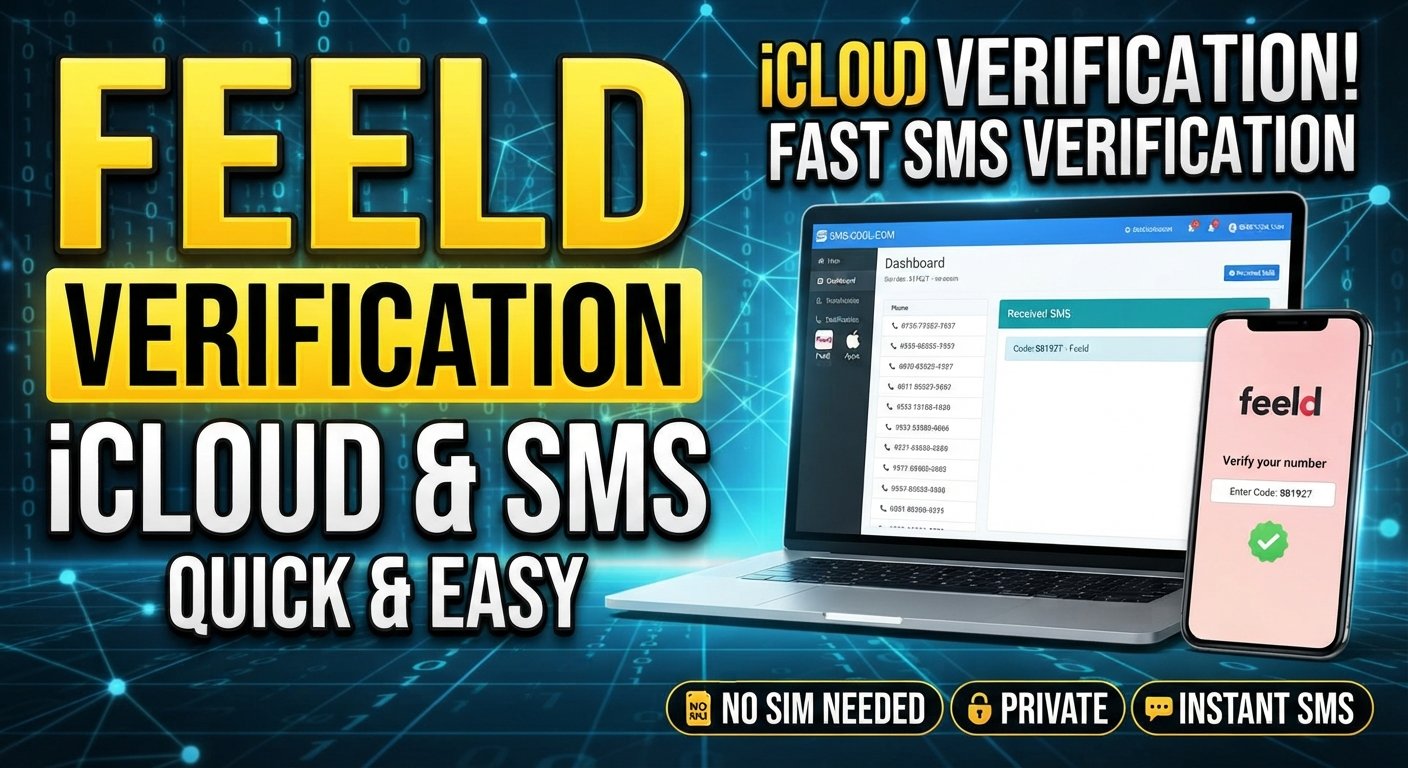
Feeld iCloud Verification Service – Quick SMS Verification
Verifying an online account should be straightforward, but waiting for a text message, dealing with an unsupported phone number, or navigating unfamiliar login options can make the process frustrating. If you're looking for a Feeld iCloud Verification Service or a convenient way to complete Feeld SMS verification, understanding your available options can save time and confusion.
SMS COOL offers virtual phone numbers and an online platform for receiving SMS verification codes for supported services. It may be a practical option when you need a separate number for a legitimate verification task and the target platform accepts that number type.
Before choosing a service, however, it's important to understand the difference between signing in to Feeld with an Apple account, verifying a phone number with Feeld, and completing Apple's own iCloud or Apple Account security checks.
This guide explains how these processes work, common verification problems, and how to evaluate SMS COOL as a convenient option without compromising account access or security.
Understanding Feeld, iCloud, and SMS Verification
What Is Feeld SMS Verification?
Feeld is a social and dating platform that supports several account login methods. Depending on the login method you're using, you may encounter email verification, SMS authentication, or an Apple account sign-in option on iOS.
Feeld's phone-number login feature uses a one-time code sent by SMS. According to Feeld's help documentation, phone-number login can be added to an existing account through its settings. A new account cannot be registered using only a phone number; another supported login method must be used first.
For eligible accounts, the general process involves entering a phone number, receiving a verification code, and entering that code in Feeld.
Learn more in the official Feeld phone-number login guide.
What Does an iCloud Verification Service Mean?
The phrase “Feeld iCloud Verification Service” can refer to different needs. Some people want to sign in to Feeld using their Apple account, while others need help receiving an SMS verification code.
These are separate processes.
- Feeld SMS verification: Confirms access to a phone number used for an eligible Feeld login or authentication process.
- Apple Account verification: Helps Apple confirm your identity when you sign in or access protected account features.
- iCloud access: Uses your Apple Account and Apple's applicable security requirements.
Using a virtual number to receive an SMS does not automatically verify an Apple Account, unlock iCloud, or satisfy every identity check.
If Apple requests a trusted phone number, follow Apple's official instructions rather than assuming a temporary number will be accepted.
Common Feeld SMS Verification Problems
Even when a verification process is simple, several issues can interrupt it.
1. The Verification Code Never Arrives
A message may be delayed, filtered, or blocked by a carrier. A number may also be unable to receive messages from a particular service.
Before trying another option, check the phone number and country code, ensure your app is up to date, and review any carrier restrictions.
2. The Phone Number Is Not Accepted
Some websites and apps restrict virtual, temporary, or previously used phone numbers. Acceptance may depend on the platform's current verification policies and its messaging provider.
A number that works for one service may not work for another. This is why you should check whether Feeld currently accepts the number type before purchasing a virtual number.
3. The Code Has Expired
One-time passwords are intended for a particular verification attempt and may expire. Request a fresh code through the official app if necessary, and use the most recent valid message.
Avoid repeatedly requesting codes in quick succession, as this can create additional delays or trigger restrictions.
4. Apple Account Verification Is Confused With Feeld Login
Choosing Apple sign-in for Feeld does not mean that a separate SMS verification service can replace Apple's account security checks.
If the problem concerns your Apple Account or iCloud, use a trusted Apple device or phone number associated with your account, or follow Apple's account recovery instructions.
Why Consider Quick SMS Verification?
A suitable SMS verification service can make certain online workflows more convenient, particularly when a service permits virtual phone numbers.
Potential benefits include:
- Convenience: Receive supported verification messages through an online dashboard rather than relying exclusively on a physical SIM.
- Separation: Keep a secondary number separate from your primary contact number for appropriate, permitted tasks.
- Flexibility: Choose between a short-term number and a rental option when available and suitable for your needs.
- Remote access: Check supported incoming messages through an internet-connected device.
- Practical account management: Keep verification activities organized without obtaining an additional physical SIM solely for a temporary task.
These benefits depend on the number, the target platform, and the service's actual capabilities. Online SMS verification is not a guarantee of successful account registration, stronger security, or complete anonymity.
Why SMS COOL Is Worth Considering
If you're searching for a Quick SMS Verification solution, SMS COOL is worth exploring for supported verification tasks.
SMS COOL provides virtual phone numbers, short-term number activations, longer-term rental options, and an online dashboard for receiving supported verification messages. Its official website also describes service selection and account balance management.
The main advantage is having a dedicated place to select an available number and monitor incoming verification messages, instead of relying entirely on a personal phone.
Key Benefits of SMS COOL
Virtual numbers for supported services
A virtual number can be useful when you have a legitimate reason to separate a verification task from your primary phone number. First confirm that the intended website or app permits this type of number.
Receive SMS online
SMS COOL provides an online workflow for checking incoming verification messages associated with supported number activations. This can be convenient when you want to handle a verification task from a browser.
Short-term and rental options
The platform describes both single-use-style number activations and rental arrangements. A rental may be more appropriate when continued access to the same number is important, although the correct option depends on the target service and the terms attached to the number.
Service selection
You can review the available services and numbers through the platform before making a purchase. Check the current listings rather than assuming Feeld is supported in every country or at all times.
A straightforward workflow
The basic process involves creating an account, adding balance, selecting a suitable service and number, and checking for an incoming code. Availability and delivery depend on the selected number and the target platform.
Explore the official SMS COOL platform to review available options before deciding whether it suits your verification needs.
How to Use SMS COOL for Online SMS Verification
The following steps describe the general workflow documented by SMS COOL. The exact screens, available services, and number options may vary.
Step 1: Visit SMS COOL
Open the SMS COOL website and review its available virtual-number services. Read the platform's terms and understand how number activations and rentals work.
Step 2: Create an Account
Register for an SMS COOL account using the information requested by the platform. Review the applicable account and privacy policies before continuing.
Step 3: Add Account Balance
SMS COOL's published instructions state that you need to add funds before purchasing a virtual number or service. Check the available payment methods, fees, and refund conditions shown on the platform.
Step 4: Check Service Availability
Search the available service listings for Feeld or the exact service you intend to verify. Select a suitable country and number only if the relevant option is listed and permitted for your intended use.
Important: Do not assume Feeld is available simply because SMS COOL supports other social platforms. If Feeld is not listed, or its acceptance of virtual numbers is unclear, consult the relevant support team before purchasing.
Step 5: Enter the Number Where Permitted
If Feeld allows the selected number type for your specific verification process, enter it carefully, including the correct country code.
Follow the instructions shown in the official app. If the number is rejected, stop and review the available alternatives instead of repeatedly attempting verification.
Step 6: Check for the Incoming SMS
Return to the SMS COOL dashboard and check whether the verification message has arrived. If a code is delivered, enter it into the appropriate official verification screen before it expires.
Never share an OTP with another person or enter it into an unrelated website.
Step 7: Confirm Continued Account Access
Once the permitted verification process is complete, review your available login methods and recovery options. If you intend to use an account over the long term, consider whether you will retain access to the number.
For further details, consult the SMS COOL service rules.
Conventional Phone Verification vs. Online SMS Verification
The best method depends on whether you need long-term access, temporary convenience, or an additional security factor.
Using Your Personal Phone Number
A personal mobile number is often the more practical choice for an account you expect to keep. You typically retain direct access to incoming messages and may find it easier to recover the account if verification is required again.
Its main drawback is that you must use your personal number for the service, which may not suit every privacy preference.
Using an Online SMS Verification Service
An online SMS verification platform can offer convenience when you need a separate number and the target service permits it.
However, temporary numbers may be shared, recycled, unavailable for repeat verification, or rejected by the target platform. Access to the number may also end when its activation or rental expires.
For a long-term Feeld account, prioritize a login method you can reliably access. For Apple Account security, use Apple's supported trusted-device and trusted-phone-number options.
Tips for a Smoother Verification Experience
Use these practical checks before requesting another code:
- Confirm the login method: Determine whether you need Feeld SMS authentication or Apple Account verification.
- Check the country code: Make sure the number matches the selected country and is entered correctly.
- Verify number compatibility: Confirm that the target service permits the number type before paying.
- Check message availability: Review the relevant dashboard and wait for the platform's stated delivery window.
- Avoid excessive retries: Repeated requests may cause delays or temporary restrictions.
- Protect your code: Enter OTPs only on the official verification screen.
- Plan for recovery: Keep a supported secondary login method where available.
- Review costs and terms: Understand activation charges, rental periods, and refund conditions before purchasing.
If Feeld still does not send a code, follow its official SMS troubleshooting guidance or contact Feeld support.
Responsible Use, Privacy, and Limitations
A temporary phone number can help separate some online activities from your main number, but it should not be treated as a complete privacy or security solution.
Depending on the service, incoming messages may be accessible through a shared or temporary number environment. Avoid using such numbers for sensitive accounts, financial services, or accounts that require dependable long-term recovery unless the provider and target platform explicitly support that use.
You should also:
- Follow Feeld's and Apple's applicable verification requirements.
- Use only accounts and phone numbers you are authorized to access.
- Avoid using verification services to impersonate others or evade account restrictions.
- Review the provider's privacy policy and retention practices.
- Keep recovery methods current and under your control.
SMS COOL is a potential convenience tool for compatible verification tasks, not a substitute for Apple's trusted-device security or Feeld's own account policies.
Frequently Asked Questions
What is a Feeld iCloud Verification Service?
The term can describe a search for help with Feeld login verification or Apple-related sign-in issues. Feeld SMS verification and Apple Account verification are separate processes, so identify which one you need before selecting a service.
Can I use SMS COOL for Feeld SMS verification?
Potentially, if the relevant number is available and Feeld accepts that type of number for your specific verification process. Check the current SMS COOL service listings and Feeld's requirements before purchasing. Successful verification is not guaranteed.
Can I receive SMS online without a physical SIM?
Yes, online SMS services provide access to messages sent to supported virtual numbers. Whether a particular website accepts those numbers depends on its own policies and messaging systems.
Does a virtual number verify my iCloud account?
No. Receiving an SMS through a virtual number does not automatically satisfy Apple's trusted-phone-number requirements or verify your Apple Account. Follow Apple's official sign-in and account recovery procedures.
Why am I not receiving my Feeld verification code?
Possible causes include an incorrect number, an incorrect country code, carrier restrictions, message delays, an outdated app, or a number the service does not accept. Follow Feeld's troubleshooting steps before trying another method.
Is SMS COOL suitable for long-term Feeld access?
That depends on the number arrangement, the platform's rules, and whether you can retain access to the number. For an account you plan to keep, choose a supported login method and recovery arrangement you can reliably access.
Is online SMS verification completely private?
No online verification method should be assumed to provide complete privacy. Review the provider's policies, understand whether numbers or messages may be shared, and avoid sending sensitive information through a temporary number.
What should I do if Feeld rejects my virtual number?
Stop retrying with that number, review Feeld's supported login options, and contact Feeld support if needed. Do not purchase additional numbers until you understand whether the selected number type is accepted.
Conclusion: Explore SMS COOL for Convenient SMS Verification
Finding a convenient verification method starts with understanding what the service actually requires. Feeld SMS verification, Apple Account security, and iCloud access are related to signing in but are not interchangeable.
For supported online verification tasks, SMS COOL offers a practical way to explore virtual phone numbers, receive SMS online, and manage incoming verification messages through an online platform.
Before purchasing, confirm that your intended service accepts the selected number, review the available options and terms, and choose a method that supports your long-term account needs.
Ready to explore your options? Visit SMS COOL to check the available virtual numbers and services. Choose carefully, follow the official verification requirements, and make account access and recovery part of your decision.