18 Sep 2026
Facebook Marketplace OTP Not Working? Complete Fix with SMS COOL
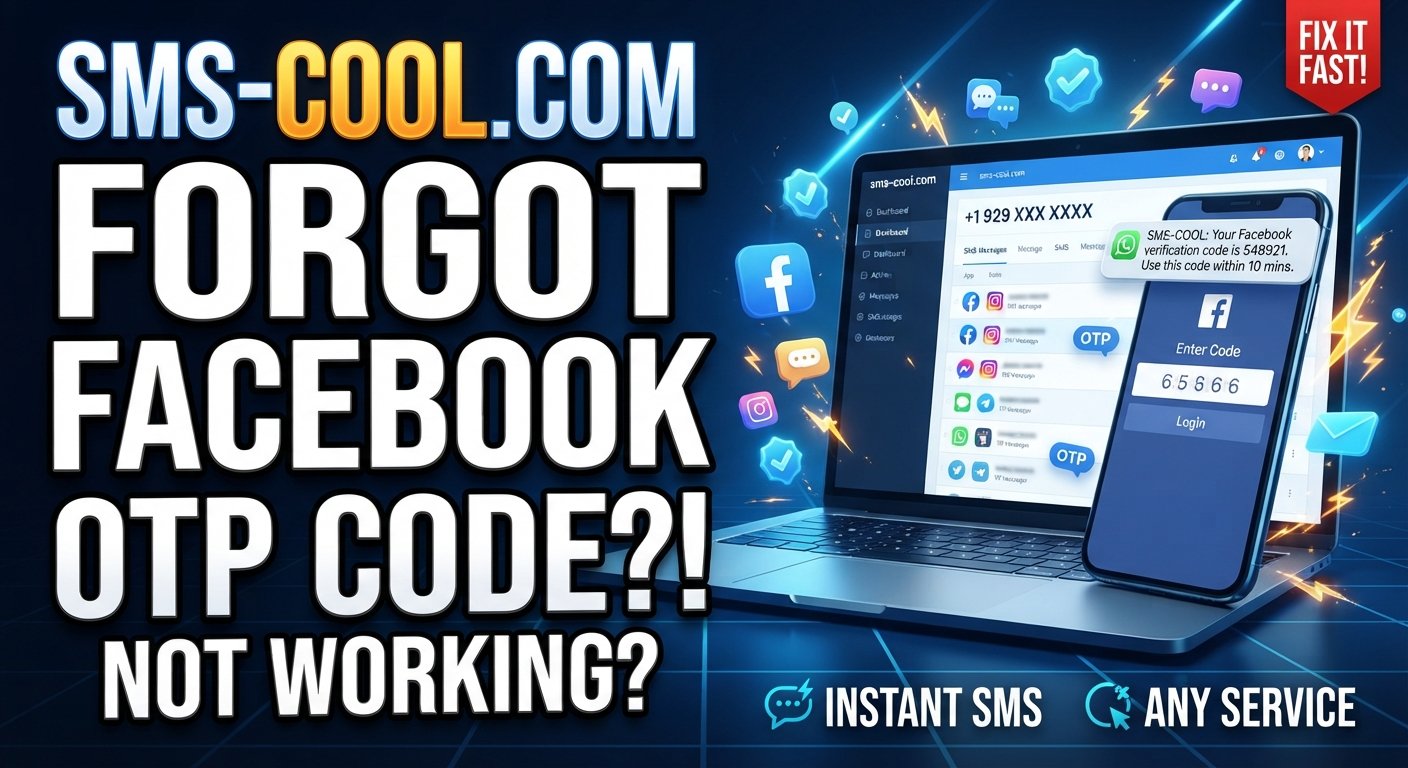
Facebook Marketplace OTP Code Not Working? Complete Fix
Trying to buy or sell something on Facebook Marketplace only to get stuck at the verification screen can be incredibly frustrating. You request a code, wait for the SMS, enter the number you received—and suddenly the code is rejected, expired, or never arrives at all.
If you are searching for Facebook Marketplace OTP Code Not Working, the problem may not necessarily be your Facebook account. Phone-number formatting, carrier delays, repeated code requests, device settings, browser problems, and other SMS delivery issues can all interfere with verification.
Facebook uses phone numbers and other verification methods as part of account security, and some Marketplace-related situations may require additional verification.
The good news is that many OTP problems are straightforward to troubleshoot. And if ordinary SMS delivery continues to be unreliable, a dedicated service such as SMS COOL may provide a practical alternative for receiving verification messages, where the number and verification method are accepted by the service you are using.
Let's look at the most common causes and fixes.
Why Is the Facebook Marketplace OTP Code Not Working?
A Facebook Marketplace verification code can fail for several different reasons. Before requesting another OTP repeatedly, identify which part of the process is actually causing the problem.
1. Your phone number or country code is incorrect
One of the simplest explanations for a Facebook Marketplace verification code not working is an incorrectly entered phone number.
Check:
- The country selected in Facebook
- The international country code
- The remaining phone-number digits
- Whether the number can receive ordinary SMS messages
- Whether the number is still active
Facebook's own help information recommends entering a complete mobile number, including the country code, for phone-based account access.
Even a small formatting mistake can result in the OTP being sent somewhere you cannot access.
2. The verification SMS is delayed
Sometimes the code has been generated successfully but has not reached your phone yet.
This can happen because of:
- Mobile carrier congestion
- Weak cellular coverage
- Temporary SMS routing delays
- Network interruptions
- Device messaging problems
If you immediately request several more codes, you can make the situation harder to diagnose. A newer OTP may also make an earlier code unusable.
If you are experiencing the classic Facebook Marketplace OTP not received problem, give the first request a little time before requesting another one.
3. You entered an older OTP
OTP codes are generally intended for short-term use. If you requested several codes, you may accidentally enter an older message.
For example, suppose you request Code A, don't receive it immediately, and then request Code B. Code B may be the code you need—even if Code A arrives first.
Always use the most recent valid code presented by Facebook and avoid switching between multiple messages.
4. You requested too many verification codes
Repeatedly clicking “Send Code” can trigger temporary restrictions or create confusion about which code is currently valid.
If you have requested several OTPs in a short period:
- Stop requesting additional codes.
- Wait before trying again.
- Keep the latest verification screen open.
- Use only the newest code you receive.
- Try again after the temporary limitation has cleared.
If the problem persists, use another available Facebook verification or account-recovery method rather than repeatedly submitting requests.
5. Your phone or carrier is blocking SMS
If you receive other text messages but never receive Facebook verification messages, check your messaging environment.
Look for:
- Blocked numbers or senders
- Spam filtering
- Full message storage
- Carrier-level SMS restrictions
- SIM problems
- Poor cellular signal
- Roaming-related restrictions
A useful test is to ask someone you trust to send you a normal SMS. If ordinary messages are also failing, the issue may be your phone or mobile carrier rather than Facebook.
Facebook's account-recovery guidance similarly recommends checking connectivity and waiting before requesting another code when codes do not arrive.
Facebook Marketplace OTP Code Not Working: Step-by-Step Fix
If you need a practical troubleshooting sequence, work through these steps in order.
Step 1: Confirm the phone number
Open your Facebook account settings and verify that the phone number is correct.
Pay particular attention to the country code. Don't accidentally add the country code twice or remove digits required by your country's international format.
Step 2: Check your phone signal
Make sure your device has a working cellular connection.
If the signal is weak:
- Move somewhere with better coverage.
- Toggle airplane mode off and on.
- Restart your phone.
- Check whether your SIM is active.
A Wi-Fi connection alone does not necessarily solve an SMS delivery problem because traditional SMS depends on your mobile service.
Step 3: Check your SMS inbox
Look through your normal messages and spam or filtered folders.
If your phone has aggressive spam protection, temporarily review its filtering settings. Some devices and carriers categorize automated messages differently from personal texts.
Step 4: Stop requesting new codes repeatedly
If you have already requested several codes, wait.
Repeated requests can leave you with several messages containing different numbers, making it easy to enter the wrong one. It is better to pause than to keep clicking the resend button.
Step 5: Try Facebook through another environment
If the code arrives but Facebook refuses to accept it, the problem could be related to the app or browser session.
Try:
- Updating the Facebook app
- Closing and reopening Facebook
- Clearing browser cache
- Using a supported browser
- Trying another device
- Logging out and back in where appropriate
Don't share your OTP with another person or enter it into an unofficial website claiming to “verify” your Facebook account.
Step 6: Check whether Facebook is asking for another verification method
Not every verification situation is solved by SMS. Facebook may provide alternative account-security or recovery options depending on your account and circumstances. Facebook also supports recovery codes for certain two-factor authentication setups.
If an alternative method is available, follow the instructions shown directly by Facebook.
What If Facebook OTP Is Still Not Coming?
At this point, you need to determine whether the problem is Facebook, your carrier, your phone, or the particular number you are using.
If regular SMS delivery is unreliable, using a dedicated SMS verification service may be worth considering for services and verification flows where such numbers are permitted.
This is where SMS COOL can become useful.
How SMS COOL Can Help With Verification SMS
SMS COOL is designed around receiving SMS messages online, making it useful when you need access to a verification message without relying entirely on your everyday mobile number.
For an eligible verification process, the basic workflow can be simple:
- Open SMS COOL.
- Choose an available phone number appropriate for the service and country.
- Use that number in the verification form if the platform permits it.
- Request the verification SMS.
- Monitor the SMS COOL interface for the incoming message.
- Enter the received OTP into the original verification page.
- Complete the verification process if the platform accepts the number and code.
The important point is that SMS COOL should be viewed as a practical SMS-receiving option, not as a method for bypassing Facebook's security controls.
Facebook may reject particular phone numbers, verification attempts, or account situations. Using an online number does not guarantee that Facebook will accept the number or complete the verification process.
For that reason, always follow Facebook's account, Marketplace, and security requirements.
When Should You Consider SMS COOL?
An online SMS verification service can make sense when the problem is specifically related to SMS availability.
For example, you might consider it when:
- Your normal number is temporarily unable to receive verification messages.
- You need a separate number for a legitimate verification workflow.
- You want to avoid relying on a personal number where the service permits alternatives.
- Your carrier repeatedly delays automated verification messages.
- You need a convenient way to monitor verification SMS online.
However, don't use a temporary number to impersonate another person, create fraudulent accounts, defeat account restrictions, or bypass Facebook's security measures.
The number should be used only where the relevant platform allows it.
Troubleshooting vs. Using a Dedicated SMS Verification Solution
There are two basic approaches when a verification SMS is unreliable.
ApproachBest forPotential drawbackTroubleshoot your regular phoneNormal account verificationMay not solve carrier or number-specific delivery problemsWait and request another codeTemporary SMS delaysRepeated requests can create additional confusionTry another supported verification methodAccounts with alternatives availableOptions vary by accountUse SMS COOL where permittedSituations requiring accessible SMS receptionThe platform may not accept every online number
The key advantage of a dedicated solution is convenience. Instead of spending a long time wondering whether your carrier, SIM, phone settings, or SMS inbox is responsible, you can test a different permitted SMS-receiving option.
That doesn't make SMS COOL a guaranteed fix. It simply gives you another practical option when normal SMS delivery is the bottleneck.
Tips to Avoid Future Facebook Verification Problems
Once you get through the verification process, a few habits can reduce future frustration.
Keep your account information accurate
Use accurate account information and keep your accessible contact details updated.
Avoid excessive OTP requests
If a code doesn't appear instantly, don't repeatedly press the resend button. Give the messaging system time to deliver the message.
Protect your verification codes
An OTP is sensitive information. Never post it publicly, send it to strangers, or enter it into a website that isn't the legitimate service you are trying to access.
Keep your phone capable of receiving SMS
If your normal number is important for account recovery, make sure the SIM remains active and your device can receive text messages.
Use official recovery options when necessary
If the problem is actually an account-access issue rather than an SMS delivery problem, changing phone numbers may not solve it. Facebook provides account-recovery options for users who have difficulty accessing their account or associated contact information.
9. FAQ Section
Why is my Facebook Marketplace OTP code not working?
The code may be expired, replaced by a newer OTP, entered incorrectly, or associated with a delayed SMS. Check the phone number, use the newest code, and avoid requesting multiple codes rapidly.
Why am I not receiving my Facebook Marketplace verification code?
Possible causes include carrier delays, weak cellular service, incorrect country-code formatting, SMS filtering, or temporary problems with the verification process. Check your phone and number before requesting another code.
What should I do if my Facebook OTP expires?
Request a new code and enter the newest valid OTP. Avoid using an older message after requesting another code because the previous OTP may no longer be accepted.
Why is Facebook not sending an SMS verification code?
The problem could be related to your phone number, mobile carrier, SMS filtering, network connectivity, or a temporary verification limitation. Facebook recommends checking your connection and waiting before requesting another code.
Can I use another phone number for Facebook Marketplace verification?
That depends on Facebook's current verification requirements and whether the alternative number is accepted. If you use a temporary phone number for verification, make sure doing so is permitted by the relevant Facebook process and that you can legitimately access the number.
How can SMS COOL help with OTP verification?
SMS COOL can provide access to SMS-receiving numbers for supported verification workflows. You select an available number, use it where permitted, monitor the incoming message, and enter the received OTP into the original verification page. It does not guarantee that Facebook will accept every number or verification attempt.
What should I do if I requested too many OTP codes?
Stop requesting additional codes for a while. Wait for the verification process to settle, then request a fresh code and use the newest one. Repeatedly requesting OTPs can make it harder to know which code is valid.
How long should I wait before requesting another verification code?
There is no universal waiting period that applies to every Facebook verification situation. If a code is delayed, give it some time before requesting another one. If you've already requested several codes, waiting longer can be preferable to repeatedly submitting new requests.
10. Final CTA
If Facebook Marketplace OTP Code Not Working is slowing you down, start with the basic fixes: verify your phone number, check your SMS settings, confirm your network connection, and stop repeatedly requesting new codes.
If ordinary SMS delivery continues to be the problem, SMS COOL can be a practical option for receiving verification SMS messages in workflows where an online number is permitted.
Use it responsibly, follow Facebook's verification requirements, and never treat an SMS service as a way to bypass security controls. When the issue is simply unreliable SMS delivery, having another legitimate way to receive a verification message can make the process much simpler.