19 Sep 2026
How to Get Dropbox Login Without Phone Number Using SMS COOL
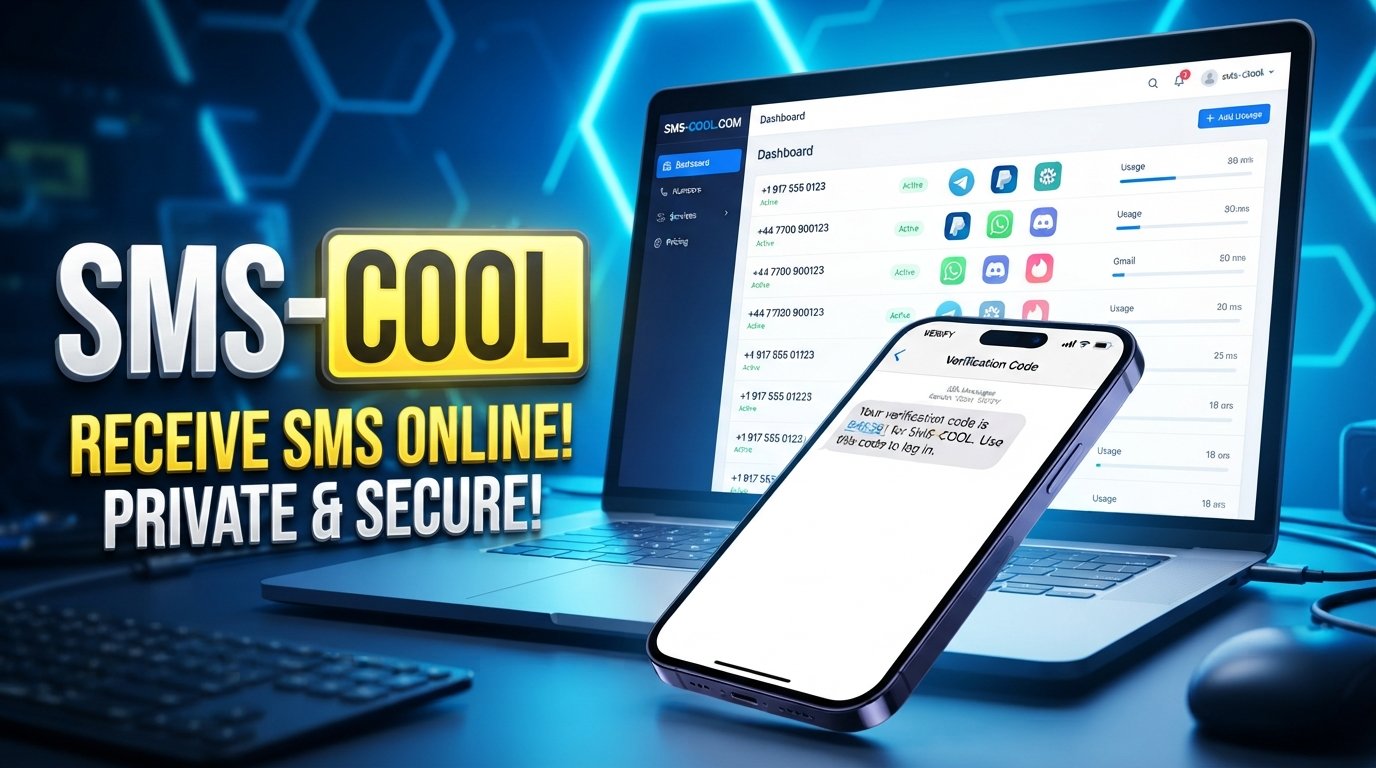
How to Get Dropbox Login Without Phone Number
Signing up for or accessing an online account can sometimes involve an extra verification step. If Dropbox asks for a phone number or sends a verification code by SMS, you may not want to use your personal number.
There are several legitimate reasons for that choice. You may want to keep your personal number private, avoid mixing account notifications with your everyday phone, or use a separate number for online services.
This is where an online SMS verification service such as SMS COOL can be useful when Dropbox offers SMS verification for your country, account flow, and available number type. Instead of giving a service your everyday mobile number, you can use an available virtual or temporary number to receive the verification SMS.
The important point is that this does not bypass Dropbox's security requirements. If Dropbox requires phone verification for a particular action, you still need to complete that verification successfully.
Can You Get a Dropbox Login Without Using Your Personal Phone Number?
In some situations, yes. You may be able to create or access a Dropbox account without using your personal phone number by using another supported verification method or an available number for receiving the required SMS.
However, the exact options can depend on Dropbox's current account process, your location, and the type of verification being requested.
If SMS verification is available, SMS COOL provides a practical way to receive SMS online using an available number. This can be helpful for people who prefer not to disclose their personal mobile number to another online service.
Keep in mind that a phone number is not necessarily required for every Dropbox account or every login. Likewise, a virtual or temporary number may not be accepted in every situation. Availability and acceptance can vary.
Why Dropbox May Ask for Phone Verification
Phone verification is commonly used by online platforms as part of account security and identity verification.
A verification SMS can help confirm that the person completing an account action has access to the phone number being used. Depending on the account flow, verification may appear during registration, login, recovery, or another security-related action.
Dropbox may also provide different verification methods depending on the circumstances.
A phone verification request can be inconvenient if:
- You do not want to share your personal mobile number.
- You are setting up an account for a specific online purpose.
- You want to separate personal and online-service communications.
- You do not have convenient access to your usual SIM card.
- You need to receive a one-time verification SMS online.
- You are using a service from a location where your normal mobile number is inconvenient to use.
Using a separate number can provide an additional layer of separation between your personal contact information and online accounts.
How SMS COOL Helps With Dropbox SMS Verification
SMS COOL is designed for situations where users need to receive SMS messages through an online number.
When Dropbox supports SMS verification for the relevant country and number, the basic process is straightforward: select an available number through SMS COOL, enter that number where Dropbox requests a phone number, and check the SMS COOL interface for the incoming verification message.
If the verification SMS arrives, you can enter the received code into Dropbox and continue the normal verification process.
This makes SMS COOL a practical option for online SMS verification without requiring you to immediately provide your everyday mobile number.
There is an important limitation: an online number is not guaranteed to work with every service. Some platforms may restrict certain number types, countries, or previously used numbers. SMS delivery can also depend on number availability and the service's current verification rules.
How to Use SMS COOL for Dropbox Verification
If you want to try a temporary phone number for Dropbox or another available virtual number, follow these general steps.
Step 1: Check the Dropbox Verification Screen
Start with the normal Dropbox sign-up or login process.
If Dropbox asks for a phone number and offers SMS verification, check which country or phone-number format is supported. Do not assume that every number type will be accepted.
Step 2: Open SMS COOL
Visit SMS COOL and review the available numbers and supported services.
Look specifically for an option appropriate for receiving a Dropbox verification message. Number availability can change, so the selection you see may vary.
Step 3: Enter the Available Number in Dropbox
Copy the selected number into the Dropbox phone-number field.
Make sure the country code and number are entered correctly. A formatting error can prevent the verification SMS from reaching the intended number.
Step 4: Request the Dropbox Verification Code
Complete the verification request on Dropbox.
If the selected number is supported and SMS delivery is available, Dropbox should send the verification message to that number.
Step 5: Receive and Enter the Code
Return to SMS COOL and check for the incoming message.
If the Dropbox verification code arrives, enter it into the appropriate Dropbox verification field and continue with the normal account process.
If the SMS does not arrive, avoid repeatedly requesting codes. Check the number, country selection, service availability, and whether Dropbox accepts that type of number before trying again.
Benefits of Using SMS COOL for Online SMS Verification
Using a separate online number can be convenient for certain verification scenarios.
Keep Your Personal Number Separate
One of the biggest advantages is separation. If you prefer not to provide your everyday mobile number to an online service, an available virtual number may be an alternative when supported.
Receive SMS Online
You can check for incoming verification messages through the SMS COOL service rather than relying entirely on your personal phone.
Convenient for Specific Online Accounts
A separate number can be useful when you are completing a one-time registration or verification process and do not want to use your primary number.
Simple Verification Workflow
The process is generally easy to understand: obtain an available number, enter it into the supported service, wait for the SMS, and use the received code.
Useful Across Supported Services
An SMS verification service can potentially be useful beyond Dropbox, although every platform has its own rules and acceptance policies.
Tips for Receiving a Dropbox Verification Code
If you are trying to receive Dropbox verification code messages successfully, a few practical steps can help.
- Check the country first. Make sure the available SMS COOL number matches a country and number format supported by Dropbox.
- Use the correct number format. Include the required country code and avoid accidentally adding extra digits.
- Wait before requesting another code. Multiple requests in quick succession can make troubleshooting more difficult.
- Check the SMS COOL inbox carefully. The verification message may take some time to appear.
- Confirm that the number is available for the intended service. Not every listed number will necessarily work with every platform.
- Follow Dropbox's instructions. If Dropbox provides another verification method, review that option as well.
- Do not share verification codes. Treat an SMS verification code as sensitive account information.
Most importantly, remember that SMS COOL can facilitate receipt of an SMS, but it cannot guarantee that Dropbox will accept a particular number or deliver a message to it.
Common Problems With Dropbox SMS Verification
Even when the process appears simple, verification can sometimes fail.
The Verification SMS Does Not Arrive
There may be a delay in SMS delivery, or the selected number may not be available for Dropbox verification. Check whether the number is still active and whether the service indicates that incoming messages are supported.
Dropbox Rejects the Number
Some online platforms restrict temporary, virtual, VoIP, or previously used numbers. If Dropbox rejects the number, trying repeatedly may not solve the underlying issue.
Instead, review the available verification methods and use a number type that Dropbox accepts.
The Code Has Expired
Verification codes are generally intended for short-term use. If the code is no longer valid, request a new one through the normal Dropbox process.
The Wrong Country Is Selected
A country mismatch can prevent verification from working. Before requesting an SMS, check the country code shown by both Dropbox and SMS COOL.
You Need Account Recovery
Logging in and recovering an account are not always the same process. Dropbox may request additional information or another verification method when recovering an existing account.
For that reason, a temporary number should not be treated as a guaranteed replacement for recovery information associated with an important account.
Frequently Asked Questions
Can I create a Dropbox account without a phone number?
Depending on the current Dropbox registration process, a phone number may not always be required. If Dropbox specifically requests SMS verification, you must use an accepted verification method to continue.
How can I get a Dropbox login without phone number?
If Dropbox offers another verification method, you can use that option. If SMS verification is required and supported, an available number from a service such as SMS COOL may allow you to receive the required code without using your personal mobile number.
Can I use a temporary phone number for Dropbox?
A temporary number may work if Dropbox accepts that number type and the number is available for SMS verification. Acceptance is not guaranteed, so check the service requirements before relying on it.
Can I use a virtual phone number for Dropbox?
A virtual phone number may be usable when Dropbox accepts the relevant number type and country. SMS COOL can provide access to available numbers for supported online SMS verification, but individual numbers and services can have different restrictions.
How do I receive a Dropbox verification code online?
If SMS verification is supported, you can use an eligible online number through an SMS verification service such as SMS COOL. Enter the supported number into Dropbox, request the code, and check the SMS COOL inbox for the incoming message.
Is SMS COOL verification guaranteed to work with Dropbox?
No. SMS delivery and acceptance depend on Dropbox's verification system, country, number availability, and the type of number being used. SMS COOL should be viewed as a practical option, not a guarantee.
Can I use SMS COOL for phone verification online?
Yes, SMS COOL can be useful for supported phone verification online scenarios where an available number can receive an incoming SMS. Each platform determines whether its verification requirements allow that number.
Final Thoughts
If you want a Dropbox login without phone number linked to your personal mobile, the first step is to understand which verification options Dropbox currently provides.
When SMS verification is required and supported, SMS COOL can be a practical way to receive the required message through an available online number. The process is simple: select a suitable number, enter it into Dropbox, request the verification SMS, and use the received code to complete the normal verification process.
The key is to keep expectations realistic. A virtual phone number for Dropbox may not be accepted in every situation, and SMS availability can vary by country, number, service, and account flow.
For the best experience, use only supported verification methods, keep your account information secure, and follow Dropbox's applicable terms and requirements. When those conditions are met, SMS COOL can provide a convenient alternative for users who prefer not to use their personal phone number for supported online SMS verification.