13 Oct 2026
Common Google Verification SMS Problems and How to Fix Them Fast
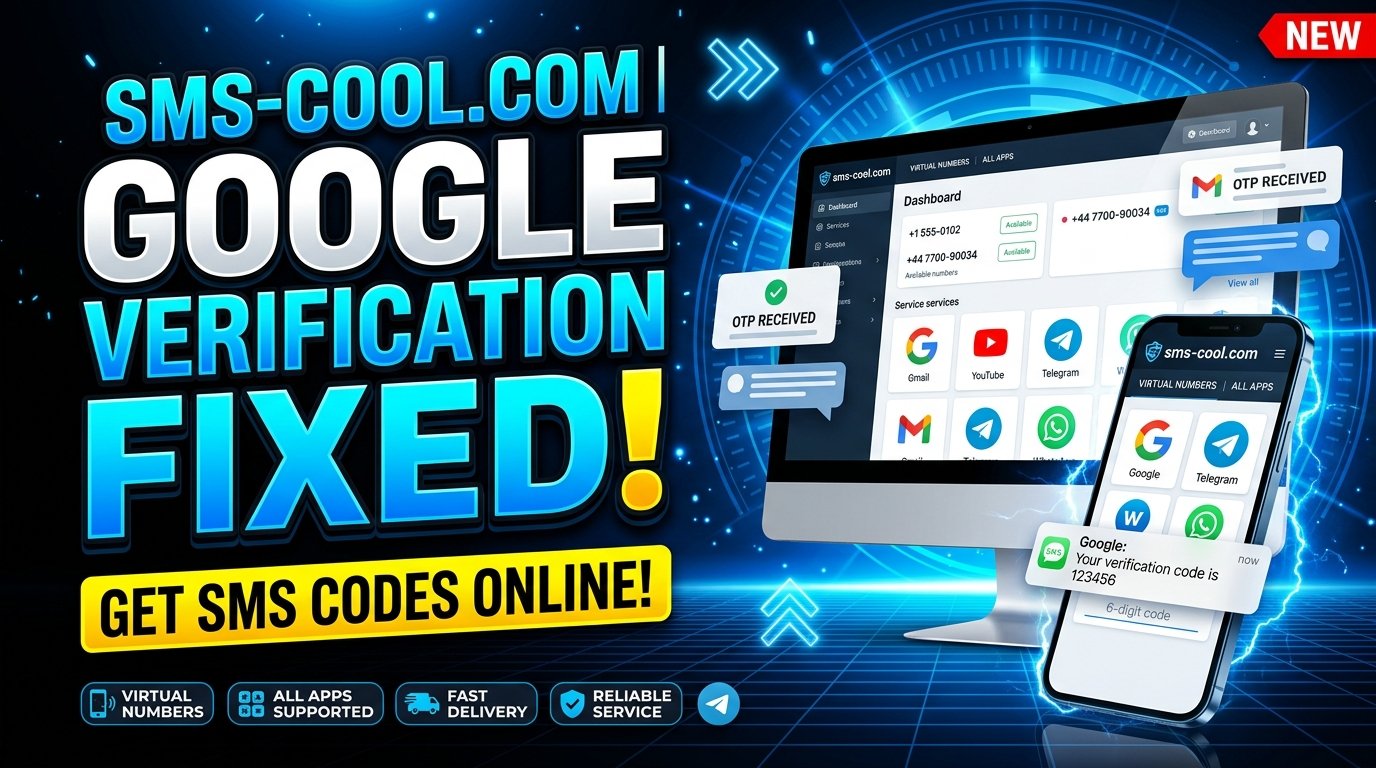
Common Google Verification SMS Problems: Causes, Fixes, and the SMS COOL Solution
Google verification helps protect accounts, but receiving the required SMS code is not always straightforward. You might enter your phone number correctly, wait several minutes, and still see no message. In other cases, the code arrives late, expires before you can use it, or fails when you enter it.
These Common Google Verification SMS Problems can interrupt account creation, delay important tasks, and leave you wondering what went wrong.
Fortunately, there are practical ways to troubleshoot most delivery issues. Depending on your situation, you may also consider an online SMS verification service such as SMS COOL, which provides virtual numbers for supported verification services.
This guide explains why Google verification messages sometimes fail, how to troubleshoot common errors, and when SMS COOL may be a suitable option.
What Are Common Google Verification SMS Problems?
Google verification SMS problems occur when you cannot receive, access, or successfully use the text message required to verify a phone number or complete an account-related security check.
Google uses verification procedures to help protect its services and reduce suspicious activity. Depending on the situation, you may be asked to confirm your phone number during account creation, sign-in, recovery, or another security-sensitive action.
Common problems include:
- Google verification SMS not received: No message appears on your phone.
- Google verification code not arriving: The message remains delayed despite requesting a code.
- Google verification code not working: The entered code is rejected.
- Expired verification codes: The code arrives too late or is no longer valid.
- Repeated verification requests: Multiple attempts make the process more confusing.
- Google phone verification issues: Google does not accept the submitted number or offers limited verification options.
Understanding the specific problem is important because a delivery delay requires a different solution from an invalid or expired code.
Why Is Google Verification SMS Not Received?
If your Google OTP is not received, several factors may be responsible. Before switching numbers or requesting another code, check the following possibilities.
1. Weak Network Signal
SMS messages depend on mobile network connectivity. If your phone has poor reception, is in airplane mode, or is temporarily disconnected from the carrier network, verification messages may arrive late.
Move to an area with better coverage, disable airplane mode if necessary, and check whether ordinary text messages can reach your device.
2. Incorrect Phone Number or Country Code
A small typing mistake can prevent successful delivery.
Check that you selected the correct country code and entered the complete phone number without accidentally omitting or duplicating digits. If your number has changed recently, make sure you are using the number currently associated with your device or account.
3. Carrier Restrictions
Some mobile carriers restrict certain automated, international, or application-generated messages. Spam filters and account-level messaging restrictions can also interfere with delivery.
Contact your carrier if ordinary SMS messages arrive normally but verification messages consistently fail.
4. Delayed Messages
Network congestion, carrier routing problems, and temporary service disruptions can delay one-time passwords (OTPs).
If the Google verification code is not arriving immediately, wait briefly before trying again. Requesting multiple codes too quickly may complicate the process because an earlier message could arrive after a newer request.
5. Too Many Verification Requests
Repeated attempts can trigger temporary restrictions or additional security checks.
Instead of requesting another code every few seconds, pause and follow any instructions displayed by Google. If you have made several unsuccessful attempts, waiting before trying again may be the more effective approach.
6. Number Eligibility and Platform Restrictions
Google may not accept every phone number for every verification attempt. Virtual, temporary, previously used, or otherwise ineligible numbers may be rejected.
This is particularly important when considering online SMS verification. A number that can receive text messages is not necessarily guaranteed to work with Google.
Common Google Verification Code Problems
Sometimes the SMS arrives, but verification still fails. Here are the most common explanations.
The Code Arrives Too Late
Verification codes are generally time-sensitive. If a message arrives after you have requested another code, the older code may no longer be the correct one to enter.
What to do: Use the most recent valid code associated with your current verification attempt. Avoid switching between several messages.
The Google Verification Code Is Incorrect
It is easy to mistype a digit, copy extra characters, or enter a code from an earlier request.
What to do: Carefully enter the latest code exactly as received. Make sure you are completing the verification process on the correct screen.
The Code Has Expired
A code may stop working after its validity period ends or after another request changes the active verification attempt.
What to do: Request a replacement only when appropriate, then use the newly issued code promptly.
Google Rejects the Phone Number
If Google does not accept your number, the issue may relate to eligibility, previous use, regional availability, or its security checks.
What to do: Confirm that the number is entered correctly and use an eligible number you control. If you are considering a virtual number, check the available service options and understand that acceptance is not guaranteed.
How to Fix Google Verification SMS Problems
Before choosing another verification method, work through these practical troubleshooting steps.
- Check your phone number. Confirm the country code and every digit.
- Check your network connection. Move somewhere with better reception and make sure your mobile service is active.
- Inspect your SMS inbox. Look for filtered messages, blocked senders, spam folders, or messaging-app restrictions where applicable.
- Test ordinary text messages. This can help identify whether the problem affects SMS generally or only verification messages.
- Contact your mobile carrier. Ask whether automated or international verification messages are restricted.
- Wait before requesting another code. Avoid repeated attempts and follow any waiting instructions displayed by Google.
- Use the newest valid code. Older codes may no longer work after another verification request.
- Try another official verification option. If Google offers a voice call or another recovery method, follow the instructions shown on its official interface.
If these steps do not resolve the issue, consider whether your number itself is the obstacle. For supported verification tasks, a virtual number may offer another way to receive messages online.
How SMS COOL Can Help Solve Google Verification SMS Problems
When standard SMS delivery becomes inconvenient, an online SMS verification service may be worth considering. SMS COOL provides access to virtual phone numbers for receiving verification messages from supported services, including Google where compatible.
Instead of relying exclusively on your personal SIM card, you can explore available virtual numbers and check whether an appropriate option is offered for your verification needs.
Visit the official website: SMS COOL
.
What Is SMS COOL?
SMS COOL is an online platform offering virtual phone numbers, temporary SMS verification options, longer-term number rentals, and related services. Its dashboard allows users to select available services and access incoming verification messages online.
According to its official website
, the platform lists Google among its supported services. However, individual numbers may not always be accepted by Google, and availability can vary.
This makes SMS COOL a potential option for people who need an alternative to their personal phone number for compatible verification tasks.
How to Explore SMS COOL for Google Verification
The process is straightforward, although the availability and acceptance of a particular number depend on the service and Google's requirements.
Step 1: Visit SMS COOL
Open sms-cool.com
and explore the virtual number options available through the platform.
Step 2: Check Service Availability
Look for Google in the available service list. Review the displayed country options, number availability, pricing, and applicable conditions before purchasing.
Step 3: Select an Appropriate Number
Choose a number that matches your intended use and complies with the platform's requirements. Do not assume that every temporary number is suitable for Google verification.
Step 4: Follow the Verification Instructions
If the number is appropriate and Google permits its use, follow Google's instructions to submit it during the verification process.
Step 5: Check for the Incoming Message
Monitor the SMS COOL dashboard for the verification message. If a code arrives, enter it into the correct verification screen before it expires.
If no message arrives, consult the platform's cancellation and refund rules before purchasing another number.
Important: SMS COOL is a third-party service, not an official Google product. Its terms explicitly state that successful registration on third-party platforms is not guaranteed. You can review its Terms and Conditions
before using the service.
Benefits of Using SMS COOL
For users whose verification needs are compatible with virtual numbers, SMS COOL offers several practical advantages.
1. Convenient Online SMS Access
A virtual number can allow you to view supported incoming verification messages through an online dashboard rather than relying on a separate physical SIM card.
This can be useful when managing online activities from a computer or when an additional number is more convenient than your primary phone.
2. Separation From Your Personal Number
Some users prefer to keep their personal phone number separate from certain online activities. Using a separate number for a permitted verification task can help maintain that separation.
However, a virtual number should not be treated as complete anonymity. Review the provider's privacy practices and remember that the account platform may apply its own identification and security requirements.
3. Flexible Number Options
SMS COOL offers instant virtual numbers and longer-term rental options. Depending on availability, this gives users a choice between short-term verification needs and situations requiring access to a number for a longer period.
If you expect to need account recovery later, consider whether a temporary number is appropriate. Losing access to the number associated with an account can complicate future recovery.
4. A Straightforward Verification Workflow
The platform provides a dashboard for selecting services and receiving verification messages. Its pay-as-you-go model also lets users explore available options without committing to a recurring subscription.
Before spending money, confirm the selected service, price, number duration, and refund conditions. Most importantly, do not assume that a successful SMS delivery means Google will approve the verification attempt.
For these reasons, SMS COOL can be a convenient option to explore when a suitable number is available and its use is permitted.
When Should You Consider an Alternative Verification Method?
A virtual number is not always necessary. In some situations, an official Google verification method may be simpler and more suitable.
Consider these alternatives when available:
- Voice verification: Google may offer an automated phone call that provides a verification code.
- Another eligible phone number: Use a different number that you control and that meets Google's requirements.
- Account recovery: If you are locked out of an existing account, follow Google's official account recovery process.
- An existing trusted device: Depending on the situation, Google may offer a prompt or another verification method on a device already associated with your account.
- Official support and help resources: Follow the instructions provided through Google's own account and security interfaces.
The available options depend on your account, device, and circumstances. Avoid repeatedly attempting methods that Google has rejected, and never share verification codes with strangers.
Frequently Asked Questions
1. Why is my Google verification SMS not received?
Possible causes include poor network coverage, an incorrect phone number, carrier restrictions, delayed delivery, or repeated verification attempts. Check your number and network, then wait before requesting another code.
2. Why is my Google verification code not working?
You may be entering an expired code, using a code from an earlier request, or making a typing error. Use the latest valid code associated with your current verification attempt.
3. How can I fix Google OTP not received problems?
Confirm your number and country code, check your SMS inbox, test your mobile connection, and contact your carrier if necessary. If Google offers another official verification method, consider using it.
4. Can I receive Google verification SMS online?
Yes, potentially. An online SMS verification service can provide a virtual number and display incoming messages through a dashboard. However, Google may reject certain numbers, and not every service or number will work for every verification request.
5. Can SMS COOL help with Google verification SMS problems?
SMS COOL offers virtual numbers and online SMS reception, and Google is listed among its supported services. You can explore available options on its official website
. Successful verification is not guaranteed because Google controls number acceptance and account security checks.
6. Is a temporary phone number suitable for Google account verification?
It may be suitable for some permitted verification scenarios, but temporary numbers can be rejected or may become unavailable later. For an important account, consider the long-term implications for recovery before choosing a temporary number.
7. Is SMS COOL an official Google service?
No. SMS COOL is an independent third-party platform. It provides virtual number and message-receiving services, but it does not control Google's verification decisions or guarantee account registration.
Conclusion: Find a Practical Solution to Google Verification SMS Problems
Dealing with Common Google Verification SMS Problems can be frustrating, particularly when you need access to an account and the expected message never arrives. Fortunately, checking your phone number, improving network connectivity, reviewing carrier restrictions, and avoiding repeated code requests can resolve many ordinary delivery issues.
When those steps are insufficient, consider whether an alternative number or another official verification method is appropriate for your situation.
SMS COOL is worth exploring if you need a convenient way to access virtual numbers and receive SMS online. Its dashboard, temporary number options, and longer-term rentals provide flexibility for supported verification tasks, although compatibility with Google is not guaranteed.
Ready to explore your options? Visit SMS COOL
, review the available Google verification services, and choose an option that fits your needs and complies with Google's requirements.
A little troubleshooting, combined with the right verification approach, can make the process more manageable while keeping account security a priority.