22 Sep 2026
Chegg Login Without Phone Number: Easy SMS COOL Guide
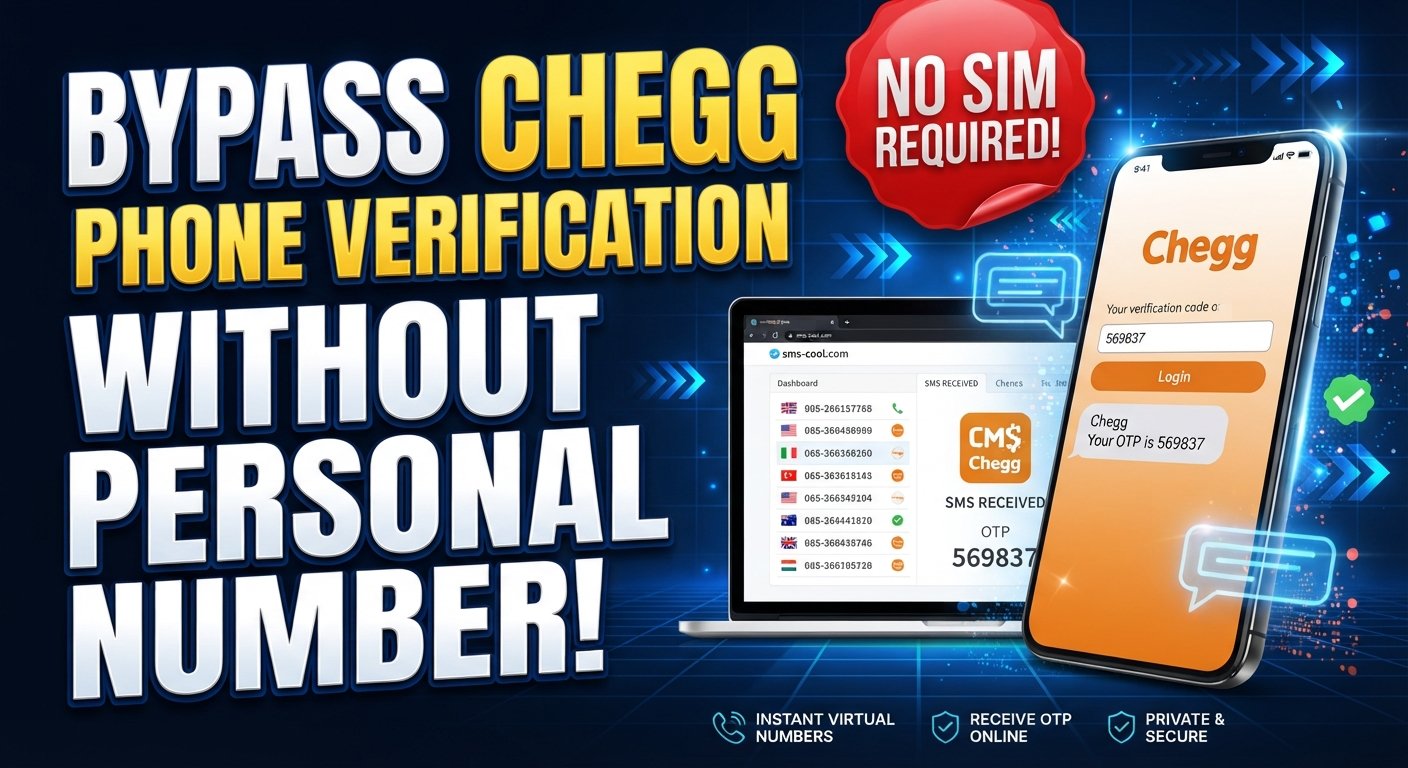
How to Get Chegg Login Without Phone Number
Trying to log in to Chegg only to discover that a phone verification step is required can be frustrating, especially if you would rather not provide your personal mobile number.
If you're searching for Chegg login without phone number, the important thing to understand is that the available verification process can depend on the account, login attempt, and Chegg's requirements at the time. Chegg's privacy policy confirms that phone numbers may be used for account administration and that certain login attempts can involve a verification code sent by call or text.
So, what can you do if you need to receive an SMS but don't want to use your regular number?
One practical option to consider is SMS COOL, an online service offering virtual numbers that can receive SMS for supported verification purposes. SMS COOL currently describes options including instant virtual numbers, longer-term rentals, and service-specific numbers.
This guide explains how the process generally works, what to expect, and where temporary numbers may not be suitable.
Can You Get a Chegg Login Without a Phone Number?
There isn't one universal answer.
You may be able to access Chegg through an available login method without being asked for a phone number, but if Chegg presents a phone verification step, you'll need to complete the verification method it requires.
Chegg's published privacy information states that the company may use a phone number for certain service-related communications, including sending a verification code by call or text to verify the authenticity of a login attempt.
That means Chegg without phone verification isn't necessarily something you can force or guarantee. The better approach is to use an available, legitimate verification method when Chegg requests one.
If you don't want to use your personal number, an online SMS number may be an alternative where the verification system accepts it.
Why Does Chegg Ask for Phone Verification?
Phone verification is commonly used as an additional account-security measure.
A verification code, often called an OTP or one-time password, helps confirm that the person attempting to sign in has access to the phone number receiving the message.
Chegg specifically notes that phone numbers can be used for service-related communications and that certain login attempts may involve verification codes sent by text or phone call.
The exact verification experience can vary. You shouldn't assume that every Chegg account or every login will require an SMS.
This distinction matters because using a third-party number does not remove Chegg's verification requirements. It simply gives you another possible destination for an SMS if Chegg accepts that number.
How to Get Chegg Login Without Your Personal Phone Number
If Chegg asks for an SMS verification code and you don't want to use your personal number, you can consider an online SMS verification service such as SMS COOL, provided the number and verification flow are supported.
Here's how the process generally works.
Step 1 — Open SMS COOL
Start by visiting SMS COOL and reviewing the available virtual-number options.
The service currently offers virtual numbers intended for SMS and OTP verification, including numbers that can be used for individual verification events and longer-term rentals.
Before selecting anything, check whether a suitable number and country are available for your particular verification requirement.
Availability can change, so don't assume that every number will work with every platform.
Step 2 — Choose an Available Number
Select an available SMS COOL phone number appropriate for the verification process.
If the service provides a choice of countries or number types, choose one that matches the requirements shown by the website you're trying to verify.
This is particularly important because some websites reject certain virtual, VoIP, recycled, or temporary numbers.
The goal isn't to bypass Chegg's security. The goal is simply to have access to a number capable of receiving the requested SMS where supported.
Step 3 — Enter the Number During Verification
Return to the Chegg login or account-verification screen.
If Chegg displays a phone-number field, enter the virtual number according to the required format. Then request the verification code.
At this point, Chegg controls whether the number is accepted and whether an SMS is sent.
If the number is rejected, repeatedly trying the same number is unlikely to solve the underlying issue. You may need another supported verification method or a different number, depending on the circumstances.
Step 4 — Receive the Verification Code
If the number is accepted and Chegg sends an SMS, check the SMS COOL dashboard or inbox associated with the number.
The incoming message may contain the Chegg verification code, assuming the SMS is successfully delivered.
This is the basic idea behind using an online SMS verification service: instead of receiving the message on your personal SIM card, you receive the SMS through the service's online interface.
Step 5 — Enter the Code
Copy the OTP from the SMS COOL inbox and enter it into the relevant Chegg verification field.
If the code is valid and the verification flow accepts the number, the process can continue normally.
Remember that receiving an SMS is only one part of authentication. Chegg can still require additional verification or prevent access for other legitimate account-security reasons.
Why Use SMS COOL for Chegg Verification?
The main attraction of an online SMS service is convenience.
For someone searching for how to access Chegg without phone number, a virtual number can provide an alternative to immediately putting a personal mobile number into a verification form.
Potential advantages include:
- No need to use your everyday mobile number for a supported one-time verification.
- Online SMS access, allowing you to check incoming messages through the service.
- Temporary-number options, depending on availability.
- Convenience when you need to receive a verification SMS rather than make calls or use a physical SIM.
- Flexible number options, with SMS COOL currently listing instant virtual numbers and longer-term rentals.
However, these benefits shouldn't be confused with a guarantee that the number will be accepted by Chegg.
SMS COOL is a third-party service and should not be represented as affiliated with, endorsed by, or officially connected to Chegg unless that relationship is explicitly confirmed.
Things to Know Before Using a Temporary Number
A temporary or virtual number isn't always the best choice for an account you intend to keep for a long time.
There are several things worth considering first.
Number availability
The number you want may not be available when you need it. Country and service availability can change.
SMS delivery isn't guaranteed
A verification SMS can be delayed, blocked, or rejected. A platform may also restrict messages to certain number types.
Some platforms reject virtual numbers
A website can distinguish between different categories of phone numbers and may refuse temporary or virtual numbers.
Number reuse can create complications
Some temporary numbers may eventually be reassigned. That makes them less suitable for an account that depends on the same number for future authentication.
Account recovery is different
A temporary number may work for a one-time verification but be a poor choice for long-term recovery.
If an account later asks you to verify ownership through the same number, you may no longer have access to it.
For important accounts, a phone number or recovery method that you control long term can be more appropriate.
Chegg Login Without Phone Number: Common Problems and Fixes
Even when the general process is straightforward, verification can fail. Here are some common situations.
OTP isn't arriving
Wait briefly and confirm that the number is still active and capable of receiving messages.
Avoid repeatedly requesting codes in quick succession, since repeated requests can complicate verification flows.
If nothing arrives, consider checking another available number or using an alternative verification method offered by Chegg.
The number is rejected
Chegg may not accept the particular virtual or temporary number.
Try a different supported number if available. If Chegg continues rejecting virtual numbers, using your personal number or contacting Chegg through its official support channels may be more appropriate.
The verification code expired
OTP codes are generally intended for short-term use.
If the code has expired, request a new one and use the latest code rather than an older message.
The number has already been used
A temporary number may have been associated with another account previously.
If this happens, don't attempt to take over or access someone else's account. Select another legitimate verification option instead.
SMS COOL doesn't have a suitable number
Availability can vary by country and service. If there isn't an appropriate number available, you may need to wait for availability to change or use another legitimate verification method.
Chegg requests additional verification
A successful SMS does not necessarily mean every login-security check is complete.
If Chegg asks for another authentication step, follow the instructions displayed by Chegg. An SMS service cannot substitute for requirements that Chegg separately imposes.
Is SMS COOL the Right Option for You?
It depends on what you're trying to accomplish.
An online SMS number can make sense when you need to receive a one-time verification message and don't want to use your personal number, provided the target service accepts that type of number.
It may be less appropriate when:
- You expect to need the number for account recovery.
- The account is particularly important to you.
- The platform specifically requires a personal or carrier-linked number.
- You need a number that you can reliably control for an extended period.
- Chegg rejects the virtual number during verification.
In those situations, using your own number or another verification method offered directly by Chegg may be the more practical route.
Think of SMS COOL as an option for receiving SMS online—not as a method for defeating Chegg's security controls.
Frequently Asked Questions
Can I use Chegg without a phone number?
Sometimes you may be able to log in without a phone verification step, depending on the account and authentication flow. If Chegg specifically requests phone verification, you'll need to complete the method it provides.
How can I get a Chegg verification code?
If Chegg requests an SMS verification code, it generally sends the code to the phone number associated with the verification process. Chegg's privacy policy confirms that certain login attempts may involve verification codes sent by text or call.
Can I receive Chegg OTP online?
Potentially. If Chegg accepts a virtual number and sends an SMS to it, an online SMS service such as SMS COOL may allow you to view the incoming message online.
However, successful delivery isn't guaranteed.
Can I use a temporary number for Chegg?
You can try a temporary phone number for Chegg where the verification process accepts it. Some platforms restrict temporary or virtual numbers, so check the result of the verification attempt rather than assuming it will work.
Does SMS COOL work for every Chegg verification attempt?
No service should be presented as guaranteed for every attempt. Compatibility can depend on number availability, SMS delivery, and Chegg's verification requirements.
What should I do if the Chegg SMS code doesn't arrive?
First, check that the number is active and that you entered it correctly. Wait for delivery, then request another code if appropriate. If the message still doesn't arrive, try another supported verification method or contact Chegg support.
Is an online SMS number suitable for account recovery?
Usually, a temporary number deserves caution for account recovery. If you lose access to the temporary number, recovering the account may become more difficult.
For an important account, use a recovery method you can reliably control over time.
Final Thoughts
Finding a Chegg login without phone number option can be difficult when a verification prompt appears unexpectedly. Chegg's own documentation confirms that phone-based verification can be used for certain login attempts, so there isn't a universal method for avoiding phone verification.
If you prefer not to use your personal number, SMS COOL can be a practical option to explore for receiving verification SMS online where supported. Its current service includes virtual numbers for SMS and OTP verification, along with longer-term rental options.
The key is to keep expectations realistic. A temporary or virtual number may be rejected, an SMS may not arrive, and some verification flows may require additional checks.
Most importantly, use the service responsibly. Create and access only accounts you're authorized to use, follow Chegg's terms and verification requirements, and don't use temporary numbers for impersonation, unauthorized access, or other activity that violates platform rules.
Used appropriately, an online number can simply be another way to receive verification SMS without immediately exposing your personal phone number.