22 Sep 2026
Asana Login Without Phone Number: Simple SMS Verification Guide
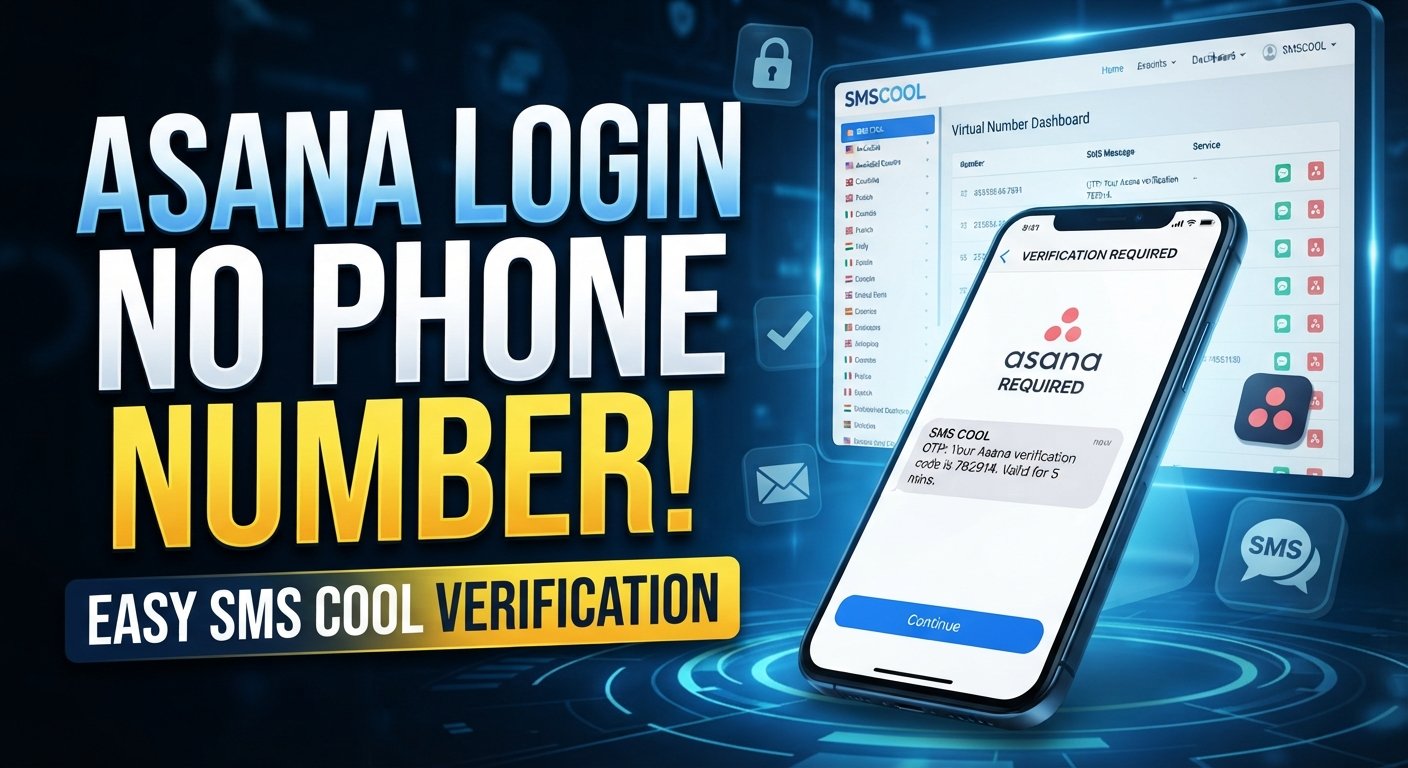
How to Get Asana Login Without Phone Number
Trying to complete an Asana login without phone number access can be frustrating, especially when you are away from your usual device or simply prefer not to use your personal number for online verification.
The good news is that a phone number is not automatically required for every Asana sign-in. Asana's documented login options include email-based login and supported identity providers, while organizations can also configure authentication methods such as SSO or SAML.
However, if a particular account workflow or related service asks you to complete SMS verification, you need a number that can actually receive the verification message. This is where an online SMS verification service such as [SMS COOL] can be useful, provided the service you are accessing accepts third-party or virtual numbers.
The important point is that an SMS service should be treated as a way to receive a legitimate verification message—not as a method for bypassing Asana security.
Why You May Need a Phone Number for Asana Login
Not every Asana account login requires a phone number.
According to Asana's account documentation, users can log in with their Asana email credentials or use supported sign-in options such as Google. Organizations may also use SAML authentication, and Asana supports Microsoft SSO in applicable organizational setups.
Security requirements can vary depending on how an account or organization is configured.
For example, Asana supports two-factor authentication. Its documented 2FA process uses an authenticator app to generate an authentication code rather than relying on SMS as the standard 2FA method.
This distinction matters.
A request for an Asana verification code does not necessarily mean Asana is asking for an SMS code. You should first identify what type of verification the screen is requesting.
Common situations include:
- Signing in with an existing email and password
- Using Google or another supported identity provider
- Completing organization-managed SSO or SAML authentication
- Resetting a forgotten password through email
- Completing an additional security check
- Providing an SMS code when a particular workflow explicitly requests phone verification
Knowing which situation applies can save you time and prevent you from using the wrong verification method.
Can You Get Asana Login Without Your Personal Phone Number?
Yes, in many cases you can log into Asana without using a personal phone number.
Asana's official login page currently allows users to start sign-in with an email address, while its help documentation also describes supported authentication options such as Google and SAML.
If you already have valid account credentials, you may not need a phone number at all.
There is also an important difference between these situations:
Logging in: You authenticate using the sign-in method associated with your account.
Receiving a verification code: A service sends a code to an email address, authenticator app, or phone number as part of an authentication or verification process.
Account recovery: If you cannot remember your password, Asana provides a password-reset process that sends a reset link by email.
SMS verification: If a particular service or workflow explicitly requires an SMS message, you need access to a compatible phone number that can receive that message.
If you do not want to use your personal number for such a step, an SMS verification service can be an option where third-party numbers are accepted.
How to Get Asana Login Without Phone Number
If your goal is an Asana login without phone verification, start with the normal sign-in process rather than immediately looking for a phone number.
1. Open the official Asana login page
Go to the official Asana sign-in page and begin the normal login process. The current page provides an email-based sign-in option.
2. Enter your account credentials
Use the email address associated with your Asana account and follow the instructions displayed on screen.
If your account uses Google, SSO, or another organization-managed authentication method, use the appropriate option instead.
3. Follow the security instructions shown
If Asana asks for an additional authentication step, carefully check what type of code or verification it requires.
For accounts using Asana 2FA, the documented method involves an authenticator app that generates a code.
4. If SMS verification is explicitly requested
If the particular workflow you are completing asks for a phone number and SMS code, but you do not want to use your personal number, you can consider an online SMS verification service such as SMS COOL.
The service provides virtual numbers designed to receive SMS messages and verification codes. Its own documentation also makes clear that successful verification with a third-party platform is not guaranteed because acceptance depends on the platform's rules.
5. Receive the verification SMS
If the selected number is accepted by the service and the SMS is sent successfully, retrieve the message through the SMS service and enter the received code in the verification field where permitted.
Never use this process to defeat account protections, impersonate another person, or circumvent a platform's access controls.
How SMS COOL Can Help
[SMS COOL] is designed around virtual numbers and SMS-based verification. Its website describes options for obtaining virtual numbers for OTP or SMS verification, including numbers that can receive incoming verification messages.
That makes SMS COOL potentially useful when you need a phone number for verification but would rather not provide your personal number to an online service.
Some practical use cases include:
- Receiving an SMS verification code
- Using a virtual number for SMS verification
- Separating online verification activity from your personal phone number
- Completing supported registration or verification workflows
- Receiving OTP messages through an online dashboard
The service describes a straightforward general workflow: create an account, add balance, choose a service, obtain a number, and receive the verification message through the dashboard.
For Asana specifically, however, it is important not to assume that every phone number or SMS verification method will be accepted. SMS COOL itself states that third-party platforms can impose restrictions and that successful registration or verification is not guaranteed.
Step-by-Step: Using SMS COOL for SMS Verification
If you have reached a legitimate verification screen that specifically accepts an SMS number, the general process is simple.
Step 1: Visit SMS COOL
Open the [SMS COOL website] and review the available virtual-number options.
Step 2: Create or access your account
Follow the service's account setup or sign-in process.
Step 3: Select an appropriate number
Choose a number that matches the service and verification workflow you are trying to complete, if an appropriate option is available.
Do not assume that a number offered for one platform will necessarily work with another.
Step 4: Submit the number to the verification form
Enter the number into the service's phone-number field when the third-party platform explicitly permits this type of number.
Step 5: Request the verification SMS
Continue the verification process so the platform can send its SMS.
Step 6: Retrieve the code
If the message is delivered, retrieve the verification code through SMS COOL and enter it into the corresponding verification field.
The code should only be used for the account and verification process you are authorized to complete.
Benefits of Using SMS COOL
Using a virtual or temporary number can offer several practical advantages, particularly when you do not want to use your personal phone number for every online service.
Privacy considerations
Some users prefer to keep their personal number separate from online registrations and verification workflows. A virtual number can provide an additional layer of separation.
This should not be interpreted as a guarantee of anonymity or complete privacy. Always review the terms and privacy practices of the service you use.
Convenience
An SMS verification service can be useful when you do not currently have access to your normal SIM card or phone.
Instead of waiting for access to your personal device, you may be able to receive a supported verification message through the service.
Separation from your personal number
A dedicated virtual number can help keep personal communications separate from online account activity.
Simple SMS access
For supported services, SMS COOL is designed to make receiving verification messages straightforward. Its website describes both instant virtual numbers and longer-term number rentals.
Again, compatibility depends on the platform. A virtual number is not a guaranteed replacement for every phone-verification method.
What If the Asana Verification Code Does Not Arrive?
If you are waiting for an Asana verification code or another SMS code and nothing appears, work through the basics before trying repeatedly.
Check the number
Confirm that the phone number was entered correctly and that the selected number is intended to receive messages for the service you are using.
Check the service selection
Some virtual numbers are limited to particular platforms or services. Make sure the selected option is appropriate for your verification workflow.
Wait briefly
SMS delivery can sometimes take time. Avoid repeatedly requesting new codes in rapid succession.
Check whether SMS is actually the required method
This is particularly important with Asana. Its documented 2FA process uses authenticator applications, so an authenticator-generated code should not be confused with an SMS verification code.
Use account recovery
If the real problem is a forgotten password, Asana provides a password-reset process through email.
Contact official support when necessary
If you cannot access your account because of an authentication problem, use Asana's official support resources rather than trying to work around the security mechanism.
Asana Login Without Phone Number: Common Questions
Can I log into Asana without a phone number?
Often, yes. Asana's documented login methods include email-based login and supported identity providers. A phone number is not automatically required for every Asana sign-in.
Does Asana always require phone verification?
No. Asana's standard authentication options do not mean every user must complete SMS phone verification. Authentication requirements can depend on the account and organization configuration.
How can I receive an Asana verification code?
First determine what kind of code Asana is requesting. For documented 2FA, Asana uses an authenticator app to generate the code. If a specific workflow explicitly requests SMS, a compatible phone number would be needed.
Can SMS COOL provide a number for verification?
SMS COOL provides virtual numbers intended to receive SMS and OTP messages. Whether a particular platform accepts one of those numbers depends on that platform's verification rules.
What should I do if my Asana SMS code does not arrive?
Check the number, verify that SMS is actually the required authentication method, wait briefly, and try the platform's official recovery or support options. Do not assume that every Asana verification code is delivered by SMS.
Is a temporary or virtual number suitable for every account?
No. Some services may restrict virtual, temporary, or third-party numbers. Acceptance can also change depending on the platform's current verification controls.
What alternatives are available if SMS verification is unavailable?
Use the authentication method associated with your account, such as email/password, a supported identity provider, SSO, SAML, or an authenticator app where applicable. Asana's available options depend on your account and organization setup.
Conclusion
Getting an Asana login without phone number access is often possible because standard Asana authentication does not require every user to provide a phone number. Email-based login, supported identity providers, SSO, SAML, password recovery, and authenticator-based 2FA can all play different roles depending on the account configuration.
If you encounter a legitimate workflow that specifically requires SMS verification and you prefer not to use your personal number, an SMS verification service such as [SMS COOL] may provide a practical alternative where third-party or virtual numbers are accepted.
The key is to match the solution to the verification method actually being requested. SMS COOL can help with receiving SMS messages, but it should not be treated as a way to bypass Asana's security controls, and acceptance of third-party numbers is ultimately determined by the platform.
If that approach fits your situation, explore [SMS COOL] to see whether its available virtual numbers meet your verification needs.