15 Sep 2026
How to Get Airbnb Login Without Phone Number Easily
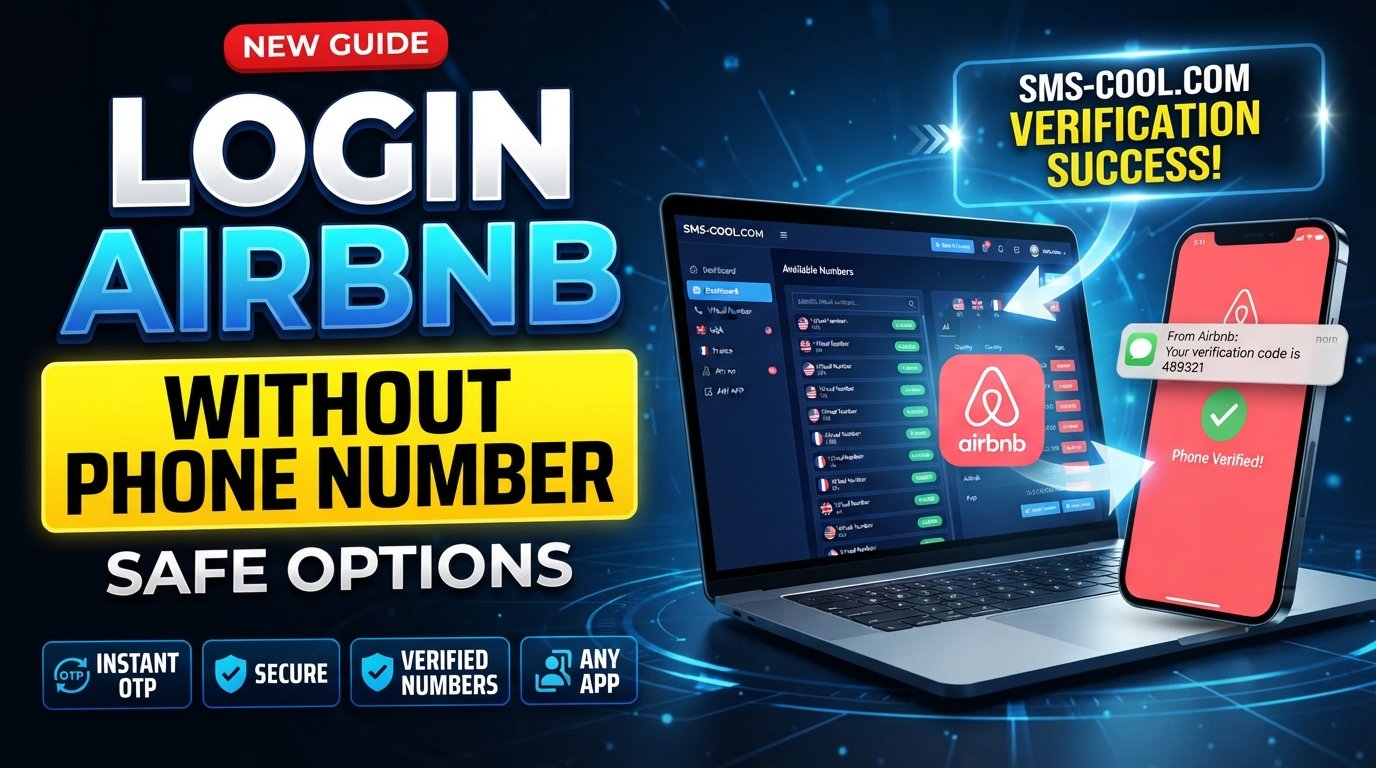
How to Get Airbnb Login Without Phone Number: Safe Options
Losing access to the phone number linked to your Airbnb account can turn a simple login into a frustrating problem. You may still remember your email and password, but a requested verification code can stop you at the final step.
The good news is that Airbnb login without phone number does not always mean you are locked out permanently. Depending on your account and the verification method Airbnb presents, you may be able to use your email, another supported login method, account recovery, or—where permitted and technically compatible—a temporary or virtual phone number.
Airbnb currently lists email, phone number, Apple ID, Google, WeChat in certain regions, and Naver in South Korea among its login options. It can also send confirmation codes by text, phone call, or email depending on the login flow.
This guide explains the legitimate options, what to do when your old number is unavailable, and how SMS COOL may help when you need access to a suitable temporary or virtual number for receiving verification SMS.
Why Airbnb May Ask for Phone Verification
Phone verification is an important part of account security. It helps connect an account with a reachable contact method and can be used for confirmation codes, notifications, and certain security processes.
Airbnb explains that keeping your phone number current helps keep your account secure and makes it easier to log in. Phone verification can involve receiving a code by SMS.
Airbnb may also use stronger verification for particular account activities. Its two-factor authentication system can require a one-time passcode sent to the phone number associated with the account.
That means an Airbnb verification code is not something you should try to bypass. If Airbnb asks for authentication, the safest approach is to complete the legitimate verification process using a method available to you.
Can You Log Into Airbnb Without a Phone Number?
Yes, in some situations.
If you are looking for Airbnb login no phone number, first check whether Airbnb offers another login method on your screen. For example, you may be able to use the email address associated with your account, your password, or a supported connected account.
Airbnb specifically recommends selecting “Try another way” when you have trouble logging in.
However, there is an important distinction between logging in without entering a phone number and completing phone verification without access to your old number.
If Airbnb requires an SMS code for your particular login or security check, you still need to complete that verification step. In some cases, Airbnb provides alternative recovery or support options rather than allowing the phone check to be skipped.
So, if you are searching for how to login Airbnb without phone number, start with Airbnb's own recovery options before looking for another number.
What to Do If You Lost Access to Your Old Number
If your old SIM card was lost, your number expired, or you changed mobile providers, try these options in order.
1. Try your email address
If your Airbnb account is connected to an email address, try logging in with that email instead of the old phone number.
Airbnb states that users can log in using an associated email address, among other supported methods.
2. Use “Try another way”
If the login screen requests a code you cannot receive, look for another available authentication option.
The exact choices can depend on the account and login situation.
3. Recover your original number
If your mobile carrier can restore your previous number, this can be the simplest solution. Contact the carrier and ask whether the number can be reactivated or transferred to a replacement SIM.
4. Contact Airbnb Support
If you no longer have access to both the phone number and email associated with the account, Airbnb directs users to contact Customer Support.
This is especially important if the account contains reservations, payments, or other information you need to protect.
Legitimate Options for Airbnb Verification
There is no universal method for Airbnb verification without phone number because the verification requirements can vary according to the login and security process.
Your legitimate options may include:
- Logging in with your associated email and password
- Using another supported sign-in method
- Selecting an alternative verification method when Airbnb provides one
- Recovering your original mobile number
- Updating your phone number after regaining account access
- Contacting Airbnb Support when you cannot complete verification
- Using a temporary or virtual number only when appropriate, available, and accepted by Airbnb
Airbnb also notes that some virtual phone numbers, including many VoIP numbers, may not receive its verification codes.
That last point matters. A virtual number is not a guaranteed solution for every Airbnb account or verification attempt.
How a Temporary or Virtual Number Can Help
A temporary phone number or virtual phone number can provide another number capable of receiving SMS online without requiring you to use your primary mobile number.
For example, if you are authorized to access an account and need a separate number for a legitimate verification process, a compatible virtual number may allow you to receive an SMS containing an Airbnb OTP.
The basic process is straightforward:
- Obtain an appropriate temporary or virtual number.
- Enter it where phone verification is requested.
- Wait for the verification SMS.
- View the message through the number provider.
- Enter the verification code into the appropriate Airbnb field.
However, compatibility is the key issue. Airbnb explicitly says that most virtual phone numbers, such as VoIP services, may not be able to receive verification codes.
Therefore, never assume that any online number will work.
How to Use SMS COOL for Receiving Verification SMS
If you need a temporary or virtual number for a legitimate verification task, SMS COOL is one option to consider.
SMS COOL provides temporary and virtual numbers designed for receiving SMS and verification codes. Its platform lets users select available numbers and monitor incoming messages through its online dashboard.
The important qualification is that SMS COOL does not guarantee that every third-party platform will accept every number. Its own terms state that platform restrictions, security verification, and number availability can affect whether a verification attempt succeeds.
That makes SMS COOL most useful when you already know that the number type and verification method are suitable for your legitimate use case.
Step-by-Step Guide
If Airbnb permits the number type and you are accessing your own authorized account, the general workflow is:
Step 1: Visit SMS COOL
Open the SMS COOL platform and review the available temporary or virtual number options.
Step 2: Select a Suitable Country and Number
Choose a country and number appropriate for the verification requirement, if available.
Step 3: Obtain the Number
Purchase or obtain the available temporary or virtual number according to the service's current options.
Step 4: Enter the Number on Airbnb
When Airbnb asks for a phone number, enter the selected number only if using a virtual or temporary number is appropriate for your account and permitted by the applicable requirements.
Step 5: Check for the Incoming SMS
Return to your SMS COOL dashboard and check whether the Airbnb verification code has arrived.
Step 6: Enter the Code
Copy the received verification code into the appropriate Airbnb verification field.
Step 7: Finish Account Recovery or Login
If Airbnb accepts the number and code, continue through the normal login or account-recovery process.
If the SMS does not arrive, do not repeatedly request codes. Check the number, country selection, compatibility, and Airbnb's troubleshooting options first.
Common Problems and Solutions
The Airbnb SMS verification code does not arrive
Check that the number was entered correctly and that the number can receive SMS from Airbnb. Airbnb recommends checking the phone number or email used and trying again after a short wait.
The virtual number is rejected
This can happen because Airbnb may restrict certain number types. Airbnb specifically warns that most virtual phone numbers, including many VoIP services, may not receive verification codes.
In this situation, try an alternative legitimate login method or contact Airbnb Support rather than repeatedly switching numbers.
You can access the account but need to update your phone
Once you regain access, Airbnb provides an option to edit the phone number under account settings. Keeping the number current can make future account access easier.
You cannot access either your phone or email
This is a stronger account-recovery situation. Contact Airbnb Support and be prepared to provide information needed to establish that you are the account owner.
Is Using a Temporary Number Safe?
A temporary number can be useful, but it should not be treated as a way to bypass Airbnb security.
Only use a number for an account you own or are explicitly authorized to access. Do not use temporary numbers to impersonate someone, evade an account restriction, defeat authentication controls, or gain access to another person's account.
There is also a practical security consideration: temporary numbers may not remain available indefinitely. If you need long-term access to an account, a number you can reliably control may be more appropriate than a disposable number.
Before using any SMS verification service, check both the service's terms and Airbnb's current requirements.
Frequently Asked Questions
Can I log into Airbnb without my phone number?
Sometimes. Airbnb supports several login methods, including email and certain connected accounts. If your particular login requires phone verification, you may need to complete that verification or use an alternative method offered by Airbnb.
How can I get an Airbnb verification code without my old number?
First try Airbnb's alternative login or recovery options. If you are authorized to access the account and Airbnb permits the number type, a compatible temporary or virtual number may be an option. Airbnb does not guarantee that virtual numbers will receive its codes.
Can I use a temporary phone number for Airbnb?
Possibly, but it depends on Airbnb's verification system and the type of number. Airbnb states that many virtual phone numbers may not receive verification codes, so compatibility should never be assumed.
Can I receive Airbnb SMS verification online?
A service such as SMS COOL can provide online access to SMS messages sent to supported virtual numbers. Whether Airbnb sends the message to and accepts a particular number depends on Airbnb's verification requirements and number compatibility.
What should I do if I lost access to my Airbnb phone number?
Try logging in with your associated email or another supported method, use “Try another way” if available, recover the old number through your carrier, or contact Airbnb Support if you cannot regain access.
Is a virtual number suitable for Airbnb verification?
It can be in some circumstances, but there is no guarantee. Airbnb says most virtual phone numbers, including many VoIP numbers, may not receive verification codes. Always check compatibility before relying on one.
How can SMS COOL help with SMS verification?
SMS COOL can provide available temporary or virtual numbers through its platform and display incoming verification messages in its dashboard. It can be considered for legitimate verification tasks where the relevant platform permits and supports the number type.
Conclusion
Finding an Airbnb login without phone number solution does not necessarily mean bypassing phone verification. The safest approach is to use Airbnb's available login and recovery methods first, including email, supported sign-in options, account recovery, or customer support.
If you need a different number for an authorized verification process, a temporary or virtual phone number can sometimes provide a practical alternative. However, Airbnb's own guidance makes clear that some virtual numbers may not receive verification codes, so no third-party number should be considered guaranteed.
For users who need to receive verification code online, SMS COOL offers temporary and virtual number options that may be useful when the number type is compatible with the service being verified. Its terms also make clear that third-party platform restrictions and SMS delivery limitations can affect results.
If you are accessing your own Airbnb account and need a temporary number for a legitimate verification requirement, explore the available options on SMS COOL, choose a suitable number if available, and use it only in accordance with Airbnb's requirements and the applicable terms.