07 Oct 2026
Adding OTP Verification to a Website: A Practical Security Guide
Adding OTP Verification to a Website: A Practical Security Guide
A website may have a strong password policy, secure hosting, and modern authentication features, yet passwords alone are not always enough to protect user accounts.
That is where OTP verification comes in.
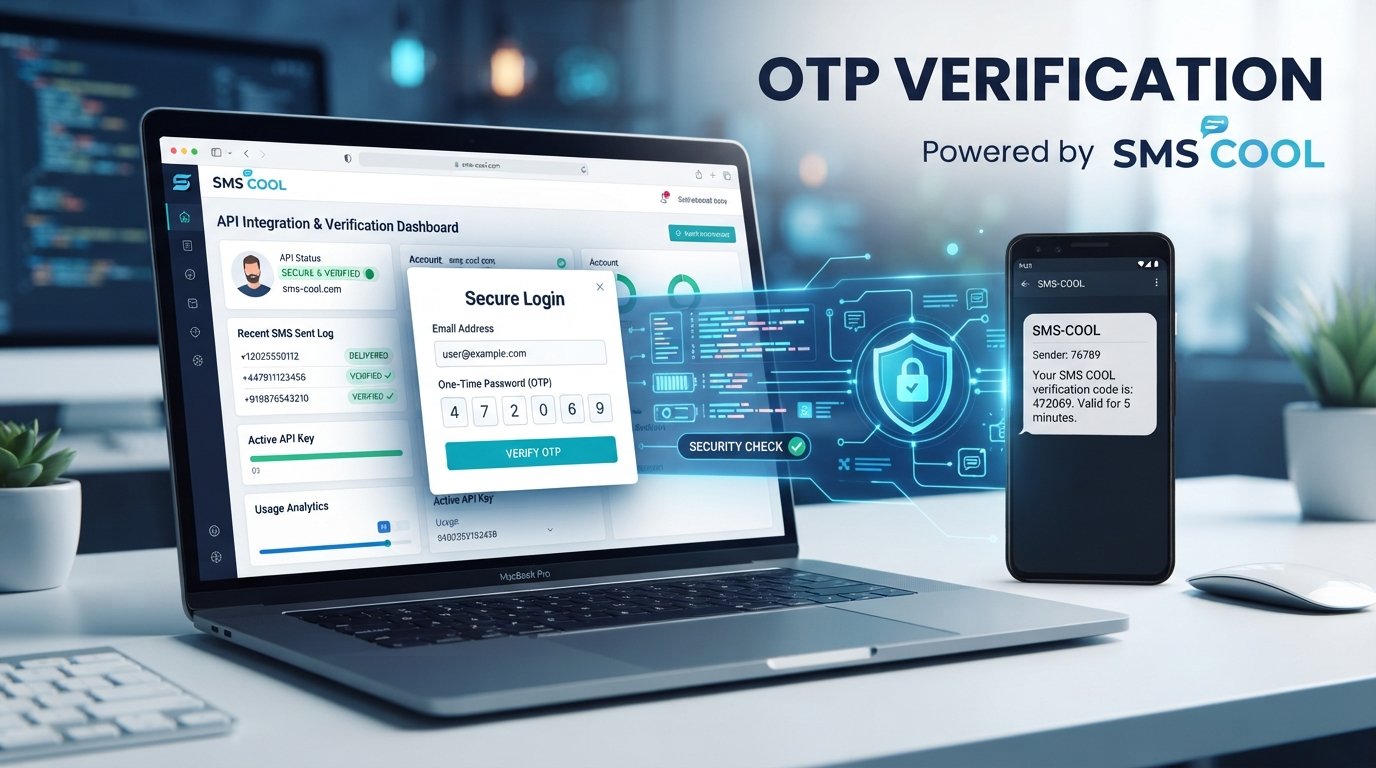
A one-time password adds an extra verification step by sending a temporary code to a user's registered mobile number. Because the code is typically valid for only a short period, it can help businesses confirm that a person attempting to register, log in, or perform a sensitive action has access to the associated phone.
For businesses building customer portals, e-commerce websites, SaaS platforms, marketplaces, financial services, and other online applications, adding OTP verification to a website can be a practical way to strengthen user verification and create a more controlled authentication process.
In this guide, we'll explain how website OTP verification works, where businesses can use it, how to implement it, what to look for in an OTP provider, and how SMS COOL can help simplify SMS-based verification.
What Is OTP Verification?
OTP stands for one-time password. It is a temporary code generated for a specific verification attempt.
For example, a website may ask a user to enter their mobile number. The system then generates a code such as:
482731
That code is sent to the user's phone through SMS. The user enters it on the website, and the system checks whether the submitted code matches the code generated for that session.
If it matches and remains within its validity period, the verification is completed.
Unlike a permanent password, an OTP is designed for one-time or short-term use. This makes it useful for confirming user identity during activities such as registration, login, password recovery, and sensitive account actions.
Why OTP Verification Matters for Websites
Online businesses need to balance security with convenience. A complicated authentication process can frustrate users, while a weak one can leave accounts unnecessarily exposed.
OTP authentication for a website provides an additional verification layer without requiring users to remember another permanent password.
Some common advantages include:
- Mobile number verification: Businesses can confirm that a user has access to a particular phone number.
- Improved account security: An additional authentication step can make unauthorized access more difficult.
- Secure login: OTPs can be used alongside passwords or as part of a passwordless login flow.
- Reduced fake registrations: Verification can help businesses validate phone numbers during account creation.
- Account recovery: Temporary codes can assist with password-reset and account-recovery workflows.
- Sensitive action verification: Businesses can request an OTP before allowing certain high-value or important actions.
OTP verification should not be treated as a complete security strategy by itself. Instead, it can form one part of a broader website security and identity-verification system.
How Does Website OTP Verification Work?
The process is relatively straightforward from the user's perspective.
1. The user enters a phone number
The user provides a mobile number during registration, login, checkout, password recovery, or another verification process.
2. The website requests an OTP
The website's backend generates a temporary one-time password and sends it to an SMS provider through an OTP API or SMS API for OTP.
3. The OTP is delivered by SMS
The user receives an SMS containing the verification code.
A typical message might say:
Your verification code is 482731. Please do not share this code with anyone.
4. The user enters the code
The website displays an OTP input field where the user submits the code they received.
5. The system validates the code
The backend checks the submitted OTP against the stored verification record.
If the code is correct, valid, and associated with the appropriate verification request, the website completes the action.
6. The OTP expires
A properly designed OTP workflow should include an expiration period and prevent unlimited attempts. This reduces the usefulness of an old or repeatedly guessed code.
Common Use Cases for OTP Verification
There are many situations where OTP verification for a website can improve the user journey while adding an additional layer of control.
User Registration
A website can request phone number verification before activating a new account. This helps businesses confirm that the supplied mobile number is accessible to the person creating the account.
Secure Login
Websites can use OTP authentication as an additional login factor or as part of a passwordless login experience.
Password Recovery
When a user forgets their password, an OTP can help verify access to the registered phone number before allowing account recovery.
E-Commerce Transactions
Online stores can use SMS verification for selected account or transaction-related actions, depending on their security requirements.
Booking and Reservation Platforms
Travel, appointment, ticketing, and reservation websites can use mobile number verification to validate customers and maintain reliable communication channels.
Two-Factor Authentication
OTP can serve as one factor in two-factor authentication, where the user must provide more than one form of verification before gaining access.
Benefits of SMS-Based OTP Verification
SMS remains a familiar communication channel for many users, making SMS OTP verification relatively easy to understand.
Some practical benefits include:
Familiar User Experience
Most users already understand how to receive and enter a verification code through their phones.
Simple Integration
Businesses can connect their websites to an SMS verification API and automate the process from code generation through message delivery.
Broad Accessibility
SMS does not require users to install a dedicated authentication application simply to receive a verification code.
Automated Workflows
Once integrated properly, OTP requests can be triggered automatically during registration, login, password recovery, and other supported workflows.
Flexible Authentication
Businesses can decide where OTP verification makes sense rather than applying the same authentication flow to every page.
How to Add OTP Verification to a Website
The exact implementation depends on your technology stack, but the overall process generally follows a few steps.
Step 1: Define the Verification Flow
First, determine where OTP verification is necessary.
For example:
- New account registration
- Login
- Password reset
- Phone number changes
- Sensitive account actions
- Transaction confirmation
Avoid adding unnecessary verification steps that create friction without providing meaningful security value.
Step 2: Generate a Secure OTP
Your backend should generate a random, temporary code rather than relying on predictable values.
The system should also associate the code with the relevant user or verification request.
Step 3: Connect an OTP API
An OTP verification API allows your website to communicate with an SMS service.
The integration generally sends information such as the destination phone number and OTP message to the provider. The provider then handles the SMS transmission.
Step 4: Display an OTP Input Screen
After requesting the code, show the user a simple verification screen.
A good interface should make it clear:
- Where to enter the code
- How long the code remains valid
- Whether the user can request another code
- What to do if the message does not arrive
Step 5: Validate the OTP on Your Backend
Do not rely solely on front-end validation. The backend should verify the submitted code before completing the requested action.
Step 6: Add Rate Limits and Attempt Controls
A secure implementation should restrict repeated OTP requests and incorrect verification attempts.
This helps reduce abuse, excessive SMS requests, and automated guessing.
Step 7: Handle Expiration and Resending
Give users a reasonable way to request a new code when an OTP expires or an SMS does not arrive.
At the same time, apply sensible limits so the resend function cannot be abused.
What to Look for in an OTP Service Provider
Choosing an OTP service provider is an important part of implementation because the provider becomes part of your verification workflow.
Consider the following factors:
API Integration
Look for an SMS API for OTP that fits your website's technical architecture and development requirements.
Documentation
Clear API documentation can make integration easier for developers and reduce unnecessary implementation complexity.
Verification Support
The provider should support the type of OTP and SMS verification workflow your business needs.
Communication Reliability
OTP messages are time-sensitive. Businesses should evaluate whether an SMS provider can support dependable communication for their intended users and markets.
Scalability
Your SMS infrastructure should be able to accommodate changes in verification volume as your website grows.
Developer Experience
Straightforward integration, understandable documentation, and a practical API can save development time.
Common OTP Implementation Mistakes to Avoid
Adding OTP verification is useful, but poor implementation can create unnecessary security and usability problems.
Using Predictable OTPs
Avoid codes that are easy to guess or generated using weak logic.
Keeping OTPs Valid Too Long
A one-time password should be temporary. Excessively long validity periods can reduce the security value of the mechanism.
Allowing Unlimited Attempts
Users should have a reasonable number of verification attempts. Unlimited guessing is not a sensible authentication design.
Sending Too Many Resend Requests
A resend function should have sensible controls to reduce abuse and unnecessary SMS traffic.
Exposing OTPs in Client-Side Code
Verification logic and sensitive credentials should be handled appropriately on the server side rather than exposed through front-end code.
Ignoring User Experience
Security should not make the process unnecessarily frustrating. Clear instructions, useful error messages, and an easy resend process can make OTP verification smoother.
How SMS COOL Can Help With OTP Verification
For businesses looking for a practical way to implement SMS-based authentication, SMS COOL can be considered as an OTP SMS service for website verification workflows.
Instead of building SMS delivery infrastructure from scratch, businesses can connect their application to an SMS API and use it to send OTP messages during relevant user journeys.
With SMS COOL, businesses can use SMS-based OTP workflows for purposes such as:
- Sending OTPs during account registration
- Supporting phone number verification
- Sending codes for secure login workflows
- Connecting SMS verification to website applications
- Automating verification messages
- Supporting user verification processes through SMS
The key advantage is the ability to connect your website's verification logic with an SMS communication service, allowing your development team to focus on the application experience while integrating SMS delivery into the authentication workflow.
The exact implementation will depend on your website, application architecture, and verification requirements. Businesses should review the available SMS COOL documentation and integration options to determine the best approach for their particular setup.
A Practical Approach to Website OTP Authentication
The best OTP implementation is not necessarily the one with the most complicated security flow. It is the one that appropriately protects important user actions while remaining easy to use.
A practical setup might look like this:
User enters mobile number → Website generates OTP → SMS COOL sends OTP → User enters code → Backend validates OTP → Verification succeeds
Behind this simple experience, your application should manage expiration, attempt limits, resend controls, error handling, and appropriate data protection.
This approach can make OTP authentication a useful part of a broader website security strategy.
Final Thoughts
Adding OTP verification to a website can help businesses strengthen user verification while giving customers a familiar and straightforward authentication experience.
Whether you need mobile number verification during registration, SMS verification for secure login, or OTP authentication for sensitive account actions, the basic workflow is relatively easy to understand: generate a temporary code, send it through SMS, validate the submitted code, and complete the requested action only after successful verification.
The quality of the overall implementation matters just as much as the OTP itself. Businesses should pay attention to expiration, rate limits, resend controls, backend validation, usability, and the reliability of their chosen SMS provider.
If you are looking for a practical way to add SMS-based OTP verification to your website, SMS COOL is worth considering. Its SMS API approach can help businesses connect OTP messaging with their existing website and automate important verification workflows.
Ready to improve your website's verification experience? Explore SMS COOL and consider how its SMS API can fit into your registration, login, and user-verification workflows.