29 Sep 2026
How to Get WordPress Login Without Phone Number: Easy Guide
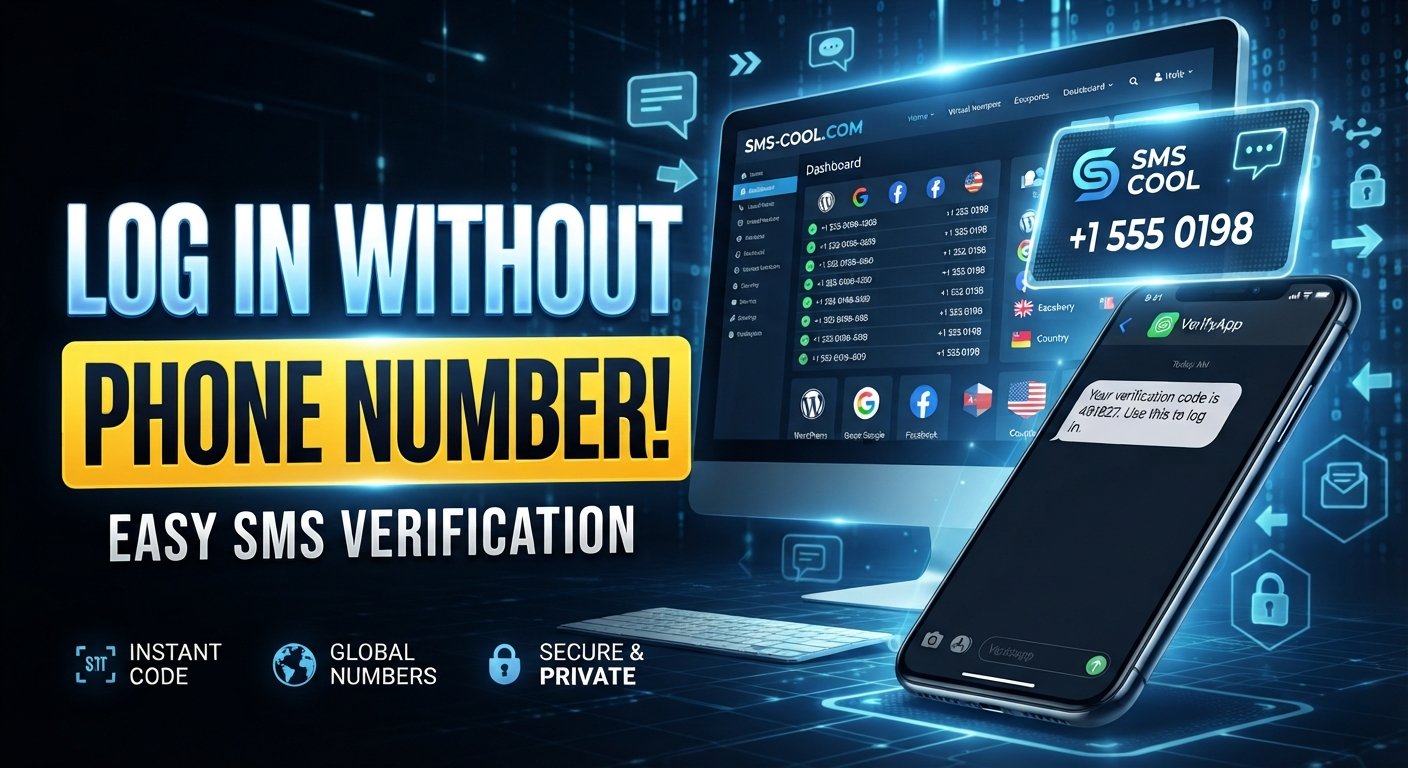
How to Get WordPress Login Without Phone Number
You need to log in to WordPress, but the phone number normally used for verification is unavailable. Maybe you changed your number, lost your phone, switched carriers, or simply cannot receive the required SMS. Whatever the reason, being locked out does not necessarily mean you have lost your WordPress account.
If you are wondering how to get WordPress login without phone number, there are several legitimate options to consider. Depending on how your account is configured, you may be able to use backup codes, an authenticator app, an email-based recovery method, a trusted device, or the official account recovery process.
For situations where a service specifically requires SMS verification and accepts an alternative number, SMS COOL can also be a practical option for receiving a verification message. It should not be viewed as a way to bypass WordPress security. Instead, it can help you receive SMS verification code messages when the relevant service accepts the provided number.
This guide explains the available options and how to approach WordPress account access safely.
Why Does WordPress Ask for Phone Verification?
Phone-based verification is generally associated with additional account-security measures rather than the basic WordPress username-and-password login itself.
For example, an account may have WordPress two-factor authentication enabled. In that situation, entering your password may not be enough. You could also be asked for a security code generated by an authentication method or delivered through SMS.
Verification can help protect an account if someone obtains the password. A second authentication step makes unauthorized access more difficult.
Depending on your WordPress setup and security configuration, you might encounter:
- SMS verification codes
- Authentication-app codes
- Backup recovery codes
- Email-based verification
- Security plugins with additional authentication
- Account recovery procedures
- Login approval through a previously trusted method
The exact process can vary between WordPress.com accounts, self-hosted WordPress websites, hosting providers, and third-party security plugins.
Common Reasons You No Longer Have Your Phone Number
There are many legitimate reasons someone may need WordPress login without mobile number access.
You may have:
- Lost or damaged your phone
- Changed your mobile number
- Moved to another country
- Lost access to an old SIM card
- Cancelled a previous mobile plan
- Changed your phone but not transferred an authentication method
- Forgotten which number was connected to the account
- Lost access to an old business phone
- Enabled two-factor authentication without saving recovery options
The important point is to distinguish between recovering your own account and attempting to defeat another person's security. The methods described here are intended for legitimate account owners or authorized administrators.
Is WordPress Login Possible Without a Phone Number?
Yes, in many situations.
A phone number is not necessarily the only way to authenticate or recover access. Your available options depend on the security methods configured on your account.
1. Try Your Normal Username and Password
Start with the simplest option. If phone verification is not required for your particular login session, you may be able to sign in normally using your WordPress credentials.
If you have forgotten your password, use the official password-reset process associated with your WordPress account.
If you manage a self-hosted site, your hosting provider and WordPress installation may have additional recovery options.
2. Use Backup Codes
Backup codes are one of the most useful solutions when dealing with WordPress two-factor authentication.
When two-factor authentication is enabled, some authentication systems provide emergency or recovery codes. These codes are designed to be used when your normal authentication method is unavailable.
Look for previously saved codes in:
- A password manager
- Secure notes
- Printed recovery information
- Encrypted cloud storage
- A trusted device where you stored your security details
Never share backup codes with another person. Treat them like passwords.
3. Check for an Authenticator App
If your account uses an authenticator application instead of SMS, your phone number may not be necessary.
An authenticator app can generate temporary security codes directly on your device. If you still have access to the app or successfully transferred it to a new device, use the generated code during login.
This can be especially useful for WordPress verification without phone access.
4. Look for Email or Account Recovery Options
Some account configurations provide recovery through an email address or another previously verified method.
If you can access the email account associated with WordPress, check the login screen for password-reset or recovery options.
For more detailed troubleshooting, consider adding an internal resource such as [Related Guide: WordPress Account Recovery].
Featured Option: SMS COOL for Supported SMS Verification
If your login or verification process specifically requires an SMS message and allows a different phone number, SMS COOL may be useful.
SMS COOL is an SMS verification service designed for receiving verification messages through supported numbers. The basic idea is straightforward: instead of relying on a phone number that you no longer control, you use a compatible number provided through the service when the website or platform accepts it.
This can be relevant when trying to receive OTP online or receive an SMS verification code for a service that supports the selected number.
However, there is an important distinction:
SMS COOL does not bypass WordPress security.
It does not remove authentication requirements or grant unauthorized access. It is simply an option for receiving an SMS when the service you're using accepts the supplied number.
How SMS COOL Verification Works
The general process is simple.
- Open SMS COOL and review the available services and numbers.
- Select the relevant service if WordPress or the associated service is supported.
- Choose an available number that is appropriate for the verification purpose.
- Enter the provided number in the service's phone-verification field.
- Request the verification SMS from the service you're trying to access.
- Return to SMS COOL and check for the incoming message.
- Enter the verification code into the original verification form.
- Complete the login or verification process if the service accepts the code.
Availability and compatibility can vary. Some websites reject temporary, virtual, or previously used numbers. If a number is not accepted, do not attempt to circumvent the service's restrictions. Use another legitimate recovery method instead.
When Is SMS COOL Useful?
SMS COOL may be helpful when:
- You cannot access your usual phone number
- The relevant service accepts an alternative number
- You need to receive an SMS verification code
- You are completing a supported verification process
- You need a temporary phone number for verification
It is particularly important to check the rules of the website you are accessing before using an online number.
Important Security Considerations
Using a temporary or online number requires extra caution.
A phone number used for account verification may become part of the account's recovery process. If you use a temporary number and later lose access to it, you could encounter the same problem again.
Before relying on a temporary number, consider the following:
Do Not Use a Temporary Number as Your Permanent Recovery Method
If you successfully regain access to your WordPress account, update the account's recovery information where possible.
A number that is only temporarily available should not normally be treated as your long-term account recovery method.
Review Your Two-Factor Authentication Settings
After regaining access, check your security settings.
Where supported, consider maintaining more than one legitimate authentication method, such as:
- An authenticator app
- Secure backup codes
- A verified email address
- A trusted recovery method
Store Backup Codes Securely
Save recovery codes somewhere you can access when your primary device is unavailable.
A reputable password manager or another secure storage method can be preferable to leaving recovery codes in an easily accessible document.
Never Share Verification Codes
A legitimate support representative should not need you to disclose private authentication codes unnecessarily.
Do not post OTPs, passwords, recovery codes, or private account information publicly.
What to Do After Regaining WordPress Account Access
Getting back into the account is only the first step.
Once you have WordPress account access, take a few minutes to strengthen your recovery setup.
Review Your Account Information
Check your:
- Email address
- Phone number
- Two-factor authentication settings
- Recovery methods
- Active sessions
- Connected applications
- Security plugin settings
Remove outdated information where appropriate.
Create a Reliable Recovery Plan
Think about what would happen if you lost your phone again.
A good recovery plan might include an authenticator app, securely stored backup codes, a working email address, and current account credentials.
Change Your Password if Necessary
If you suspect that someone else may have obtained your password, change it immediately and use a strong, unique password.
Also review active sessions and connected services if your account platform provides those controls.
How to Avoid Losing WordPress Access Again
Prevention is easier than account recovery.
Before changing your phone number or replacing your device, check which accounts depend on the old number.
For WordPress and other important services:
- Save your backup codes before changing devices
- Keep your recovery email current
- Set up an authenticator app where appropriate
- Use a password manager
- Review security settings periodically
- Keep your account information accurate
- Avoid relying exclusively on one authentication method
- Store important recovery information securely
These simple steps can make future WordPress account recovery without phone number much easier.
WordPress Login Without Phone Number: Which Option Should You Try?
The best method depends on what you still have access to.
If you have backup codes, use them. If an authenticator app is available, use that instead of SMS. If email recovery is available, follow the official recovery process.
If the service specifically accepts another phone number and you need to receive OTP online, SMS COOL can be considered as a practical SMS verification option.
The key is to use the method that matches your account's existing security configuration rather than trying to bypass it.
Final Thoughts
Knowing how to get WordPress login without phone number can save considerable time when your usual phone or SIM is unavailable. Losing access to a phone does not automatically mean losing access to your WordPress account.
Start with legitimate recovery options such as your password, backup codes, authenticator app, email recovery, or other configured authentication methods. If SMS verification is required and the relevant service accepts an alternative number, SMS COOL can provide a convenient way to receive SMS verification code messages and complete supported SMS COOL verification.
After you regain access, strengthen your recovery setup so you are not dependent on one phone number in the future. A few minutes spent preparing backup authentication methods can make future WordPress account access much simpler.
FAQ Section
Can I log into WordPress without a phone number?
Yes, depending on your account's security configuration. You may be able to use your password, backup codes, an authenticator app, email recovery, or another supported authentication method.
How can I recover my WordPress login without my old phone?
Start with the available account-recovery options. Check whether you have backup codes, access to an authenticator app, or access to the email associated with the account. If SMS is required and another number is accepted, an SMS verification service such as SMS COOL may be an option.
Can I receive a WordPress login verification code online?
If the relevant verification system accepts an online or temporary number, you may be able to receive an SMS code online. SMS COOL can be used for supported verification purposes, but it does not bypass authentication requirements.
Does SMS COOL bypass WordPress two-factor authentication?
No. SMS COOL does not bypass WordPress security. It can help you receive an SMS verification message when the service being accessed accepts the provided number.
Can I use a temporary phone number for WordPress verification?
It depends on the specific WordPress service, account configuration, and verification system. Some services may reject temporary or virtual numbers. Always follow the service's authentication requirements.
What should I do after recovering my WordPress account?
Review your password, recovery email, two-factor authentication settings, backup codes, active sessions, and connected applications. Replace outdated recovery information and store backup codes securely.
What is the safest way to avoid losing WordPress account access?
Maintain multiple legitimate recovery options where supported. Keep your email current, save backup codes securely, consider an authenticator app, and update account recovery information whenever your phone number or device changes.