23 Sep 2026
WhatsApp Verifying Your Number Didn't Receive Code? Fix It Now
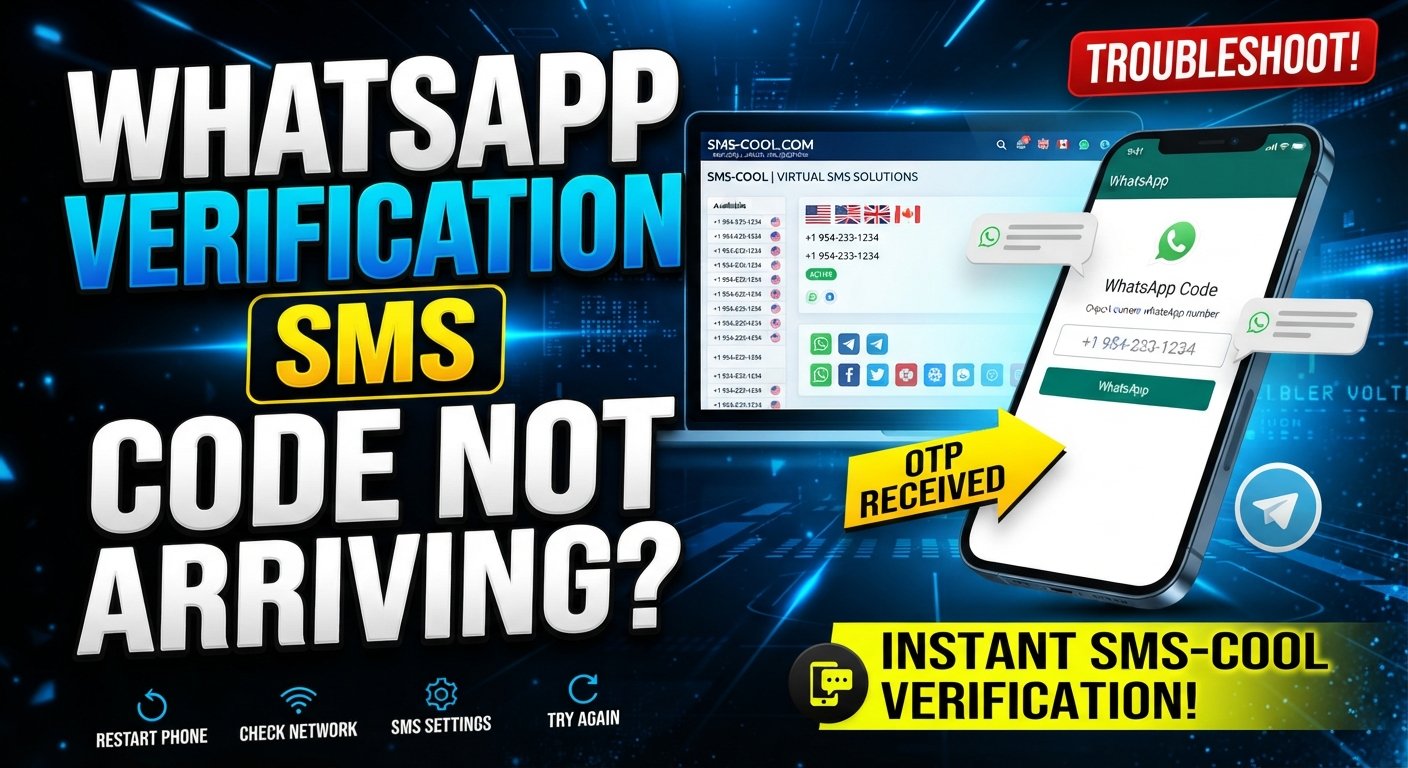
WhatsApp Verifying Your Number Didn't Receive Code? Here's What to Do
Waiting for a WhatsApp verification code that never arrives can be surprisingly frustrating. You enter your phone number, request the code, check your messages, and… nothing.
If you're dealing with WhatsApp verifying your number didn't receive code, don't assume your account or phone is permanently broken. Several ordinary issues can prevent a verification SMS from reaching you, including incorrect number formatting, network problems, SMS restrictions, delivery delays, or too many verification attempts.
The good news is that there are several things you can try before looking for an alternative. And if your personal number continues to have SMS-receiving problems, a service such as SMS COOL can provide access to virtual numbers for supported verification purposes.
Why WhatsApp Verification Code Is Not Received
A WhatsApp verification code not received situation can happen for several reasons. Identifying the likely cause makes troubleshooting much easier.
1. The Phone Number Is Incorrect
Start with the basics. Make sure you entered the correct country and phone number.
Pay particular attention to the country code. If you're entering an international number, an incorrect country selection or an extra digit can send the verification message somewhere else—or nowhere at all.
2. Your Mobile Network Is Having Problems
A weak cellular signal can interfere with normal SMS delivery. Even if calls or mobile data appear to work, SMS messages may sometimes be delayed.
Move somewhere with better reception and check whether other SMS messages are arriving normally.
3. There Is an SMS Delivery Delay
Sometimes the problem is simply a delay between the verification request and delivery of the message.
Repeatedly requesting new codes immediately may make the situation more confusing because you can end up with multiple requests and potentially invalid or outdated codes.
4. Too Many Verification Attempts
If you've requested verification codes repeatedly within a short period, you may need to wait before trying again.
This is one reason it's better to follow the instructions shown inside WhatsApp rather than repeatedly tapping the resend option.
5. SMS Is Being Blocked or Filtered
Your phone, carrier, or messaging app may have settings that interfere with certain automated messages.
Check blocked numbers, spam filters, SMS filtering settings, and any carrier-level restrictions that could affect incoming messages.
6. Your SIM or Phone Has a Problem
A SIM card that isn't properly registered on the network, a recently replaced SIM, or a phone experiencing connectivity problems can also contribute to a WhatsApp phone number verification issue.
Try restarting the phone and confirming that the SIM can receive ordinary text messages.
7. A Temporary Verification Problem
Occasionally, technical issues can affect the verification process itself. If everything on your side looks correct but the WhatsApp code not coming problem continues, waiting and trying again later may be appropriate.
WhatsApp Verifying Your Number Didn't Receive Code: What to Do
Before considering another solution, work through these practical troubleshooting steps.
Step 1: Check Your Number Carefully
Confirm the country code, area or mobile prefix, and remaining digits.
Don't add or remove digits simply because another format looks more familiar. Use the format requested by WhatsApp.
Step 2: Check Your Cellular Connection
Make sure your phone has a usable cellular signal.
If possible, move to another location and see whether you can receive a normal SMS. This helps determine whether the problem is specific to WhatsApp or affects SMS delivery generally.
Step 3: Restart Your Phone
A simple restart can refresh the device's network connection and resolve temporary communication problems.
After restarting, wait for the cellular network to reconnect before requesting another verification code.
Step 4: Check SMS Settings
Review your phone's blocked contacts, spam protection, and message-filtering settings.
If you use a third-party messaging application, check whether automated messages could be filtered or hidden.
Step 5: Avoid Repeated Code Requests
If the WhatsApp verification SMS not received, don't continuously request another code.
Follow the waiting period and instructions displayed by WhatsApp. When a new code is issued, use the most recent valid code rather than repeatedly entering older messages.
Step 6: Try the Available Verification Method
Depending on what WhatsApp presents to you, another verification option may be available. Follow only the options shown within the official WhatsApp verification process.
These steps solve many ordinary WhatsApp number verification problem cases. But what happens when you've tried everything and still can't receive WhatsApp verification code?
What If the WhatsApp Verification SMS Still Doesn't Arrive?
If your phone receives other SMS messages normally but the WhatsApp verification message consistently fails to arrive, you may need to consider whether your particular number is suitable for the verification process.
This can happen when you're dealing with a temporary mobile connection issue, a number with SMS restrictions, or another limitation outside your direct control.
One option is to use a separate virtual number where the service and WhatsApp's rules permit it.
That's where an SMS verification service can become useful. Instead of depending entirely on your personal SIM, you can use an available number designed to receive SMS online.
However, this isn't a way to bypass WhatsApp security. WhatsApp controls its own verification process, and not every virtual or temporary number will necessarily be accepted.
How SMS COOL Can Help
SMS COOL provides virtual phone numbers and temporary numbers that can be used for supported SMS verification tasks. Its platform lets users select a service, obtain an available number, and monitor incoming verification messages through an online dashboard.
For someone searching for a temporary phone number for WhatsApp, the important point is compatibility. SMS COOL lists WhatsApp among the services available through its platform, but its terms make clear that successful registration with a third-party platform is not guaranteed.
That makes SMS COOL a practical option to consider when your normal number isn't receiving the expected SMS and using a virtual number is permitted.
The basic idea is straightforward:
- Choose an available number for the supported service.
- Enter that number during the verification process.
- Wait for the incoming SMS.
- View the message through the SMS COOL dashboard.
- Enter the valid verification code into the original service.
SMS COOL offers both instant virtual numbers and longer-term rental options, so the appropriate choice can depend on whether you need a number for a one-time task or a longer period.
How to Use SMS COOL for Verification
If you decide that a virtual number is appropriate for your situation, the process is relatively simple.
1. Create an SMS COOL Account
Begin by registering with SMS COOL and accessing its dashboard.
2. Add Balance
SMS COOL uses a pay-as-you-go purchasing model for its virtual number services, according to its platform information.
3. Select the Relevant Service
Look for the service you need and review the available number options.
Make sure the number type and country are suitable for your verification requirement.
4. Choose an Available Number
Select a number intended for the supported verification service.
Before using it, remember that third-party platforms can have their own rules regarding virtual, temporary, or previously used numbers.
5. Enter the Number in WhatsApp
If WhatsApp permits the number for your verification scenario, enter it carefully in the WhatsApp verification screen.
6. Monitor the SMS COOL Dashboard
If WhatsApp sends a verification SMS to the selected number and the number is compatible, the message can appear in the SMS COOL dashboard.
7. Enter the Verification Code
Use the valid code from the incoming message in the WhatsApp verification screen.
If no message arrives, don't assume that repeatedly requesting codes will solve the problem. Check compatibility and follow WhatsApp's own instructions.
Why Users Consider SMS COOL
The biggest advantage of an online SMS service is convenience.
If you need to receive SMS online, a virtual number can give you another way to access an incoming verification message without relying on your primary SIM.
SMS COOL's platform provides virtual numbers for SMS verification and offers numbers across multiple countries and supported services.
There can also be a privacy benefit. Using a separate number for a legitimate online activity can reduce the number of services that receive your everyday personal number.
Still, it's important to keep expectations realistic. SMS COOL explicitly states that it only provides virtual numbers and message-receiving services and does not guarantee successful registration with third-party platforms.
In other words, SMS COOL can help solve the SMS receiving part of a verification problem, but it cannot control WhatsApp's security decisions or guarantee that every number will work.
Tips to Avoid WhatsApp Verification Problems
A few simple habits can make future verification attempts less frustrating.
- Double-check your country code before submitting your number.
- Use a number that can actually receive SMS rather than a disconnected or inactive line.
- Keep your SIM active if you normally use your personal number for verification.
- Avoid repeated requests when a verification SMS is delayed.
- Check your phone's spam and blocking settings.
- Use a stable cellular connection when requesting the code.
- Keep your WhatsApp application updated through your normal app store.
- Follow WhatsApp's displayed verification instructions rather than relying on unofficial workarounds.
- Check virtual-number compatibility before purchasing a number from an online SMS verification service.
- Use virtual numbers responsibly and only for legitimate purposes permitted by the platform.
Frequently Asked Questions
Why am I not receiving my WhatsApp verification code?
Common causes include an incorrect phone number, weak cellular service, SMS delivery delays, blocked messages, SIM problems, or too many verification attempts. Check the number and network first, then follow WhatsApp's instructions before requesting another code.
What should I do if WhatsApp SMS verification is not working?
Confirm that your number is correct, check whether your phone can receive other SMS messages, review blocking or spam settings, and avoid repeatedly requesting codes. If the issue continues, consider whether an alternative number is appropriate and permitted.
Why is my WhatsApp OTP not received?
A WhatsApp OTP not received issue can result from network conditions, SMS filtering, carrier-related problems, or delays in the verification system. Waiting and following the verification instructions may resolve temporary problems.
Can I receive a WhatsApp verification code online?
You may be able to receive a WhatsApp verification code online through a virtual number service when the number is compatible and WhatsApp permits its use. Services such as SMS COOL provide online SMS-receiving options, but successful third-party verification isn't guaranteed.
How does SMS COOL help with verification SMS?
SMS COOL provides virtual and temporary phone numbers for supported verification services. When a supported service sends an SMS to a purchased number, the message can be viewed through the SMS COOL dashboard.
How long should I wait before requesting another WhatsApp code?
Follow the waiting period and instructions displayed directly by WhatsApp. Avoid repeatedly requesting codes during a delay, because doing so may not make the SMS arrive faster.
What should I do if my WhatsApp verification code is not coming?
Start by checking your phone number, cellular signal, SMS settings, and SIM. If normal troubleshooting doesn't help, a compatible virtual number may be another option where permitted. SMS COOL can provide access to virtual numbers for supported SMS verification tasks.
Conclusion
When WhatsApp verifying your number didn't receive code, the problem is usually worth troubleshooting before assuming something is seriously wrong.
Check your number, cellular connection, SIM, SMS settings, and verification attempts. Give delayed messages time to arrive and follow the instructions shown by WhatsApp.
If your personal number continues to have trouble receiving verification SMS, an online SMS verification service can provide another option. SMS COOL offers virtual and temporary phone numbers that can receive SMS online for supported verification purposes.
Just remember that compatibility matters. SMS COOL cannot guarantee WhatsApp verification, and users should always follow WhatsApp's own requirements and rules.
For people who need a separate number for a legitimate supported verification task, however, SMS COOL can be a practical way to access an SMS-receiving option without depending entirely on their everyday phone number.