02 Oct 2026
WhatsApp SMS Verification: Codes, Tips & SMS COOL Explained
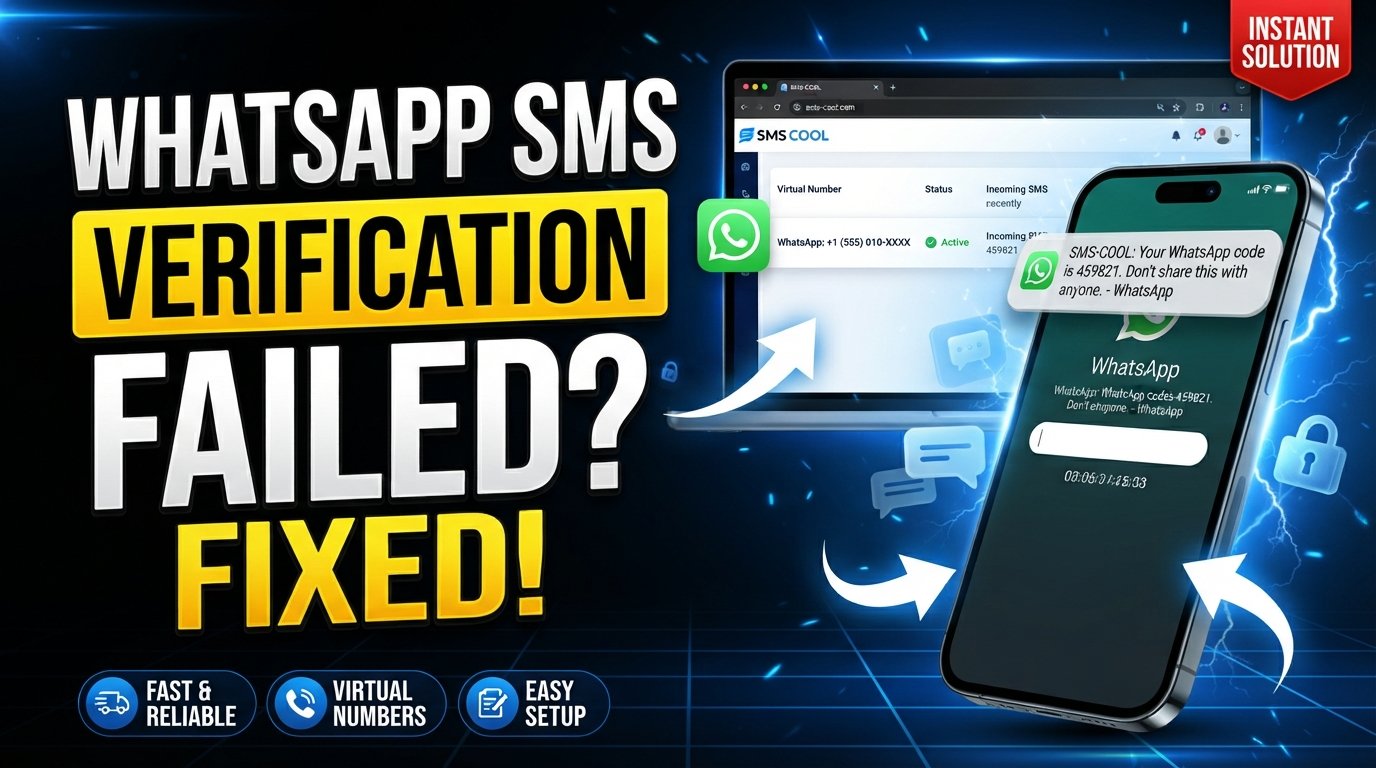
WhatsApp SMS Verification Explained
Getting a new WhatsApp account up and running usually starts with one simple step: proving that you control the phone number being registered. That is where WhatsApp SMS verification comes in.
During registration, WhatsApp can send a unique verification code to the phone number entered by the user. Entering that code confirms access to the number and allows the registration process to continue. WhatsApp states that users must be able to receive the registration code through SMS or, where offered, a phone call.
The process sounds straightforward, but SMS delivery is not always perfect. A delayed message, incorrect number format, weak network connection, or repeated code requests can turn a quick verification step into a frustrating experience.
For users who need a practical way to receive verification messages online, an SMS verification service such as SMS COOL can provide access to suitable virtual numbers and an online SMS receiving workflow. However, compatibility with WhatsApp always depends on WhatsApp's own verification requirements and the particular number being used.
What Is WhatsApp SMS Verification?
WhatsApp SMS verification is the process WhatsApp uses to confirm that a person has access to the phone number they are trying to register.
The basic concept is simple:
- You enter your phone number into WhatsApp.
- WhatsApp sends a unique registration code.
- You receive the WhatsApp verification code by SMS when SMS verification is available.
- You enter the code into WhatsApp.
- WhatsApp uses the code to confirm the phone number and continue registration.
WhatsApp says the registration code is unique and changes when registering a new phone number or device. It also states that users should only register a phone number they own and must be able to receive calls or SMS on that number.
This makes the verification SMS an important part of phone number verification. It is not simply a routine text message; it is a temporary authentication credential.
How Does WhatsApp SMS Verification Work?
For beginners, the WhatsApp OTP verification process can be understood as a short identity-check workflow.
Step 1: Enter your number
Open WhatsApp and enter the phone number you want to register. The number should be entered using the correct international format and country code.
Step 2: Request verification
WhatsApp initiates the registration process and attempts to send a verification message to the number.
Step 3: Receive the verification SMS
If SMS delivery is available and the number is supported, a message containing the registration code is delivered to the phone or SMS inbox associated with that number.
Step 4: Enter the code
Enter the six-digit code into WhatsApp. The code confirms access to the number and allows registration to proceed.
Step 5: Finish account setup
Once verification is completed, you can continue setting up your WhatsApp account.
If an online SMS verification service is being used for an appropriate and permitted use case, the incoming message may instead appear inside the provider's online dashboard. SMS COOL, for example, provides virtual numbers and online access to incoming verification messages for supported services.
Why Do Users Need a WhatsApp Verification Code?
A WhatsApp verification code helps confirm control of the phone number connected to an account.
This is particularly important when:
- Creating a new WhatsApp account
- Registering a number on a new device
- Re-registering an existing account
- Confirming ownership of a supported phone number
- Completing a phone-based authentication process
WhatsApp describes the registration code as the mechanism used to confirm that the user owns the phone number being registered.
The distinction between registration verification and additional account security is also important. WhatsApp's two-step verification is a separate security feature that can add another layer of protection after phone-number registration.
Common Problems With WhatsApp SMS Verification
Even when the process is designed to be simple, several issues can prevent users from completing WhatsApp account verification.
Delayed verification SMS
Sometimes the verification SMS takes longer than expected to arrive. Network conditions, carrier issues, or service-side delays can contribute to the problem.
Not receiving a WhatsApp OTP
If you do not receive a WhatsApp verification code, first check that the number is correct and capable of receiving SMS. WhatsApp recommends waiting for the displayed timer before requesting another code.
Incorrect phone number
An incorrectly entered country code or phone number can send the verification request to the wrong destination. Always check the complete international format before submitting the number.
Network or delivery problems
Poor mobile reception, SMS restrictions, or connectivity problems can interfere with registration. WhatsApp also recommends checking the device's connection and ensuring that the latest supported version of the app is being used.
Repeated verification attempts
Requesting codes repeatedly or entering incorrect codes can make the process more difficult. WhatsApp specifically advises users not to guess registration codes and may require a waiting period after excessive incorrect attempts.
How an SMS Verification Service Can Help
An SMS verification service provides a way to receive verification messages through an online interface rather than relying exclusively on a personal SIM and phone inbox.
For legitimate verification workflows, this can be useful when someone needs:
- A separate number for an appropriate online service
- An online SMS receiving option
- A temporary or rented number where permitted
- A convenient way to access incoming OTP messages
- A centralized verification workflow
An online SMS verification platform does not change the verification rules of the service sending the code. It simply provides a different way to access an SMS-capable number and its incoming messages.
That distinction matters. A virtual number is not automatically accepted by every platform. WhatsApp determines which numbers and registration attempts are eligible, and its official requirements should always take priority.
SMS COOL for WhatsApp SMS Verification
SMS COOL is designed around virtual phone numbers, SMS verification, and online access to verification messages. Its platform offers numbers for individual verification tasks as well as rental options, with incoming messages available through its dashboard. WhatsApp is listed among the supported services on its platform.
For someone searching for a practical virtual phone number for verification, the workflow is straightforward:
- Create an SMS COOL account.
- Add balance according to the available purchasing options.
- Select the relevant service and an available number.
- Use the number where permitted by the service requesting verification.
- Monitor the SMS COOL dashboard for the incoming code.
- Enter the received code into the original verification screen.
This can make the process more convenient when using a separate number is appropriate.
SMS COOL also offers longer-term number rentals, which can be useful when continued access to a number is required rather than a single verification event. Its rules explain that rental periods and available services depend on the options offered through the platform.
Most importantly, SMS COOL does not guarantee that every number will be accepted by WhatsApp. Its terms explicitly state that successful registration with third-party platforms is not guaranteed.
That makes SMS COOL best viewed as a practical SMS verification service for accessing SMS-capable numbers—not as a method for bypassing WhatsApp security or registration requirements.
How to Receive a WhatsApp Verification Code
If you want to receive a WhatsApp verification code, follow these steps:
- Open WhatsApp and begin the registration or re-registration process.
- Enter the correct phone number, including the appropriate country code.
- Choose SMS verification when the option is available.
- Wait for the verification message rather than immediately requesting multiple new codes.
- Check the correct SMS inbox if you are using a supported online SMS service such as SMS COOL.
- Enter the latest code accurately into WhatsApp.
- Continue account setup once the number has been successfully verified.
If the message does not arrive, check your number format, network connection, SMS capability, and any instructions displayed by WhatsApp. WhatsApp also provides phone-call verification in some situations.
When using SMS COOL, remember that the selected number must be suitable for the intended service and available for receiving the required message. Number compatibility can vary.
WhatsApp SMS Verification Best Practices
A few simple habits can make SMS verification easier and safer.
Use accurate phone details
Double-check the country code and complete phone number before requesting a code.
Avoid repeated attempts
If WhatsApp displays a countdown or asks you to wait, follow the instructions rather than repeatedly requesting new codes.
Check SMS and network availability
Make sure the selected number can actually receive SMS messages and that your device or online inbox is accessible.
Protect your verification code
Never casually share your WhatsApp OTP or registration code. WhatsApp explicitly advises users not to share their six-digit registration code or password.
Use supported numbers
Not every virtual, temporary, VoIP, or alternative number is necessarily supported. WhatsApp lists specific phone-number requirements, so users should check those requirements before beginning verification.
Follow WhatsApp's official requirements
An OTP verification service can help with receiving messages, but it cannot replace WhatsApp's own eligibility, security, or account-registration rules.
Why Choose SMS COOL for SMS Verification?
For users who need a practical way to manage verification messages online, SMS COOL offers several useful characteristics.
Online access: Verification messages can be viewed through an online dashboard rather than relying solely on a personal phone inbox.
Virtual numbers: SMS COOL provides virtual numbers for supported SMS verification workflows, including options for short-term use and rentals.
Simple workflow: The basic process—select a service, choose an available number, receive the SMS, and enter the code—is easy to understand.
Flexible use cases: A separate number can be useful for legitimate online verification tasks where using a primary personal number is inconvenient or unnecessary.
Developer options: SMS COOL also provides an API for users who need to integrate supported number and SMS verification workflows into software or automated processes.
The key is to choose the service and number based on the actual verification requirement. SMS COOL can simplify access to verification messages, but the final decision to accept a number remains with WhatsApp or the relevant third-party platform.
Frequently Asked Questions
What is WhatsApp SMS verification?
WhatsApp SMS verification is the process of confirming access to a phone number by receiving and entering a unique registration code. WhatsApp uses this process when registering a phone number for an account.
How does a WhatsApp verification code work?
A WhatsApp verification code is a temporary code sent to the phone number being registered. Entering the correct code confirms access to that number and allows the registration process to continue.
Why am I not receiving my WhatsApp OTP?
Possible reasons include an incorrectly formatted number, weak network connectivity, SMS delivery problems, an unsupported number type, or too many recent verification attempts. Check the number carefully and follow WhatsApp's displayed waiting instructions.
Can an SMS verification service help with verification?
Yes. An SMS verification service can provide access to SMS-capable numbers and an online inbox for incoming messages. However, the service cannot guarantee that a particular number will be accepted by WhatsApp.
How does SMS COOL help with SMS verification?
SMS COOL provides virtual numbers and online access to incoming verification messages for supported services. Users can select an available number, use it where permitted, and monitor the dashboard for an incoming OTP.
How long does a verification SMS usually take?
Delivery time can vary. WhatsApp's guidance indicates that users should generally wait for the displayed registration timer before trying again, rather than repeatedly requesting codes.
How can I keep my WhatsApp verification code secure?
Treat your verification code like a password. Do not share it with other people, including anyone claiming to be a support representative. WhatsApp specifically warns users never to share their six-digit registration code.
Conclusion
WhatsApp SMS verification is a straightforward but important part of registering and confirming access to a phone number. When the correct number, network connection, and SMS delivery are available, the process can take only a few steps.
When receiving a verification message becomes inconvenient, an online SMS verification service can offer a practical alternative for appropriate use cases. SMS COOL provides access to virtual numbers, SMS receiving, and rental options designed to make verification workflows easier to manage online.
The important thing is to keep expectations realistic. SMS COOL can simplify access to verification messages, but it cannot guarantee WhatsApp acceptance, account approval, or successful registration for every number.
If you need a convenient way to manage SMS verification, explore the available options at SMS COOL and choose a number that fits your intended verification workflow and the applicable WhatsApp requirements.