24 Sep 2026
WhatsApp Will Need to Verify Your Phone Number: What to Know
WhatsApp Will Need to Verify Your Phone Number: What to Know
Have you ever entered your phone number into WhatsApp, waited for a verification message, and wondered why the process is necessary in the first place?
WhatsApp phone number verification is a key part of registering an account. When you sign up or re-register a number, WhatsApp uses a registration code to confirm that you can access the phone number being registered. According to WhatsApp's Help Center, registration normally requires a supported phone number that can receive SMS or calls.
For many people, this is a simple process. Enter the number, receive the code, type it in, and continue.
But problems can appear when an SMS does not arrive, when you do not want to use your primary number for a particular legitimate registration, or when you need a separate number for an appropriate online verification task.
That is where understanding your options becomes useful.
Why WhatsApp Phone Number Verification Matters
Phone verification is designed to establish that the person registering an account can access the number being used.
During registration, WhatsApp sends a unique verification code to the phone number. The user then enters that code into WhatsApp to complete the registration process. WhatsApp states that the registration code changes when a new phone number or device is registered.
This makes the phone number more than just contact information. It is part of the account-registration process.
Verification can also help protect accounts when someone attempts to register an existing number on another device. WhatsApp explains that successfully registering the number can log out other devices and return control of the account to the person completing verification.
In simple terms:
Phone number → Verification request → SMS or call → Verification code → Account registration
The process sounds straightforward, but receiving the code is an essential part of it.
WhatsApp Verify Phone Number: What You Need
If WhatsApp asks you to verify your phone number, there are several basic requirements to keep in mind.
According to WhatsApp's registration guidance, you should:
- Use a phone number you own or are authorized to use.
- Enter the number in the correct international format.
- Make sure the number can receive SMS or phone calls.
- Have a working internet connection.
- Use a supported version of WhatsApp.
- Avoid repeatedly guessing verification codes.
WhatsApp also notes that some number types are not supported for standard registration, including certain VoIP, toll-free, premium, and universal-access numbers.
This is important if you are considering a temporary phone number for verification or a virtual number for SMS verification. A virtual number is not automatically accepted simply because it can receive SMS. Compatibility depends on the service and the number being used.
How WhatsApp SMS Verification Works
The basic WhatsApp SMS verification process is relatively simple.
1. Enter Your Phone Number
Open WhatsApp and select your country. Enter the complete phone number in the requested format.
2. Request Verification
WhatsApp sends a registration request and, when SMS verification is available, sends a verification message to the number.
3. Receive the WhatsApp Verification Code
The message contains a temporary registration code. WhatsApp currently describes this as a six-digit code for standard registration.
4. Enter the Code
Enter the received code into WhatsApp to complete the verification step.
The important thing is to use the code only for the verification process for which it was requested. Never share a WhatsApp registration code with another person. WhatsApp specifically warns users not to share their six-digit registration code or account password.
What If the WhatsApp Verification SMS Does Not Arrive?
Not receiving a WhatsApp verification SMS can be frustrating, but there are several straightforward things to check before assuming something is wrong with your account.
First, confirm that the phone number and country code are correct. WhatsApp recommends using the full international phone number and removing unnecessary leading zeros or exit codes.
You should also check:
- Your mobile reception or network connection.
- Whether your phone can receive normal SMS messages.
- Whether call or SMS-blocking settings are interfering.
- Whether you have requested too many codes in a short period.
- Whether WhatsApp is offering a phone-call verification option.
If you request multiple codes, do not keep guessing. WhatsApp warns that entering incorrect registration codes repeatedly can result in a temporary lockout.
Depending on the situation, WhatsApp may also offer verification through a phone call. Its Help Center explains that users can receive an automated code through a voice call, while some Android users may have access to missed-call verification.
Can You Receive SMS Online for WhatsApp Verification?
This is where online SMS verification services can become relevant.
A virtual number is a phone number that can be accessed through an online platform rather than relying exclusively on a physical SIM in your personal phone. Depending on the provider, incoming SMS messages can appear in an online dashboard.
For legitimate situations where a platform permits virtual numbers, this can be useful if you want to keep a particular registration separate from your everyday mobile number.
However, there is an important distinction:
Receiving an SMS online does not guarantee that WhatsApp will accept the number.
WhatsApp has specific requirements for supported numbers, and virtual or VoIP numbers may not be supported for standard registration.
Therefore, users should always check the applicable requirements and use numbers only for legitimate purposes.
Where SMS COOL Fits In
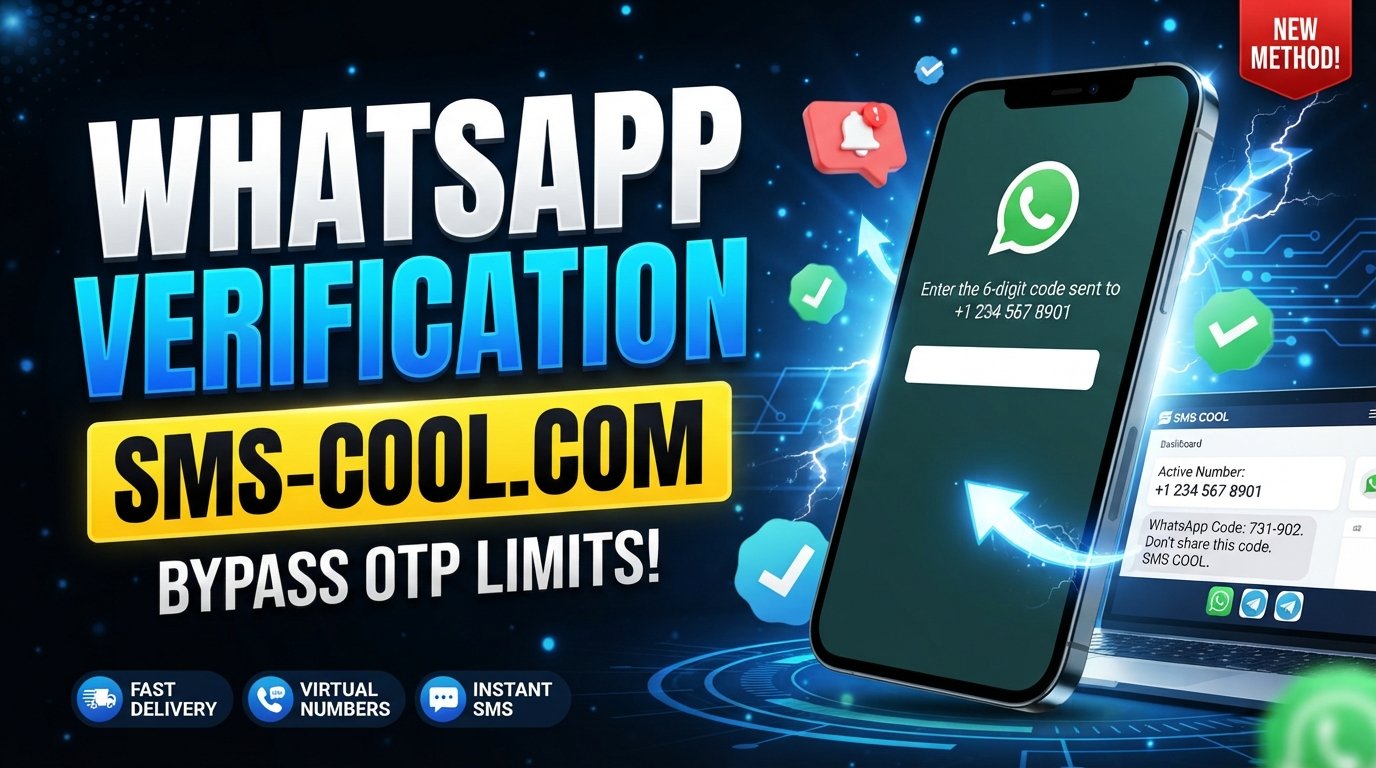
If you need a practical way to receive verification codes online, SMS COOL offers virtual numbers intended for SMS and OTP verification.
The platform provides instant virtual numbers as well as longer-term rental options. Its website also lists WhatsApp among the supported services and provides an online dashboard where incoming verification messages can be viewed.
The basic concept is straightforward:
- Create an SMS COOL account.
- Add balance according to the available purchasing options.
- Select the relevant supported service.
- Choose an available virtual number.
- Use the number only where the target service permits it.
- Monitor the SMS COOL dashboard for an incoming verification message.
- Enter the received OTP into the original service when appropriate.
SMS COOL describes both short-term virtual numbers and longer-term rentals, giving users different options depending on their legitimate requirements.
Why Use SMS COOL for SMS Verification?
There are several situations where an online SMS service can be convenient.
Keep Your Primary Number Separate
Some users prefer not to use their everyday mobile number for every online registration. A separate virtual number can help keep certain registration messages apart from personal communications.
Receive SMS Online
With a supported number, incoming SMS messages can be accessed through an online dashboard rather than relying solely on the SMS inbox on your personal phone.
Handle Short-Term Verification Needs
If you need a number for a specific, legitimate verification task, an instant virtual number may be more practical than obtaining another physical SIM.
Choose Longer-Term Access When Needed
SMS COOL also offers number rental options for users who need access beyond a single short-term verification task. Availability and duration depend on the options shown on the platform.
Support Different Verification Requirements
SMS COOL states that its platform provides virtual numbers for a range of services and countries. However, availability can change, and a number that works for one service is not necessarily suitable for another.
SMS COOL Verification: What Should You Keep in Mind?
An SMS verification service can be useful, but it is not a universal solution for every registration.
Before choosing a virtual number, consider:
- Does the platform allow virtual numbers?
- Can the selected number receive SMS from the service?
- Is the number available for the country or service you need?
- Will you need continued access to the number later?
- Are you using the number for a legitimate purpose?
SMS COOL itself notes that delivery and compatibility can depend on the platform, number availability, country, carrier routing, and other verification requirements.
That limitation is worth remembering. No responsible service should be treated as a guaranteed way to make every verification system accept every number.
WhatsApp Verification SMS vs. Phone Call
SMS is not always the only option.
WhatsApp's Help Center explains that phone-call verification can be available when SMS verification is unsuccessful or when the option is presented during registration.
For users who are troubleshooting a missing WhatsApp OTP, the sensible approach is to follow WhatsApp's available verification options rather than repeatedly requesting codes.
If your number cannot receive either SMS or calls, the underlying issue needs to be resolved before successful phone verification can be expected.
Security Matters When Receiving OTP Codes
Verification codes are sensitive information.
Whether you receive a WhatsApp verification code on a physical phone or through an online SMS platform, treat that code as private.
Follow these basic precautions:
- Never give your verification code to another person.
- Do not post OTPs publicly.
- Do not enter a code into an unrelated website.
- Use only services and numbers you are authorized to use.
- Keep access to any number that is important for your account.
- Follow WhatsApp's official security guidance.
WhatsApp explicitly advises users not to share registration codes or passwords.
The goal of an SMS verification service should be to make legitimate verification more convenient—not to bypass security controls.
When a Virtual Number for SMS Verification Makes Sense
A virtual number for SMS verification can be useful when you have a legitimate reason to separate a particular online activity from your primary phone number.
Potential use cases include:
- Temporary online registrations where virtual numbers are permitted.
- Software and account testing.
- Keeping verification messages separate from personal SMS.
- Business workflows that require additional numbers.
- Receiving supported OTP messages online.
For important long-term accounts, however, consider whether you will need reliable future access to the same number. Losing access to a number associated with an account can create unnecessary recovery problems.
Final Thoughts on WhatsApp Phone Number Verification
WhatsApp phone number verification is an important part of registering and protecting access to a WhatsApp account. The process generally involves confirming that you can receive a registration code through an eligible phone number, usually by SMS or, where available, by phone call.
When the verification SMS arrives normally, the process is quick. When it does not, however, understanding the available options can save time and frustration.
For users with legitimate needs to receive SMS online, a service such as SMS COOL can provide access to virtual numbers and an online dashboard for supported SMS verification tasks. Its platform offers both short-term virtual numbers and rental options, while availability and compatibility depend on the specific service and number.
If you need a separate number for an appropriate verification workflow, explore SMS COOL and check the available number and service options before proceeding. Use only numbers you are authorized to use, follow the target platform's requirements, and keep every verification code private.