26 Sep 2026
Verify App Account With Temporary Email | SMS COOL Guide
Introduction
Signing up for a new app often seems harmless: enter an email address, create a password, and start exploring. But after a few registrations, your primary inbox can become crowded with promotional messages, newsletters, product updates, and notifications you never intended to receive.
That is where a temporary email can be useful.
A temporary email address gives you a separate inbox for situations where you need to receive an email verification message without immediately giving an unfamiliar service your everyday email address. For one-time registrations, app testing, and low-importance signups, it can be a convenient alternative.
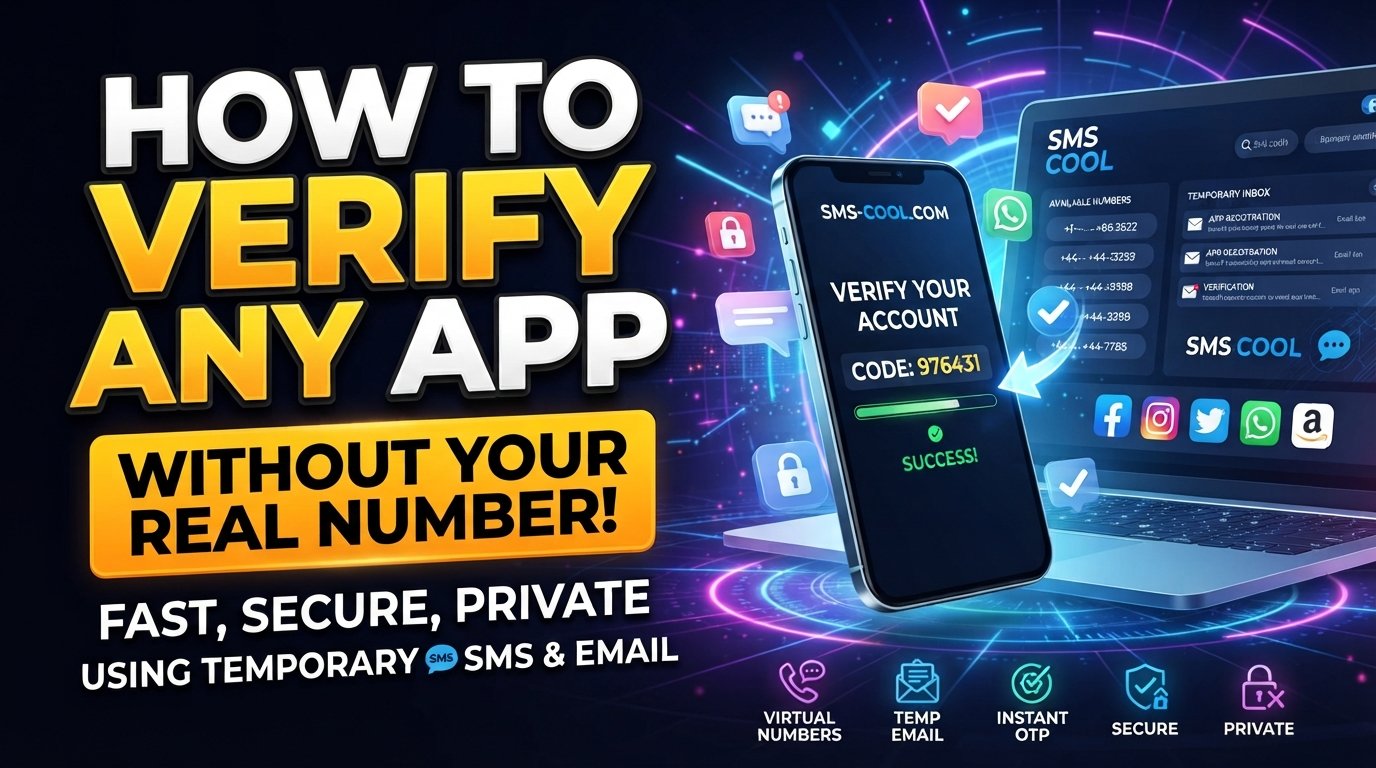
SMS COOL provides temporary email services alongside virtual numbers and other verification options. Its platform describes temporary email as a way to receive verification emails without exposing your real inbox, making it relevant for users looking for a practical temporary verification solution.
In this guide, you will learn what temporary email is, how app verification works, how to verify an app account with temporary email, and where SMS COOL can fit into the process.
What Is a Temporary Email?
A temporary email is an email address designed for short-term use rather than as your permanent personal inbox.
Instead of entering your regular email address when signing up for an unfamiliar app, you can use a temporary address and access incoming messages through a temporary inbox.
The basic process is straightforward:
- Obtain a temporary email address.
- Enter it during account signup.
- Wait for the app to send an email verification message.
- Open the temporary inbox.
- Read the verification email.
- Follow the verification link or enter the provided code.
A temporary email may also be called temporary mail, temp email, disposable email, or a disposable email address.
People commonly use these addresses when they want to:
- Avoid unnecessary promotional emails.
- Keep their primary inbox organized.
- Separate casual registrations from important accounts.
- Test an app or online service.
- Receive a one-time verification email.
- Avoid giving their primary email address to every website they try.
A temporary email service is not necessarily intended to replace your normal email account. Its main advantage is convenience for situations where long-term communication is not important.
Why Use Temporary Email for App Verification?
Many apps require email verification before an account can be activated. This can involve clicking a verification link or entering a short verification code.
Using a temporary email for app verification may make sense when you are dealing with an unfamiliar service or a registration that you expect to use only briefly.
Keep your primary inbox cleaner
One of the simplest benefits is reduced inbox clutter.
If an app sends frequent marketing emails after registration, using a separate temporary address can prevent those messages from filling your personal inbox.
Protect your personal email address
Your primary email address may be connected to work, personal communication, financial services, and other important accounts.
For casual account signup, some users prefer not to share that address unnecessarily. A temporary email can create a layer of separation between those activities and your everyday inbox.
Test apps and services
Developers, testers, researchers, and ordinary users sometimes need to create accounts while evaluating an app or service.
A temporary inbox can make this process easier when the account only needs to receive an initial verification email.
Handle one-time registrations
If you need access to a service for a short-term purpose and do not expect important account communication later, a disposable email address can be convenient.
However, not every app accepts temporary email addresses. Some services deliberately block disposable email domains, so compatibility should always be expected to vary.
How to Verify an App Account with Temporary Email
The process of using temporary email for app account verification is usually simple.
1. Choose a temporary email service
Start with a temporary email service that provides an inbox you can access.
SMS COOL is one option to consider because its platform offers temporary email for account verification and one-time verification messages.
2. Generate or obtain a temporary email address
Use the service to obtain your temporary email address.
Keep the address available because you will need it when completing the app's signup form.
3. Enter the temporary address during registration
Open the app or website you want to use and enter the temporary email address in the required email field.
Make sure you enter it correctly. A single typo can prevent the verification message from reaching the inbox.
4. Open the temporary inbox
Return to your temporary email service and check for a new message.
Some verification emails arrive quickly, while others may take longer depending on the app and its email delivery system.
5. Find the verification email
Look for an email from the app or service.
The message may contain either:
- A clickable verification link
- A numerical verification code
- Instructions for completing account verification
6. Copy the verification code or open the link
If the app provides a verification code, copy it and enter it into the registration screen.
If it provides a verification link, open the link and follow the instructions.
7. Complete the account verification process
Once the app confirms the email, your registration may be completed.
Remember that the app itself determines whether the temporary address is accepted. A temporary email service cannot guarantee that every third-party platform will allow disposable addresses.
How SMS COOL Helps With Verification
SMS COOL is designed around temporary and virtual verification needs. Its official platform lists both temporary email and virtual phone numbers for account registration and verification workflows.
For email-based verification, the basic idea is simple: use a temporary email address when a supported service asks for an email, then access the verification message through the available temporary inbox.
This can be useful when you want to keep a casual registration separate from your primary inbox.
SMS COOL also offers virtual numbers for situations where an app requires SMS verification instead of email verification. The platform describes its virtual-number service as a way to receive SMS verification codes through its dashboard.
That distinction is important.
If an app asks for an email, a temporary email address may be appropriate. If it specifically asks for a phone number and sends an OTP by SMS, a virtual-number option may be more relevant.
In either case, check the app's rules before using a temporary or virtual contact method.
Benefits of Using a Temporary Email
A temporary email can be useful for several everyday online tasks.
Reduced inbox clutter
Keep promotional and registration-related messages away from your primary inbox when a separate address is appropriate.
Better separation for casual registrations
A temporary address can separate low-importance signups from personal or professional communication.
Less exposure of your primary email
You can avoid giving your everyday email address to every unfamiliar app or website you want to try.
Convenient one-time verification
For registrations that only require one verification message, a temporary inbox can provide a straightforward workflow.
Easier app testing
A temporary address can be useful when testing signup flows, evaluating services, or creating short-term accounts where permitted.
Simple account signup
The process generally involves obtaining an address, entering it into the signup form, receiving the verification email, and completing the verification step.
Temporary Email vs. Your Regular Email
Choosing between a temporary email and your regular email depends largely on how important the account is.
SituationTemporary EmailRegular EmailOne-time registrationOften suitableUsually unnecessaryTesting an appCan be convenientMay be less convenientNewsletter or promotional signupCan reduce inbox clutterMay increase inbox clutterImportant financial accountGenerally unsuitableMore appropriateLong-term business accountGenerally unsuitableMore appropriateAccount requiring password recoveryRisky if the inbox expiresMore appropriateCasual service evaluationPotentially usefulOptional
The key consideration is account longevity.
If you expect to need password resets, security alerts, receipts, support messages, or other communication months later, a permanent email address is generally more practical.
Temporary email is better suited to temporary or low-importance situations.
Things to Know Before Using Temporary Email
Temporary email is convenient, but it is not appropriate for every situation.
Some websites block disposable email domains
Certain apps and websites may identify and reject disposable email addresses. If that happens, you may need to use a regular email address or another permitted method.
Temporary inboxes may have limited lifetimes
A temporary inbox is not necessarily designed for permanent storage. Understand how long the address or messages remain available before relying on one.
Important accounts need long-term access
Avoid using a temporary email for accounts where you may later need password recovery, security notifications, invoices, or customer support communication.
Verification rules vary
An app may require email verification, phone verification, both, or another form of identity or account confirmation.
Follow the service's terms
Always follow the registration and verification requirements of the app or website. Temporary verification options should be used for legitimate purposes and only where permitted.
Simple Tips for Successful App Verification
A few practical habits can make the process smoother.
- Check the email address carefully before submitting the signup form.
- Keep the temporary inbox open while completing registration.
- Wait briefly if the verification message does not appear immediately.
- Check available folders or inbox filters if the service provides them.
- Request a new verification message if the original code expires.
- Use the newest verification code when multiple messages arrive.
- Confirm whether the app permits temporary addresses before starting.
- Do not use a temporary inbox for important recovery information.
- Choose email or SMS verification according to what the app actually requires.
If an app requires an SMS OTP rather than an email, SMS COOL's virtual-number options may be more relevant than its temporary email service.
Why Choose SMS COOL for Temporary Verification Needs?
The problem is familiar: you want to try an app or online service, but you do not necessarily want every registration connected to your primary contact details.
SMS COOL provides temporary email and virtual-number options in one platform, giving users a way to handle different verification requirements depending on what the service requests.
For an email-based registration, the workflow can be as simple as:
Get a temporary email → Enter it during signup → Receive the verification email → Open the message → Complete verification.
For an SMS-based registration, the workflow is different:
Choose an available virtual number → Enter it where permitted → Receive the OTP → Enter the code into the app.
SMS COOL's official information states that its temporary email service is intended for receiving verification emails and one-time verification codes, while its virtual-number service supports receiving SMS verification messages.
The important point is to match the solution to the verification method. If the app asks for email verification, use the email option where permitted. If it asks for an SMS code, consider an appropriate virtual-number option.
There is also no universal guarantee that a particular app will accept a temporary email address or virtual number. SMS COOL's terms specifically state that successful registration with third-party platforms is not guaranteed and that restrictions imposed by those platforms can affect verification.
Conclusion
A temporary email can be a practical tool when you need to complete an app registration without immediately connecting the signup to your primary inbox.
It can help reduce inbox clutter, separate casual registrations from important communication, and make one-time email verification more convenient. However, it is not a replacement for a permanent email address when long-term account recovery and communication matter.
The process is straightforward: obtain a temporary email address, enter it during signup, open the temporary inbox, find the verification message, and complete the verification link or code.
For users looking for a broader temporary verification solution, SMS COOL offers temporary email alongside virtual numbers for supported SMS and OTP verification workflows.
If you need a temporary option for a legitimate app signup or verification task, explore SMS COOL and choose the verification method that matches the requirements of the service you are using.