15 Sep 2026
Uber Login Without Phone Number: Complete Verification Guide
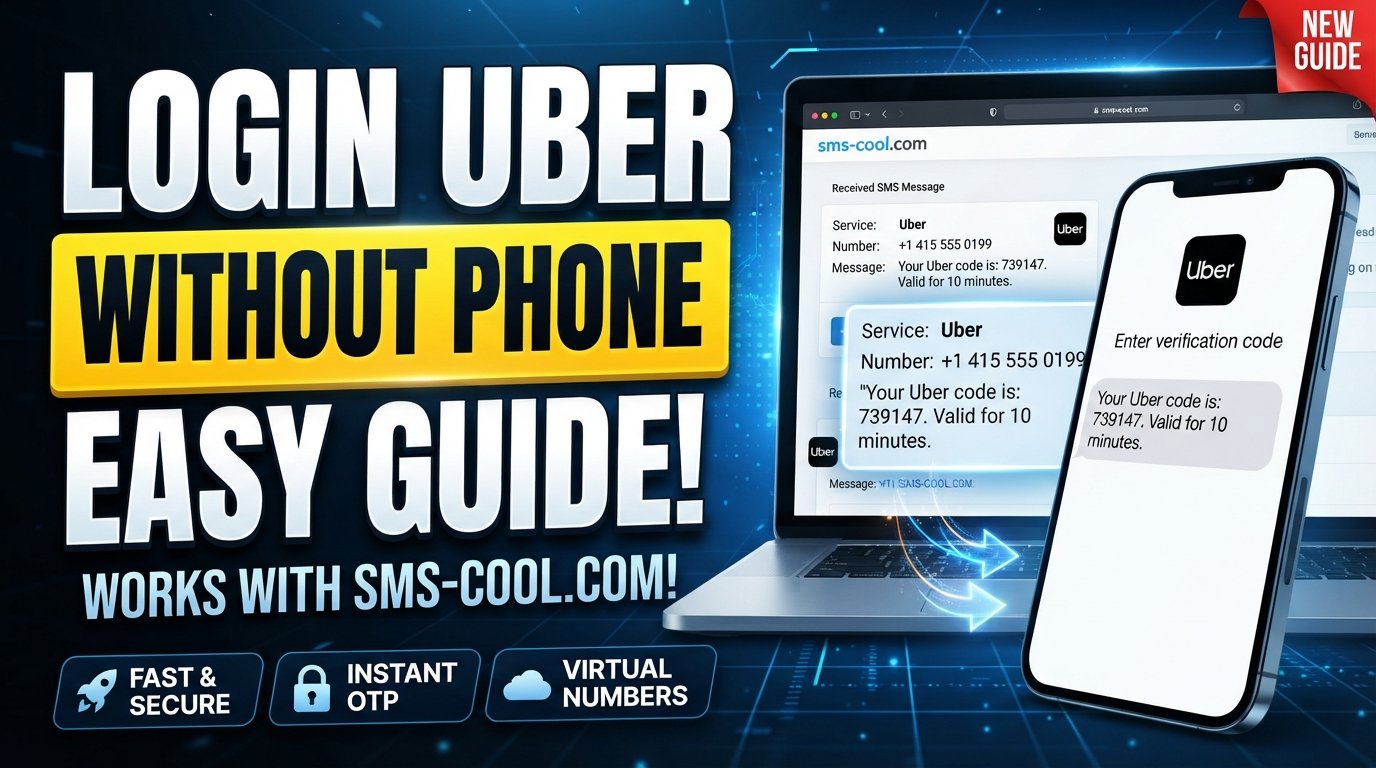
How to Get Uber Login Without Phone Number
Losing access to the phone number connected to your Uber account can turn a simple login into a frustrating problem. You may still know your email address and password, but if Uber asks for an SMS verification code, you can suddenly find yourself stuck at the login screen.
Fortunately, there are several legitimate ways to approach an Uber login without phone number access. The right option depends on whether you are trying to recover an existing account, change an old number, or create a new account.
Uber may use phone-based verification as part of its security process, and the exact options presented can vary. If you have lost access to your old number, Uber provides an account-recovery route specifically for that situation.
For situations where a service permits virtual numbers, an SMS verification service such as SMS COOL can also be a convenient way to receive an SMS or OTP online instead of relying on your everyday personal number. However, compatibility should always be checked before purchasing a number.
Can You Log Into Uber Without a Phone Number?
The short answer is: sometimes, but not necessarily without any phone-based verification at all.
Uber uses verification codes to help confirm that the person attempting to access an account is authorized to do so. Depending on the account and security settings, Uber may send a code by SMS, offer another verification method, or ask you to complete an account-recovery process.
Uber's own help documentation says that users who have lost access to their phone number can select “Changed your mobile number?” from the Get Started screen and follow the verification and update prompts.
There can also be alternative authentication methods. For example, Uber's two-step verification documentation explains that users may use a security app instead of SMS, while previously saved backup codes can also be used when available.
So, if you're searching for how to log into Uber without phone number access, don't assume that you have to abandon the account. Start with Uber's official recovery options.
Why Does Uber Ask for a Verification Code?
Phone verification is primarily a security measure.
When you enter a phone number, Uber may send a temporary Uber verification code by SMS. You then enter that code into the app or website to demonstrate that you have access to the number.
This process is commonly called:
- Uber SMS verification
- Uber OTP verification
- Uber login verification
- Uber account verification
- SMS-based authentication
Uber notes that verification codes can be required during sign-in and certain sensitive account actions. It also says that SMS delivery can sometimes fail because of carrier restrictions, travel, lack of cellular service, or other issues.
That means having the correct account credentials isn't always enough. You may also need access to the verification method associated with your account.
Method 1: Recover Your Uber Account Without Your Old Number
If you already have an Uber account but no longer have your previous phone number, this should be your first option.
Open the Uber app and look for the option indicating that you have changed your mobile number. Uber provides an account-recovery flow designed for users who cannot access the phone number previously associated with their account.
Follow the requested verification steps carefully.
You may be asked for information that helps Uber confirm ownership of the account. Providing accurate information is important because Uber's support process is designed to protect accounts from unauthorized access.
This is the safest approach when your goal is to regain access to an existing Uber account.
What if account recovery doesn't work?
If you cannot complete the recovery process, Uber recommends using its sign-in support options. Its help center specifically provides assistance for users who cannot sign in, cannot update their phone number, or are experiencing verification problems.
Avoid repeatedly entering random phone numbers or verification codes. That can make an already complicated verification problem harder to resolve.
Method 2: Use an Alternative Uber Verification Method
Not every Uber verification process depends exclusively on SMS.
For accounts with two-step verification enabled, Uber supports a security-app option. A security app generates verification codes without requiring an attached phone number for that particular authentication method.
Uber also supports backup codes for certain two-step verification setups. These can be particularly useful if you've lost your phone or temporarily cannot receive verification messages. Each backup code can be used only once.
This is why it is worth checking whether you previously configured:
- A security authentication app
- Backup verification codes
- Another available verification option
If one of these options is available on your account, you may be able to complete the Uber login without phone number access to your usual device or SIM.
Method 3: Use SMS COOL When a Virtual Number Is Supported
What if you're creating an account or completing a verification process where Uber accepts the type of virtual number you're using?
This is where SMS COOL can be useful.
SMS COOL provides virtual phone numbers that can receive SMS and OTP messages through an online dashboard. Its platform allows users to select a number for a supported service and view incoming verification messages online.
The basic process is straightforward:
- Create an SMS COOL account.
- Add balance if required.
- Check whether the desired service and country are available.
- Select an appropriate virtual or temporary number.
- Enter that number into the relevant verification screen, where permitted.
- Request the verification SMS.
- Check the SMS COOL dashboard for the incoming message.
- Enter the received OTP into the service requesting it.
This approach can be convenient if you want to receive SMS online without depending on your regular personal number.
However, there is an important qualification: SMS COOL does not guarantee that every third-party platform will accept every virtual number. SMS COOL's own terms state that successful registration with third-party platforms is not guaranteed and that platform restrictions, security checks, outages, and other factors can affect verification.
For that reason, treat a temporary phone number for Uber or virtual phone number for Uber as an option to explore where supported—not as a guaranteed workaround.
How SMS COOL Can Help With Uber Verification
The main advantage of an SMS verification service is convenience.
Suppose you need to complete a legitimate registration or verification process, but you don't want to use your primary number. Instead of waiting for a SIM card or using a second physical phone, a supported virtual number can provide an alternative way to receive the required SMS.
With SMS COOL, the verification workflow is essentially:
Choose a number → enter it where permitted → request the OTP → receive SMS online → enter the code
SMS COOL describes its service as providing instant virtual numbers for individual OTPs as well as longer-term rental numbers.
That makes it potentially useful for users who need:
- A temporary number for verification
- A virtual phone number
- Online SMS receiving
- OTP delivery
- Separation between personal and online communications
The important part is choosing a number that is appropriate for the specific service and understanding that third-party acceptance can vary.
What to Do If Your Uber Verification SMS Doesn't Arrive
Sometimes the problem isn't that you don't have a phone number—the Uber verification SMS simply doesn't arrive.
Before trying another solution, check the basics.
Confirm the number
Make sure the country code and phone number are correct. Uber specifically recommends checking the number associated with your account when troubleshooting verification problems.
Request another code
If the first SMS doesn't arrive, Uber recommends resending the verification code. Delivery can sometimes take several minutes.
Check carrier restrictions
Your mobile provider may block short-code SMS messages. Uber recommends contacting the carrier to confirm that short-code messaging is enabled.
Try an available alternative
Depending on your account, Uber may provide options such as receiving a code by phone call, using a security app, or entering a backup code.
Contact Uber support
If you still cannot sign in, use Uber's official account-recovery and support process rather than repeatedly attempting unverified workarounds.
Is a Temporary Number Better Than Your Personal Number?
There isn't one answer for everyone.
Your personal mobile number is generally the simplest option when you need long-term access to an account. It is directly associated with you and is usually easier to retain for account recovery.
A temporary or virtual number can be useful for specific situations where it is supported and appropriate, particularly when you want to separate personal communications from an online verification process.
However, you should consider account longevity.
If you create an account using a temporary number and later lose access to that number, recovering the account may become more difficult. For an account you expect to use regularly, maintaining a reliable recovery method is important.
In other words, convenience should not come at the expense of future account access.
Important Things to Know Before Using an SMS Verification Service
Before choosing an online SMS verification service, keep these points in mind.
First, check compatibility. A virtual number that works with one platform may not work with another.
Second, protect your verification codes. An OTP is sensitive authentication information. Never share it with someone else.
Third, consider account recovery. If you use a temporary number for a long-term account, make sure you understand how you will regain access later.
Fourth, follow platform rules. Virtual numbers should only be used where permitted by the relevant service and for legitimate purposes.
Finally, don't assume delivery is guaranteed. SMS COOL itself explains that third-party platform restrictions and other technical factors can prevent successful verification.
Frequently Asked Questions
Can I create an Uber account without my personal phone number?
It depends on the verification requirements presented during registration. If Uber requires phone verification, you will need access to an accepted verification method. Where virtual numbers are permitted, an SMS service such as SMS COOL may be an option.
How can I log into Uber if I lost my phone number?
Use Uber's account-recovery process and select the option indicating that you changed your mobile number. Uber provides a specific recovery flow for users who have lost access to their previous number.
Can I receive an Uber verification code online?
If the verification process accepts the number you're using, an online SMS service can potentially receive the message for you. SMS COOL provides virtual numbers and an online dashboard for receiving SMS and OTP messages.
What is the best temporary phone number for Uber?
There is no universal number that will always work. Acceptance depends on Uber's verification systems, number availability, country, and other factors. Check compatibility before purchasing a number.
Does SMS COOL guarantee Uber verification?
No. SMS COOL states that it does not guarantee successful registration or verification on third-party platforms.
Final Thoughts
Getting an Uber login without phone number access is possible in some situations, but the best solution depends on why you don't have access to your usual number.
If you're recovering an existing account, start with Uber's official recovery process. If you previously enabled a security app or saved backup codes, those may provide another route. And if you're completing a supported verification process where a virtual number is acceptable, SMS COOL can offer a practical way to receive SMS verification codes online.
The key is to choose the method that matches your situation rather than trying to bypass Uber's security controls. When you use a legitimate recovery method or a compatible SMS verification service, you can make the login or verification process considerably less frustrating while keeping account security in mind.