29 Sep 2026
How to Sign Up for Apps Using a Temporary Email Address Easily
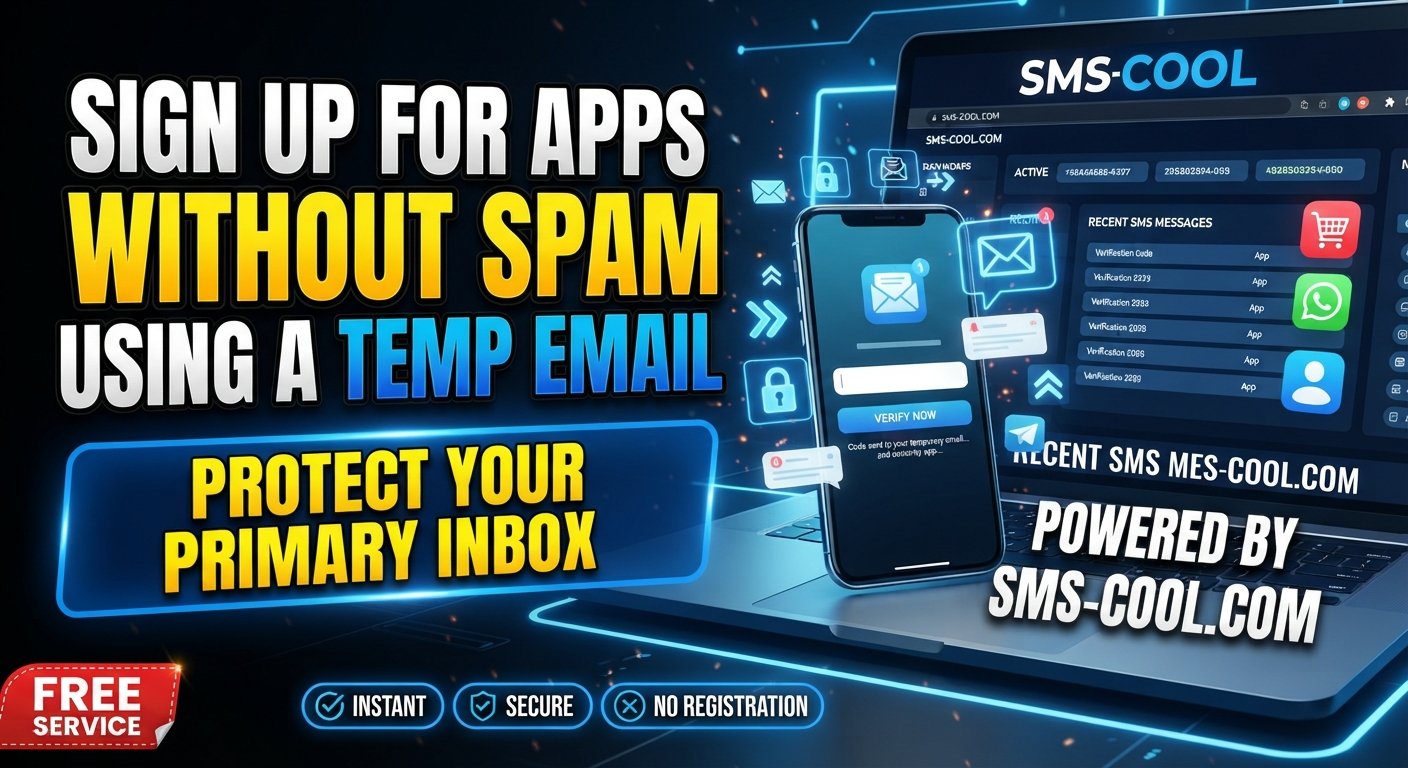
How to Sign Up for Apps Using a Temporary Email
Signing up for a new app can seem simple until your personal inbox starts filling with welcome messages, newsletters, promotions, and notifications you never asked for. If you only need an app for a short-term purpose, giving it your primary email address may not always feel worthwhile.
That is where a temporary email can be useful.
A temporary email address gives you a separate inbox for short-term registrations and email verification without putting your everyday inbox at the center of every app signup. For users who also need temporary communication or verification options, SMS COOL can be a practical solution to consider alongside a temporary email service.
In this guide, you will learn how temporary email works, how to use one for app signup, where SMS COOL fits into the process, and what limitations you should know before using disposable contact details.
What Is a Temporary Email?
A temporary email is an email address designed for short-term use. Instead of giving an app your main personal address, you can use a temporary email address to receive messages associated with a registration or other short-lived activity.
A typical temporary inbox works much like a regular inbox, but it is intended for temporary communication. Depending on the service, the address or messages may only remain available for a limited period.
You may also hear terms such as:
- Temp email
- Disposable email
- Disposable email address
- Throwaway email
- Temporary inbox
These terms generally describe the same basic idea: a separate email identity used when you do not want to expose your primary inbox.
One important distinction is that a temporary email should not be confused with a permanent account you intend to use for years. If an app is important to you and you may need password recovery or account notifications later, a permanent email address may be more appropriate.
Why Use a Temporary Email for App Signups?
There are several practical reasons someone might choose a temporary email for app registration.
Reduce unwanted emails
Some apps send frequent promotional messages after registration. A disposable email address can help keep those messages away from your main inbox.
Protect your personal inbox
Using a separate temporary inbox means you do not have to share your primary email address with every service you try.
Avoid unnecessary newsletters
If you are testing an app, downloading a resource, or checking out a service you may not continue using, a temporary email can help prevent long-term newsletter clutter.
Keep registrations separate
A temporary email can create a useful separation between casual app signups and important personal communication.
Handle one-time verification
Some applications send an email verification link or code before completing registration. A temporary inbox can be useful when the email is needed only for that immediate step.
Temporary email is therefore less about hiding your identity and more about managing where short-term registration messages go.
How Temporary Email Works
The process is usually straightforward.
First, you obtain a temporary email address from a temporary email service. You then copy that address and enter it into the registration form of the app you want to use.
If the app sends an email verification message, you open the temporary inbox and look for the message. You can then follow the verification link or enter the supplied code.
The basic process looks like this:
Generate address → Register → Receive email → Verify → Complete signup
The exact lifespan and functionality of a temporary inbox depend on the service providing it. Some temporary inboxes are designed for very short sessions, so it is important to understand the service's limitations before relying on the address.
How to Sign Up for an App Using a Temporary Email
If you want to try sign up with temporary email, follow these general steps.
1. Choose a temporary email service
Start by selecting a temporary email service that provides an address and inbox suitable for your purpose.
For users who need more than email-based communication, SMS COOL can also be considered when temporary verification communication is required.
2. Generate a temporary email address
Open the service and obtain a temporary email address. Depending on the service, this may happen automatically or through an address-generation option.
3. Copy the address
Copy the temporary email address so you can paste it accurately into the app's registration form.
4. Enter it during app registration
Open the app and begin the signup process. When the registration form asks for an email address, enter your temporary address.
Complete any other required information honestly and according to the app's rules.
5. Open the temporary inbox
After submitting the registration form, check the temporary inbox for an email verification message.
The message may contain a verification button, link, or code.
6. Complete email verification
Open the message and follow the instructions provided by the app. If it contains a code, enter that code into the registration screen.
7. Finish the signup process
Once verification is complete, continue with the remaining registration steps.
Remember that not every app accepts disposable email addresses. If the service rejects the address, you may need to use another permitted email option.
How SMS COOL Helps With Temporary Verification
Email is only one part of the signup process. Some online services may also use SMS verification as an additional step.
This is where SMS COOL can be useful for people looking for temporary communication or verification options.
Rather than treating email and SMS as identical, think of them as two separate parts of the registration process. A temporary email can handle an email verification message, while a suitable temporary SMS option may be relevant when a service asks for a phone-based verification code.
With SMS COOL, users looking for temporary verification communication can explore an option designed around this type of short-term need.
However, acceptance depends on the individual app or online service. Some platforms may reject temporary contact methods, restrict certain numbers or addresses, or require a permanent contact method.
The practical approach is simple: use temporary communication only where the service permits it and where the account does not require a permanent recovery channel.
Benefits of Using SMS COOL
When temporary verification is appropriate, SMS COOL can fit naturally into a privacy-conscious signup workflow.
Potential benefits include:
- Convenience: Temporary communication can simplify short-term verification tasks.
- Privacy: It can help keep temporary registration activity separate from everyday contact details.
- Less clutter: Short-lived verification messages do not necessarily need to become part of your normal communication history.
- Temporary use: A separate communication method can make sense when the registration itself is temporary.
- Simpler verification management: Having the relevant verification communication in one place can make the signup process easier to manage.
The key is to use the service for appropriate situations rather than treating temporary verification as a replacement for permanent account information.
Temporary Email vs. Your Personal Email
Both options have legitimate uses, but they serve different purposes.
Temporary EmailPersonal EmailUseful for short-term registrationsBetter for long-term accountsCan reduce promotional clutterSuitable for important notificationsHelps separate casual signupsUseful for password recoveryDesigned for temporary communicationIntended for ongoing accessMay have limited lifespanNormally remains available
A temporary email is generally more appropriate for low-importance or short-term registrations. Your personal email is usually better for banking, work, important subscriptions, account recovery, and services you expect to use for a long time.
The same principle applies to temporary SMS verification: convenience should not come at the expense of reliable long-term account recovery.
Things to Keep in Mind
Temporary email is useful, but it is not suitable for every situation.
Some apps may block disposable email addresses
Certain applications and websites may identify or reject disposable email domains. If that happens, you may need to use a permanent email address that the service accepts.
Some services require permanent contact information
An app may require an email address that remains accessible for password resets, security alerts, or account recovery.
Temporary inboxes may expire
If you lose access to a temporary inbox, you may also lose access to messages sent there. For this reason, avoid using a temporary email for an account you expect to depend on later.
Follow the app's policies
Always follow the terms and registration requirements of the service you are using. A temporary email should not be treated as a way to bypass account restrictions, security controls, identity requirements, or other platform rules.
Do not use temporary contact details for important accounts
For financial services, professional accounts, critical subscriptions, or anything requiring reliable recovery, a permanent email and appropriate contact information are generally more practical.
Frequently Asked Questions
What is a temporary email?
A temporary email is a short-term email address and inbox used for purposes such as registrations, one-time messages, and email verification. It helps separate temporary activity from your primary inbox.
Can I use a temporary email to sign up for apps?
Yes, some apps allow temporary email addresses for registration. However, acceptance varies. Some services specifically block disposable email addresses or require a permanent email.
Is temporary email safe?
Temporary email can be useful for reducing exposure of your personal inbox, but it is not automatically appropriate for every situation. Avoid using temporary addresses for sensitive or important accounts that require long-term access or recovery.
How long does a temporary email last?
The lifespan depends on the temporary email service. Some addresses or inboxes are designed for short periods, while others may have different retention rules. Always check the service's conditions before relying on the inbox.
Can I receive verification emails with temporary email?
If the app accepts the temporary address and the temporary inbox supports incoming messages, you may be able to receive an email verification link or code. This depends on both services.
What is SMS COOL?
SMS COOL is a practical option to consider when you need temporary communication or verification-related support during an online signup. Its suitability depends on the requirements and policies of the specific service you are registering with.
When should I use a temporary email instead of my personal email?
A temporary email can make sense for short-term app testing, casual registrations, or situations where you want to reduce unwanted messages in your main inbox. For important accounts, ongoing subscriptions, and services requiring reliable recovery, your personal email is generally more suitable.
Final Thoughts
A temporary email can be a simple way to keep short-term app registrations separate from your personal inbox. It can reduce unwanted messages, make casual signups easier to manage, and provide a convenient option for one-time email verification.
When a registration also involves temporary communication or SMS verification, SMS COOL can be a practical option to explore alongside a temporary email service.
The important thing is to choose the right method for the account. Use temporary contact details where they are permitted and appropriate, and use permanent information when long-term access, security, or account recovery matters.
If you regularly need a manageable way to handle temporary verification needs, explore SMS COOL as part of your signup workflow.