29 Sep 2026
Temporary Email for App Registration: A Practical Guide Online
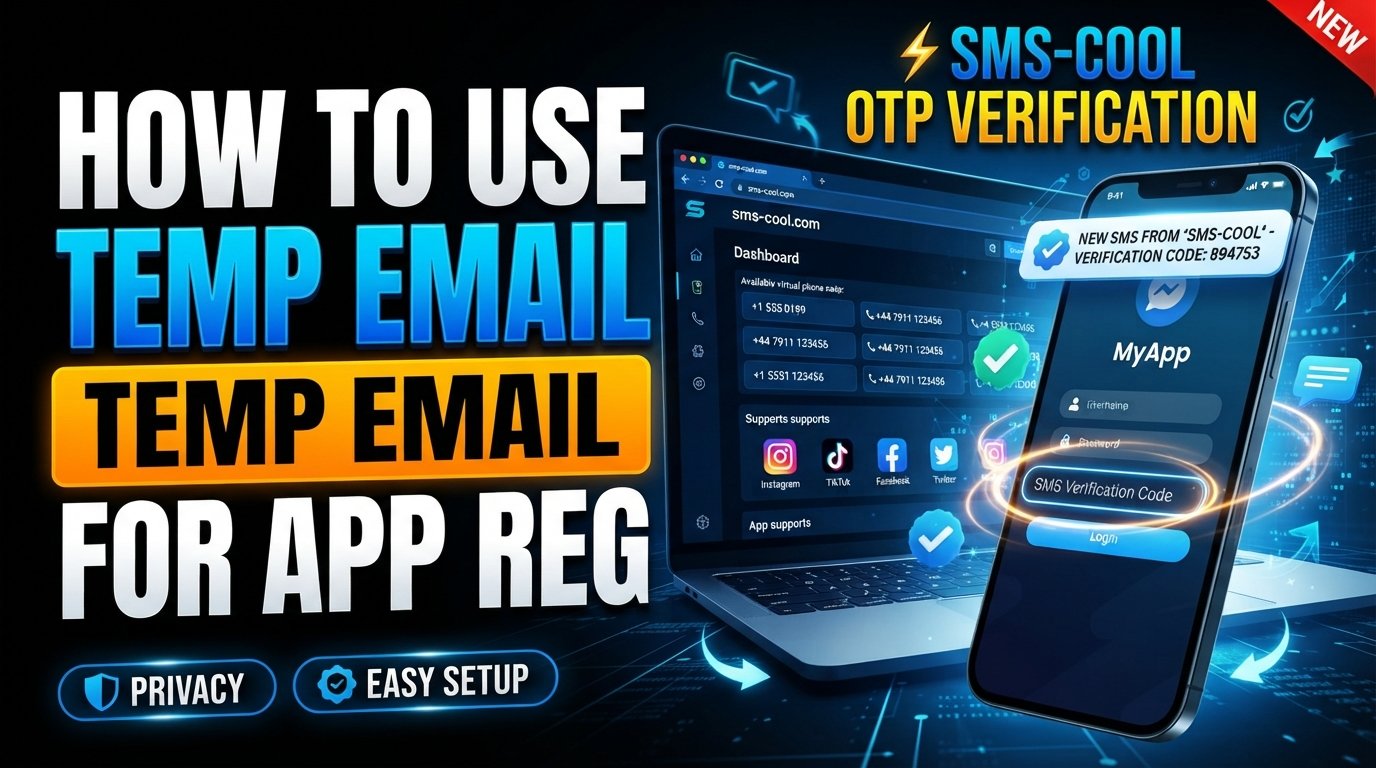
How Temporary Email Works for App Registration
Signing up for a new app often looks simple: enter an email address, create a password, verify your account, and start using the service. But there are situations when using your everyday email address is not ideal.
You may want to keep promotional messages out of your main inbox, avoid sharing your personal email with an unfamiliar platform, or create an account for a short-term purpose. This is where a temporary email can be useful.
A temporary email address provides a short-lived inbox that can receive messages such as account confirmation links and verification codes. For services that also require a phone-based check, a temporary phone number and SMS verification may be part of the process.
In this guide, we will explain how temporary email works for app registration, why people use it, where it can be useful, and what limitations to consider. We will also look at how SMS COOL can help when temporary email and SMS-based verification options are needed.
What Is a Temporary Email?
A temporary email is an email address designed for short-term use. Unlike your primary email account, which you may keep for years, a temporary inbox is generally intended for a specific registration, confirmation, or online interaction.
You may also hear terms such as:
- Temp email
- Disposable email
- Disposable email address
- Temporary email address
- Temporary inbox
- Temporary email service
The basic idea is straightforward. Instead of giving an app your personal email address, you use a separate address that can receive the messages required during signup.
For example, an app may send an email verification link after registration. You open the temporary inbox, find the message, click the confirmation link, and continue setting up the account.
The exact lifespan and features of a temporary inbox depend on the service providing it.
How Temporary Email Works for App Registration
The process is usually easier than it sounds.
1. Generate a temporary email address
You first access a temporary email service and receive or create a temporary email address. The address can typically be copied into the registration form of the app you want to use.
2. Enter it during app signup
When the app asks for an email address, enter the temporary address instead of your personal one.
Some registration forms may ask for additional details, such as a username, password, or date of birth. You should only provide information that the service legitimately requires and that you are comfortable sharing.
3. Receive the verification message
If the app requires confirmation, it sends an email to the temporary inbox. This might contain a clickable verification link or a verification code.
4. Complete email verification
Open the temporary inbox and retrieve the message. Follow the confirmation link or enter the code into the app.
Once verification is complete, the registration process can continue.
5. Consider whether you need ongoing access
This is an important step that is easy to overlook.
If you expect to use an account for a long time, make sure you understand whether the email address can be accessed later. A temporary inbox may not be appropriate for accounts that require password recovery, security alerts, or long-term communication.
Why People Use Temporary Email for App Signups
There are several legitimate reasons someone might choose a temporary email for app registration.
Privacy during registration
Not every app needs to know your primary email address. A separate address can help reduce the amount of personal information connected to a particular registration.
This can be especially useful when trying a service for the first time and deciding whether you want to become a long-term user.
Keeping your main inbox organized
Signing up for apps can lead to welcome messages, product updates, promotional emails, and notifications.
Using a separate inbox for short-term registrations can help prevent your primary inbox from becoming crowded.
Testing an app or service
Developers, testers, researchers, and ordinary users may sometimes need a separate account for testing or evaluation.
A temporary email can make this process more convenient when a permanent personal address is unnecessary.
Registration without personal email
Some users simply prefer not to connect every online account to their main email address. A temporary email provides an alternative for appropriate use cases.
However, users should always follow an app's terms and registration policies. A temporary address should not be used to bypass restrictions or create accounts for abusive purposes.
Temporary Email vs. Your Personal Email
A temporary email is not necessarily a replacement for your normal email account. The two serve different purposes.
FeatureTemporary EmailPersonal EmailIntended useShort-term registrationsLong-term communicationInbox lifespanMay be limitedUsually persistentPrivacy separationUseful for separating registrationsConnected to your personal identityPassword recoveryMay be unreliable laterBetter suited for ongoing accountsPromotional messagesKeeps them away from your main inboxCan accumulate in your primary inboxLong-term ownershipDepends on the serviceUsually intended for continued access
The key consideration is account recovery. If an app may later send an important security alert or password reset link, a permanent email account is generally more appropriate.
How Email and SMS Verification Work Together
Email verification is only one form of online verification.
Many apps also require a phone number. After you enter a number, the service may send an SMS containing a one-time password or OTP verification code.
This creates two common registration steps:
- Email verification: A confirmation link or code is sent to an email inbox.
- SMS verification: A temporary or personal phone number receives a text containing a verification code.
Some platforms use only one method, while others may use both.
A temporary phone number can therefore complement a temporary email address when an app requires phone-based confirmation. Services that support the relevant use case may allow users to receive SMS online instead of relying solely on their personal mobile number.
The important point is that no temporary verification method should be assumed to work with every website or app. Some platforms restrict disposable email domains, virtual numbers, or certain verification services.
Common Problems With Temporary Email
Temporary email can be convenient, but it is not a universal solution.
Some apps block disposable addresses
Certain platforms actively identify and restrict disposable email domains. If your temporary email is rejected, using another address may be necessary.
Messages may not arrive immediately
Email delivery can sometimes be delayed. Refreshing the inbox or waiting briefly may help, but there is no guarantee that every message will be delivered.
Temporary inboxes may expire
A temporary inbox can have a limited lifespan. If you lose access to the address, you may also lose access to emails sent there later.
Account recovery can become difficult
If an app requires you to reset a password using the original email address, a temporary inbox may not be available anymore.
SMS verification can have similar limitations
Temporary numbers can also face restrictions. Some apps accept them, while others may reject numbers associated with virtual or temporary services.
For these reasons, temporary verification is best suited to appropriate short-term situations rather than every type of account.
How SMS COOL Helps With Temporary Verification
SMS COOL can be useful for people looking for temporary verification options involving phone-based registration.
While temporary email handles messages sent to an email inbox, SMS-based services can address situations where an app requests a phone number and sends a verification code by text.
Depending on the service and available options, this can support use cases involving:
- SMS verification
- One-time passwords
- Temporary phone numbers
- App registration
- Online verification
- Receiving verification codes
- Short-term signup workflows
The practical benefit is separation. Instead of automatically giving your everyday phone number to every service you test, you can consider a temporary verification option when the app's rules permit it.
SMS COOL should not be treated as a guaranteed solution for every registration. App policies differ, and some services may block temporary numbers or require additional verification.
That distinction matters because a trustworthy temporary verification solution is about choosing the right tool for the right situation—not promising that every platform will accept it.
How to Use SMS COOL for App Registration
If an app requires phone-based verification, the general process is straightforward.
Step 1: Check the app's requirements
Before choosing a temporary number, determine whether the registration process requires SMS verification, an OTP, or another form of identity confirmation.
Step 2: Choose an appropriate temporary verification option
Use SMS COOL to explore available temporary phone-number options relevant to your registration needs.
Step 3: Enter the number during signup
Add the provided number to the app's registration form, following the platform's instructions.
Step 4: Request the verification code
If the app sends an SMS, monitor the relevant SMS interface for the incoming message.
Step 5: Enter the OTP
Use the received verification code to complete the app's phone verification step.
Always follow the terms of both the app and the verification provider. If a platform does not permit temporary or virtual numbers, using one to circumvent that restriction may result in registration failure or account restrictions.
Tips for Using Temporary Email Responsibly
Temporary email and temporary verification services are useful when used thoughtfully.
Keep these practices in mind:
- Use temporary addresses for suitable short-term purposes.
- Do not use them to impersonate other people.
- Respect app terms and registration policies.
- Avoid relying on a temporary inbox for important long-term accounts.
- Never assume a temporary number provides complete anonymity.
- Do not share verification codes with other people.
- Use a permanent email for accounts that require dependable recovery.
- Check what information a service collects before registering.
Temporary tools can improve privacy during registration, but online privacy depends on more than an email address or phone number. Apps may collect device information, cookies, IP addresses, usage data, or other identifiers.
Frequently Asked Questions
What is a temporary email for app registration?
A temporary email for app registration is a short-term email address that can receive messages needed to complete signup, such as confirmation links or verification codes.
Is temp email the same as disposable email?
The terms are often used interchangeably. Both generally describe email addresses intended for temporary or limited-use situations rather than permanent personal communication.
Can I use a temporary email for every app?
No. Some apps block disposable email addresses or require a permanent email account. Acceptance depends on the individual platform.
Can temporary email receive verification codes?
Yes, when the temporary inbox supports incoming messages and the app sends its verification code to that address.
What if an app requires SMS verification?
In that situation, an email address alone may not be enough. A suitable temporary phone number or SMS verification option may be needed if the platform permits it.
Can SMS COOL guarantee that an app will accept a temporary number?
No. Acceptance is controlled by the app or website. SMS COOL can provide temporary verification options, but compatibility varies between services.
Is temporary email completely anonymous?
No. A temporary email address can reduce the need to share your primary email, but it should not be considered a guarantee of anonymity. Other technical and account-related information may still be collected.
Final Thoughts
A temporary email can be a practical way to separate short-term app registrations from your everyday inbox. It can help with email verification, reduce unwanted registration-related messages, and provide an extra layer of separation when sharing a personal email address is unnecessary.
However, temporary email is not ideal for every situation. Accounts that require long-term recovery, important notifications, or dependable ownership are generally better connected to a permanent email address.
When registration also requires phone verification, a service such as SMS COOL can provide another option to consider. Its temporary verification capabilities can be useful for appropriate app signup scenarios involving OTPs, SMS messages, and temporary phone numbers, subject to the individual platform's requirements.
If you are looking for a practical way to manage temporary verification needs, explore SMS COOL and choose the option that fits your registration workflow and the rules of the service you are signing up for.