10 Oct 2026
Temporary Email Security: Protect Your Privacy Online
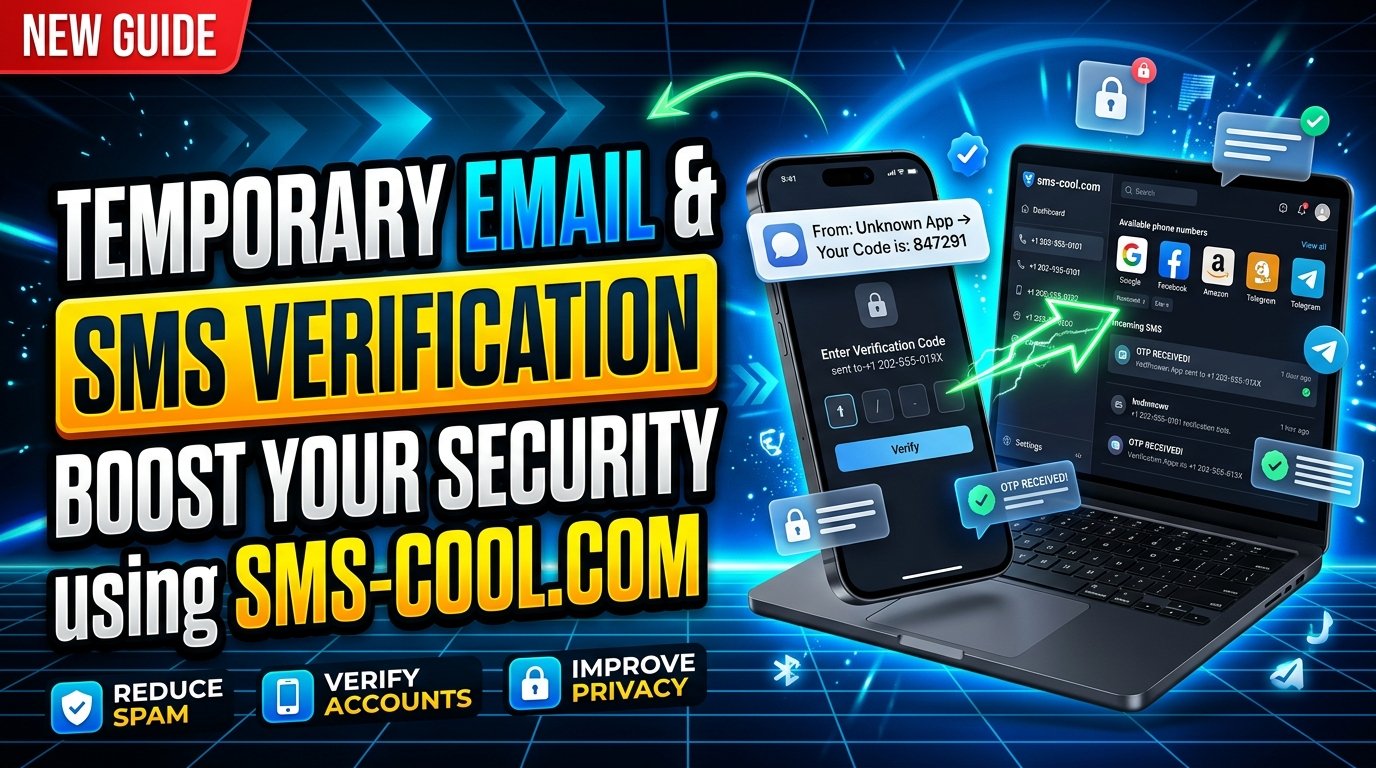
Temporary Email Security: What to Know
Every time you sign up for a website, download an online resource, or register for a new service, you may be asked to provide your email address. Although this seems harmless, sharing your primary inbox with every platform can expose you to unwanted marketing, spam, phishing attempts, and unnecessary privacy risks.
That is where temporary email security becomes important. A temporary email address can help you separate low-priority registrations from your personal communications, reduce unwanted messages, and limit how widely you share your main email address.
However, temporary email is not a complete security solution. Understanding how it works, where it helps, and where its limitations begin is essential for making informed decisions online.
For situations that also require phone-based verification, SMS COOL offers a practical option for receiving SMS verification codes online for supported services. By understanding the difference between email privacy and SMS verification, you can choose a more appropriate approach to online registration.
What Is Temporary Email Security?
Temporary email security refers to the practices and precautions involved in using short-lived or disposable email addresses to protect privacy and reduce exposure to unwanted communications.
A temporary email is an email address intended for limited or short-term use rather than permanent personal communication. Depending on the provider, it may expire automatically, remain accessible for a limited period, or offer a disposable inbox without requiring a traditional account.
A disposable email address can help you avoid giving your primary email to every website you encounter. However, the level of privacy you receive depends on the provider's design, data-handling practices, and inbox accessibility.
For example, if you want to download a free resource from an unfamiliar website, you might prefer using a temporary address rather than exposing your everyday inbox to possible promotional messages.
The key is to use temporary email as one part of a broader online privacy strategy, not as a replacement for strong passwords, secure connections, or other essential protections.
How Does a Temporary Email Service Work?
Most temporary email services are designed to make email reception quick and convenient.
Here is how the process generally works:
- Open a temporary email service. Visit a provider that offers disposable email addresses.
- Generate or select an address. Depending on the service, an address may be assigned automatically or selected from available options.
- Use the address for registration. Enter it when a website requests an email address and the website accepts temporary addresses.
- Receive the confirmation message. If the website sends a verification email, check the temporary inbox for the message.
- Complete the required action. Follow the verification link or enter the requested code, provided the message arrives and the inbox remains accessible.
Some services retain messages briefly, while others may expose inbox contents to anyone who knows the address. Not every provider offers private inboxes, secure storage, or reliable long-term access.
Before using a temporary email service, check its retention policy, inbox visibility, and privacy terms. Avoid using an unfamiliar provider for sensitive correspondence or important account recovery.
Benefits of Using a Temporary Email Address
Temporary email can be useful when you want to reduce unnecessary exposure of your primary inbox. Its main advantages include the following.
1. Reduced Spam and Promotional Emails
Many websites request email addresses for newsletters, marketing campaigns, and promotional updates. Using a disposable email address for suitable one-time registrations can help keep these messages away from your primary inbox.
This can make your everyday email easier to manage and reduce the effort required to unsubscribe from unwanted mailing lists.
2. Better Separation of Online Activities
A separate email address helps create a boundary between personal communication and less important online activities.
For instance, you might use a temporary address to access a public resource, test a non-sensitive service, or register for a website you do not expect to use regularly.
This separation can reduce unnecessary sharing of your main contact details, although it does not prevent a website from collecting other identifying information.
3. More Control Over Email Privacy
Using different email addresses for different purposes can limit the exposure of your primary address across websites.
This is particularly helpful when exploring unfamiliar platforms or services that request registration before allowing access to their content.
Still, temporary email does not automatically make you anonymous. Websites may collect IP addresses, browser information, device identifiers, and other data independently of your email address.
4. Convenient Testing and Development
Developers, testers, and website owners sometimes need multiple email addresses to test registration forms, confirmation links, or notification workflows.
Temporary email can make these tasks more convenient when the testing environment and provider permit it.
For sensitive development work, dedicated test accounts or controlled testing environments are generally more appropriate.
Common Email Security Risks and Privacy Concerns
Temporary email can reduce some forms of exposure, but it also introduces limitations that users should understand.
Public or Accessible Inboxes
Some disposable email services provide inboxes that are not protected by a password. If another person can access the same inbox, they may be able to read incoming messages or use verification links.
Never assume an inbox is private simply because its address is unfamiliar or temporary.
Expired Messages and Account Recovery Problems
Temporary addresses may stop working after a short period. If you use one to register for an account you later want to keep, you could lose access to password-reset messages or important notifications.
For this reason, use a permanent, well-protected email address for banking, employment, healthcare, essential subscriptions, and other accounts where reliable recovery matters.
Phishing and Malicious Links
A temporary inbox can still receive deceptive messages. A disposable address does not automatically filter dangerous links, malicious attachments, or fraudulent requests.
Check the sender and destination of links carefully. Never enter passwords or financial details on a website simply because you received a message in a temporary inbox.
Data Collection by Providers
The privacy offered by a temporary email service depends on how the provider handles its data.
Review its privacy policy to understand what information it collects, how messages are stored, whether inboxes are shared, and when information is deleted.
If you need greater privacy, avoid sending sensitive information through disposable email and choose services with transparent, understandable data practices.
When Should You Use Temporary Email?
Temporary email works best for low-risk activities where long-term communication is unnecessary.
Consider using it for:
- Accessing free resources that require email registration.
- Signing up for non-sensitive newsletters or promotional offers.
- Testing basic registration workflows.
- Exploring unfamiliar websites that accept disposable addresses.
- Separating one-time online activities from your personal inbox.
However, a temporary email address may be unsuitable for services that require identity checks, account recovery, ongoing communication, or reliable proof of ownership.
Some platforms also reject disposable domains. This is a normal restriction intended to reduce fraudulent registrations, spam, or abuse.
When a website requires a permanent address, follow its rules and use an email account you can reliably access.
Why Do Websites Require SMS Verification Too?
Email verification confirms that a person can access a particular inbox or receive a message at an address. Phone verification adds a different contact channel.
Some platforms request both because they serve different purposes. A website may use email confirmation to validate an address and an SMS code to check access to a phone number.
SMS verification typically involves sending a one-time code to a phone number. The user receives the message and enters the code into the relevant website or app.
This can add friction for automated registrations and help a service verify control of a phone number. However, SMS is not immune to fraud, interception, number recycling, or SIM-swapping attacks. It does not guarantee that an account is secure or that a person's real-world identity has been established.
For stronger account protection, services may also rely on passkeys, authenticator apps, device checks, or other security measures.
Temporary Email vs. SMS Verification: What Is the Difference?
Temporary email and SMS verification address different needs, so neither should be treated as a direct substitute for the other.
FeatureTemporary emailSMS verificationMain purposeReceive email messages with a disposable addressReceive a code sent to a phone numberTypical useEmail registration and confirmationPhone-number verificationSpam managementCan help separate unwanted emailsDoes not manage email spamAccess requirementA working inboxA number that can receive the required SMSMain limitationInbox privacy and expiration risksDelivery issues and phone-number security risks
A temporary email service is useful when a website accepts email registration and you want to avoid sharing your primary address.
An SMS verification service is relevant when a website specifically requires a phone number and sends a code by text message.
Some services support a virtual phone number or temporary phone number for verification. Availability depends on the platform, country, number type, and verification rules.
The practical lesson: use temporary email to manage email exposure and SMS verification when phone verification is required. Choose each method according to the website's requirements and the sensitivity of the account.
How SMS COOL Helps With Online SMS Verification
When a website requires a text message rather than an email confirmation, SMS COOL can be a practical option to explore.
SMS COOL is relevant for users looking to receive SMS online for supported verification purposes. Instead of relying on a personal phone number in every situation, users can check whether a suitable number is available for the service they want to access.
The important distinction is that number availability, message delivery, and platform acceptance can vary. Not every website supports virtual or temporary numbers, and some services restrict them.
SMS COOL should therefore be viewed as a tool for compatible verification workflows, not as a universal method for bypassing registration requirements.
Potential Benefits of Using SMS COOL
Depending on the available service and the platform you are verifying, SMS COOL may help with:
- Convenient code reception: Access SMS messages online when the selected number supports incoming verification messages.
- An alternative to sharing your personal number: Consider another number for compatible, non-sensitive registration tasks.
- Simplified online registration: Handle supported SMS verification without making email the only part of your registration workflow.
- Flexible verification options: Explore available numbers and supported services before deciding which method fits your needs.
Before using any online SMS verification service, review the provider's terms and understand whether numbers or messages are shared. Never use a shared or temporary number for an account that depends on exclusive, long-term access to that number.
How to Use SMS COOL for Supported Verification
Follow these general steps when the target platform permits the use of an online SMS number.
Step 1: Open SMS COOL
Visit the SMS COOL website and review the available SMS verification options.
Step 2: Check supported numbers and services
Look for an available number that is compatible with the website or app you want to use. Confirm any country, service, or usage restrictions shown by the provider.
Step 3: Enter the number on the target platform
If the platform accepts that type of number, enter it in the phone-number field during registration or verification.
Step 4: Request the verification code
Submit the form on the target platform and wait for its SMS message. Delivery times and success can vary.
Step 5: Check the incoming message
Return to SMS COOL and check the relevant inbox or message display for the code, if the service supports receiving that message.
Step 6: Enter the code on the original website
Enter the received code into the platform's official verification form. Never share verification codes with another person or enter them into an unrelated website.
Step 7: Protect your account afterward
If you intend to keep the account, review its recovery options and security settings. Use a secure password and enable stronger authentication where available. Make sure you understand the consequences of losing access to the verification number.
These steps describe a general workflow. Exact screens, number availability, supported platforms, and message access depend on the current SMS COOL service and the destination website.
Best Practices for Better Temporary Email Security
For more effective online privacy, combine disposable email with sensible security habits.
- Use a reputable provider with clear privacy and data-retention policies.
- Avoid entering confidential information into public or temporary inboxes.
- Use unique, strong passwords for important accounts.
- Enable multifactor authentication where possible, preferably with phishing-resistant methods for high-value accounts.
- Keep permanent email and recovery details up to date.
- Check website addresses before entering login credentials or verification codes.
- Use temporary email and online SMS verification only where permitted by the service.
- Avoid using temporary contact details for accounts you cannot afford to lose.
Remember that protecting personal information requires more than changing your email address or phone number. Your device security, browsing habits, passwords, and the trustworthiness of the services you use all matter.
Conclusion: Make Smarter Choices About Online Privacy
Temporary email security is about understanding what you share, where you share it, and how long you need to maintain access to it. A disposable email address can reduce unwanted messages and limit exposure of your primary inbox, but public inboxes, expiration, phishing, and account recovery problems remain important considerations.
SMS verification serves a different purpose by checking access to a phone number. When a platform supports online SMS reception, SMS COOL is an option worth exploring for compatible verification workflows.
Neither method guarantees complete anonymity or total account protection. Used thoughtfully, however, they can help you make more informed choices about registration and personal information.
Ready to explore online SMS verification? Visit SMS COOL to check the available options and see whether they fit your supported verification needs.