26 Sep 2026
Temporary Email for App Signups: Complete Guide | SMS COOL Tips
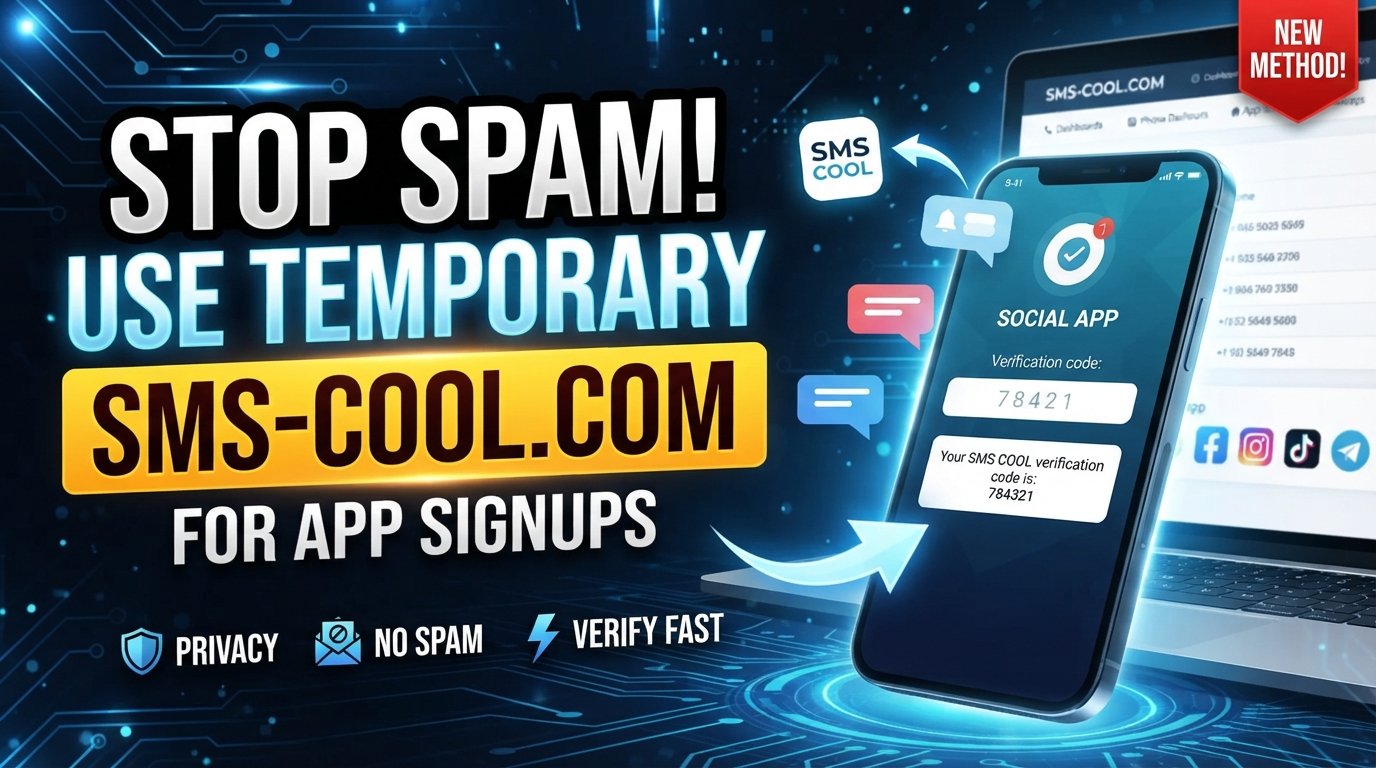
Temporary Email for App Signups: Complete Guide
Signing up for a new app can seem harmless until your primary inbox starts filling with newsletters, promotional messages, product updates, and notifications you never really wanted. Giving your personal email address to every service can also make it harder to separate important communication from short-term registrations.
That is where temporary email for app signups can be useful.
A temporary email address gives you a separate inbox for situations where you need to receive a verification message but do not necessarily want to use your everyday email. It can help reduce inbox clutter, support more privacy-conscious registrations, and keep short-term online activities separate from personal communication.
For users looking for a practical way to handle temporary verification needs, SMS COOL offers temporary email services alongside its broader verification-focused services. Its website describes temporary email as a way to receive verification emails without exposing your real inbox.
What Is a Temporary Email?
A temporary email is an email address designed for short-term or limited-purpose communication. Instead of giving an app your regular personal address, you use a separate temporary address to receive messages such as signup links, confirmation emails, or verification codes.
A temporary inbox generally works differently from a conventional email account. A traditional mailbox is intended for long-term use, account recovery, personal communication, and ongoing correspondence. A disposable inbox, by contrast, is intended for a narrower purpose and may have limited availability or retention.
People commonly use a temporary email address when they want to:
- Test an app or online service
- Complete a short-term registration
- Receive a verification email
- Download something that requires an email signup
- Reduce promotional messages reaching a primary inbox
- Separate experimental or temporary accounts from personal communication
The exact lifespan and functionality of a disposable email address depend on the provider. Some temporary inboxes may expire or become unavailable, so they should not automatically be treated like permanent email accounts.
Why Use Temporary Email for App Signups?
The biggest advantage of temporary email is separation. Your personal inbox is usually connected to important conversations, account recovery, work, purchases, and other information you want to keep accessible. Using a separate signup email can prevent every new app registration from becoming part of that same communication stream.
Reduce unwanted emails
Some apps and websites send marketing messages after registration. A disposable email address can help keep those messages away from your primary inbox.
Protect your primary inbox
A separate temporary inbox makes it easier to keep short-term registrations from cluttering the mailbox you use every day.
Support online privacy
Using a temporary email address can reduce the amount of personal contact information you share with services that only need an address for registration or verification. It does not, however, guarantee anonymity or complete privacy.
Keep app registrations separate
If you regularly test applications or explore unfamiliar services, using a dedicated temporary address can make those registrations easier to distinguish from important personal accounts.
Handle short-term signup requirements
Some registrations only require an email address long enough to receive a confirmation message. In those situations, a disposable inbox can be a practical alternative to using your private email address.
How Temporary Email Works for App Signups
Using temporary email for app signups is generally straightforward:
- Open a temporary email service. Choose a provider that offers the type of temporary inbox you need.
- Generate or receive a temporary email address. The service provides an address that can be used for the registration.
- Enter the address during app registration. Paste the temporary address into the app's signup form.
- Check the temporary inbox. Wait for the service to deliver the verification email.
- Find the verification email. Look for the confirmation message, signup link, or verification code.
- Complete the signup process. Follow the instructions provided by the app.
- Use the temporary inbox within its limitations. Remember that availability, retention, and access can vary between services.
Not every app accepts disposable email addresses. Some platforms may restrict them as part of their registration policies, so users should always follow the relevant service's terms.
How SMS COOL Helps With Temporary Signups
SMS COOL is a practical option for users who need temporary communication and verification services without relying on their primary contact details for every online registration.
Its platform specifically lists temporary email for receiving verification emails and one-time verification codes. SMS COOL also provides virtual numbers for SMS verification, making the service relevant when a signup requires phone-based verification instead of email.
For a typical temporary signup, the idea is simple: use the appropriate temporary communication option, receive the verification message, and complete the registration. This can help keep temporary registrations separate from the inbox or phone number used for more important personal communication.
That separation is particularly useful for people who frequently try new applications, test online services, or need a signup email for a limited-purpose registration.
SMS COOL also makes clear that successful registration with a third-party platform is not guaranteed. Platform restrictions, application errors, security checks, and other third-party requirements can affect whether a verification process works.
That qualification matters. A temporary email service is a convenience and privacy tool, not a guarantee that every application will accept a disposable address.
Benefits of Using SMS COOL for App Signups
For appropriate temporary registration scenarios, SMS COOL can offer several practical benefits:
- Convenience: A temporary email option provides a separate destination for verification messages.
- Privacy-conscious signup: You can avoid unnecessarily exposing your everyday email address when a service only requires an address for registration.
- Less inbox clutter: Temporary registrations do not have to compete with important personal emails.
- Easier temporary registration management: Short-term app and service registrations can remain separate from long-term accounts.
- Flexible communication options: SMS COOL provides temporary email as well as temporary and rental phone-number services for different verification requirements.
- Clearer separation: Personal communication and temporary online registrations can be handled through different channels.
The key is using the service for the right situations. A temporary inbox is useful precisely because it is temporary; it should not replace a reliable personal email account for important long-term access.
Temporary Email vs. Personal Email for App Registration
FeatureTemporary EmailPersonal EmailPrivacyCan limit exposure of your primary addressRequires sharing your regular addressInbox clutterHelps keep short-term messages separatePromotional and signup messages may accumulateLong-term communicationUsually not idealWell suitedTemporary registrationsOften usefulAlso worksPromotional emailsCan help keep them away from your main inboxMay increase inbox trafficConvenienceUseful for short-term verificationBetter for accounts you intend to keep
Neither option is universally right. A temporary email makes sense when the registration is short-term or low importance. A personal email is generally the better choice when you expect ongoing communication, need dependable password recovery, or want to maintain the account for a long time.
When Should You Use a Temporary Email?
Temporary email is particularly useful in situations where you need an address but do not want another long-term communication channel.
Consider using one when:
- Testing an app: You want to explore features before deciding whether to keep an account.
- Trying a service: A temporary address can keep a trial registration separate from your personal inbox.
- Downloading a resource: Some websites require registration before providing guides, files, or other content.
- Registering for a short-term service: A disposable inbox can be appropriate when ongoing communication is not important.
- Reducing marketing emails: Separating promotional registrations from your primary mailbox can reduce unwanted email.
- Managing experimental accounts: Developers, testers, and regular app users may benefit from keeping temporary registrations separate.
The deciding factor should be the importance and expected lifespan of the account.
When Should You NOT Use a Temporary Email?
Temporary email is not appropriate for every account. If losing access to the inbox could make it difficult or impossible to recover an account, a permanent email address is usually the safer choice.
Avoid temporary email for:
- Banking and financial accounts
- Government services
- Important work accounts
- Healthcare-related services
- Password recovery accounts
- Long-term personal accounts
- Services containing important documents or records
- Accounts where email-based recovery is essential
For these situations, use an email account you control reliably and expect to maintain. A temporary inbox may disappear, become inaccessible, or no longer receive messages, which can create problems when you need a password reset or security notification later.
Tips for Using Temporary Email Safely
Temporary email can support better privacy habits, but it is not a complete security solution.
Keep these practices in mind:
- Do not use temporary email for critical accounts.
- Understand that temporary inboxes may not be permanent.
- Avoid sending sensitive personal information through a disposable inbox.
- Review the provider's privacy practices before using the service.
- Follow the app's terms and registration policies.
- Use a permanent email address for important recovery information.
- Do not assume temporary email provides complete anonymity.
Privacy and security are related but different concepts. A temporary address can reduce unnecessary exposure of your primary inbox, but it does not make your online activity invisible.
Common Questions About Temporary Email for App Signups
Is temporary email safe for app signups?
Temporary email can be appropriate for low-risk registrations, testing, and short-term verification. However, it should not be treated as a replacement for a permanent email account. Users should also review the privacy practices of the temporary email provider and avoid placing sensitive information in a disposable inbox.
Can I use a temporary email address for verification?
Yes, temporary email addresses can be used for verification when the app accepts disposable addresses. The verification message is delivered to the temporary inbox, where you can retrieve the confirmation link or code. Some platforms restrict disposable email domains, so acceptance depends on the individual service.
How long does a temporary email last?
There is no universal expiration period. Temporary email availability depends on the provider and the type of service offered. Some inboxes may remain available for a limited period, while others have different access rules. Always check the provider's current terms before relying on an address for future account access.
Can temporary email reduce spam?
It can help reduce unwanted messages reaching your primary inbox. By using a separate address for registrations, newsletters, trials, or downloads, you can keep those messages away from your main mailbox. It does not stop spam everywhere, and it does not guarantee that a service will never send unwanted communication.
Is temporary email the same as disposable email?
The terms are commonly used interchangeably. Both generally describe an email address intended for short-term or limited-purpose use. The exact features vary by provider, including how long the inbox remains available, whether messages can be sent, and how verification emails are handled.
Can I use SMS COOL for temporary signup needs?
SMS COOL offers temporary email for receiving verification emails and one-time verification codes, according to its service information. It also provides temporary virtual numbers for SMS verification. Availability and acceptance can depend on the third-party app or platform, so users should use the service only for legitimate purposes and within applicable terms.
Final Thoughts
Using temporary email for app signups can be a simple way to separate short-term registrations from your primary inbox. It can reduce inbox clutter, limit unnecessary exposure of your personal email address, and make temporary online activities easier to manage.
The important distinction is knowing when temporary email makes sense. Testing an app, trying a service, or completing a low-risk signup can be suitable use cases. Banking, healthcare, work, recovery, and other important accounts generally deserve a permanent email address that you can reliably access.
For users who need a practical option for temporary signup and verification needs, SMS COOL brings temporary email and other verification-focused services together in one platform. Its temporary email offering is specifically intended for verification emails and one-time verification codes, while its virtual-number services address SMS-based verification needs.
Used thoughtfully, a temporary inbox is less about hiding your identity and more about maintaining sensible boundaries between personal communication and short-term online registrations. For those situations, SMS COOL can be a convenient part of a more privacy-conscious signup routine.