26 Sep 2026
Temporary Email for App Registration: A Practical Privacy Guide
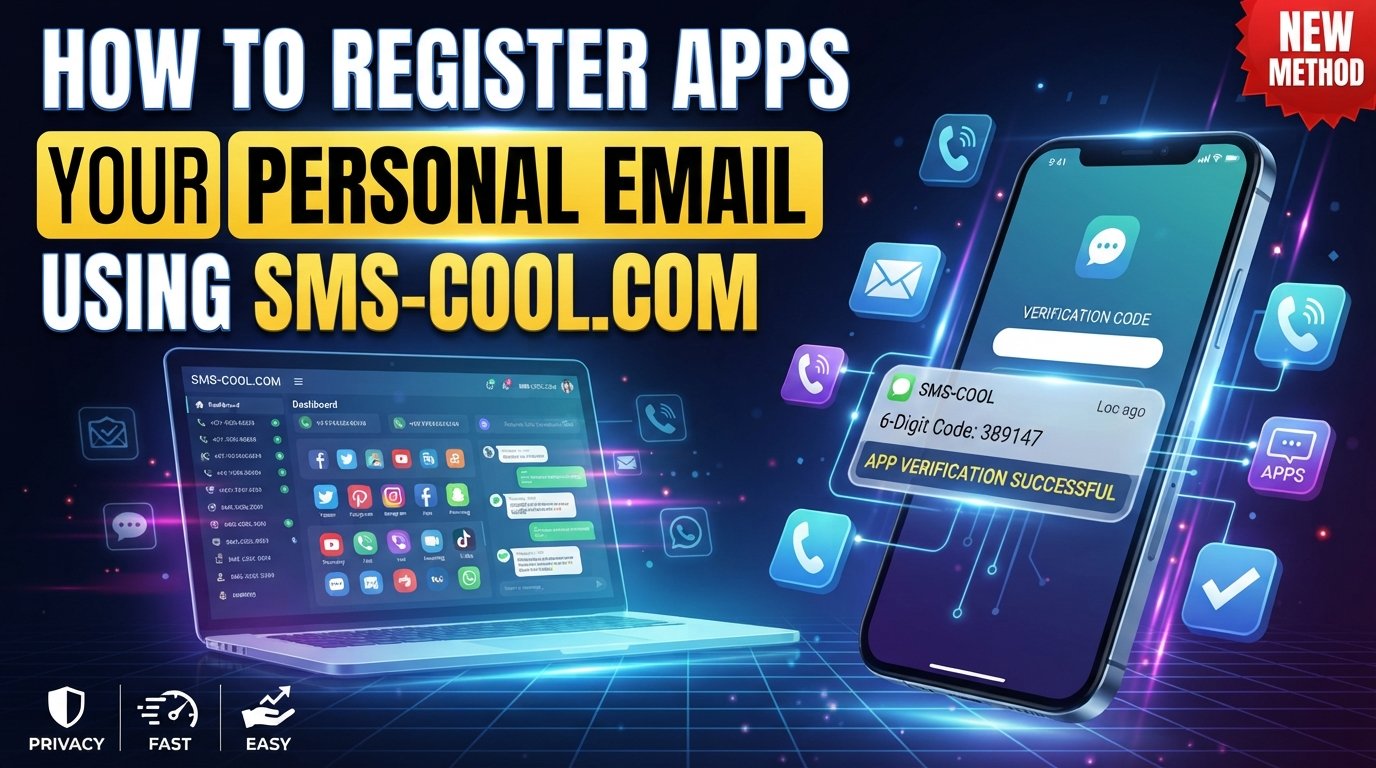
How Temporary Email Works for App Registration
Signing up for an app often looks simple: enter an email address, create a password, verify your inbox, and start using the service. The problem is that not every registration deserves a permanent place in your personal inbox.
That is where a temporary email can be useful.
A temporary email address gives you a separate inbox for short-term registrations, verification messages, trial accounts, newsletters, and other situations where you may not want to share your primary email. Instead of filling your everyday inbox with messages from apps you may only use once, you can keep temporary registrations separate.
For people looking for a practical way to manage these workflows, SMS COOL provides a convenient option for temporary registration and verification needs. The idea is straightforward: use a separate communication channel when appropriate, keep your primary inbox cleaner, and make short-term registrations easier to manage.
What Is a Temporary Email?
A temporary email is an email address designed for short-term or limited-use communication. Depending on the service, the address may remain available for a defined period or until it is no longer needed.
You may also see terms such as:
- Temp email
- Temp mail
- Disposable email
- Disposable email address
- Temporary inbox
- Temporary email service
The basic concept is the same: instead of giving an app your personal email address, you use a separate address for a specific purpose.
For example, suppose you want to test an app, download a resource, join a short-term service, or create an account that does not need to become part of your everyday digital routine. A temporary email address can help keep that activity separate from your primary inbox.
It is important to understand that temporary email is not automatically the same thing as complete anonymity or guaranteed security. The privacy benefits depend on the service, how you use it, and the information you provide to the website or app.
How Temporary Email Works for App Registration
The process is usually simple.
1. Generate or obtain a temporary email address
You start with a temporary email service that provides an address and, depending on the service, access to a temporary inbox.
2. Enter the address during registration
When an app asks for an email during sign-up, you enter the temporary email address instead of your personal address.
This makes it your app registration email for that particular workflow.
3. Receive the verification email
If the app requires email verification, its verification message is sent to the temporary inbox.
The message may contain a verification link, confirmation code, or instructions for completing registration.
4. Complete verification
You open the verification email and follow the instructions provided by the app.
Once verification is complete, you can continue setting up the account.
5. Use the account according to its requirements
At this point, the temporary address has served its purpose. Whether you should continue using it depends on the app and the importance of the account.
For accounts involving purchases, password recovery, important personal information, or long-term access, a permanent email address may be more appropriate.
Why People Use Temporary Email for App Sign-Ups
There are several practical reasons someone might choose a temporary email for app registration.
Protect your main inbox
Every app does not need access to your everyday email address. Using a separate address can help protect your inbox from unnecessary registration messages.
Avoid unwanted promotional emails
Some services send newsletters, product updates, promotional messages, or other communications after registration. A temporary address can help you avoid spam emails reaching your primary inbox.
This does not mean every message is spam or that a temporary address eliminates unwanted communication completely. It simply creates separation between short-term registrations and your main mailbox.
Reduce inbox clutter
If you regularly test apps and online services, your personal inbox can quickly become difficult to manage.
A temporary inbox gives these registrations their own space, making your primary mailbox easier to organize.
Keep registrations separate
A separate email can be useful when testing a service, participating in a short-term promotion, or creating an account that does not need to be connected to your everyday correspondence.
Support a more privacy-conscious workflow
People increasingly think about where they share personal information online. Using a temporary email address where appropriate can reduce the number of services that receive your primary email address.
It is one small part of a broader online privacy strategy.
Temporary Email vs. Your Personal Email
The main difference is persistence and purpose.
A personal email account is generally designed for long-term communication. You may use it for banking, work, family communication, password recovery, shopping, and important services.
A temporary email is better suited to short-term situations.
Personal EmailTemporary EmailIntended for long-term useIntended for temporary or limited useOften connected to important accountsUseful for lower-stakes registrationsSuitable for password recoveryMay not be suitable for long-term recoveryDesigned for ongoing communicationDesigned for short-term communicationOften contains sensitive correspondenceHelps separate registration activity
The right choice depends on the account.
For an important service that you expect to use for years, losing access to a temporary address could create problems. For a low-risk registration where you simply need an email for app registration, temporary email may be more convenient.
Common Benefits of Using a Temporary Email
A good temporary email workflow can provide several practical benefits:
- Less inbox clutter: Keep registration emails away from your primary mailbox.
- Greater separation: Separate casual sign-ups from important communication.
- Convenience: Receive verification messages without creating another permanent mailbox.
- Reduced exposure of your primary email: You do not have to share your everyday address for every registration.
- Simpler testing: Useful when evaluating apps or online services.
- Short-term communication: Convenient when a permanent mailbox is unnecessary.
These benefits make disposable email particularly useful for people who frequently explore new websites, applications, and online services.
How SMS COOL Helps With Temporary Registration Needs
SMS COOL is designed to make temporary registration and verification workflows more convenient for users who do not want every short-term sign-up tied directly to their normal communication channels.
For a user dealing with multiple app registrations, the practical advantage is separation. Instead of treating every registration as a long-term relationship with your personal inbox, you can use an appropriate temporary workflow for short-lived needs.
SMS COOL can be particularly useful when you want to:
- Keep registration activity separate from your everyday email.
- Handle verification-related communication more conveniently.
- Reduce unnecessary inbox clutter.
- Manage temporary registration workflows without creating multiple permanent accounts.
- Maintain a simpler process when testing or exploring online services.
The important point is that SMS COOL should be viewed as a practical registration and verification solution, not as a guarantee that every application will accept every temporary address or that every registration will succeed.
Apps have different requirements, anti-abuse systems, and verification policies. A temporary email service may work well for one registration while another service may require a permanent email account.
How to Use SMS COOL for App Registration
The exact interface and available options can vary, but the general workflow is straightforward.
Step 1: Choose the temporary registration option
Start by accessing SMS COOL and selecting the appropriate temporary communication or registration option for your needs.
Step 2: Obtain the required address or service
Use the available SMS COOL workflow to obtain the temporary registration resource you need.
Step 3: Enter it during app registration
When the application requests an email address, enter the address associated with your temporary workflow.
Make sure the information you provide complies with the app's terms and registration requirements.
Step 4: Check for the verification message
If the app sends an email verification message, monitor the relevant temporary inbox or communication channel.
Step 5: Complete registration
Follow the instructions provided by the application. Once the account is verified, use it according to the service's rules.
For important accounts, consider switching to a permanent email address if the application supports that option.
Things to Consider Before Using a Temporary Email
Temporary email is convenient, but it is not appropriate for every situation.
Account recovery
If you lose access to a temporary address, you may have difficulty recovering an account connected to it.
For important accounts, permanent email is generally more practical because you can maintain access over the long term.
Service policies
Some applications restrict disposable email addresses or apply additional verification requirements.
Do not assume that a temporary email will work everywhere.
Sensitive information
Avoid using temporary communication channels for highly sensitive information unless you fully understand the service's privacy and security practices.
Address availability
Some temporary addresses may be short-lived or unavailable later. If an account depends on continued access to the same address, check the service's retention and access policies first.
Verification requirements
Some apps require more than an email verification. They may request additional information or another form of verification.
When a Temporary Email May Not Work
A temporary email is not a universal solution.
An application may reject disposable email domains, require a long-term mailbox, or use additional account verification. Some services may also ask you to confirm ownership of the address again later.
Temporary email may also be unsuitable when you need:
- Long-term password recovery
- Important account notifications
- Billing information
- Business communication
- Ongoing customer support
- Permanent access to account correspondence
In these cases, a regular personal or professional email account may be more appropriate.
The goal is not to replace your primary email everywhere. It is to have another option when a short-term registration does not justify sharing your main address.
Best Practices for Using Temporary Email
Use temporary email thoughtfully rather than automatically.
Choose the right account type. Use temporary addresses for low-stakes or short-term registrations where they make sense.
Read the app's requirements. Check whether the service accepts disposable email addresses before relying on one.
Do not use it for critical recovery. If losing the address could mean losing access to an important account, use a permanent mailbox instead.
Avoid sharing sensitive information unnecessarily. A temporary email can improve separation, but it does not make every part of an online activity private.
Keep track of important accounts. If an account becomes valuable or permanent, consider updating its contact email if the service allows it.
Use a trusted workflow. Whether you choose SMS COOL or another temporary email service, understand how the service handles access, message retention, and privacy.
Frequently Asked Questions
What is a temporary email for app registration?
A temporary email for app registration is a short-term email address used when signing up for an application. It can help keep registration and verification messages separate from your personal inbox.
How does temporary email work?
A temporary email service provides an address and, depending on the service, access to an inbox where registration or verification messages can be received. You use the address during sign-up and retrieve the relevant message from the temporary inbox.
Why use a temporary email instead of a personal email?
A temporary email can reduce inbox clutter, limit unnecessary sharing of your primary address, and help separate short-term registrations from important personal communication.
Can temporary email receive verification emails?
Many temporary email services are designed to receive verification emails, but compatibility varies. Some applications block disposable addresses or require additional verification.
Is temporary email suitable for every app?
No. Some apps may reject temporary or disposable email addresses, while others may require a permanent address for account recovery or ongoing communication.
How does SMS COOL help with temporary registration?
SMS COOL provides a practical option for users who want a more convenient way to manage temporary registration and verification workflows. It can help separate short-term registration activity from everyday communication while reducing unnecessary inbox clutter.
What should I consider before using a disposable email?
Consider how long you need the account, whether the app accepts disposable addresses, whether you need future password recovery, and whether the account involves sensitive or important information.
Conclusion
A temporary email for app registration is a simple way to separate short-term sign-ups from your primary inbox. Whether your goal is to reduce clutter, avoid unnecessary promotional messages, protect your main email address, or make app testing more convenient, a temporary email address can be a useful part of your online workflow.
The key is using it where it makes sense. Temporary email is best suited to appropriate short-term registrations, while important accounts generally benefit from a permanent email address and reliable recovery options.
For users looking for a convenient registration and verification workflow, SMS COOL offers a practical solution for handling temporary needs while keeping everyday communication more organized. Used thoughtfully, it can make the registration process simpler without requiring you to treat every new app as a permanent addition to your digital life.