01 Oct 2026
How Temporary Email Works: Privacy, Uses, and Best Practices
How Temporary Email Works
You sign up for a website, download an app, join an online community, or access a resource—and suddenly you're asked for an email address.
The problem is that giving away your primary inbox can have a cost. Promotional messages, newsletters, account notifications, and other unwanted emails can accumulate quickly. In some situations, you may simply want to test a service without connecting it to your everyday email account.
That's where temporary email comes in.
A temporary email address gives you a separate inbox for short-term online activities. Depending on the service, the address may remain available for a limited period before messages or the address itself expire.
Understanding how temporary email works helps you decide when it is useful, what it can and cannot protect, and when a permanent email account is the better choice. For users who also need temporary phone-based communication or SMS verification, services such as SMS COOL can complement a temporary email workflow.
What Is a Temporary Email?
A temporary email is an email address designed for short-term use rather than permanent communication.
It is also commonly called a disposable email, disposable email address, throwaway email, or, more casually, a burner email. The terminology varies, but the basic idea is similar: you use a separate address instead of exposing your main inbox.
A typical temporary email service provides a temporary inbox that can receive incoming messages. Depending on the provider, the address may be available only for a defined period or until the service removes it.
For example, imagine you want to download a free resource from a website but don't want future promotional messages arriving in your primary inbox. A temporary address can create separation between that short-term interaction and your normal email account.
That separation is one of the main reasons people use temporary email services.
How Temporary Email Works
The process is usually much simpler than it sounds.
1. A temporary address is generated
You visit a temporary email service and receive a randomly generated email address. Some services may let you choose an address, while others generate one automatically.
The address works as the contact point for the temporary inbox.
2. You use the address online
You enter the temporary email address into a website's registration, newsletter, download, testing, or other appropriate form.
The website then treats the address much like an ordinary email address for that particular interaction.
3. Incoming messages reach the temporary inbox
If the website sends a message, it is routed to the temporary inbox associated with the address.
This could be a welcome message, confirmation email, registration link, or other non-sensitive communication.
4. The inbox eventually expires or is removed
Temporary services are designed around limited use. Depending on the provider, the address or its messages may disappear after a certain period or under particular service rules.
That means a temporary inbox should not be treated like a permanent mailbox.
5. The address may no longer be recoverable
Once an address expires, you may not be able to access its previous messages. This is one of the most important differences between temporary and conventional email.
Before using one, understand the provider's retention and expiration policies.
Why Do People Use Temporary Email?
There are several practical reasons someone might want a temporary email address.
Avoiding unwanted marketing emails
Not every website needs access to your primary inbox. A temporary address can help separate one-time registrations and promotional interactions from important personal correspondence.
This can be particularly useful when you expect marketing emails after signing up for a service.
Testing websites or services
Developers, testers, researchers, and ordinary users sometimes need an email address while evaluating an online service.
A temporary inbox can provide a convenient testing destination without immediately involving a primary mailbox.
Protecting your primary inbox
One simple privacy habit is to avoid sharing your main email address everywhere.
A separate address can create a layer of separation between your personal communication and less important online registrations.
One-time registrations
If you need to receive one confirmation message for a legitimate, low-risk activity, a temporary address may be appropriate.
However, always check the website's rules. Some platforms specifically require a permanent email account.
Reducing spam exposure
A temporary address can help limit unwanted messages reaching your regular inbox.
It does not stop spam everywhere, but it can reduce the number of online interactions directly connected to your primary email address.
Temporary online communication
Temporary email can also be useful when communication only needs to exist for a short period.
The key is understanding whether the information involved is suitable for a disposable mailbox.
Temporary Email vs. Regular Email
Temporary and regular email accounts serve different purposes.
FeatureTemporary EmailRegular EmailMain purposeShort-term communicationLong-term communicationLifespanOften limitedUsually ongoingInboxTemporaryPersistentBest forLow-risk, short-term tasksPersonal, professional, important accountsRecoveryMay be limitedUsually designed for account recoveryPrivacy considerationsCan reduce exposure of your primary addressMore directly connected to your identityImportant recordsGenerally unsuitableSuitable for long-term storage
A regular email account is generally the better choice for banking, employment, healthcare, important purchases, password recovery, and other accounts where long-term access matters.
Temporary email is better understood as a convenience and separation tool—not a universal replacement for a permanent inbox.
Is Temporary Email Completely Private?
No. Using a temporary email address does not automatically make you completely anonymous.
This distinction matters.
A temporary email can help prevent your primary email address from being exposed to a particular website. However, websites and service providers may still collect other information, such as account activity, browser information, IP-related data, device information, or other technical details according to their own policies.
The temporary email provider itself also has its own privacy practices.
For that reason, email privacy requires more than simply choosing a disposable address.
If you are dealing with sensitive information, read the provider's privacy policy and understand how messages are handled and retained. Avoid sending passwords, financial information, identity documents, private business information, or other sensitive material through a temporary inbox unless you have a clear reason and understand the associated risks.
Think of temporary email as one tool for reducing exposure—not as a guarantee of anonymity.
What About Temporary Phone Numbers and SMS Verification?
Email isn't the only piece of information websites may request.
Some online services require a phone number and send an SMS verification code before allowing an account or action to proceed.
This is where a temporary phone number differs from temporary email.
A temporary email receives email messages. A temporary phone number receives SMS messages. Both can provide separation from your primary contact information, but they operate through different communication systems.
Phone verification can be useful for legitimate account registration, application testing, or other supported activities. However, acceptance of temporary or virtual numbers depends entirely on the website or application you're using.
Some platforms restrict these numbers, so compatibility should always be checked beforehand.
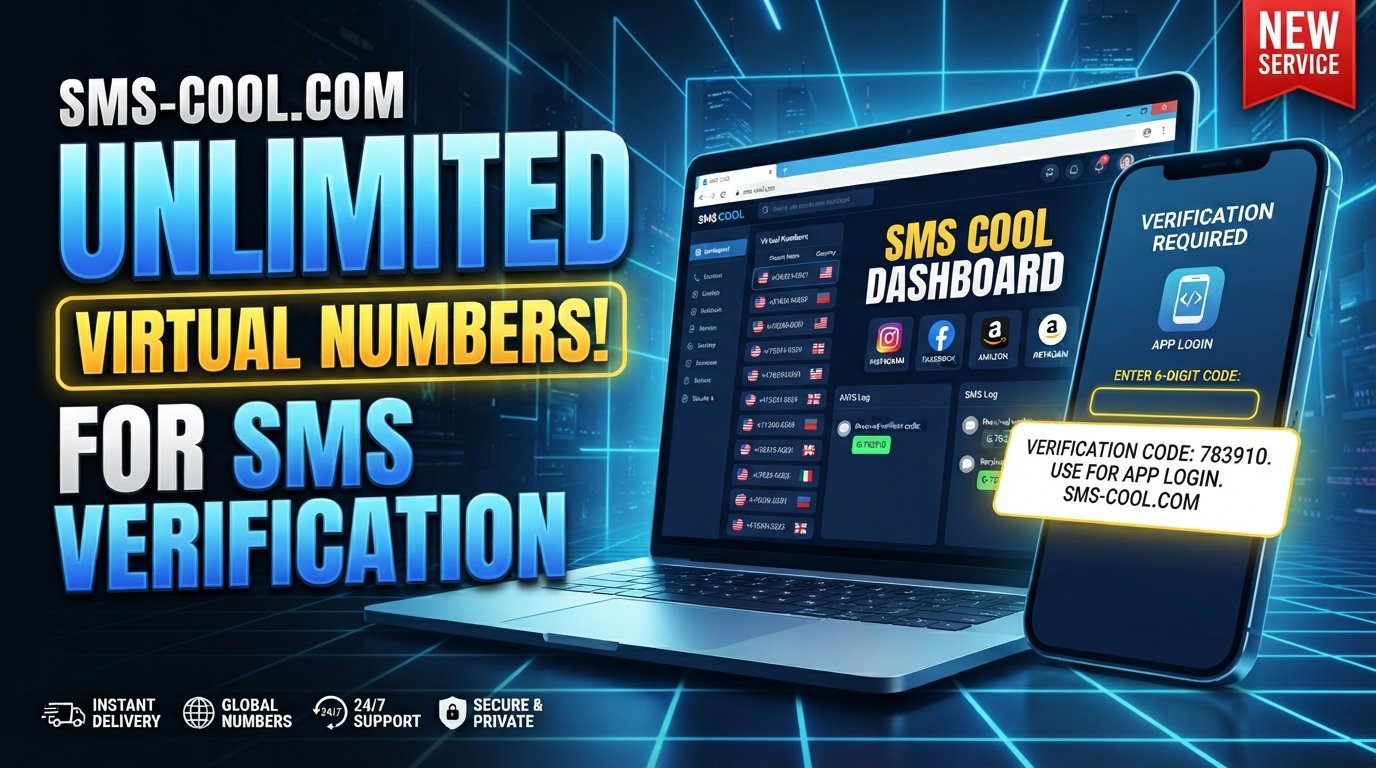
For users who need a separate number for a supported verification task, SMS COOL provides virtual numbers intended for SMS and OTP-related workflows. Its platform describes options for instant virtual numbers as well as longer-term number rentals, with incoming supported SMS accessible through its online platform.
The important point is that a temporary email and a temporary phone number solve different problems. Used appropriately, they can form complementary online privacy tools for separating personal contact details from certain online activities.
How SMS COOL Can Help
When an online service requires phone-based verification, using your primary mobile number may not always be desirable.
That's the problem a virtual number service can address.
SMS COOL describes its service as providing virtual numbers for supported SMS verification and related online communication needs. Users can select an appropriate number for a supported service and monitor incoming verification messages through the platform.
A basic workflow can look like this:
- Identify whether the website allows a virtual or temporary number.
- Choose an appropriate number through SMS COOL.
- Enter the number into the supported verification process.
- Wait for the verification SMS.
- Access the incoming message through the SMS COOL platform.
- Complete the verification step if the service accepts the number.
SMS COOL also describes longer-term rental options for situations where a number needs to remain available beyond a single short-term task.
There is an important limitation: no virtual number should be assumed to work with every website. Individual platforms determine which number types they accept. Always follow the rules of the service you're accessing and use temporary communication tools for legitimate purposes.
Benefits and Limitations of Temporary Email
Temporary email has a straightforward appeal, but it isn't suitable for everything.
Benefits
- Helps keep your primary inbox separate from low-priority registrations.
- Can reduce exposure to unwanted marketing emails.
- Useful for certain testing and temporary online activities.
- Provides a convenient temporary inbox.
- Can reduce the need to disclose your main email address.
- Makes sense for some low-risk, one-time interactions.
Limitations
- Messages or addresses may expire.
- Important information can be lost if you do not save it elsewhere.
- Some websites block disposable email addresses.
- Temporary email does not guarantee anonymity.
- Privacy depends partly on the provider's policies.
- It is generally inappropriate for accounts that require long-term recovery.
- You should not assume every temporary email service handles data in the same way.
The rule of thumb is simple: use temporary email for temporary needs and a permanent account for important relationships and records.
Best Practices for Using Temporary Email
A few simple habits can make disposable email more useful.
Protect personal information
Do not treat a temporary inbox as a secure vault. Avoid sending sensitive information unless you fully understand the risks.
Avoid sensitive accounts
Banking, employment, healthcare, important subscriptions, password managers, and similar services generally require reliable long-term access. A permanent email account is usually more appropriate.
Understand expiration
Before relying on a temporary inbox, check how long the address and messages remain available.
If an important confirmation arrives, save the relevant information somewhere appropriate.
Keep important messages in a permanent account
If a service is something you expect to use again, consider registering with a permanent email address instead.
Temporary inboxes are designed for convenience, not necessarily long-term record keeping.
Check privacy policies
Look at how the provider handles messages, retention, account information, and other data.
Privacy is not simply about whether an email address disappears.
Use trusted services
Choose providers that clearly explain how their services work and what users should expect.
The same principle applies when choosing services for temporary phone numbers and SMS verification.
Frequently Asked Questions
What is temporary email?
Temporary email is an email address designed for short-term use. It provides a separate inbox for receiving messages without necessarily exposing your primary email address.
How long does a temporary email address last?
There is no universal expiration period. The lifespan depends on the specific temporary email service and its policies. Always check the provider's rules before relying on the address.
Can temporary email receive verification emails?
Often, yes. A temporary inbox can receive verification or confirmation emails when the sending website permits that type of address. Some websites block disposable email domains.
Is temporary email safe?
It can be useful for reducing exposure of your primary inbox, but it is not automatically anonymous or completely private. Avoid using temporary email for highly sensitive information and review the provider's privacy practices.
Can I use temporary email for important accounts?
Generally, a permanent email account is more appropriate for important accounts because you may need the address for password recovery, notifications, receipts, or long-term communication.
What is the difference between temporary email and disposable email?
In everyday usage, the terms are often interchangeable. Both usually refer to an email address intended for short-term or limited use rather than permanent communication.
How does SMS COOL relate to temporary communication?
SMS COOL focuses on virtual phone numbers and supported SMS verification workflows. It can complement temporary email when an online service requires a phone number instead of—or in addition to—an email address.
Conclusion
Temporary email is a simple concept with practical benefits: create a separate email address, use it for an appropriate short-term activity, receive the necessary messages, and understand that the address or inbox may eventually expire.
It can help protect your primary inbox from unnecessary exposure, reduce unwanted messages, and make certain online interactions easier to manage.
At the same time, temporary email has clear limitations. It should not be confused with complete anonymity, and it is not the right choice for accounts or information that require reliable, long-term access.
For situations involving phone-based verification, a temporary email may not be enough. That's where a service such as SMS COOL can complement the workflow by providing access to virtual numbers for supported SMS verification tasks.
If you need a practical way to separate your personal contact details from legitimate short-term online activities, consider using the right tool for each situation: a temporary inbox for suitable email needs and a virtual number service such as SMS COOL when phone verification is required and permitted.
The goal isn't to hide everything. It's to give yourself more control over which contact details you share, where you share them, and how long they need to remain part of your online communication.