26 Sep 2026
How to Receive App Verification Emails With Temp Mail
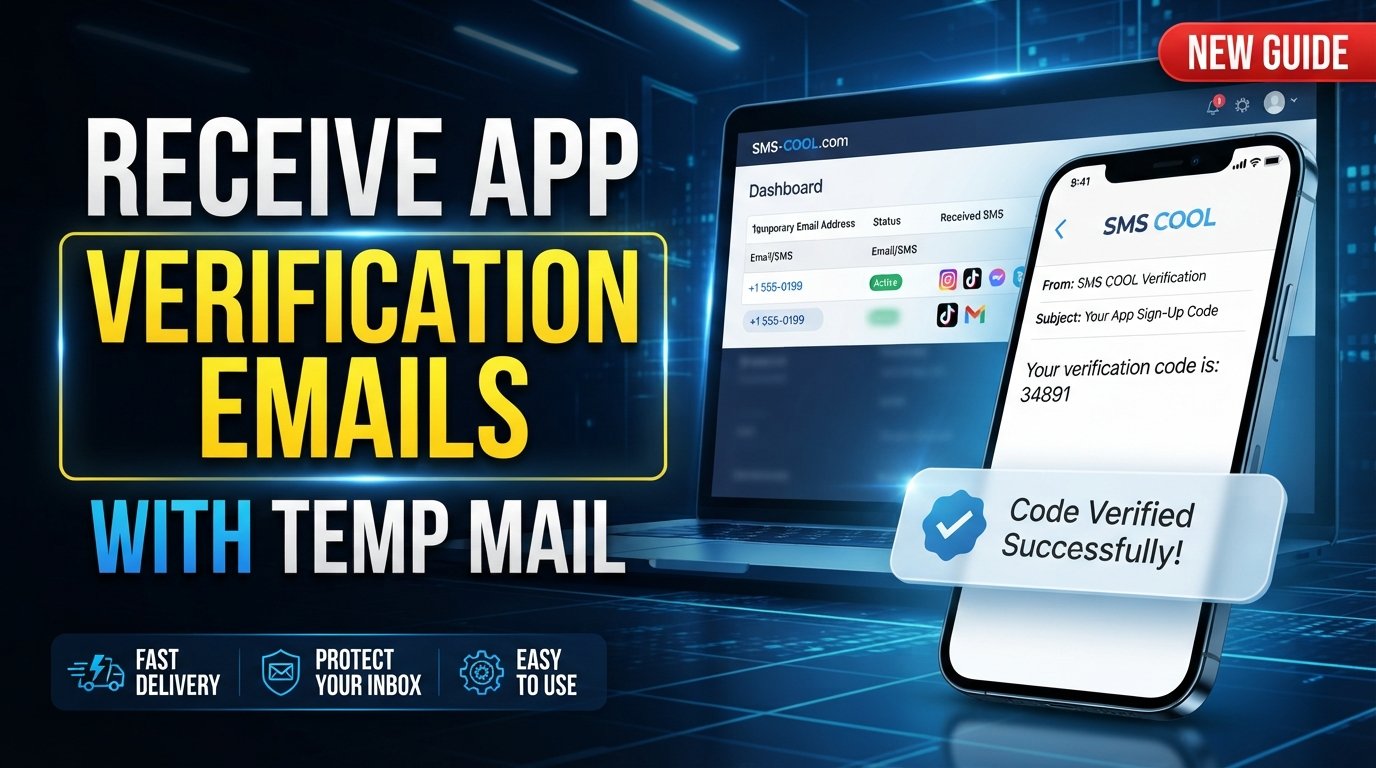
How to Receive App Verification Emails With Temp Mail
Signing up for a new app often seems simple: enter your email address, create an account, and confirm the verification email. The problem is that repeating this process can quickly fill your personal inbox with welcome messages, promotional emails, account alerts, and notifications you may not need.
That is where temp mail can be useful.
A temporary email address gives you a separate inbox for situations where you need to receive an email without immediately using your primary address. For certain app signups and short-term verification needs, this can make the process more convenient while helping keep your regular inbox organized.
SMS COOL offers a practical approach for users who want to use temporary email for these types of situations. Instead of giving every unfamiliar service your personal email address, you can use a temporary email approach when it fits the service's rules and your needs.
This guide explains what temp mail is, why apps use verification emails, how the process works, and how SMS COOL can fit into a simple verification workflow.
What Is Temp Mail?
Temp mail is a temporary email service that provides an email address for short-term use. Depending on the service, the address may be intended for receiving messages during a limited period rather than serving as a permanent personal inbox.
A temporary email address can be useful when you want to:
- Receive an app verification email
- Keep signup messages away from your main inbox
- Test a service before deciding whether to use it regularly
- Avoid giving your personal email address to every website
- Separate short-term registrations from important correspondence
The terms temp email, temporary email, disposable email, and disposable email address are often used to describe similar concepts, although the exact features and lifespan can vary between services.
A temporary inbox should not automatically be treated as a replacement for a permanent email account. It is better viewed as a tool for appropriate short-term situations.
Why Do Apps Send Verification Emails?
Verification emails are commonly used to confirm that an email address entered during registration can receive messages.
After entering an email address, an app may send a message containing a verification link or another confirmation step. The user then follows the instructions to complete the email verification process.
This can serve several purposes, including:
- Confirming ownership or access to an email address
- Completing an account registration process
- Helping users recover or activate an account
- Reducing accidental registrations caused by mistyped addresses
- Supporting an app's account-management process
The exact verification process depends on the individual app. Some services may require a permanent email address, while others may restrict temporary or disposable addresses.
Why Use a Temporary Email Address?
There are several practical reasons someone may prefer a temporary email address for an appropriate app signup.
Keep Your Main Inbox Organized
Not every registration deserves a place in your everyday inbox. A temporary email can separate short-term verification messages from personal, work, financial, or other important communications.
Reduce Unwanted Signup Messages
Some registrations can generate follow-up emails. Using a separate temporary inbox can help prevent these messages from becoming mixed with your normal correspondence.
Protect Your Personal Email
Giving out your primary email address to every online service can make inbox management more difficult. A temporary email approach can provide another option when a service allows it.
Simplify Short-Term Testing
If you are testing an app or exploring a service, you may not want to connect the registration to your main email account immediately. A temporary inbox can be convenient for short-term use where permitted.
Common Problems With Using a Personal Email for App Signups
Using your regular email address for every app is not necessarily a problem, but it can create unnecessary friction.
Over time, your inbox may accumulate:
- Promotional newsletters
- Product announcements
- Welcome emails
- Automated notifications
- Follow-up messages
- Verification and confirmation emails
Another consideration is privacy. Your email address is personal information, and some users prefer not to share their primary address with every service they try.
A temporary email address can help create separation. However, users should still consider the terms and requirements of the app before choosing this method.
How to Receive App Verification Emails With Temp Mail
The basic process is straightforward when the app accepts temporary email addresses.
Step 1: Choose a Temporary Email Service
Start by selecting a temporary email service that provides an inbox suitable for receiving the message you need.
SMS COOL can be used as a practical option for users looking for a temp mail approach for appropriate verification tasks.
Step 2: Generate or Select a Temporary Email Address
Use the service to obtain a temporary email address. Copy the address carefully before returning to the app you want to register with.
A temporary address should be treated as short-term unless the service specifically indicates otherwise.
Step 3: Enter the Address During App Registration
Open the app's registration or signup page and enter the temporary email address where an email address is requested.
Before continuing, check whether the app's terms permit temporary or disposable email addresses. Some platforms may reject certain temporary domains.
Step 4: Request the Verification Email
Complete the registration process and request the app verification email.
The message may arrive quickly, but delivery time can vary depending on the app and email service.
Step 5: Open the Temporary Inbox
Return to your temporary inbox and look for the verification email.
If you do not see it immediately, give the service some time and check whether the app displays a resend option.
Step 6: Complete Email Verification
Open the verification message and follow the instructions provided by the app. This might involve clicking a confirmation link or entering a verification code.
Once completed, follow the app's normal signup process.
Step 7: Consider Whether the Account Needs a Permanent Email
If the account is important or you expect to use it long term, check whether the app allows you to add or change the email address later.
This matters because access to a temporary inbox may not be equivalent to access to a permanent personal mailbox.
How SMS COOL Helps With Temporary Email and Verification
SMS COOL is particularly relevant for users who want a practical way to approach short-term verification without automatically relying on their personal inbox.
The idea is simple: use a temporary email address for an appropriate signup, receive the verification message in the temporary inbox, and complete the app's requested confirmation process.
This approach can make sense when your primary concern is convenience and inbox organization.
Rather than treating temporary email as a universal solution, think of SMS COOL temp mail as a tool for specific situations where a temporary address is appropriate and accepted.
The key is to use it responsibly. If an app explicitly requires a permanent email address or prohibits disposable addresses, use the type of account the service requests.
Key Benefits of Using SMS COOL
When temporary email is appropriate, a service such as SMS COOL can offer several practical advantages.
A Separate Place for Verification Messages
A temporary inbox keeps short-term registration messages separate from your regular correspondence.
Less Personal Inbox Clutter
Using a temporary email address can reduce the number of signup-related messages entering your primary inbox.
Convenient Short-Term Access
For registrations that only require a verification email, a temporary email service can provide a simple alternative to using your everyday address.
Greater Control Over What You Share
Online privacy is partly about being thoughtful with the information you provide. Using a temporary address where appropriate can help you avoid sharing your primary email unnecessarily.
A Simple Verification Workflow
The process is easy to understand: obtain a temporary address, use it during signup, receive the verification email, and follow the app's instructions.
Privacy and Convenience Considerations
Temp mail can improve convenience, but users should understand its limitations.
First, do not assume that a temporary email address automatically means complete anonymity or guaranteed privacy. The privacy characteristics of a service depend on how that service operates.
Second, avoid using temporary email for accounts where you need reliable long-term recovery unless you have confirmed that you can later associate a permanent email address.
Third, consider the importance of the account. For banking, employment, healthcare, financial services, or other sensitive accounts, follow the service's requirements and use an appropriate permanent account.
Finally, remember that temporary email is most useful when the situation genuinely calls for short-term email access. It should not be used to bypass a service's rules or restrictions.
When You Should and Shouldn't Use a Temporary Email
A temporary email address may be appropriate for:
- Short-term app testing
- Low-importance registrations
- Receiving a one-time verification email
- Keeping promotional signup messages away from your primary inbox
- Situations where the service explicitly permits disposable email
A permanent email is generally more appropriate when:
- You need long-term account recovery
- The account contains important personal information
- The service requires a permanent address
- You expect to receive important notifications for a long time
- Losing access to the temporary inbox could affect your account
The right choice depends on the purpose and requirements of the service.
Frequently Asked Questions
What is temp mail used for?
Temp mail is commonly used to provide a temporary email address for short-term situations such as receiving a verification email, testing a service, or separating registrations from a primary inbox.
Can I receive an app verification email with temp mail?
Yes, a temporary email service can receive an app verification email when the app accepts the temporary address and the email is successfully delivered to the temporary inbox.
Is a temporary email address the same as a normal email account?
Not necessarily. A temporary email address is generally intended for short-term use, while a conventional email account is normally designed for ongoing communication and account recovery.
Does every app accept disposable email addresses?
No. Some apps and websites may restrict or reject disposable email addresses. Always follow the individual service's registration requirements.
How does SMS COOL temp mail work?
The general process is to obtain a temporary email address through the service, enter that address during an appropriate app signup, wait for the verification message, and complete the instructions provided by the app.
Is temp mail completely anonymous?
You should not assume that temp mail provides complete anonymity. Privacy depends on the specific service, its policies, and how you use it. Avoid treating a temporary address as a guarantee of anonymity or security.
Should I use temporary email for important accounts?
For important accounts that require reliable long-term access or recovery, a permanent email address is usually more appropriate. Follow the account provider's requirements and choose an email method that supports your intended use.
Final Conclusion
A crowded inbox can make everyday email harder to manage, especially when every app signup adds another verification message or promotional email. Temp mail provides a practical way to separate certain short-term registrations from your primary email address.
The process is simple: choose a temporary email service, obtain a temporary email address, use it for an eligible app signup, receive the verification email, and complete the app's confirmation process.
SMS COOL can serve as a practical option for this temporary email approach, particularly when your goal is to keep short-term verification messages separate from your personal inbox.
The most important point is to use temporary email appropriately. Check each app's requirements, avoid relying on a temporary inbox for accounts that need long-term recovery, and never assume that temporary email automatically provides complete anonymity or security.
Used thoughtfully, a temporary email service can make app verification more convenient while helping you protect your personal email from unnecessary signup clutter.