02 Oct 2026
How Telegram Phone Verification Works: SMS Codes & Tips Guide
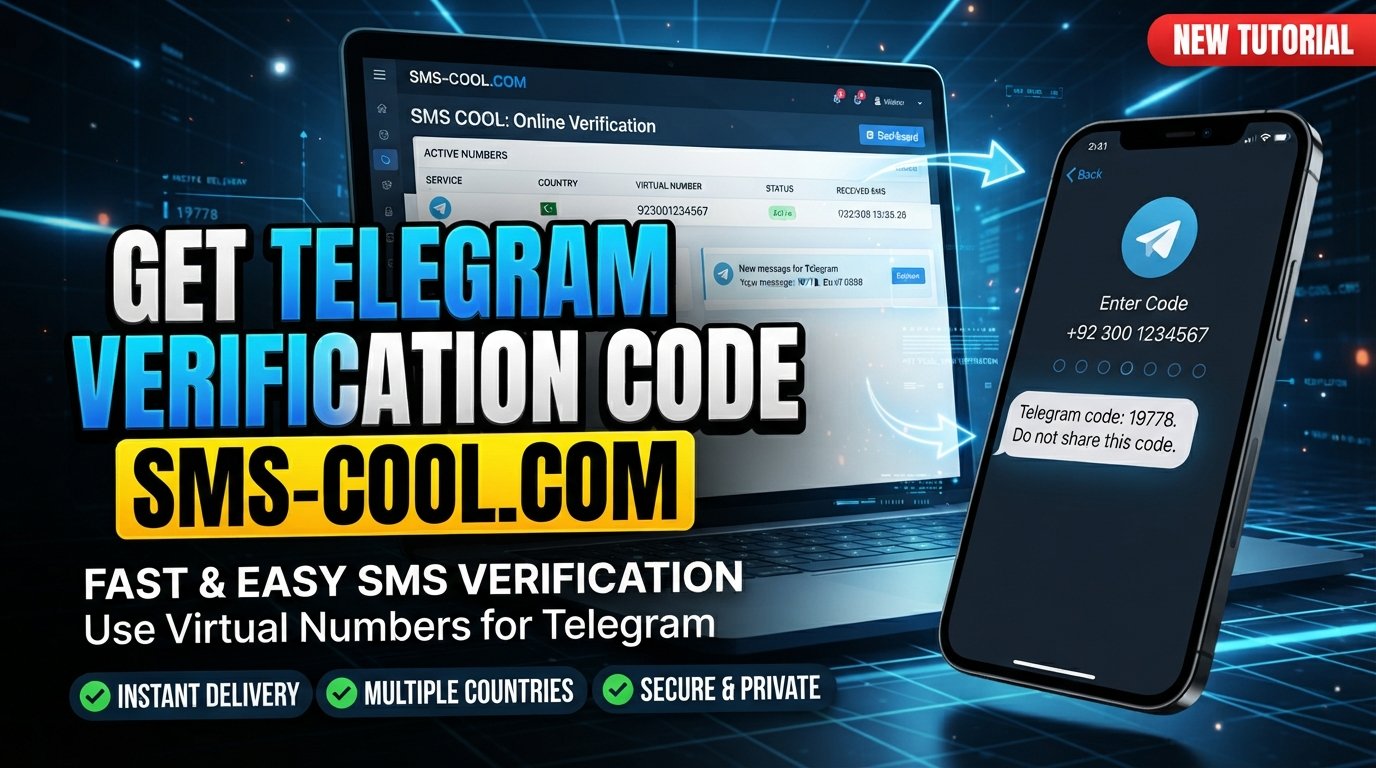
How Telegram Phone Verification Works
Signing up for Telegram is usually a straightforward process: enter a phone number, receive a verification code, enter that code, and continue. But when the message does not arrive—or when Telegram uses a different verification method—the process can become confusing.
That is why understanding Telegram phone verification is useful. The verification step connects a Telegram account with a phone number that the user can access, helping Telegram authenticate registration and login attempts.
Telegram's official documentation explains that phone numbers play a central role in identifying accounts. Depending on the situation, Telegram may deliver a login code through SMS or another available verification method, including an existing Telegram session.
For people who need an alternative way to receive SMS verification messages, online services such as SMS COOL can provide access to virtual numbers where the relevant service and number are supported.
Let's look at how the entire process works.
What Is Telegram Phone Verification?
Telegram phone verification is the process of confirming access to a phone number during Telegram registration or login.
When you enter your number, Telegram can initiate an authentication process that sends a temporary verification code through an available verification channel. If the code is valid, Telegram can continue with the registration or login process.
The phone number is important because Telegram uses it as a key identifier for an account. Telegram also states that accounts are connected to mobile numbers rather than landlines.
In simple terms, phone verification answers an important question:
Can the person attempting to use this account access the associated phone number or verification channel?
That is the basic idea behind many forms of SMS verification and one-time passwords.
How Telegram Phone Verification Works
The exact experience can vary depending on your account, device, and available verification methods, but the basic process is easy to understand.
1. Entering a Phone Number
First, you enter the mobile number you want to associate with the Telegram account.
Telegram recommends entering the number using the international format, including the appropriate country code. An incorrectly formatted or invalid number can prevent the verification process from working correctly.
2. Telegram Initiates Verification
After the number is submitted, Telegram determines how the login or registration code should be delivered.
SMS is one possible method. However, Telegram may sometimes send a login code through an existing Telegram session instead, particularly when the account has recently been used on another connected device.
3. Receiving the Verification Code
If SMS is selected, Telegram sends a verification message to the phone number.
This message contains a temporary Telegram verification code, often referred to as a Telegram OTP or Telegram SMS code.
4. Entering the Code
You then enter the received code into Telegram's verification screen.
Telegram checks the submitted information against the active verification request. Its authorization documentation describes the process as sending an authorization code to the user's phone and then using that code during authentication.
5. Completing Verification
If the code is valid and the verification requirements are satisfied, Telegram continues the registration or login process.
Additional security measures can apply. For example, Telegram's Two-Step Verification feature adds a password on top of the login code.
Why Does Telegram Use Phone Verification?
Phone verification serves several practical purposes.
First, it provides a way to associate an account with a reachable phone number. It can also make automated abuse and large-scale fraudulent account creation more difficult.
More broadly, verification codes provide a temporary authentication factor. Instead of relying only on a username and password, a service can ask the user to prove access to a particular phone number.
This is why SMS verification is common across messaging platforms, marketplaces, social networks, and other online services.
However, a verification code should not be treated as a complete security solution. Telegram supports additional protections, including Two-Step Verification and passkeys, for users who want stronger account security.
What Is a Telegram Verification Code?
A Telegram verification code is a temporary code used to confirm a registration or login attempt.
You may also see terms such as:
- Telegram OTP
- Telegram SMS code
- Telegram login code
- Verification SMS
- Phone verification code
Although the terminology varies, the basic concept is similar: Telegram generates a temporary credential for a particular authentication process.
Because these codes can help someone access an account, never share a Telegram verification code with another person. Telegram specifically warns that login codes for your Telegram account should not be shared with anyone.
Can You Receive Telegram Verification SMS Online?
Yes, an online SMS verification service can provide access to messages through an online dashboard rather than a traditional physical SIM.
A virtual phone number is a number that can be accessed through an online service. Depending on the provider and the platform, it may be possible to use such a number to receive an SMS verification message online.
This can be useful for people who need a separate number for legitimate online verification or who do not want to use their primary personal number for every registration.
However, compatibility matters. Not every temporary phone number, virtual number, or SMS service is accepted by every platform. Telegram can apply its own restrictions and verification controls, and availability can change.
An online SMS service should therefore be viewed as a way to receive messages—not as a method for bypassing Telegram's security systems.
How SMS COOL Can Help With Telegram Phone Verification
For users who need a convenient way to receive verification SMS, SMS COOL offers virtual phone numbers and SMS-based verification services.
SMS COOL lists Telegram among its supported platforms and provides an online interface where users can obtain numbers and receive incoming verification messages. Its service also offers different number options, including temporary and rental arrangements.
This can be useful when you need a number specifically for an online verification task and prefer not to rely on your primary personal SIM.
The practical advantages can include:
- Online SMS access: View incoming verification messages through an online dashboard.
- Convenience: Avoid relying exclusively on a physical SIM for every verification requirement.
- Flexible number options: Depending on availability, users can select suitable temporary or rental numbers.
- Simple workflow: Obtain a number, use it during the verification process, and monitor incoming messages.
- Broader accessibility: SMS COOL offers numbers from multiple countries and supports numerous online services.
Importantly, SMS COOL does not guarantee that every Telegram verification attempt will succeed. Number availability, Telegram's policies, number history, regional restrictions, and other technical factors can affect whether a particular number is accepted or receives a message. SMS COOL's own rules also state that users are responsible for complying with applicable requirements and that third-party platforms can impose their own restrictions.
How to Use SMS COOL for Telegram Verification
If an online SMS number is appropriate for your situation and Telegram accepts that type of number, the general process is straightforward.
1. Visit SMS COOL
Open the SMS COOL platform and create or access your account.
2. Choose an Available Number or Service
Select the appropriate service and an available number that can receive SMS. Availability can vary by country, service, and number type.
3. Enter the Number in Telegram
When Telegram asks for a phone number, enter the selected number using the correct country and number format.
4. Wait for the Verification SMS
If Telegram sends an SMS to the number, monitor the SMS COOL dashboard for the incoming message.
5. Retrieve the Verification Code
Once the verification SMS arrives, view the message through SMS COOL and identify the Telegram verification code.
6. Enter the Code in Telegram
Enter the code into Telegram's verification screen and follow any additional instructions shown by the app.
If the message does not arrive or Telegram rejects the number, do not assume the service has failed universally. The particular number may be unavailable, incompatible, previously used, or subject to platform restrictions. Consider checking the number details, waiting before requesting another code, or using another legitimate verification method.
Common Telegram Verification Problems
Verification code not arriving
Check that the phone number and country code are correct. Also check whether Telegram has delivered the code through an existing Telegram session instead of SMS.
Delayed SMS
Network congestion, carrier issues, filtering, or platform-side delays can affect delivery. Avoid repeatedly requesting codes in quick succession, as excessive requests can trigger additional restrictions.
Incorrect phone number
Confirm that the number is entered in international format. A simple country-code or digit error can prevent the SMS from reaching the intended destination.
Expired verification code
A temporary code may no longer work after the verification request expires. Start a fresh verification request rather than repeatedly entering an old code.
Number already being used
A number may already be associated with a Telegram account or have a previous history on the platform. Telegram can also apply restrictions to particular numbers. Its API documentation lists errors for invalid, banned, or repeatedly requested phone numbers.
Unsupported number
Some virtual, temporary, recycled, or otherwise unusual numbers may not work for a particular verification attempt. If a number is rejected, use an eligible number that complies with Telegram's requirements.
Is Telegram Phone Verification Safe?
Phone verification can be useful, but users should treat verification codes as sensitive information.
Never give your Telegram OTP or login code to someone claiming to be support, a friend, an administrator, or another service. Telegram explicitly advises users not to share account login codes.
It is also important to maintain control over the phone number connected to an account. Telegram warns that losing access to the connected number can create account-recovery problems.
For stronger protection, consider enabling Telegram's Two-Step Verification or using a supported passkey where appropriate.
SMS COOL vs. Traditional Phone Verification
The main difference is how the number and incoming SMS are accessed.
FeatureTraditional phone verificationSMS COOLNumber accessPhysical mobile numberOnline-accessible virtual numberSMS receptionPhone/SIM inboxSMS COOL online interfacePhysical SIMTypically requiredNot necessarily requiredNumber flexibilityDepends on personal/mobile providerDepends on available numbersSuitable forPersonal account numbersSupported online verification needsAvailabilityTied to your mobile serviceDepends on available inventoryVerification successDepends on platform acceptanceDepends on number and platform compatibility
SMS COOL can make the receive SMS online part of the process more convenient, but it does not replace Telegram's own verification rules.
Frequently Asked Questions
What is Telegram phone verification?
Telegram phone verification is the process of confirming access to a phone number during registration or login. Telegram may use SMS or another available verification method depending on the situation.
How does Telegram send a verification code?
Telegram can send a login or verification code through SMS. In some circumstances, the code can instead be delivered through an existing Telegram session or another supported method.
Can I receive a Telegram verification code online?
Yes. An online SMS verification service can provide access to incoming SMS through a web-based dashboard when the number and service are compatible.
What is a Telegram OTP?
A Telegram OTP is a one-time password or temporary verification code used during an authentication process. It is intended for the specific verification attempt and should be kept private.
Why am I not receiving my Telegram SMS code?
Check the phone number, country code, network connection, and whether Telegram has sent the code through another connected device. Too many requests or number-related restrictions can also interfere with verification.
Can SMS COOL be used for Telegram verification?
SMS COOL provides virtual numbers and lists Telegram as a supported service. However, whether a particular number works depends on availability, Telegram's acceptance of the number, and other verification controls.
Is a verification code the same as a password?
No. A verification code is generally a temporary credential used for a particular authentication attempt. A password, such as a Telegram Two-Step Verification password, is a separate security credential.
What should I do if my Telegram verification code expires?
Request a new verification code and use the latest valid code. If the problem continues, check your number format, available delivery method, and Telegram's official troubleshooting guidance.
Conclusion
Understanding Telegram phone verification makes the registration and login process much easier to navigate. The basic flow is simple: provide a phone number, receive a verification code through an available channel, enter the code, and complete any additional security steps.
SMS is only one possible delivery method. Telegram may also use an existing session or other supported authentication options, so a missing SMS does not always mean the verification process has stopped.
For users who need an alternative way to receive SMS online, SMS COOL can provide a practical option through its virtual phone numbers and online SMS verification interface. It can simplify access to verification messages when a suitable number is available and accepted by the target platform.
The key is to use any verification service responsibly, protect your codes, and remember that no SMS provider can guarantee that every Telegram number or verification attempt will be accepted.