29 Sep 2026
How to Get Substack Login Without a Phone Number: Full Guide
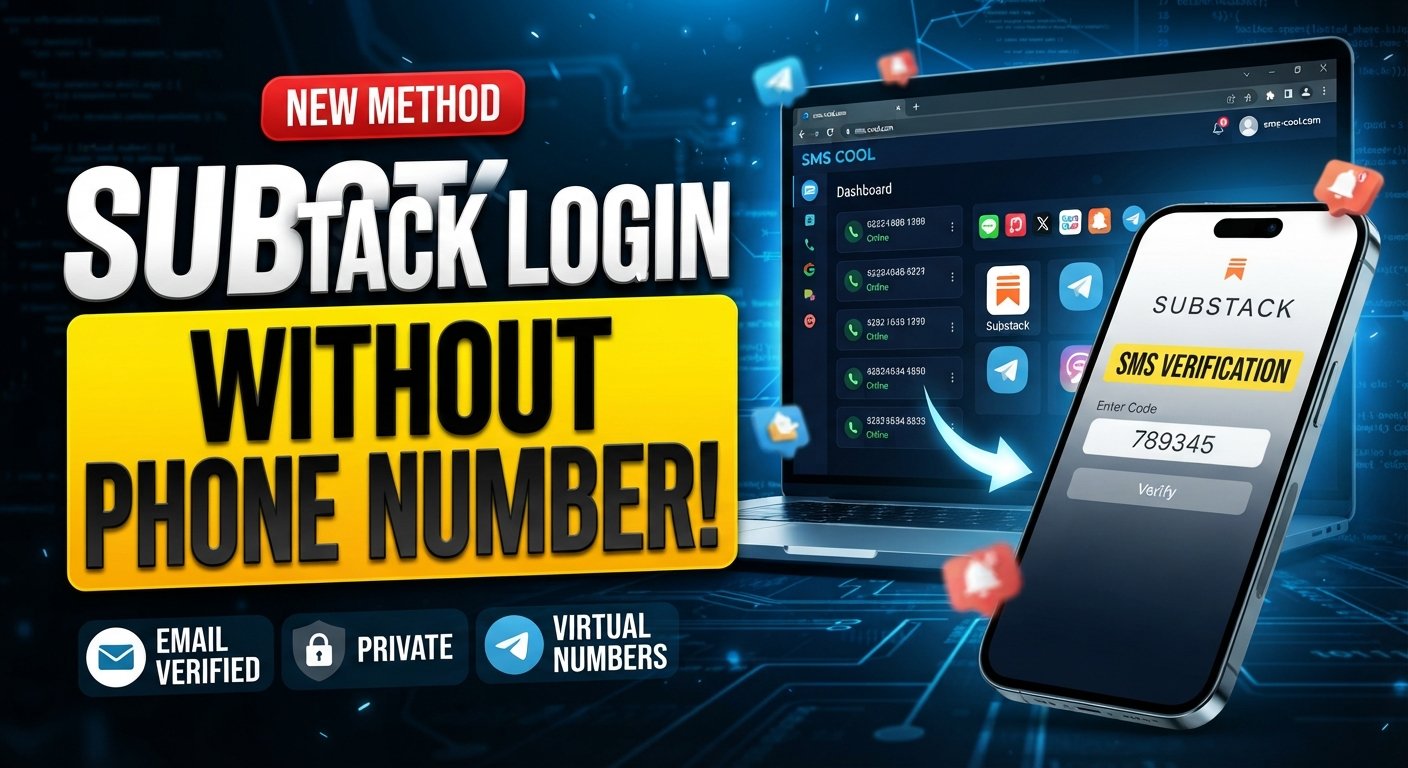
How to Get Substack Login Without Phone Number
Want to access Substack but would rather not give a personal phone number? The good news is that a phone number is not necessarily part of every Substack login flow. In many cases, Substack allows users to sign in through an email verification link or code, or with a password if one has been configured.
The situation can be different when Substack asks for phone verification during a particular account or security workflow. If a phone number is required and you do not want to use your personal number, an online SMS verification service such as SMS COOL may provide a practical alternative where the relevant number is supported.
This guide explains the difference between logging in and phone verification, how to approach a substack login without phone number, and how an online number can fit into the process without making unsupported promises about whether Substack will accept it.
Can You Get a Substack Login Without a Phone Number?
Yes, potentially—and this distinction is important.
A normal Substack login does not necessarily require SMS verification. According to Substack's support documentation, users can sign in by entering their email address and receiving a verification code or login link by email. Users who have configured a password can also choose the password login option.
That means you should not automatically assume that you need a phone number for Substack just because you are having trouble logging in.
However, there are situations in which Substack may request a phone number for SMS verification. Substack's terms state that when a phone number is provided, it may be used to verify control of that number through an SMS message.
So there are essentially two different scenarios:
- Email-based login: You may be able to sign in without a phone number.
- Phone verification: If Substack specifically requests SMS verification, you need access to a number capable of receiving the required message.
If you are facing the second situation, an online number can be an alternative to immediately sharing your personal mobile number.
Why Substack May Ask for Phone Verification
Phone verification is commonly used by online platforms as an additional way to confirm that someone has access to a particular phone number.
Substack's privacy policy explains that if you provide a phone number, Substack may use a third-party service provider to verify the number by SMS. It also states that information related to this SMS verification is used for verification purposes rather than marketing or promotional purposes.
From a user's perspective, the important point is simple: when a Substack verification code is requested by SMS, you need access to the number entered during the verification process.
Some users may prefer not to use their everyday mobile number because they want to keep personal contact details separate from online registrations. Others may simply need a number for a particular verification workflow.
That is where a virtual phone number or temporary number can sometimes be useful.
How to Sign Up for Substack Without Using Your Personal Number
If your goal is to create a Substack account without phone number exposure, start by checking whether Substack offers an email-based registration or login path for your particular situation.
For new readers, Substack's support documentation says that an email address can be used to sign up for a free Substack account.
A sensible approach is:
- Open Substack's official sign-in or sign-up page.
- Enter the email address you want associated with your account.
- Follow the available email verification or account setup instructions.
- If Substack does not request a phone number, continue normally.
- If a phone verification screen appears, determine whether it is required to continue.
- If SMS verification is mandatory and you do not want to use your personal number, consider an appropriate online SMS option.
This is also why searches such as “Substack sign up without phone number” can be confusing. The requirement may depend on the specific workflow presented to you, rather than being a universal requirement for every Substack user.
How SMS COOL Can Help With SMS Verification
If Substack specifically requests Substack SMS verification, an online SMS service can provide another way to approach the number requirement.
SMS COOL provides temporary and rental virtual numbers intended for online account registration and verification. Its terms also make clear that it does not guarantee successful registration with third-party platforms.
The basic idea behind using SMS COOL is straightforward: instead of entering your everyday mobile number, you obtain an available number through the service, use it for a supported verification workflow, and check the service for the incoming verification message.
This can be useful for someone searching for:
- A temporary phone number for verification
- A way to receive SMS online
- An online SMS verification option
- A separate number instead of a personal mobile number
- A way to receive verification code online when a phone number is required
The key qualification is that acceptance depends on the platform. A virtual or temporary number is not automatically accepted by every website or service.
Step-by-Step Guide to Using SMS COOL
If Substack requests SMS verification and you decide to try SMS COOL, the general workflow is simple.
1. Visit SMS COOL
Go to SMS COOL and review the available verification options.
2. Select the Appropriate Service or Number
Choose the relevant service or an available number where supported. Availability can vary, so only select an option that fits the verification task you are trying to complete.
3. Obtain an Available Phone Number
Once you have selected an appropriate option, obtain the virtual number through SMS COOL according to its current purchasing process.
4. Enter the Number in Substack
Return to Substack and enter the number when the platform specifically asks you to complete phone verification.
Do not assume that every virtual number will work. Substack may accept or reject a particular number based on its own verification systems.
5. Check SMS COOL for the Verification Message
Return to SMS COOL and check whether the expected verification SMS has arrived.
The service describes its verification system as providing access to incoming verification messages and OTP codes for supported services.
6. Enter the Verification Code
Copy the Substack verification code from the received message and enter it into the appropriate verification field on Substack.
7. Complete the Login or Account Process
If Substack accepts the number and code, continue with the remaining steps shown on the platform.
Remember that SMS COOL explicitly states that third-party registration success is not guaranteed. Platform restrictions, security checks, technical problems, or other factors can prevent a verification attempt from succeeding.
Benefits of Using SMS COOL for Verification
The main reason someone may consider SMS COOL is separation.
Using a separate online number can help keep a personal phone number out of a particular registration workflow when a phone number is genuinely required.
Potential advantages include:
- Greater separation: Keep your primary mobile number separate from selected online registrations.
- Convenient SMS access: When supported, incoming verification messages can be viewed through the service rather than relying on your personal handset.
- Short-term flexibility: A temporary number can make sense for a verification task that does not require your everyday number.
- Simple workflow: The process generally involves selecting a number, entering it on the target service, and retrieving the incoming code.
- Useful for legitimate verification needs: A separate number can be practical when you have a valid reason not to use your personal number.
However, convenience should not be confused with guaranteed compatibility. The website requesting verification ultimately determines which numbers it accepts.
Things to Consider Before Using an Online SMS Number
Before choosing an SMS verification service, consider a few practical points.
Check Whether Substack Accepts the Number
A temporary or virtual number may not always be accepted. If the number is rejected, trying another option may not solve the issue if Substack is restricting that category of number altogether.
Think About Future Account Recovery
A phone number can sometimes become relevant to future security or verification steps. If you use a temporary number, consider whether you might need access to that number again later.
For Substack specifically, email access remains important for account login and recovery workflows. Substack recommends using its support resources when users lose access to an account or its associated credentials.
Keep Your Account Information Secure
Do not share your Substack password, email account credentials, or sensitive personal information with an SMS provider.
An online number should be treated as a verification tool, not as a replacement for securing the underlying account.
Follow Platform Rules
Use online numbers only for legitimate purposes. SMS COOL's terms prohibit illegal, fraudulent, abusive, or unauthorized use of its services.
Frequently Asked Questions
Can I use Substack login without phone verification?
Often, Substack provides email-based login options, including an email verification code or login link. If a specific workflow asks for phone verification, however, the available options may be different.
Can I use Substack without a phone number?
For ordinary email-based login, a phone number may not be necessary. Substack's documented login process supports email verification and password-based access.
Can I create a Substack account without phone number?
Substack's support documentation indicates that new users can begin signing up with an email address. If a phone verification request appears during your particular registration flow, you will need to follow the options Substack presents.
What is a Substack verification code?
A verification code is a temporary code used to confirm access during a login or verification process. Substack can send login verification codes through email, while phone verification may involve SMS when a phone number is provided.
Can SMS COOL receive a Substack SMS verification code?
SMS COOL provides virtual numbers and SMS receiving services for supported verification workflows. However, it does not guarantee successful registration or verification with third-party platforms, so compatibility with a particular Substack flow should not be assumed.
Is a virtual phone number the same as a personal mobile number?
No. A virtual phone number is provided through an online service rather than being your everyday physical mobile number. Depending on the provider and use case, it may be temporary or rented for a longer period.
What should I do if Substack sends a login code to email instead?
Use the email code or verification link provided by Substack. If you are having trouble receiving the message, Substack recommends checking spam or junk folders and confirming that you entered the correct email address.
Final Thoughts
Getting a substack login without phone number does not necessarily require an SMS service. If Substack offers email verification or password login for your account, you may be able to access the platform without providing a phone number at all.
The situation changes when a specific Substack workflow requires phone verification. In that case, users who prefer not to provide their personal number can consider a separate virtual or temporary number where supported.
SMS COOL can be a practical option for receiving SMS online during legitimate verification workflows. Its process is straightforward: obtain an available number, enter it where verification is requested, check for the incoming code, and submit that code to the original service.
Just keep expectations realistic. No online SMS verification service can guarantee that a third-party platform will accept every number or complete every verification attempt. If you need an alternative to your personal phone number, however, exploring SMS COOL may be a convenient next step when the relevant Substack verification flow supports it.