20 Sep 2026
How to Get Steam Login Without Phone Number: SMS COOL Guide
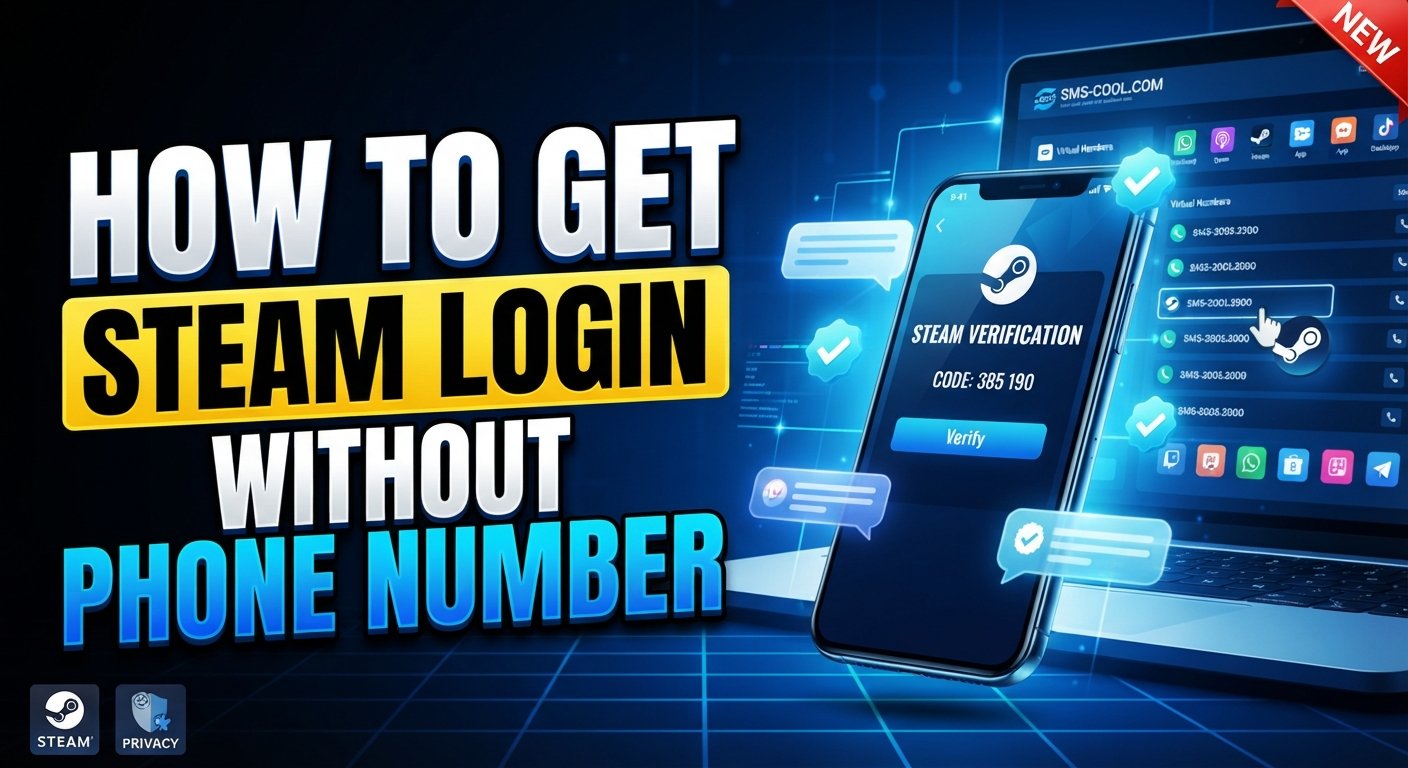
How to Get Steam Login Without Phone Number
Logging into a Steam account can sometimes involve more than entering a username and password. Depending on your account settings, device, and security configuration, Steam may request an additional verification step.
For some users, the issue is not security itself but which phone number to use. You may prefer not to expose your personal number to another online service, or you may need an alternative number for a legitimate verification process.
That is where an online SMS verification service such as SMS COOL can be useful when the relevant service and number type are supported.
The important distinction is that using an alternative number is not the same as bypassing Steam security. You should only access accounts you own or are authorized to use, and you should always follow Steam's verification requirements.
Why Does Steam Ask for Phone Verification?
Phone verification is designed to add another layer of protection to an account.
Steam uses several security mechanisms, including Steam Guard. Depending on your configuration, Steam Guard can require a special code when you sign in from an unfamiliar device. The code may be delivered through email or generated through the Steam Mobile app.
A phone number can also help with account recovery. Steam explains that an associated number can be used for SMS-based recovery and for transferring the Steam Guard Mobile Authenticator to another phone.
This means a Steam verification code is not simply an unnecessary obstacle. It is part of the platform's account-security system.
When you receive a Steam login code or verification SMS, enter it only into the official Steam interface. Steam specifically warns users not to share authenticator codes or enter them on websites that are not operated by Valve.
Can You Get Steam Login Without Your Personal Phone Number?
Sometimes, yes—but the exact answer depends on what Steam is asking you to verify.
There are several different situations:
- Existing credentials: If Steam does not request phone verification for your particular login, you can sign in using your normal account credentials and any required Steam Guard method.
- Legitimate account verification: If Steam asks for a phone number or SMS confirmation, you need to provide a number that meets Steam's requirements.
- Alternative phone number: Where supported, an alternative mobile number may allow you to keep your personal number separate from the verification process.
- Account recovery: Recovery is different from ordinary login. If you have lost access to your phone or authenticator, Steam may require recovery steps or assistance from Steam Support.
- Security requirements: Steam controls which numbers it accepts. Steam states that certain VoIP numbers and numbers unable to receive text messages may be rejected.
So, “Steam login without phone number” should not be interpreted as a way to remove or defeat a security requirement. The practical goal is to use an appropriate alternative number when Steam permits it.
How SMS COOL Can Help With Steam SMS Verification
SMS COOL provides virtual numbers and SMS verification services designed for receiving verification messages online. Its website describes both short-term virtual numbers and longer-term number rentals.
If Steam accepts the particular number and service combination, the basic workflow can be straightforward.
Step 1: Visit SMS COOL
Open the SMS COOL website and review the available virtual-number and SMS verification options.
Step 2: Select an available number or service
Choose a number associated with the relevant service where available. Availability can change, and not every number is necessarily suitable for Steam.
Step 3: Use the number for the legitimate verification process
Enter the selected number into the official Steam verification screen when Steam asks for a phone number.
Do not use an alternative number to impersonate someone, take over an account, or evade Steam restrictions.
Step 4: Request the Steam verification SMS
Continue through Steam's normal verification process. If the selected number is eligible and Steam sends an SMS, the message may appear through the SMS COOL interface.
Step 5: Check the received message
Open the relevant SMS COOL number or inbox and look for the Steam verification code.
SMS delivery is not guaranteed, and the availability of a number or incoming message can vary.
Step 6: Enter the code on Steam
Return to the official Steam website or application and enter the verification code exactly as requested.
Step 7: Complete the login or verification process
If Steam accepts the number and code, continue with the normal account process. If Steam rejects the number or requests another form of authentication, follow Steam's instructions instead of trying to circumvent the requirement.
Benefits of Using SMS COOL for Verification
An online SMS verification service can be useful in situations where you want to separate account verification from your primary phone number.
Potential benefits include:
- Greater privacy: You may avoid unnecessarily exposing your everyday personal number.
- Convenience: SMS COOL provides access to numbers and incoming SMS through an online dashboard.
- Flexible verification: Where supported, an alternative number can be used for an appropriate SMS verification workflow.
- Simple process: The general flow is number selection, SMS reception, code entry, and completion of verification.
- Number separation: Keeping verification activity separate from your primary mobile number can make managing online accounts more convenient.
SMS COOL describes its service as providing virtual numbers for OTP and SMS verification, with options for both instant use and longer-term rentals.
However, convenience should not be confused with guaranteed compatibility. Steam's own rules remain the deciding factor.
Things to Know Before Using an Online SMS Verification Service
Before choosing a temporary phone number or virtual phone number for Steam, there are several practical considerations.
Some numbers may have previous usage. An online number may not have the same history as a brand-new personal SIM. Previous registration activity can affect whether a platform accepts it.
Steam may reject certain number types. Steam explicitly states that it does not accept some VoIP numbers because they do not meet its security requirements.
SMS delivery can vary. Messages may be delayed, unavailable, or unsupported for a particular number.
Temporary numbers may not be ideal for recovery. A number used for one verification event may not remain under your control indefinitely. For an important account, consider whether you will need the same number later.
Security still matters. Never share your Steam password, recovery code, or Steam Guard code with another person. Steam says its Support staff will not ask for your password or authenticator code.
Use legitimate accounts only. An SMS verification service should be used for authorized activity, not for account theft, fraud, impersonation, or attempts to defeat platform restrictions. SMS COOL's own terms prohibit illegal, fraudulent, abusive, or unauthorized use.
Step-by-Step Example: Steam Login Without Your Personal Phone Number
Here is the process in a quick, easy-to-scan format:
- Open the official Steam login or account-verification page.
- Determine whether Steam is requesting SMS or phone verification.
- Visit SMS COOL and review available numbers for the required service.
- Select an appropriate number if one is available and eligible.
- Enter that number into the official Steam verification form.
- Request the Steam verification SMS.
- Check the SMS COOL inbox for the incoming message.
- Copy the verification code into Steam's official interface.
- Complete any additional Steam Guard or authentication step Steam requests.
- If the number is rejected or no message arrives, use Steam's supported troubleshooting or account-recovery options.
The key point is that SMS COOL can facilitate receiving an SMS where supported; it does not replace Steam's authentication system.
SMS COOL vs Using Your Personal Phone Number
FactorSMS COOL / Alternative NumberPersonal Phone NumberPrivacyCan help keep your primary number separateRequires using your personal numberConvenienceUseful for supported online SMS verificationFamiliar and directly accessibleVerification availabilityDepends on number type and Steam acceptanceGenerally depends on carrier and Steam requirementsLong-term recoveryMay be less suitable if access is temporaryOften more practical for ongoing recoveryControl over the numberDepends on the rental or number arrangementUsually under your direct controlBest use casePrivacy-focused or temporary verification where supportedLong-term account ownership and recovery
For an account you expect to keep for a long time, having reliable control over your recovery methods is important. Steam itself recommends associating a phone number because it can make account recovery easier.
An alternative number may therefore be more appropriate for specific verification situations rather than as a universal replacement for a personal recovery number.
Common Problems With Steam SMS Verification
Verification SMS is not arriving
Check that the number was entered correctly and that the number can receive SMS from the relevant service. Steam also recommends waiting when messages are delayed and checking provider-related restrictions.
The number is unavailable
Online numbers can be in limited supply. Try another eligible option if available rather than repeatedly submitting the same unavailable number.
The verification code expired
Request a new code through Steam and use the newest code provided. Avoid repeatedly submitting old messages.
Steam does not accept the number
The number may be incompatible with Steam's requirements. Steam specifically notes that some VoIP numbers are not accepted. If Steam rejects a number, use another legitimate number that meets its requirements or contact Steam Support.
Steam requests additional verification
Follow the additional authentication step. Steam Guard can involve email, the Steam Mobile app, or another account-specific security mechanism depending on your configuration.
You have lost access to your authenticator
Use Steam's official account-recovery process. Steam provides dedicated support for users who have lost access to their phone or Steam Guard Mobile Authenticator.
Frequently Asked Questions
Can I log into Steam without a phone number?
In some situations, yes. Steam does not require the same verification method for every login. Depending on your account and Steam Guard configuration, you may authenticate through your credentials, email, or the Steam Mobile app.
Can I receive a Steam verification code online?
Potentially, if Steam sends an SMS to a number that is eligible and supported. An online SMS service such as SMS COOL can provide access to incoming SMS for supported numbers.
Does Steam accept temporary phone numbers?
Not necessarily. Steam states that certain VoIP numbers and numbers that cannot receive text messages are not accepted. Temporary or virtual numbers should therefore be considered on a case-by-case basis rather than assumed to work.
How does SMS COOL work for Steam verification?
SMS COOL provides virtual numbers that can receive SMS online. Where a selected number is supported and accepted by Steam, you can use the number for the legitimate verification process and view the incoming code through the service.
Can I use SMS COOL for Steam Guard?
It depends on which Steam Guard method your account is using. Steam Guard may use email or the Steam Mobile app rather than SMS for sign-in confirmation. SMS COOL should not be treated as a replacement for the Steam Mobile authenticator.
What should I do if my Steam verification code does not arrive?
Check the number, wait for possible delivery delays, and request another code through Steam if appropriate. If the problem continues, use Steam Support's official troubleshooting options.
Is an online SMS number suitable for Steam account recovery?
It may be less suitable for long-term recovery if you do not retain control of the number. Steam recommends a phone number because it can provide additional recovery options, so consider long-term access before relying on an alternative number.
Is using an alternative phone number safe?
It can be reasonable for legitimate verification when the platform accepts the number and you understand who controls it. Protect your Steam credentials and never give verification codes to other people.
Conclusion
Getting a Steam login without using your personal phone number is primarily about choosing an appropriate, legitimate verification method—not bypassing Steam's security.
For users who need an alternative number, SMS COOL can provide a practical way to receive SMS online where the selected number is supported and accepted. The service offers virtual numbers and SMS verification options that can help keep your primary phone number separate from certain online verification activities.
At the same time, Steam's own requirements always take priority. Some virtual or VoIP numbers may be rejected, and Steam Guard may require email or the Steam Mobile app instead of SMS.
If you decide to use SMS COOL for Steam verification, use it only for an account you are authorized to access, enter codes only on official Steam interfaces, and maintain reliable recovery options for an account you intend to keep long term. That approach keeps the process practical while respecting the security measures designed to protect your Steam account.