23 Sep 2026
How to Get Squarespace Login Without Phone Number | SMS Guide
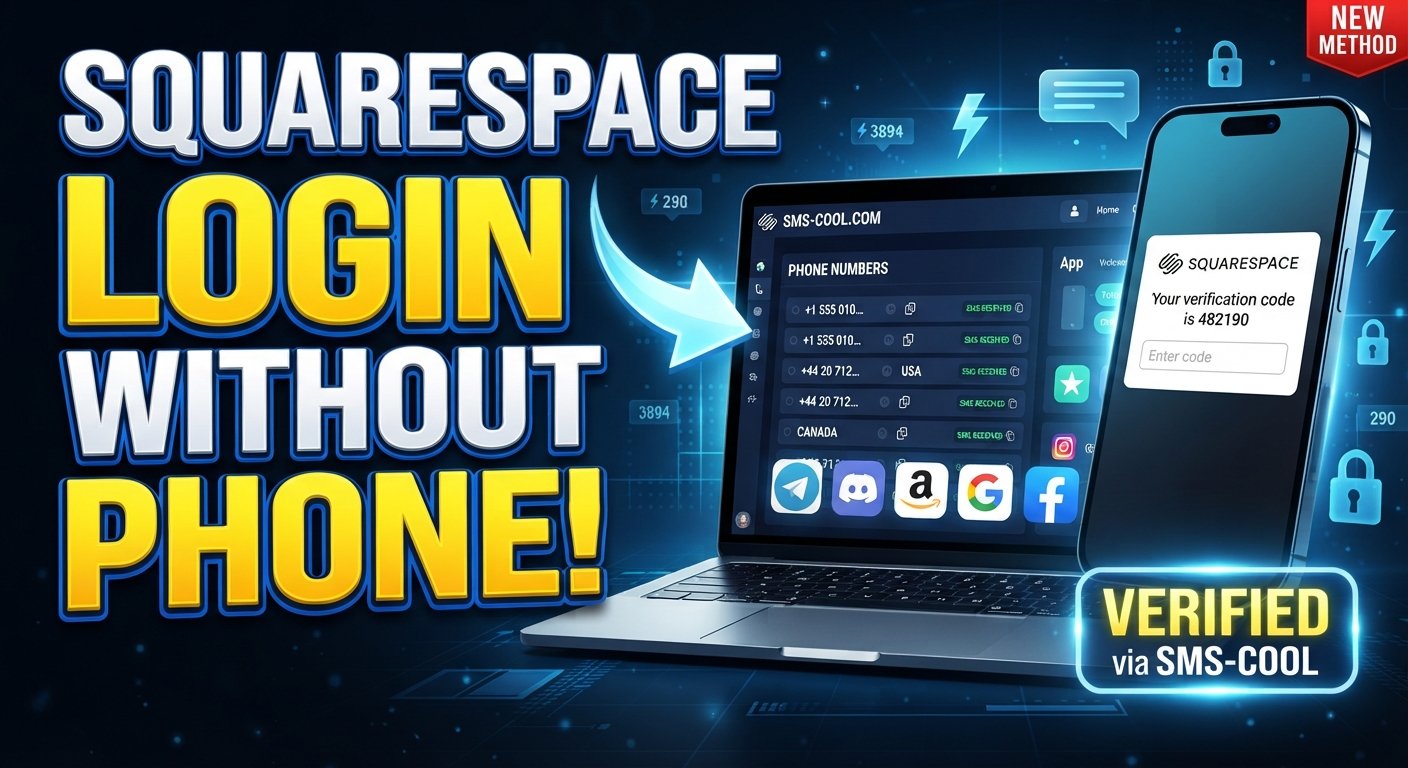
How to Get Squarespace Login Without Phone Number
Introduction
You sit down to manage your website, open Squarespace, and expect to log in as usual. Then a verification prompt appears asking for a code sent to your phone.
There is just one problem: you cannot access your usual phone number.
Maybe your phone is lost, your SIM card is unavailable, you are traveling, your number has changed, or you simply do not have access to the device that normally receives verification messages. Whatever the reason, being unable to receive an SMS can turn a routine Squarespace login into a frustrating problem.
The good news is that not having access to your regular phone number does not necessarily mean you have no legitimate options. Depending on the verification flow presented to you, you may be able to use an alternative number, an available account recovery method, or an online SMS receiving service.
One option worth understanding is SMS COOL, which provides online numbers that can receive SMS messages where the selected number and service support the required verification. This guide explains how the process works, what to expect, and what to do if your Squarespace verification code does not arrive.
Why Squarespace May Ask for Phone Verification
Phone-based verification is commonly used as an additional layer of account security.
A password confirms something you know. A verification code sent to a phone can provide another step for confirming that the person attempting to sign in has access to the designated verification method.
Depending on your Squarespace account settings and the login or recovery process being used, you may encounter a request for a verification code.
This can help protect an account from unauthorized access, particularly when someone attempts to sign in from an unfamiliar device or needs to complete an account-related security step.
The important point is that SMS verification is part of an account's security process. Using an alternative number should therefore be approached as a legitimate way to complete verification for an account you own or are authorized to manage—not as a way to defeat or circumvent Squarespace security.
Can You Get a Squarespace Login Without Your Regular Phone Number?
Yes, potentially—but the exact options depend on your account and the verification method Squarespace presents.
If you cannot use your regular phone number, legitimate possibilities may include:
- Using another phone number when Squarespace allows one.
- Completing an available account recovery process.
- Continuing from a device or browser where you are already authorized.
- Using an online number capable of receiving the required SMS, where supported.
- Updating account information after you regain access.
- Contacting Squarespace support if normal recovery methods are unavailable.
This distinction matters: Squarespace login without phone number generally means finding a legitimate alternative to your unavailable personal number. It does not mean bypassing a verification requirement.
For people who need to receive a one-time code but cannot access their normal mobile number, an online SMS verification service can sometimes provide a practical alternative.
How SMS COOL Can Help With Squarespace Verification
SMS COOL is designed for situations where users need to receive SMS messages through an online number rather than relying on their personal mobile phone.
If the relevant Squarespace verification flow accepts the selected number and the number supports incoming SMS from the service involved, SMS COOL can provide a convenient way to view the verification message online.
The process is straightforward.
Step 1: Visit SMS COOL
Start by accessing the SMS COOL service and reviewing the available numbers and supported services.
Look for an option appropriate for the verification you need to complete.
Step 2: Choose an Appropriate Number or Service
Select a number that supports SMS reception for the relevant service.
Availability and compatibility can vary by number, location, and verification system, so do not assume that every online number will work with every verification flow.
Step 3: Enter the Number Where Squarespace Requests It
When Squarespace legitimately asks you to provide a phone number, enter the selected number exactly as required.
Make sure the country code and number format are correct.
Step 4: Wait for the Verification SMS
If the number and verification system are compatible, Squarespace may send the verification message to that number.
Allow a little time for the message to arrive rather than repeatedly requesting codes immediately.
Step 5: View the Message Through SMS COOL
Check the SMS COOL inbox associated with the number you selected.
If the verification SMS is delivered, you should be able to view the message and identify the verification code.
Step 6: Enter the Code in Squarespace
Return to the appropriate Squarespace verification screen and enter the code exactly as displayed.
Avoid sharing verification codes with other people. A verification code is intended to confirm access during the authentication process.
Step 7: Complete the Login or Verification Process
Once the code is accepted, follow any remaining Squarespace instructions to finish signing in or completing the account verification process.
Keep in mind that SMS COOL cannot guarantee that every Squarespace verification flow will accept every available number. Compatibility can depend on the specific number, country, carrier type, and verification system.
Benefits of Using SMS COOL for SMS Verification
For someone searching for a Squarespace login without phone number, the main advantage of an online SMS service is convenience.
Instead of depending entirely on a personal phone that is currently unavailable, you may be able to receive the required message through an online number.
Other practical advantages can include:
- Access from a browser: Receive supported SMS messages online rather than relying solely on a physical handset.
- Convenience: Useful when your usual phone is temporarily unavailable.
- Separation from your personal number: An alternative number can keep a verification interaction separate from your everyday mobile number.
- Simple process: The basic workflow involves selecting a number, receiving the message, and entering the code.
- Useful for temporary situations: An online number may be practical when you need SMS access for a specific verification task.
However, online numbers are not universal replacements for mobile numbers. Some services may restrict certain number types or reject numbers that do not meet their verification requirements.
What to Do If the Squarespace Verification Code Does Not Arrive
Not receiving a code does not necessarily mean something is wrong with your Squarespace account.
Try these troubleshooting steps:
- Check number compatibility. Make sure the selected SMS COOL number supports incoming messages for the relevant service.
- Verify the number carefully. Confirm that you entered the correct number and country code.
- Wait briefly. SMS delivery can take some time. Avoid repeatedly requesting codes in quick succession.
- Check the SMS COOL inbox. Refresh the appropriate message area and make sure you are checking the correct number.
- Request another code if available. If Squarespace provides a resend option, use it according to the instructions shown on screen.
- Try another supported number. If appropriate, another available number may work differently.
- Use official recovery options. If SMS verification continues to fail, use Squarespace's account recovery or support channels.
If a verification system does not accept an online number, repeatedly changing numbers may not solve the underlying compatibility issue. In that situation, an official account recovery method is the better next step.
Squarespace Login Without Phone Number: Other Legitimate Options
An online SMS service is only one possible solution.
If you are trying to access your own Squarespace account, consider these alternatives first when they are available.
Use an Already Authorized Device or Session
If you are already signed in on another trusted device or browser, you may be able to manage account settings or update your verification information without starting a new login process.
Check Account Recovery Options
Squarespace may provide account recovery methods appropriate to your situation. Follow the options presented through the official sign-in or recovery process.
Update Your Account Information After Regaining Access
If you have successfully accessed your account, review your security and account information so that future verification requests can be completed using a phone number or method you can reliably access.
Contact Squarespace Support
If you have lost access to the phone number and cannot complete the normal recovery process, official Squarespace support may be necessary.
Only attempt to recover or access accounts that belong to you or that you are authorized to manage.
Why Choose SMS COOL?
When your usual phone is unavailable, the biggest challenge is often simply finding a practical way to receive an SMS.
That is where SMS COOL can be useful. Instead of requiring access to your personal handset, it provides online numbers that may receive verification messages from supported services.
For users researching how to access Squarespace without phone number, the service can be considered when the relevant Squarespace verification process accepts the selected online number.
The important advantage is flexibility. You can check available numbers and use a supported option when your normal phone is temporarily inaccessible.
At the same time, it is sensible to keep expectations realistic. No SMS verification service can promise compatibility with every website, account, country, number type, or security workflow. If Squarespace does not accept a particular online number, use the platform's official recovery options instead.
Frequently Asked Questions
Can I log into Squarespace without my phone number?
Potentially. Your options depend on the verification method associated with your account. You may be able to use an alternative number, an existing authorized session, account recovery, or an online SMS number where supported.
How can I receive a Squarespace verification code online?
If the verification process supports the number you select, you can potentially use an online SMS receiving service such as SMS COOL. Choose a supported number, enter it where Squarespace requests a phone number, and check the online inbox for the verification message.
Can I use an online number for Squarespace verification?
It may be possible if Squarespace accepts the particular number and the number can receive SMS from the relevant verification system. Compatibility is not guaranteed for every online number.
What should I do if I don't receive my Squarespace SMS code?
Check that the number is correct and SMS-enabled, refresh the SMS COOL inbox, wait briefly, and use the resend option if Squarespace provides one. If the problem continues, try another supported option or use official account recovery.
Is SMS COOL suitable for receiving verification codes?
SMS COOL can be useful for receiving SMS verification codes when the selected number supports the service sending the message. It should be viewed as a practical option rather than a guarantee that every verification system will accept every number.
Can I use a temporary number for Squarespace verification?
A temporary phone number for SMS may work when the relevant Squarespace verification flow accepts that number type. Always check compatibility before relying on a temporary number for account access.
What are my options if I lost access to my phone?
You can look for an available recovery method, use an authorized session if you still have one, use another supported number where appropriate, or contact Squarespace through its official support process. An online SMS service may also be an option when the verification system supports it.
Conclusion
Losing access to your usual phone number can make a routine Squarespace login surprisingly difficult, especially when an SMS verification code is required.
Fortunately, there are legitimate alternatives to consider. Depending on your account and the verification flow, you may be able to use an alternative number, an existing authorized session, account recovery, or an online SMS receiving service.
For users looking for Squarespace login without phone number, SMS COOL can be a convenient option for receiving verification codes online when the selected number and relevant verification system are compatible.
It does not bypass Squarespace security, and compatibility is not guaranteed. But when you simply need access to an SMS-capable number because your regular phone is unavailable, it can be a practical solution worth exploring.
If you need to receive a Squarespace verification code online, explore the available options through SMS COOL and choose a number that supports the verification service you need.