07 Oct 2026
How to Integrate an SMS Verification API | SMS COOL
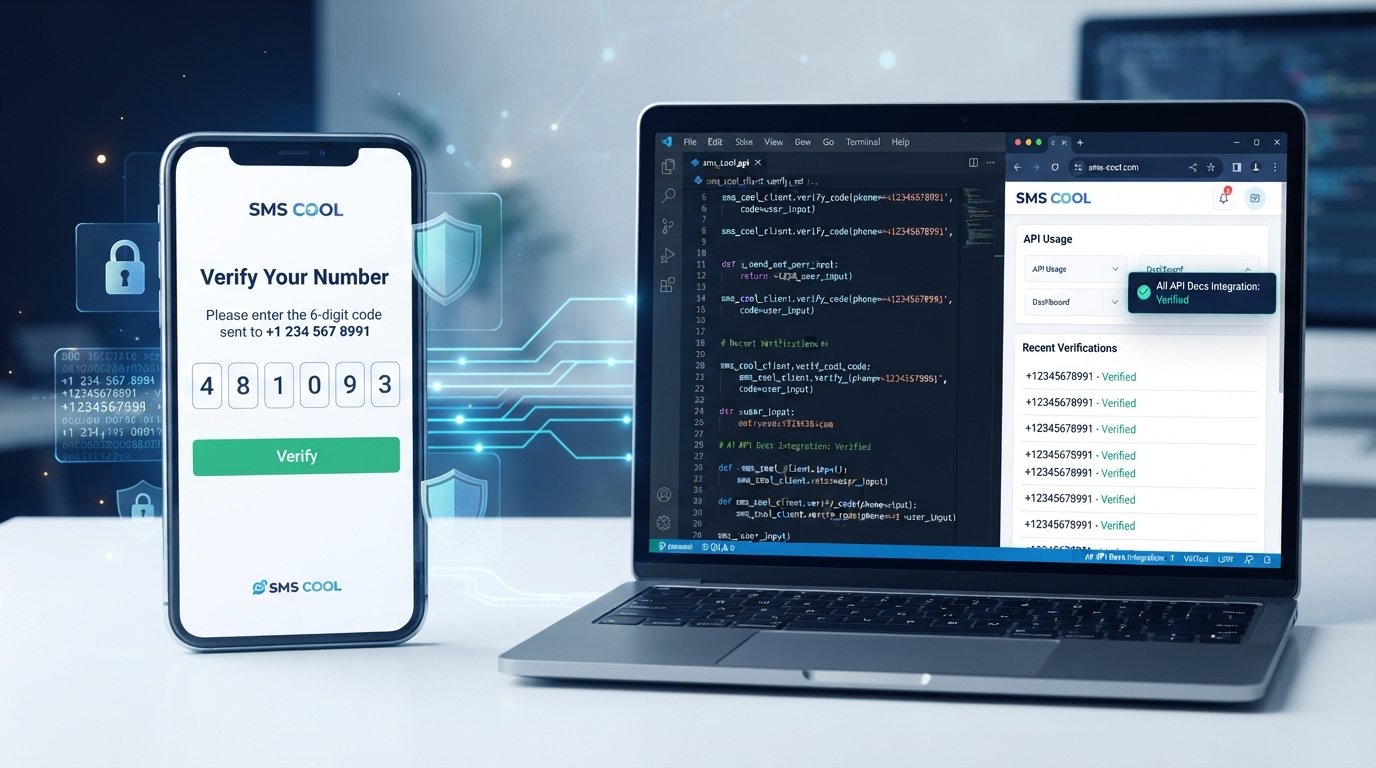
How to Integrate an SMS Verification API
A phone number can be more than a contact detail. For many digital businesses, it is an important part of confirming that a user is real, reachable, and authorized to access an account.
That is why SMS verification remains a popular choice for account registration, login authentication, password recovery, transactions, and customer onboarding. A user enters a mobile number, receives a temporary verification code, and enters that code to confirm their identity or complete an action.
Behind that simple experience is an SMS verification API.
An API allows an application to automatically generate, send, and validate verification codes without requiring a team to manually manage SMS messages. For businesses and developers looking for a practical way to build this functionality, SMS COOL provides an option for connecting SMS-based verification to applications and user workflows.
What Is an SMS Verification API?
An SMS verification API is a software interface that allows an application to send verification messages to a user's phone number.
The most common use is OTP verification. OTP stands for one-time password, and it typically consists of a short numeric code that remains valid for a limited period.
For example, when someone creates an account, your application can request a verification code and send it to the phone number supplied by the user. The user enters the code into your application, which then checks whether the submitted value is correct and still valid.
An SMS verification API can automate this entire communication process.
Instead of building an SMS delivery system from scratch, developers can connect their application to an SMS provider through an API. This makes it easier to add:
- Phone number verification
- Mobile number verification
- SMS authentication
- Account verification
- Password recovery
- Two-factor authentication
- OTP-based access controls
The API essentially connects your application logic with an SMS messaging service, allowing verification workflows to operate automatically.
How Does SMS Verification Work?
Although implementation details vary between applications, the basic process is straightforward.
1. User enters their phone number
The user provides a mobile number during registration, login, checkout, or another verification process.
Your application should validate the basic format before attempting to send an SMS.
2. Application generates a verification code
Your backend generates a random, temporary verification code.
A common approach is to use a short numeric OTP, although the exact format should depend on your security requirements.
3. API sends the OTP through SMS
Your application sends the recipient's number and relevant message information to the SMS API.
The provider processes the request and delivers the message to the user's phone.
4. User enters the received code
The user retrieves the SMS OTP and enters it into the application.
A simple interface is important here. Users should immediately understand where the code belongs and what to do if the message does not arrive.
5. Application validates the OTP
The backend compares the submitted code with the expected verification value.
It should also check whether the code has expired or whether the user has exceeded the permitted number of attempts.
6. Account or action is verified
If the code is valid, the application completes the requested action.
This could mean activating an account, confirming a phone number, allowing login, or authorizing another protected operation.
Why Businesses Need SMS Verification
A verification flow can add an important layer of trust to digital products.
For many businesses, the phone number is useful as an additional signal that a user can be contacted and has access to the number being registered.
Common use cases include:
- Account registration: Confirm that a new user controls the phone number provided during signup.
- Login authentication: Add an additional verification step when users sign in.
- Password reset: Help users regain access without relying exclusively on email.
- Two-factor authentication: Use SMS as an additional authentication method.
- E-commerce transactions: Confirm users during sensitive account or transaction workflows.
- Financial applications: Add phone-based verification to selected account processes.
- Customer onboarding: Verify contact details before allowing customers to continue.
- Fraud prevention: Make automated or suspicious account creation more difficult.
- Mobile app verification: Confirm a phone number during app registration.
This flexibility makes an OTP verification API useful across consumer applications, business platforms, marketplaces, mobile apps, and other digital services.
How to Integrate an SMS Verification API
The actual implementation depends on your programming language, application architecture, and selected provider. However, the overall SMS API integration process usually follows the same pattern.
1. Choose an SMS verification provider
Start by evaluating providers based on documentation, reliability, delivery capabilities, security controls, supported destinations, pricing structure, and developer experience.
For businesses considering an accessible approach to SMS verification, SMS COOL can be evaluated as part of this selection process.
2. Create an account
Register with your selected provider and complete any required account configuration.
Keep access to your provider dashboard restricted to authorized team members.
3. Obtain API credentials
Your provider will typically give you credentials that allow your application to authenticate API requests.
Treat these credentials like passwords. Do not place them directly in public frontend code or commit them to a public repository.
4. Configure the SMS API
Set up the required API endpoint, authentication method, sender configuration, and message parameters according to the provider's documentation.
Your backend should be responsible for communicating with the API rather than exposing sensitive credentials to the browser or mobile client.
5. Generate OTPs securely
Create unpredictable, temporary verification codes.
Avoid codes that can be easily guessed, reused, or generated from predictable information such as a user's phone number.
6. Send OTPs through the API
When a verification request is created, your backend sends the recipient's phone number and appropriate message data through the SMS API.
The response should be handled carefully so your application knows whether the request was accepted or failed.
7. Validate submitted OTPs
When the user submits the code, your backend should verify:
- Whether the code matches
- Whether it has expired
- Whether it has already been used
- Whether too many attempts have been made
Only after these checks should the requested action be approved.
8. Handle expiration and failed attempts
Verification codes should not remain valid indefinitely.
Define an appropriate expiration period and limit unsuccessful attempts. If verification fails repeatedly, require a controlled retry or new verification request.
9. Add rate limiting and abuse protection
Without safeguards, attackers can repeatedly request OTPs or target another person's phone number.
Apply limits to OTP requests based on factors such as phone number, account, IP address, or verification session.
10. Test the complete verification flow
Test more than the successful path.
Check invalid codes, expired codes, repeated requests, incorrect phone numbers, delayed messages, blocked numbers, and other failure scenarios.
Testing with different phone numbers and regions can also reveal issues that are difficult to identify in a single environment.
11. Monitor delivery and verification performance
Track useful events such as OTP requests, API errors, delivery results, expiration events, and successful verification attempts.
This gives developers visibility into problems and helps teams improve the user experience.
Key Features to Look for in an SMS Verification API
Choosing the right SMS verification service can make integration easier and reduce operational headaches.
Look for capabilities such as:
- Reliable OTP delivery: Verification is only useful when users can receive the code.
- Clear API documentation: Good documentation reduces development time.
- Fast SMS delivery: Delays can lead to abandoned verification attempts.
- Global coverage: Useful for applications serving users in multiple regions.
- Developer-friendly integration: Straightforward APIs make implementation easier.
- Security controls: Authentication, rate limiting, expiration, and access controls matter.
- Scalability: The service should fit both smaller applications and growing verification workloads.
- Delivery reports: Useful visibility can help identify messaging problems.
- OTP expiration: Temporary codes reduce the risk associated with old credentials.
- Multiple programming language support: Helpful for teams working across different technology stacks.
- Customer support: Assistance can be valuable when troubleshooting integration issues.
- Transparent pricing: Predictable costs make it easier to plan operational expenses.
The best provider is not necessarily the one with the longest feature list. It is the one that fits your application's technical, security, geographic, and operational requirements.
Why Choose SMS COOL for SMS Verification?
For businesses and developers looking to implement phone-based authentication, SMS COOL is a practical option to consider for an SMS verification workflow.
The service can be used as part of applications that require SMS verification, OTP delivery, phone number verification, and automated messaging workflows.
From an integration perspective, the goal is straightforward: connect your application's verification logic with an SMS service so that users can receive and submit temporary verification codes without manual intervention.
SMS COOL can support use cases involving:
- SMS verification
- OTP delivery
- Phone number verification
- SMS API integration
- Scalable verification workflows
- Developer-focused API access
- Authentication experiences based on SMS
The important point is to build the verification logic correctly around the API. A provider handles the messaging connection, while your application remains responsible for generating codes, enforcing security rules, validating requests, and managing the user experience.
For teams that want to implement an API for OTP verification without building an SMS delivery layer from scratch, SMS COOL is worth exploring as a solution.
SMS COOL vs. Manual SMS Verification
Manually handling verification messages quickly becomes impractical as an application grows.
Imagine a business where staff members have to send verification messages individually, record which codes were sent, determine whether codes expired, and confirm whether customers received them. The process would be slow, difficult to scale, and vulnerable to human error.
An automated SMS gateway API changes that workflow.
With API-based verification:
- Messages can be triggered automatically.
- Verification requests can be processed consistently.
- OTP expiration can be enforced by application logic.
- Failed attempts can be handled systematically.
- Developers can connect verification to registration, login, and other workflows.
- Verification activity can be monitored programmatically.
Automation does not eliminate the need for good security design, but it provides a much more practical foundation for modern applications.
Best Practices for SMS Verification API Integration
A successful SMS authentication API implementation is about more than sending a code.
Keep these practices in place:
- Keep OTPs short while making them difficult to guess.
- Give verification codes a reasonable expiration time.
- Limit the number of failed verification attempts.
- Prevent repeated OTP requests from being abused.
- Never expose API credentials in client-side code.
- Use HTTPS for application and API communication.
- Store verification events securely and avoid unnecessary sensitive data.
- Provide a resend option, but apply sensible limits.
- Explain invalid and expired OTP errors clearly.
- Keep the verification interface simple.
- Monitor delivery failures and unusual verification activity.
- Consider accessibility and usability across different devices.
A secure implementation should also separate authentication logic from the frontend. The client can request verification, but sensitive validation decisions should happen on the server.
Common SMS Verification API Integration Mistakes
Even a straightforward phone verification API can cause problems when basic safeguards are overlooked.
Poor error handling
If the API fails but your application tells the user that an OTP was sent, confusion follows. Handle provider errors and present useful messages.
Unlimited OTP attempts
Allowing unlimited guesses weakens OTP authentication. Set reasonable attempt limits and require a new code when necessary.
Weak OTP expiration
A verification code that remains valid for too long creates unnecessary security risk.
Exposing API keys
Never embed sensitive SMS API credentials in frontend JavaScript, mobile application code, or public repositories.
No rate limiting
Without limits, attackers can abuse OTP requests to generate unwanted SMS traffic or target individual phone numbers.
Complicated user experience
Users should not have to navigate several confusing screens just to enter a verification code. Keep the process focused and clear.
Ignoring failed SMS delivery
A verification system should account for messages that are delayed, rejected, or otherwise unsuccessful.
Not testing different regions
Phone number formats, delivery behavior, and messaging requirements can vary. Test your implementation with different valid numbers and relevant destinations before releasing it broadly.
Final Thoughts
An SMS verification API provides a practical way to add phone number verification, OTP authentication, account security, and other SMS-based workflows to modern applications.
The integration process does not need to be unnecessarily complicated. Choose an appropriate provider, protect your API credentials, generate secure one-time passwords, control attempts, handle expiration correctly, and test the complete user journey.
For businesses and developers looking for a practical platform to support SMS verification, OTP delivery, and SMS API integration, SMS COOL is a solution worth exploring.
Whether you are building account registration, customer onboarding, mobile app verification, or an authentication workflow, the right SMS API can turn phone verification into a smooth and automated part of your product experience.
Explore SMS COOL to see how it can support your SMS verification API and OTP authentication requirements.