19 Sep 2026
Skype Login Without Phone Number: Simple Verification Guide Tips
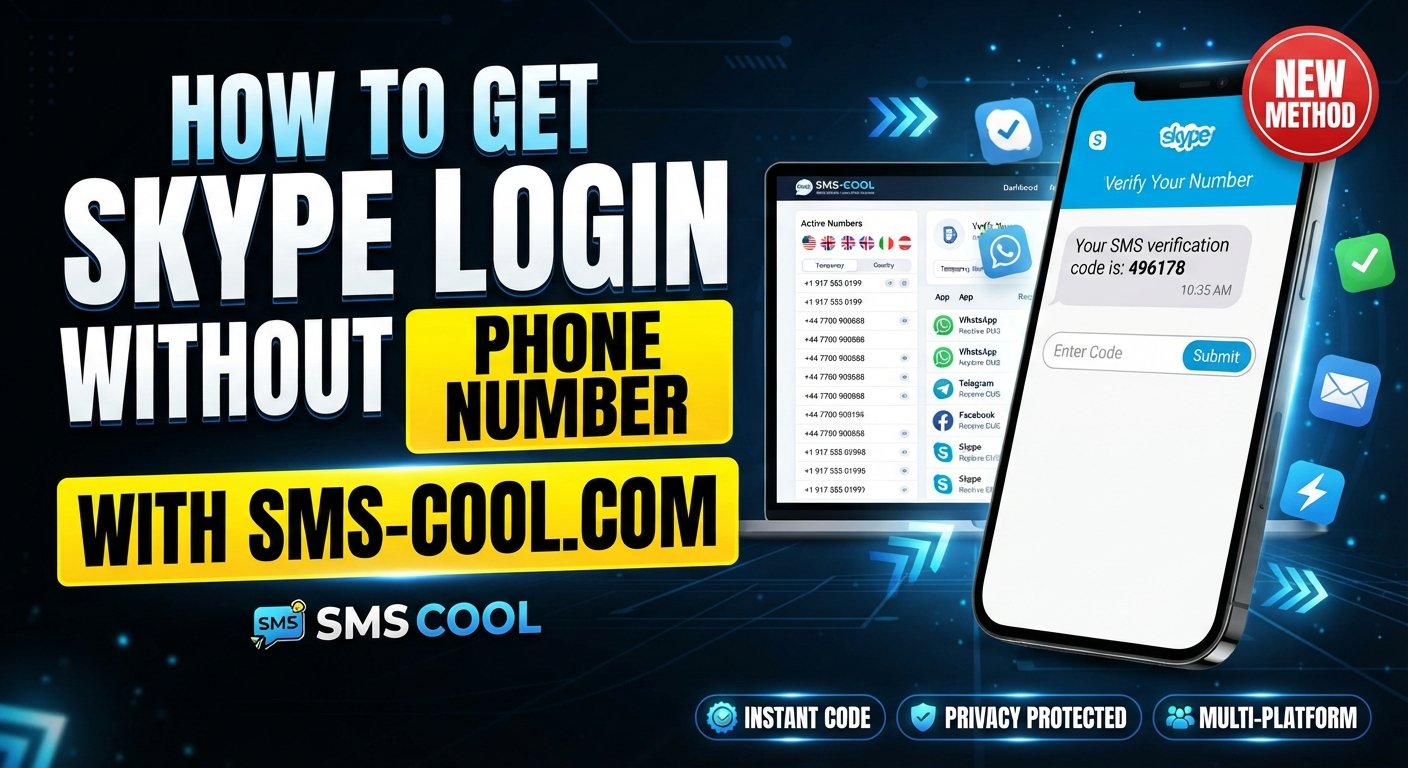
How to Get Skype Login Without Phone Number
Want to access a Skype account without giving a personal mobile number? You are not alone. Many people prefer to keep their primary phone number separate from online accounts, while others need a temporary number for testing, registration, or a short-term verification task.
However, there is an important distinction to understand before trying to get a Skype login without phone number: the availability of Skype itself and its account flows has changed significantly. Microsoft has retired the consumer Skype service and directs users toward Microsoft Teams Free, where existing Skype credentials can be used during the supported transition process.
That means a temporary SMS service cannot restore or bypass a retired Skype signup system. Still, the same type of SMS verification may apply to related Microsoft account flows or other supported services. Where a legitimate signup or verification process accepts an SMS number, SMS COOL can provide a practical temporary or virtual number for receiving the required code.
Here is what you need to know.
Can You Get Skype Login Without a Phone Number?
The answer depends on what you mean by “Skype login.”
For existing users, Microsoft has provided a way to use Skype credentials with Microsoft Teams Free, allowing eligible users to access migrated chats and contacts. Microsoft also provides account-recovery options for people who have forgotten their Skype credentials.
For a new consumer Skype account, however, creating a fresh account specifically for Skype is no longer the same process it once was because the standalone consumer service has been retired.
If you encounter a Microsoft account verification screen that requests a phone number, the available verification methods can vary. Microsoft notes that accounts may offer alternatives such as an email address, authenticator app, or passkey, depending on the account and security setup.
So there is no universal method for Skype sign up without phone number. The correct approach is to use whatever legitimate verification methods the current Microsoft flow makes available.
Why Do People Look for Skype Without a Phone Number?
There are several reasonable reasons someone may search for a Skype account without phone number.
Privacy
Your personal mobile number is valuable personal information. You may not want to provide it to every online service that asks for verification.
Separating personal and online communication
Some people maintain a dedicated number for online registrations so their everyday mobile number remains separate.
Temporary account needs
A developer, tester, researcher, or casual user may need a number for a short-term verification workflow rather than a permanent mobile connection.
International access
A local mobile number may not always be convenient when dealing with services operating across different countries.
Reducing unwanted exposure
Using a dedicated verification number can help prevent your primary number from being unnecessarily associated with online accounts.
These reasons do not mean verification should be bypassed. Phone verification exists partly to confirm control of a number and strengthen account security.
What Is Needed for Skype Verification?
When a service uses Skype SMS verification or Microsoft account phone verification, the basic process is straightforward:
Enter number → receive verification code → enter code → verification completed
A verification code, often called an OTP, is a temporary code sent to the phone number entered during the verification process.
Microsoft explains that security codes can be delivered through the verification methods associated with an account, including supported email and authentication options.
If a particular signup or verification flow specifically requires an SMS message, a temporary phone number for Skype or another supported Microsoft service may be useful when the service accepts that type of number.
This is where a service such as SMS COOL can become relevant.
How to Get Skype Login Without Phone Number Using SMS COOL
SMS COOL provides temporary and virtual numbers designed for receiving SMS verification messages. Its service documentation describes temporary numbers for online registration and verification and states that it does not guarantee successful registration with third-party platforms.
If you encounter a legitimate verification flow that accepts an SMS number, the general process works like this.
Step 1: Visit SMS COOL
Open SMS COOL and review the available temporary or virtual number options.
Availability can vary by service and country, so look for a number that is suitable for the verification service you are using.
Step 2: Select an Available Number
Choose an available temporary SMS number or virtual number appropriate for the service.
The important point is compatibility. Not every online service accepts every type of virtual or temporary number.
Step 3: Start the Relevant Signup or Login Process
Open the legitimate Microsoft or supported service account flow you need to use.
If the service provides another verification option, such as email, an authenticator, or a passkey, consider using that option instead when it better suits your long-term account needs.
Step 4: Enter the Number When Requested
If the service specifically requests phone verification and accepts the selected number type, enter the SMS COOL number in the appropriate field.
Do not use the number to circumvent account restrictions, security controls, or service policies.
Step 5: Check SMS COOL for the Message
Return to SMS COOL and check for the incoming verification SMS.
SMS COOL describes its temporary-number service as a way to receive OTP and verification messages online.
Step 6: Enter the Verification Code
If the verification SMS arrives, copy the code and enter it into the appropriate verification field on the service you are using.
Step 7: Finish the Account Process
Complete the remaining account setup or login steps.
Remember that receiving an SMS code does not guarantee that the platform will accept the number. Platform restrictions, security checks, or account-specific requirements can still prevent registration or verification. SMS COOL explicitly states that successful registration with third-party platforms is not guaranteed.
Benefits of Using SMS COOL for SMS Verification
For suitable verification scenarios, SMS COOL can offer several practical advantages.
- Convenience: Receive verification messages online instead of relying on a physical SIM.
- Privacy: Keep your primary phone number separate from a temporary online verification task.
- Flexible use: Temporary numbers can be useful when you do not need a number permanently.
- Online access: Verification messages can be viewed through the service rather than directly on your personal phone.
- Simple workflow: The basic process is number selection, SMS reception, and code entry.
- Multiple use cases: Temporary numbers can be relevant to legitimate registrations, testing, and other supported verification workflows.
SMS COOL also offers longer-term number rentals, which can be more appropriate when an account needs continued access to a particular number rather than a single verification message.
Temporary vs. Personal Phone Number for Skype
Choosing between a personal number and a temporary or virtual number depends largely on how important long-term account recovery is.
FactorPersonal Phone NumberTemporary/Virtual NumberPrivacyMore personal information is sharedKeeps your primary number separateConvenienceConvenient if already availableConvenient for online verificationControlYou normally retain long-term accessAccess depends on the rental or temporary periodLong-term account recoveryGenerally more suitableCan be unsuitable if the number expiresTemporary verificationWorks when acceptedUseful for suitable short-term scenariosPersonal number exposureHigherLower for the specific verification task
For an important, long-term account, maintaining a recovery method that you permanently control is usually the safer approach. A temporary number is better considered a short-term verification tool rather than a replacement for permanent account-recovery information.
What If the Skype Verification Code Does Not Arrive?
If you are using an SMS verification workflow and the code does not appear, do not immediately assume the number or service is broken.
Try these steps:
- Check the number carefully. Make sure the correct country code and number were entered.
- Wait briefly. SMS delivery can sometimes be delayed.
- Check service compatibility. The selected number may not support the particular platform.
- Try another available number if appropriate. A different number may be supported by the service.
- Avoid repeatedly requesting codes. Multiple requests can create delays or cause security restrictions.
- Review the platform's instructions. Microsoft may provide alternative verification methods or specific recovery steps.
- Use a permanent recovery method for important accounts. Temporary numbers should not be your only recovery option when continued access matters.
If you are trying to recover an existing Skype or Microsoft account, Microsoft recommends using its account-recovery process when you cannot access the original verification methods.
Is Using a Temporary SMS Number Safe for Skype?
A temporary SMS number can be useful for an appropriate verification task, but it is important to understand its limitations.
The biggest issue is long-term control. A temporary number may only be available for a limited period. If an account later asks you to verify that number again, you may no longer have access to it.
That makes temporary verification numbers less suitable for accounts that contain important conversations, files, subscriptions, business information, or other data that you may need to recover later.
You should also follow the applicable rules of Microsoft and the service you are accessing. A temporary number should be used as an alternative verification method where permitted—not as a way to defeat security systems, impersonate another person, create fraudulent accounts, or evade platform restrictions.
SMS COOL's own terms prohibit illegal, fraudulent, abusive, or unauthorized uses and state that the service does not guarantee third-party registration.
Common Questions About Skype Login Without Phone Number
Can I create a Skype account without a phone number?
A new consumer Skype account cannot currently be treated like the old standalone signup process because consumer Skype has been retired. For Microsoft account-related registration, available verification methods depend on the account and signup flow.
Can I use a temporary phone number for Skype?
If a relevant Microsoft or supported service verification flow accepts a temporary or virtual number, it may be possible to use one. Acceptance is controlled by the platform, not SMS COOL.
How can I receive a Skype verification code online?
For a supported SMS verification workflow, you can use an online SMS service such as SMS COOL to receive a verification message on an available temporary number. The platform must first accept that number.
What is a virtual phone number for Skype?
A virtual phone number is a number provided through an online telecommunications service rather than a traditional physical SIM. It can be used for supported SMS verification tasks.
Can SMS COOL receive Skype verification SMS?
SMS COOL provides temporary numbers for receiving verification messages, but it does not guarantee that a particular third-party service will send or accept SMS messages to a selected number.
What should I do if my Skype verification code does not arrive?
Check the number, wait for possible delivery delays, confirm compatibility, avoid repeated requests, and review Microsoft's verification or recovery instructions.
Is a temporary number suitable for a permanent Skype account?
It is generally better to use a recovery method you can permanently control for an important long-term account. A temporary number may be more appropriate for a short-term verification task where the service permits it.
Final Thoughts
Searching for a Skype login without phone number can lead to outdated instructions because Microsoft's consumer Skype service has been retired. Existing Skype credentials may instead be relevant to Microsoft Teams Free, while Microsoft account verification can offer different methods depending on the account and security flow.
For a legitimate service that still requires SMS verification, SMS COOL can provide a practical way to access a temporary or virtual SMS number without immediately exposing your personal mobile number. Its usefulness depends on whether the target service accepts that number and whether temporary verification is appropriate for your account.
The key is to use temporary SMS verification responsibly: follow the platform's rules, understand the limits of temporary numbers, and keep a permanent recovery method for accounts where continued access is important.