26 Sep 2026
How to Get Similarweb Login Without Phone Number Using SMS COOL
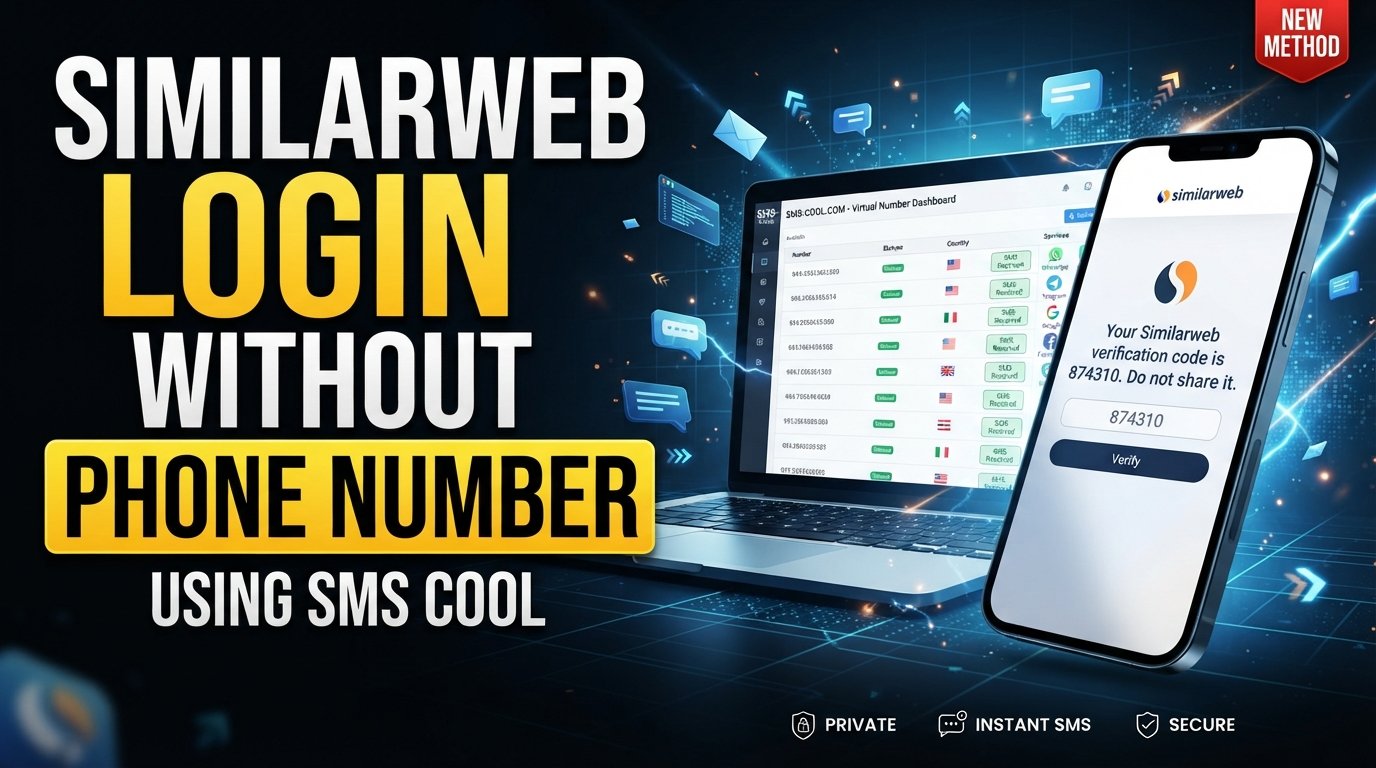
How to Get Similarweb Login Without Phone Number Using SMS COOL
Introduction
Sharing a personal phone number online can feel unnecessary, especially when you only need it to complete an account verification step.
If you are trying to access Similarweb and would prefer not to expose your everyday mobile number, you may be wondering whether there is a legitimate way to complete Similarweb login without phone number information being tied directly to your personal device.
The important distinction is between protecting your personal number and trying to bypass account security. The goal should never be to circumvent Similarweb's authentication requirements or gain unauthorized access. Instead, privacy-conscious users can consider alternative verification methods when Similarweb's current workflow supports them.
One option worth exploring is SMS COOL, an online SMS service that can provide access to a temporary number for supported verification workflows.
In this guide, you'll learn why phone or device verification may appear, what legitimate alternatives may be available, how SMS COOL can fit into the process, and what limitations you should understand before using a temporary number.
Why Does Similarweb Ask for Phone Verification?
Account verification is commonly used to add another layer of protection around online accounts.
Similarweb's official Knowledge Center explains that its two-step verification process is designed to help protect accounts and prevent unauthorized access. It also states that, depending on the user's package, a verification code may be delivered by SMS or email when verifying a device.
This means the exact verification experience can vary.
For example, a user logging in from a new device may encounter an additional verification step. Similarweb's documentation explains that users may need to enter a code received through the available verification channel.
The broader purpose of this type of process is straightforward:
- Confirm that the person attempting to access the account can receive the verification code.
- Add protection beyond a username and password.
- Help reduce unauthorized account access.
- Confirm a device or login attempt when additional verification is required.
Because authentication requirements can change by account, subscription, device, or workflow, it is best to treat the verification screen presented to you as the authoritative requirement.
Can You Get Similarweb Login Without Using Your Personal Phone Number?
Yes, in some circumstances, you may be able to complete verification without giving Similarweb your everyday personal number—but this depends on the verification method Similarweb presents and whether an alternative number is accepted.
There is no universal method that guarantees a Similarweb account can be created or accessed without phone verification. Similarly, a temporary or virtual number should not be viewed as a way to defeat authentication.
Instead, think of the goal as privacy-conscious verification.
If Similarweb provides email verification, for example, that may be sufficient for the particular step you're completing. Similarweb's documentation specifically notes that its device verification may use either SMS or email depending on the package.
For workflows that specifically request SMS, an online SMS service such as SMS COOL may be an option where the service and number are supported.
The key is simple: use only a number you are legitimately authorized to use, provide accurate account information, and follow Similarweb's terms and verification requirements.
How SMS COOL Can Help With Similarweb Verification
SMS COOL can be useful for people who want to separate their personal mobile number from certain online verification activities.
The basic idea is straightforward. Instead of automatically entering your everyday phone number whenever a website requests an SMS verification code, you can explore whether an available SMS COOL number is supported for the legitimate verification workflow you're completing.
A typical process looks like this:
- Visit SMS COOL.
- Choose an available number or service appropriate for the verification you are attempting, if supported.
- Enter the provided number in the relevant Similarweb verification field.
- Wait for the verification SMS to appear through the supported SMS COOL interface.
- Enter the verification code into Similarweb when requested.
The important qualification is that acceptance is not guaranteed. Similarweb may restrict certain number types, and SMS COOL availability can vary. If the number is not accepted, the appropriate response is to use another supported verification method or contact Similarweb support—not to attempt to bypass the security process.
This makes SMS COOL best understood as a privacy-focused option for legitimate SMS verification, rather than a tool for avoiding authentication.
Benefits of Using SMS COOL for Verification
1. Protect Your Personal Phone Number
One of the clearest reasons to consider an online SMS service is privacy.
If you prefer not to distribute your personal number across every online service you use, separating verification activity from your everyday mobile number can reduce the amount of personal contact information you disclose.
2. Convenient SMS Access
When a supported workflow requires an SMS, an online service can provide a convenient way to receive the relevant message through its interface.
This can be useful when you want verification messages separated from your normal personal communications.
3. Separate Personal and Online Activity
Using a dedicated verification number can create a clearer distinction between personal communications and online account activity.
That separation may be particularly appealing to users who want to keep their primary number reserved for friends, family, work, and important services.
4. A Privacy-Conscious Alternative
A temporary phone number for verification can provide an additional privacy option when the website accepts that type of number.
However, privacy should never come at the expense of account ownership or compliance. Always use the service in accordance with the website's requirements.
5. Simple Verification Workflow
For a supported service, the process is generally easy: obtain an available number, enter it during the legitimate verification process, receive the SMS, and enter the code.
No complicated technical setup is necessarily required.
Things to Know Before Using a Temporary Number
A temporary or virtual number isn't appropriate for every situation.
Before relying on one for Similarweb SMS verification, keep these considerations in mind:
- Some services may reject temporary or virtual numbers. Acceptance depends on the website's current verification rules.
- Number availability can change. A particular number, country, or service may not always be available through an online SMS provider.
- Verification policies can change. A method that works for one verification workflow may not work for another.
- Important accounts may need a permanent number. For accounts you expect to keep for a long time, recovery and account ownership considerations matter.
- Temporary numbers aren't a security bypass. They should only be used where the service permits them.
- Check the verification screen carefully. The available method may be SMS, email, or another authentication option depending on your account.
If you encounter a verification problem, using the service's official support channel is safer than repeatedly trying alternative methods.
Step-by-Step: Using SMS COOL for Legitimate Similarweb Verification
If Similarweb asks you to complete online phone verification and you want to protect your personal number, you can follow this general workflow.
Step 1: Check the Available Similarweb Verification Method
First, look at what Similarweb is actually requesting.
If email verification is available and works for your account, you may not need an SMS number at all. Similarweb's documentation confirms that verification can be delivered by email or SMS depending on the applicable package.
Step 2: Visit SMS COOL
If SMS is required or is the available option you prefer, visit SMS COOL and review the available numbers and supported services.
Do not assume that every number will work with every website.
Step 3: Select a Supported Number
Choose an available number that is appropriate for the verification workflow, if one is available.
Availability and supported destinations may vary, so check the current information presented by SMS COOL before proceeding.
Step 4: Enter the Number During Similarweb Verification
Enter the number into the legitimate Similarweb verification field.
Use the number only for the account and verification process you are authorized to complete.
Step 5: Receive the Verification SMS
If Similarweb accepts the number and sends an SMS, monitor the supported SMS COOL interface for the incoming message.
Step 6: Enter the Verification Code
Copy the received verification code into the appropriate Similarweb field.
If the code does not arrive or the number is rejected, don't attempt to circumvent the verification system. Try an officially supported method or contact Similarweb support.
Frequently Asked Questions
Can I create a Similarweb account without my personal phone number?
It depends on the registration and verification workflow presented to you. Similarweb may offer different verification methods depending on the account or package. Its documentation indicates that device verification can use SMS or email.
How does Similarweb phone verification work?
When phone-based verification is required, a verification code can be sent by SMS and entered during the applicable authentication process. Similarweb states that the precise verification channel can depend on the user's package.
Can SMS COOL receive Similarweb verification codes?
It may be possible when the relevant number is available and accepted by Similarweb's current verification system. Neither availability nor acceptance should be assumed for every account or number.
Is a temporary number suitable for account verification?
It can be suitable for some legitimate verification workflows, but not all services accept temporary or virtual numbers. For important long-term accounts, consider whether you will need the same number later for recovery or additional verification.
Is SMS COOL free or paid?
Pricing and availability can vary. Check the current SMS COOL service information before choosing a number rather than relying on an outdated price or availability claim.
What should I do if my verification SMS does not arrive?
First, check that the number was entered correctly and that the selected service supports the relevant verification workflow. If the message still does not arrive, use another officially supported verification method or contact the appropriate support team.
Can I use a temporary number for every account?
No single number type is guaranteed to work everywhere. Different websites have different verification policies, and some may specifically restrict temporary or virtual numbers.
Conclusion
Wanting Similarweb login without phone number exposure does not necessarily mean trying to avoid account security. For many users, the real concern is simply keeping a personal mobile number private while completing a legitimate verification process.
The first step is to check which verification methods Similarweb currently provides for your account. Its own documentation indicates that SMS or email may be used depending on the applicable package.
When SMS verification is required and a temporary or virtual number is accepted, SMS COOL can be a practical privacy-focused option to explore. It can help separate your personal phone number from supported online verification activities while keeping the process straightforward.
Just remember that temporary numbers aren't guaranteed to work with every service. Availability, acceptance, and verification requirements can change.
If protecting your personal number is important to you, explore SMS COOL and see whether its currently available verification options fit your legitimate Similarweb verification needs.