19 Sep 2026
How to Get Shopify Login Without Phone Number: Easy Guide
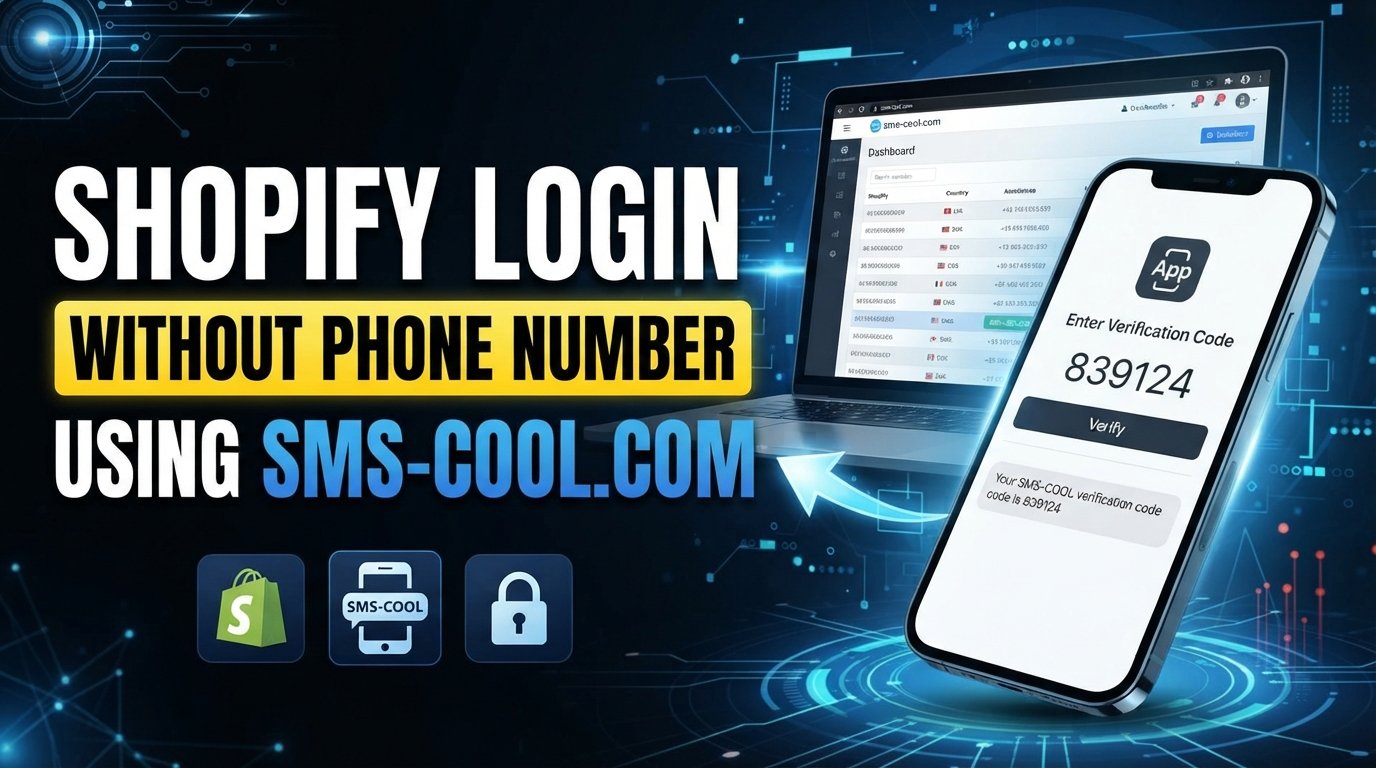
How to Get Shopify Login Without Phone Number
Trying to access your Shopify account without putting your personal phone number into the process can be frustrating. You may be traveling, unable to receive messages on your regular number, or simply prefer to keep your personal contact information separate from business accounts.
The good news is that Shopify login without phone number does not necessarily mean you have to abandon the login process. The important distinction is between avoiding a personal phone number and avoiding verification altogether.
If Shopify asks you to confirm your identity by SMS, one option—where permitted by Shopify's current requirements—is to use another legitimate number capable of receiving text messages. An online SMS service such as SMS COOL can provide an alternative way to receive a verification message without relying on your everyday mobile number.
However, verification requirements can vary by account, login situation, and Shopify's current security policies. A virtual or temporary number is therefore an option to consider, not a guaranteed replacement for every Shopify authentication method.
Why Does Shopify Ask for a Phone Number?
Phone verification is commonly used by online platforms as an additional security measure.
A phone number can help with several parts of account protection, including:
- Confirming that a person has access to a particular phone number
- Protecting accounts during suspicious or unusual login attempts
- Supporting identity and account verification
- Sending one-time verification codes
- Helping users recover or secure an account
When Shopify requires phone number verification, the purpose is generally to add another layer of protection around the account.
This is especially relevant when a login looks different from normal activity—for example, when someone signs in from a new device, browser, or location.
A Shopify verification code sent by SMS is designed to confirm that the person completing the login can access the number associated with the verification process.
For that reason, trying to remove or circumvent a required verification step is not the right approach. Instead, users who prefer not to share their personal number can look at legitimate alternative verification options.
Can You Log In to Shopify Without Your Personal Phone Number?
The answer depends on how your Shopify account is configured and what authentication Shopify requests at the time of login.
There are three situations worth separating.
Logging in without a phone number
If Shopify provides another available authentication method for your account, you may be able to complete your Shopify account login without entering a phone number.
The available options depend on Shopify's current authentication process and your account settings.
Logging in without SMS verification
Not every Shopify login necessarily requires an SMS message. If another verification method is offered, you can follow that method instead.
However, if Shopify specifically requires an SMS verification step, you should complete the requested verification rather than attempting to bypass it.
Using an alternative or virtual number
If SMS verification is required and Shopify permits the use of the number you're considering, an alternative number can separate the verification process from your personal mobile number.
This is where a virtual phone number for Shopify or an online SMS number may be useful.
Keep in mind that Shopify may not accept every virtual, temporary, or online number. Compatibility can depend on the number, service, and current Shopify requirements.
How to Get Shopify Login Without Phone Number
If Shopify asks for a verification SMS but you do not want to use your personal number, start by checking which authentication options Shopify presents.
If SMS is required, you can consider using a legitimate alternative number that can receive SMS, provided its use is permitted.
A simple approach is:
- Open the Shopify login page.
- Enter your normal account credentials.
- Follow the verification instructions Shopify displays.
- If SMS verification is required, determine whether an alternative number is permitted.
- Use an SMS-enabled alternative number if appropriate.
- Wait for the Shopify verification SMS.
- Enter the received code into the Shopify verification field.
- Complete the login or account verification process.
For users who need an alternative number, SMS COOL can provide a convenient way to receive SMS online.
The important point is that the service is being used to receive a legitimate verification message—not to defeat Shopify's security controls.
How SMS COOL Can Help With Shopify Verification
SMS COOL is an online SMS service designed to help users receive text messages through available SMS-enabled numbers.
Instead of putting your personal mobile number into every service that requests SMS verification, you can use an appropriate alternative number where the relevant platform permits it.
The basic process is straightforward.
You select an available number or SMS service through SMS COOL, use the provided number in the relevant verification field, and monitor the service for an incoming message.
If Shopify sends a verification SMS to that number, the message can appear through the SMS COOL service. You can then enter the received Shopify login code into the appropriate Shopify verification field.
This can be useful when you want to keep your personal phone number separate from business-related accounts.
For example, imagine you're setting up access to a Shopify store from a computer while traveling. Shopify requests an SMS verification code, but you don't want to use your everyday personal number for the process. Where Shopify allows the alternative number, an online SMS number can provide another route for receiving the message.
The key qualification is important: SMS COOL does not guarantee that Shopify will accept every available number. Shopify's verification requirements and its handling of virtual numbers can vary.
Step-by-Step: Using SMS COOL for Shopify SMS Verification
If an alternative SMS number is permitted for your verification situation, the process can be as simple as the following:
1. Visit SMS COOL
Open the SMS COOL service and review the available SMS-enabled options.
2. Choose an appropriate number or service
Select a number that is suitable for receiving the type of SMS you need.
Availability can change, so the exact options shown to you may differ.
3. Enter the number in Shopify
Return to the relevant Shopify verification screen and enter the number where Shopify asks for a phone number.
Only do this where the number's use is consistent with Shopify's current requirements.
4. Request the verification SMS
Proceed with Shopify's normal verification process and request the Shopify verification SMS.
5. Check SMS COOL
Monitor SMS COOL for the incoming message.
If Shopify sends the message successfully, the verification code should appear through the service.
6. Enter the verification code
Copy the received code into Shopify's verification field.
7. Complete the verification process
Follow Shopify's remaining instructions to finish the Shopify login verification or account verification process.
If the message does not arrive, don't repeatedly request codes without checking the instructions and waiting appropriately. The number may not support the service, the SMS may be delayed, or Shopify may not accept that type of number.
Benefits of Using an Online SMS Number
An online SMS number can be useful in several legitimate situations.
Keep your personal number private
Some users simply prefer not to share their everyday mobile number with every online service they use.
An alternative number can help separate personal communication from account-related verification.
Receive SMS when your regular number isn't convenient
You may temporarily be unable to receive messages on your normal phone because of travel, connectivity issues, device problems, or other circumstances.
An available SMS-enabled alternative can sometimes solve that practical problem.
Separate business and personal accounts
For people managing online stores or business services, keeping account-related communication separate from personal communications can make account management easier.
Convenient SMS access
Receiving SMS online can be more convenient in situations where accessing a regular phone isn't practical.
However, convenience should not be confused with guaranteed compatibility. The service receiving the SMS ultimately determines whether a particular number can be used for its verification process.
Things to Know Before Using a Virtual or Temporary Number
Before choosing a temporary phone number for Shopify, there are several things worth understanding.
Not every virtual number works everywhere. Some online services restrict virtual or temporary numbers, and Shopify may reject a number depending on its current verification requirements.
SMS availability can vary. A number may be available for one service but unavailable for another.
Numbers can have limitations. Some numbers may be intended for temporary use and may not be suitable for long-term account recovery or security settings.
Shopify's requirements can change. Always follow the verification instructions Shopify currently displays for your account.
Account security still matters. If you're setting up an important business account, consider how you'll recover access if you lose access to the verification number.
Most importantly, an online number should not be used for fraudulent, abusive, deceptive, or unauthorized activity. The purpose of an alternative number should be legitimate account access and privacy—not bypassing security controls.
Why Choose SMS COOL?
For users looking for a practical way to receive SMS online, SMS COOL can be a convenient option to explore.
Its value is primarily in simplifying the process of accessing incoming SMS messages through an alternative number.
Instead of relying exclusively on a personal mobile number, users can review available SMS-enabled options and use an appropriate one for services that permit them.
A straightforward workflow can make the process easier:
- Choose an available SMS-enabled number.
- Use it where the relevant service permits an alternative number.
- Monitor incoming messages.
- Retrieve the verification code.
- Complete the normal verification process.
This makes SMS COOL potentially useful for users who need SMS verification online while keeping their personal number separate.
Still, it's important to avoid promises that no service can reasonably make. SMS COOL cannot guarantee that every Shopify account or verification attempt will accept every available virtual number.
Frequently Asked Questions
Can I log in to Shopify without a phone number?
Possibly. It depends on the authentication methods Shopify offers for your account and the specific login attempt. If Shopify requires SMS verification, you may need access to a number capable of receiving the requested code.
How can I receive a Shopify verification code?
If Shopify sends a verification SMS, you need access to the number receiving the message. Depending on Shopify's requirements, this may be your personal number or an appropriate alternative number that Shopify permits.
Can I use a virtual phone number for Shopify?
A virtual number may work in some circumstances, but Shopify does not necessarily accept every virtual number. Check Shopify's current requirements before relying on one.
Can I receive Shopify SMS verification online?
If Shopify sends the verification SMS to a number supported by an online SMS service, you may be able to receive it online. SMS COOL can provide an option for receiving SMS through an available number, subject to compatibility.
What should I do if Shopify does not send the verification code?
First, check that the number is correct and capable of receiving SMS. Follow Shopify's troubleshooting instructions, wait for any appropriate delivery delay, and avoid repeatedly requesting codes. If necessary, use Shopify's official account support options.
Is SMS COOL useful for Shopify verification?
SMS COOL can be useful when you need an alternative number to receive an SMS verification message and Shopify permits that number. It should be treated as a practical option rather than a guaranteed Shopify verification method.
Can I use a temporary number for Shopify?
You may be able to use one if Shopify accepts the number and the verification process permits it. Consider the limitations of temporary numbers before using one for an account where future recovery may depend on the same number.
Does Shopify accept every virtual phone number?
No service should be assumed to accept every virtual number. Shopify's verification requirements can vary, so a particular number may work in one situation and be rejected in another.
Conclusion
Getting Shopify login without phone number doesn't necessarily mean avoiding verification. In many cases, the real goal is simply to access Shopify without exposing your personal mobile number.
If Shopify offers an alternative authentication method, you can use the option provided. If SMS verification is required and an alternative number is permitted, an online SMS service can provide another practical route for receiving the required message.
SMS COOL can help by providing access to SMS-enabled numbers that may be suitable for legitimate verification needs. You can select an available number, receive the Shopify verification SMS online, and enter the code into Shopify as part of the normal verification process.
Because Shopify's requirements can vary, no virtual or temporary number should be treated as universally compatible.
If keeping your personal number separate is important to you, explore SMS COOL and see whether an available SMS-enabled option fits your Shopify verification needs.