08 Oct 2026
Send Anywhere Login Without Phone Number: Easy Guide
Introduction
Being asked for a phone number when you simply want to use an online service can be frustrating—especially when you would rather keep your personal number private.
That is why many people search for Send Anywhere login without phone number. They want to know whether Send Anywhere can be used without handing over their everyday mobile number and, if phone verification appears in a particular situation, whether there is a practical alternative.
The good news is that a phone number is not necessarily required for every Send Anywhere login. Send Anywhere’s official support documentation describes account registration and sign-in through email as well as supported third-party accounts.
However, individual verification screens, account flows, or related services can sometimes ask for phone verification. When that happens, a temporary or virtual number may be useful if the service accepts it.
This is where SMS COOL can provide a practical option for supported SMS verification needs.
What Is Send Anywhere?
Send Anywhere is a file-transfer service designed to make sending files between devices straightforward.
Its account system can be accessed through different login methods. According to the official help center, users can sign in with an email address and password or, depending on the platform, use supported accounts such as Google, Facebook, Apple, or Rakuten ID.
Registration can similarly be completed using an email address or supported third-party account.
That means someone searching for Send Anywhere without phone number should first check whether the normal email or social-login route already meets their needs. There is no reason to use a temporary number if the official login method does not require one.
Why Does Send Anywhere Ask for Phone Verification?
Phone verification is commonly used by online platforms as an additional authentication or account-confirmation step.
The basic process is familiar:
- You enter a phone number.
- The service sends an SMS.
- The message contains a one-time password, or OTP.
- You enter the code.
- The service confirms the number.
Phone number verification can help services distinguish genuine users from automated or abusive activity and can provide an additional authentication channel.
However, it is important not to assume that every Send Anywhere account or login requires phone verification. Its official sign-in documentation lists email and supported social-account authentication methods.
If you encounter a phone-number prompt in a particular workflow, follow the requirements displayed by the service rather than trying to circumvent them.
Can You Get Send Anywhere Login Without Your Personal Phone Number?
Yes, potentially—but the answer depends on the exact account or verification flow you are using.
For standard Send Anywhere account access, the official documentation provides non-phone options, including email-based login.
So if your goal is simply to log in to an existing account, start with the authentication method you originally used.
If you are presented with a legitimate phone verification requirement and do not want to expose your personal number, a temporary phone number or virtual phone number may be an alternative where the relevant service accepts it.
This is not a way to bypass security. The verification requirement still applies. Instead, the idea is to use a separate number for an allowed verification workflow.
That distinction matters.
A temporary number should only be used when it is compatible with the platform's rules and appropriate for your intended use.
How SMS COOL Can Help With SMS Verification
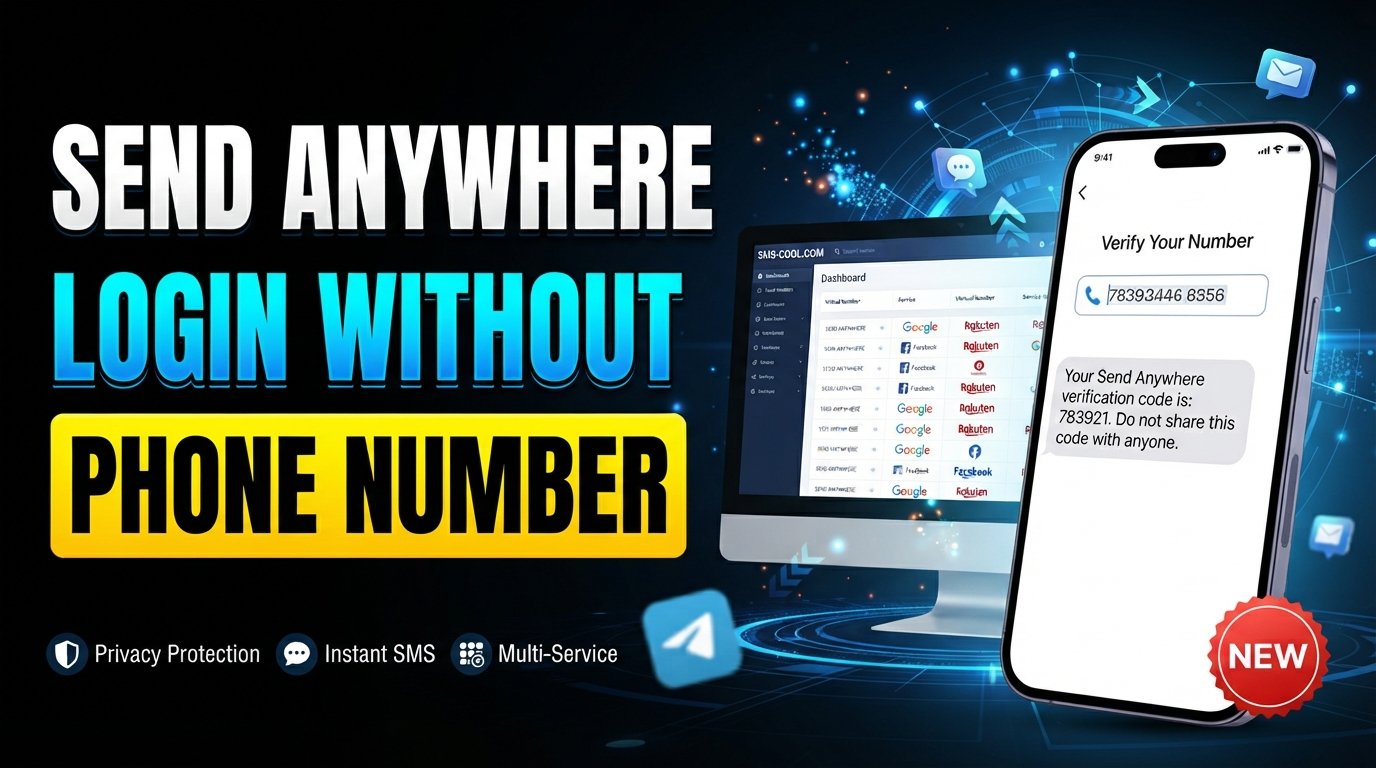
If a service requires an SMS code and accepts temporary or virtual numbers, SMS COOL can be a convenient option for receiving the message online.
SMS COOL provides virtual numbers intended for supported SMS and OTP verification workflows. Its platform allows users to select available numbers and receive incoming verification messages through its service.
The concept is simple.
Instead of entering your primary mobile number, you select a suitable temporary SMS number through SMS COOL. You then use that number on the service requesting verification. If the service accepts the number and sends an SMS successfully, the verification code can appear in the SMS COOL interface.
You can then enter the OTP into the original verification screen.
There is one important caveat: SMS COOL does not guarantee that every platform will accept every temporary number or that every OTP will arrive. Compatibility depends on the service, number type, country, carrier, and verification system involved.
That is why SMS COOL should be viewed as a practical option for supported verification—not as a guaranteed solution for every website or application.
Step-by-Step Guide to Using SMS COOL
If you need a separate number for a supported SMS verification process, the workflow is straightforward.
1. Check the verification requirement
First, confirm that the service is actually asking for phone verification.
If Send Anywhere gives you an email or supported social-login option instead, you may not need an SMS number at all.
2. Choose a suitable number through SMS COOL
Open SMS COOL and look for an available number appropriate for your verification requirement.
Consider the country and service compatibility before making your selection.
SMS COOL offers both short-term virtual numbers and longer rental options, depending on the requirement.
3. Select the relevant service
Choose the service you are attempting to verify, where available.
The goal is to match the number with the verification platform rather than simply choosing any random number.
4. Enter the provided number
Return to the Send Anywhere verification screen—or the relevant service—and enter the temporary number in the phone-number field.
Make sure the country code and number format are correct.
5. Request the OTP
Submit the phone number and request the verification SMS.
At this point, the service sends its Send Anywhere OTP or verification code if the number and verification route are accepted.
6. Wait for the SMS
Monitor SMS COOL for the incoming message.
Delivery can vary. If the platform does not send a message, the number may not be compatible, the service may reject temporary numbers, or the SMS could be delayed.
7. Enter the verification code
When the SMS arrives, copy the verification code and enter it into the original verification screen.
If the code is accepted, you can continue with the relevant registration or verification process.
8. Complete the process
Finish the account setup or login according to the instructions provided by the service.
For accounts you expect to use long term, make sure you understand how password recovery and future authentication will work before relying on a temporary number.
Benefits of Using SMS COOL
There are several reasons someone may prefer a separate number for appropriate verification tasks.
Privacy
Using a separate number can reduce the need to expose your primary mobile number during short-term online activities.
Convenience
SMS COOL brings the number and incoming SMS into an online interface, making the verification workflow easier to manage.
Quick SMS Verification
When a compatible service sends an OTP successfully, you can access the message online and enter the code without waiting for it to reach your personal phone.
Temporary Number Availability
Temporary numbers can be useful when you need a number for a limited-purpose verification workflow rather than permanent communication.
Simple Workflow
The process is essentially: choose a number, enter it, receive the SMS, copy the OTP, and complete verification.
Things to Know Before Using a Temporary Number
Temporary numbers are useful, but they are not appropriate for every situation.
First, some services reject temporary, virtual, VoIP, or shared numbers. Compatibility should always be checked before relying on a number for an important account.
Second, consider account recovery. If a service may later send password-reset messages or security alerts to the same number, losing access to a temporary number could create problems.
For important long-term accounts, a permanent number or another authentication method you control may be the better choice.
Security is also important. Treat every OTP as sensitive authentication information. Never give verification codes to strangers or enter them into unexpected websites.
Finally, use temporary numbers according to the terms and verification requirements of the platform involved. SMS COOL's own terms prohibit illegal, fraudulent, abusive, or unauthorized use of its services.
SMS COOL vs. Using Your Personal Number
FeaturePersonal NumberSMS COOL Temporary NumberPrivacyLower separation from personal identityProvides separation for supported temporary usesConvenienceVery convenient for accounts you keep long termConvenient for short-term SMS verificationVerificationUsually broadly compatibleCompatibility varies by serviceNumber ReuseControlled by youDepends on temporary or rental arrangementLong-Term RecoveryBetter suited to ongoing account recoveryMay be unsuitable if continued access is requiredBest ForImportant personal accountsAppropriate temporary verification tasks
Neither option is universally better.
Your personal number makes sense when you trust the service and need reliable long-term access. A temporary number can make more sense when privacy and separation are priorities and the service permits it.
Frequently Asked Questions
Can I use Send Anywhere without a phone number?
For standard Send Anywhere account access, the official documentation lists email and supported third-party login methods, so a phone number is not necessarily required.
How can I receive a Send Anywhere OTP?
If a particular Send Anywhere workflow requests SMS verification, the code should be sent to the phone number entered during verification. If temporary numbers are accepted, a compatible SMS service such as SMS COOL may be considered.
Can I use a temporary number for Send Anywhere verification?
Possibly, but acceptance depends on the specific verification system. A service may reject temporary or virtual numbers, so there is no universal guarantee.
Is SMS verification safe?
SMS verification can be useful as an authentication method, but OTP codes should be treated as private security credentials. Never share an unexpected verification code with another person.
How does SMS COOL work?
SMS COOL provides virtual numbers for supported verification workflows. You select a suitable number, use it where a service requests phone verification, and monitor the SMS COOL interface for the incoming verification message.
Can SMS COOL receive OTP codes?
Yes, SMS COOL is designed to receive SMS verification codes for supported services. However, delivery and acceptance depend on the particular service and number selected.
Why might a verification SMS not arrive?
The service may not support the number type, the selected number may not be compatible, the message may be delayed, or the platform may have rejected the verification request. Avoid repeatedly requesting codes because some systems invalidate earlier OTPs when a new one is generated.
Can every service accept a virtual phone number?
No. Some platforms specifically restrict temporary, virtual, VoIP, or shared numbers. Always check the service's requirements before choosing a temporary SMS number.
Conclusion
Finding a Send Anywhere login without phone number does not necessarily mean finding a way around verification.
In many cases, the simplest solution is to use Send Anywhere's available email or supported third-party login options.
If you encounter a legitimate phone verification requirement and prefer not to expose your personal number, a temporary or virtual number can be a practical alternative—provided the service accepts it.
That is where SMS COOL can help. With supported verification workflows, you can choose a temporary SMS number, enter it during phone verification, receive the OTP online, and use the code to complete the process.
The key is to keep expectations realistic. Temporary numbers are not guaranteed to work everywhere, and they are generally better suited to appropriate short-term verification than critical accounts requiring long-term recovery.
If you need a separate number for a supported SMS verification task, explore SMS COOL and see whether a suitable temporary number fits your needs.