22 Sep 2026
How to Get Quizlet Login Without Phone Number: Step-by-Step Guide
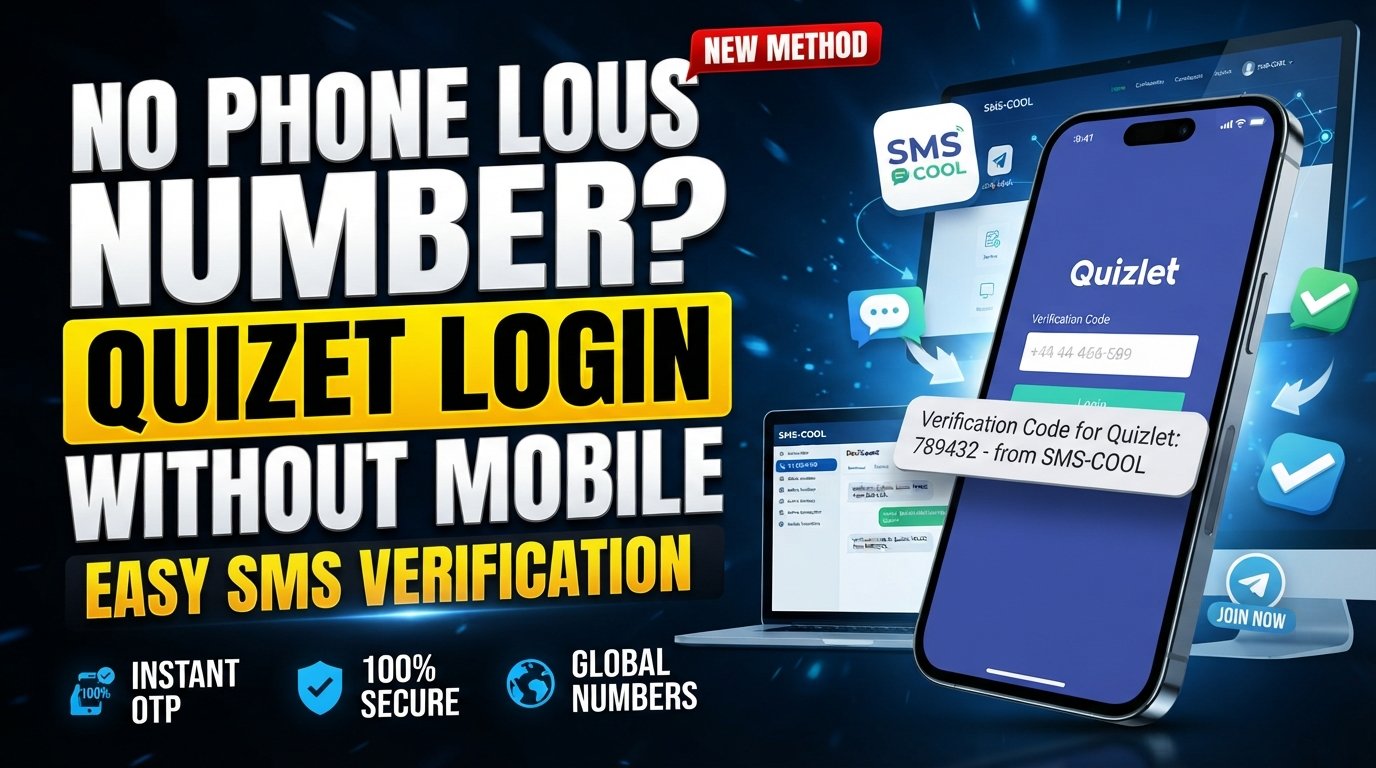
How to Get Quizlet Login Without Phone Number
Getting stuck at a phone verification screen can be frustrating, especially when you simply want to access your Quizlet account without handing over your personal mobile number.
The good news is that a phone number is not necessarily part of every Quizlet signup or login route. Quizlet's own help documentation describes account creation through options such as email, Google, Apple, and Facebook, depending on the platform and available flow.
However, if the particular Quizlet process you're using asks you to enter a phone number and receive an SMS verification code, you may prefer not to use your everyday number. In that situation, an online SMS verification service such as SMS COOL can be an option where the service and Quizlet's verification flow accept the number.
The important distinction is simple: using an alternative number is not the same as bypassing Quizlet's security. The verification code still has to be issued and accepted by Quizlet.
Why Quizlet May Ask for Phone Verification
Online services sometimes use phone verification as an additional way to confirm access to a phone number. A typical process is straightforward:
- You enter an eligible phone number.
- The service sends an SMS.
- The SMS contains a temporary verification code.
- You enter the code into the requested field.
- The service checks the code before continuing.
The exact verification requirements can vary depending on the account, login method, location, device, or particular Quizlet flow. For that reason, it is better to treat phone verification as something that may appear rather than assume every Quizlet user must provide a phone number.
Quizlet's official help pages also show that users can encounter different login situations depending on how their account was created. For example, Quizlet documents email-based login, Google login, and other account-access options.
So, before looking for a temporary number, check whether your normal Quizlet login method already lets you continue without phone verification.
Can You Get Quizlet Login Without a Phone Number?
Yes, potentially—but it depends on what Quizlet is asking you to do.
If you are simply trying to create an account, Quizlet's documented signup options include email and several third-party login methods.
If your particular workflow specifically requires an SMS code, however, you need access to a number capable of receiving that message.
This is where a service such as SMS COOL can be useful. Instead of automatically using your personal mobile number, you can obtain an available virtual or temporary number and use it for a supported SMS verification process.
There is an important caveat: a virtual number is not guaranteed to work with every website. SMS COOL itself states that successful registration with third-party services is not guaranteed and that platform restrictions can affect verification.
In other words, SMS COOL can provide the number and SMS-receiving capability; Quizlet ultimately decides whether that number and verification attempt are accepted.
What to Do If Quizlet Requests a Verification Code
If a Quizlet screen specifically asks you for a phone number and verification code, first make sure you're following the legitimate Quizlet login or account process.
Then consider these possibilities:
Option 1: Use Your Personal Number
This is the simplest approach if you are comfortable sharing your number and the verification request is legitimate.
Option 2: Use Another Eligible Number
If you have access to another phone number that you're permitted to use, you may use it if Quizlet accepts that number.
Option 3: Use an Online SMS Verification Service
If you prefer not to expose your personal number, a temporary or virtual number may be appropriate for a supported verification workflow.
This is where SMS COOL fits into the process. Its platform provides virtual numbers intended for SMS and OTP verification, with incoming messages accessible through its online system.
Using SMS COOL for Quizlet Verification
The basic idea behind SMS COOL verification is uncomplicated.
You select an available number for the relevant verification purpose, enter that number where Quizlet requests phone verification, and wait for the verification SMS. If the message arrives, you retrieve the verification code and enter it into the Quizlet verification field.
This can be useful when your goal is Quizlet login without phone number exposure rather than trying to avoid verification altogether.
SMS COOL describes its service as providing temporary phone numbers and longer-term rental numbers for online verification.
The service should therefore be viewed as a way to receive an SMS through an alternative number—not as a method for circumventing Quizlet's authentication or security controls.
How SMS COOL Works
At a high level, the process looks like this:
Choose a number → Enter it on Quizlet → Receive SMS → Copy the code → Complete verification
The number acts as the destination for the verification message. Instead of the message appearing in your regular phone's SMS inbox, the supported message can be viewed through the SMS COOL interface.
The exact availability of numbers and compatibility with individual services can change, so always check what is available before starting the verification process.
Step-by-Step Guide to Using SMS COOL
If Quizlet requests SMS verification and you want to avoid using your personal number, follow this general process.
1. Visit SMS COOL
Open the official SMS COOL website and review the available verification options.
2. Choose an Appropriate Number or Service
Select an available number that is suitable for the verification task. If the platform provides a service-specific selection, choose the relevant option.
Do not assume that every available number will be accepted by Quizlet.
3. Enter the Number in Quizlet
Return to the Quizlet verification screen and enter the number provided by SMS COOL.
Make sure you enter the country code and number exactly as required by the form.
4. Request the Verification Code
Submit the phone number through Quizlet's verification form. If Quizlet accepts the number, it should send the verification message.
5. Check SMS COOL for the Incoming SMS
Open the relevant SMS COOL interface and look for the incoming verification message.
If the message arrives, identify the Quizlet verification code.
6. Enter the Code in Quizlet
Copy the verification code and enter it into the appropriate Quizlet field.
Verification codes are generally time-sensitive, so avoid unnecessary delays.
7. Complete the Verification Process
If Quizlet accepts the code, continue with the login or account-verification process.
If the code is rejected or the number isn't accepted, don't repeatedly submit random codes. Check the number, verification status, and available alternatives instead.
Why Use SMS COOL Instead of Your Personal Number?
The biggest reason is separation.
Your personal phone number may be connected to family, work, messaging apps, banking services, and other important accounts. Some users simply prefer not to add that number to every online service that requests phone verification.
A virtual number for verification can create a layer of separation between your everyday communications and a specific online registration.
It can also be convenient when you need to receive SMS online rather than relying on a physical SIM card.
That said, privacy should not be confused with anonymity. Using a third-party service can involve its own account, technical, payment, and service-related records. SMS COOL's terms explain that it may collect information such as account activity, IP address, device information, and transaction details for stated operational and security purposes.
So, review the provider's terms and privacy information before using the service.
Important Things to Know Before Using an Online SMS Service
An online SMS verification service can be useful, but it is not a universal solution.
Compatibility Can Vary
Some platforms accept virtual numbers while others may restrict temporary, disposable, or certain types of numbers. SMS COOL specifically notes that third-party platform restrictions can prevent successful registration.
Don't Assume Every Code Will Arrive
SMS delivery depends on several systems working correctly. If a message doesn't arrive, check that the selected number is appropriate and that the service actually supports the requested verification workflow.
Consider Account Recovery
Think carefully before using a temporary number for an account you expect to use long-term.
If a service later requires access to the same phone number for account recovery or another security check, losing access to that number could create complications.
Follow Quizlet's Requirements
The safest approach is to follow Quizlet's actual verification requirements. A temporary number should not be used to impersonate someone, evade restrictions, create abusive accounts, or circumvent security controls.
Common Problems and How to Troubleshoot Them
The Quizlet Verification SMS Does Not Arrive
First, verify that the number was entered correctly. Then check whether the selected number supports the intended service. If the message still doesn't arrive, you may need to try another permitted verification method or contact Quizlet support.
Quizlet Rejects the Number
This can happen when a platform does not accept a particular virtual or temporary number type. Choosing another number does not guarantee success, so check the platform's requirements first.
The Verification Code Has Expired
Request a new code if Quizlet provides that option. Use the newest code rather than an older message.
You Can't Log In at All
If your problem is a forgotten password or inaccessible email rather than phone verification, an SMS service may not solve the underlying issue. Quizlet's help center provides separate account-recovery instructions, including password-reset and account-access guidance.
Frequently Asked Questions
Can I get a Quizlet login without a phone number?
Possibly. Quizlet documents signup and login methods that can use email or third-party accounts, depending on the platform and account flow. If your specific process requires SMS verification, you may need an eligible phone number.
Does Quizlet always require phone verification?
No assumption should be made that every Quizlet account or login flow requires a phone number. Requirements can vary. Check the specific Quizlet screen you're using before choosing a verification method.
Can SMS COOL receive a Quizlet verification code?
SMS COOL provides virtual numbers and SMS-receiving services for supported verification workflows. However, it does not guarantee that a third-party platform will accept a particular number or that verification will succeed.
How can I receive a Quizlet verification SMS online?
If Quizlet's verification flow accepts a virtual number, you can select an appropriate number through an online SMS verification service such as SMS COOL, enter it in Quizlet, and check the service for the incoming message.
Is a temporary phone number safe for Quizlet verification?
It can be a practical privacy option for a supported, legitimate verification task, but there are trade-offs. Temporary numbers may not be suitable for long-term account recovery, and platform compatibility can vary.
Does using SMS COOL bypass Quizlet security?
No. SMS COOL is simply an SMS-receiving option. Quizlet still controls whether the number and verification code are accepted. It should not be treated as a way to bypass authentication or security requirements.
Can I use SMS COOL for every Quizlet account?
There is no guarantee. Number availability and third-party acceptance can vary. Always check Quizlet's requirements and use an alternative verification method if the platform does not accept the selected number.
Final Thoughts
Searching for Quizlet login without phone number usually comes down to one of two situations: you either have a normal Quizlet login method that does not require a phone number, or your particular verification flow asks for an SMS code.
If Quizlet doesn't require phone verification for your account, there's no reason to introduce an additional number. But when an SMS verification step is required and you prefer not to expose your personal number, SMS COOL can provide a practical option for receiving SMS online through an alternative virtual or temporary number.
The key is to use it realistically. SMS COOL does not guarantee compatibility with Quizlet, and it does not replace Quizlet's own authentication requirements. Instead, it gives you another way to handle the SMS-receiving part of a legitimate verification process.
Before proceeding, check Quizlet's requirements, choose an appropriate number, and consider whether you may need long-term access to that number later. Used thoughtfully, SMS COOL can be a convenient option for users who want to keep their personal phone number separate while completing supported online phone verification.