26 Sep 2026
Protect Your Gmail From Unwanted App Emails With SMS COOL
How to Protect Your Personal Gmail from Unwanted App Emails
Your personal Gmail address can become surprisingly difficult to manage when you use it for everything.
A new app asks for your email. A website requires registration. An online service offers a free trial. Another platform wants you to confirm your account. Before long, your inbox is filled with welcome messages, promotional emails, product updates, account notifications, and unwanted registration emails.
The problem is not always Gmail itself. Often, it starts with where and how often you share your personal email address.
Protecting your inbox begins before an unwanted message arrives. By being selective about which services receive your primary email—and by using appropriate alternatives for temporary registrations—you can reduce unnecessary exposure and keep your inbox easier to manage.
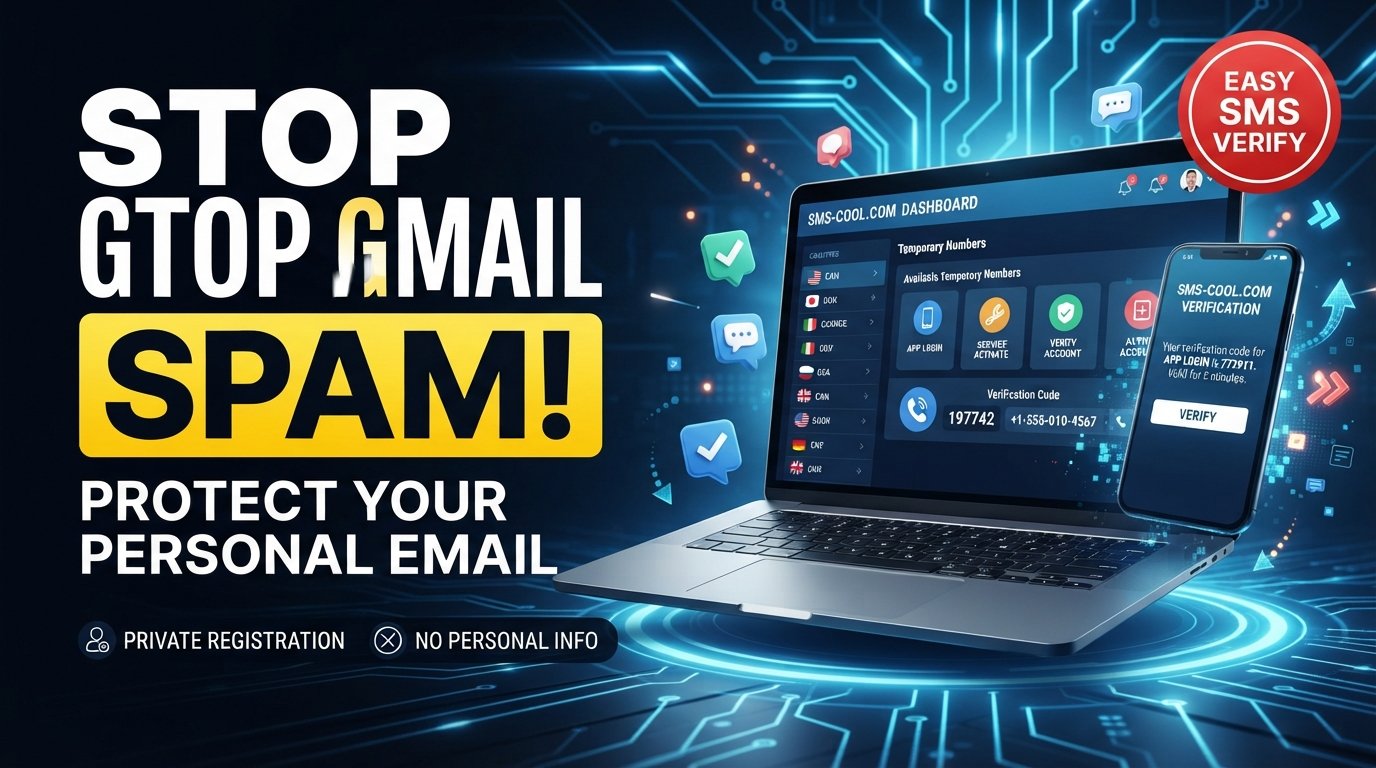
One practical option is SMS COOL, which can provide temporary SMS verification options for situations where a service requires a phone number but does not need your personal number for ongoing communication.
Why Your Personal Gmail Gets So Many App Emails
There are several reasons your inbox can become crowded after using your Gmail address for online registrations.
When you create an account, a service may send an email to confirm your address. That is usually expected. The problem can begin when the same service continues sending newsletters, promotional offers, product announcements, reminders, or other notifications.
Common sources of unwanted app emails include:
- New account and welcome messages
- Email verification requests
- Marketing newsletters
- Promotional offers
- Product announcements
- Service notifications
- Trial expiration reminders
- Password and security alerts
- Recommendations and updates
Not every message is spam in the strict sense. Some are legitimate communications from services you once chose to use.
However, legitimate does not always mean useful.
If you register for many websites and apps with your primary Gmail account, your personal inbox can gradually become a collection of messages from services you rarely use.
That is why effective Gmail inbox protection is partly about managing incoming mail and partly about limiting unnecessary exposure in the first place.
How App Registrations Can Lead to Unwanted Emails
Think about the number of websites and apps that ask for an email address during registration.
You might enter your Gmail address to test an app, access a feature, download something, join a website, or complete an account setup process.
Some services may only need your email for account-related communication. Others may also use it for newsletters or marketing, depending on the choices you make during registration and the service's policies.
This does not mean every company misuses email addresses. It simply means that every registration creates another connection between your personal contact information and an online service.
Over time, those connections can create inbox clutter.
There is also a privacy consideration. Your primary email address is often associated with important accounts, personal communication, financial services, subscriptions, and other parts of your digital life.
For that reason, protecting your email address is a sensible part of broader online privacy.
The goal is not to avoid every online registration. It is to think about whether every low-priority service really needs your primary contact details.
Simple Ways to Protect Your Personal Gmail
You do not need complicated tools to make a meaningful difference. A few simple habits can help you stop unwanted emails and reduce unnecessary exposure.
1. Use a separate email for low-priority registrations
Consider maintaining a separate email address for newsletters, product trials, community websites, and other services that are not connected to important personal accounts.
This creates a useful boundary between your essential communication and lower-priority online activity.
2. Avoid sharing your primary email unnecessarily
Before entering your personal Gmail address, ask a simple question:
Does this service genuinely need my primary email?
If the answer is no, consider whether another appropriate option is available.
3. Review privacy and notification settings
Many apps let you control marketing emails, notifications, and communication preferences.
Look through those settings during registration and after creating an account. Disabling unnecessary notifications can make a noticeable difference.
4. Unsubscribe from legitimate unwanted newsletters
If you recognize the sender and no longer want the emails, use the service's legitimate unsubscribe option.
This is different from interacting with suspicious messages. If an email looks fraudulent or unsafe, avoid clicking unfamiliar links.
5. Be careful with suspicious messages
Unexpected emails can contain phishing links, misleading offers, or attempts to collect personal information.
When in doubt, access the service through its official website or app instead of clicking a questionable email link.
6. Use trusted verification methods
When a service requires verification, consider what information it actually needs and for how long.
For some registrations, a temporary phone number can be a practical alternative when temporary SMS verification is appropriate.
The Role of Temporary Phone Numbers in Online Privacy
Email is only one part of online registration.
Many apps and websites also request a phone number for SMS verification. This can be useful for confirming that a registration is associated with a reachable phone number, but not every service needs your personal number for long-term communication.
This is where a temporary SMS number can be useful in appropriate situations.
A temporary phone number can create separation between your everyday personal contact information and certain short-term online activities.
For example, you may want to try a new app without immediately connecting your personal phone number to an account you may never use again.
SMS COOL can be useful in these situations by providing temporary SMS verification options where appropriate.
The important point is to use temporary numbers responsibly. Some services have specific rules about phone numbers, account verification, or repeated registrations. Always follow the terms and requirements of the service you are using.
How SMS COOL Can Help Reduce Unwanted App Emails
It is important to make one distinction clear: SMS COOL does not directly control Gmail, block Gmail spam, or manage Google's email servers.
Instead, its value comes earlier in the registration process.
When an app or website requests both an email address and a phone number, you can consider whether both pieces of personal information need to be connected to that service.
For suitable temporary verification situations, using SMS COOL can help separate the verification activity from your primary personal phone number.
That separation can support a broader app registration privacy strategy.
For example, imagine you want to test an unfamiliar online service. You may decide that the service does not need access to the same personal contact details you use for important accounts.
If the service permits temporary verification and you have an appropriate reason to use it, SMS COOL can provide a temporary SMS number for that verification step.
This does not guarantee that you will receive fewer emails from the service. If you provide your Gmail address, the service can still send messages to it.
The benefit is more specific: you are reducing how widely your personal contact information is connected to low-priority registrations.
That distinction matters.
Reducing exposure and blocking spam are two different things. Gmail's own filtering, unsubscribe controls, and notification settings remain important for managing messages that already reach your inbox.
Why Separating Personal and Temporary Information Matters
Good digital privacy often comes down to separation.
Your primary Gmail account may be connected to important conversations, account recovery, work, shopping, financial services, and other sensitive areas of your digital life.
Not every website deserves the same level of access to your contact information.
Consider situations such as:
- Trying a new app
- Testing an online service
- Signing up for a website
- Completing an SMS verification process
- Registering for a service you may not use regularly
For some of these situations, separating temporary verification activity from your everyday personal details can make your digital footprint easier to manage.
This does not mean every service should be treated as untrustworthy. Instead, it encourages a more deliberate approach to sharing information.
The principle is simple: give each service only the information that is appropriate for the purpose.
A Simple Strategy for a Cleaner Gmail Inbox
If you want to reduce unwanted messages and improve your privacy, use this straightforward process.
1. Keep your primary Gmail for important accounts
Reserve your main address for communication and services that genuinely matter to you.
2. Think before sharing it with every website
A registration form asking for an email address does not automatically mean your primary Gmail is the best choice.
3. Use appropriate privacy-friendly verification options
When a service requires phone verification, consider whether a temporary option is suitable and permitted.
4. Use SMS COOL when temporary SMS verification is appropriate
When you need a temporary SMS number for a suitable verification process, SMS COOL can help keep that activity separate from your everyday personal phone number.
5. Review Gmail subscriptions and notifications regularly
Your privacy strategy should continue after registration. Unsubscribe from unwanted legitimate newsletters and adjust notification preferences when possible.
6. Remove unnecessary services from your digital life
If you no longer use an account, consider closing it where appropriate and removing unnecessary subscriptions.
The fewer unnecessary services connected to your contact information, the easier your digital life can be to manage.
SMS COOL: A Smarter Way to Handle Temporary Verification
A cleaner inbox is not only about deleting emails after they arrive.
It is also about making better decisions before handing out your personal information.
SMS COOL offers a practical option for people who need temporary SMS verification and want to keep certain online registration activities separate from their everyday phone number.
That can be particularly useful when trying a new service, testing a website, or completing a temporary verification process where using a personal number is unnecessary or undesirable.
It is not a replacement for Gmail's spam filters, unsubscribe tools, or privacy controls. Instead, it can complement them by helping you think more carefully about the information you share during registration.
If you regularly sign up for online services and want a more privacy-conscious approach to temporary verification, explore SMS COOL and see whether its temporary SMS options fit your particular use case.
Frequently Asked Questions
How can I reduce unwanted app emails in Gmail?
Start by limiting where you share your primary email address. Unsubscribe from legitimate newsletters you no longer want, adjust notification settings, and use separate contact details for appropriate low-priority registrations.
Why do apps send so many emails after registration?
Apps commonly send account confirmations, security alerts, product updates, newsletters, promotional messages, and other notifications. The exact messages depend on the service and your communication preferences.
Can a temporary phone number help protect my privacy?
Yes, in appropriate situations. A temporary phone number can help separate certain short-term verification activities from your personal phone number. It does not automatically prevent emails or guarantee anonymity.
What is SMS verification?
SMS verification is a process where a service sends a code by text message to confirm access to a phone number. The code is typically entered during registration, login, or another account-related process.
When should I use a temporary SMS number?
A temporary SMS number may be suitable for short-term verification when a service permits it and you do not need your personal number for ongoing communication. Always follow the service's rules.
Does SMS COOL block Gmail spam?
No. SMS COOL does not directly control Gmail's spam filters or block messages from reaching your inbox. Its role is to provide temporary SMS verification options that can help reduce unnecessary exposure of personal contact information during suitable registrations.
How can I keep my personal email address private online?
Avoid sharing it unnecessarily, use separate email addresses where appropriate, review privacy settings, unsubscribe from unwanted legitimate communications, and think carefully about what information each service actually needs.
Conclusion
Protecting your personal Gmail starts long before you click Delete on an unwanted message.
Every registration is an opportunity to decide how much personal information you really need to share. By keeping your primary email for important accounts, reviewing notification settings, avoiding unnecessary registrations, and using appropriate privacy-friendly verification methods, you can reduce unnecessary inbox clutter and improve your overall online privacy.
A temporary phone number can be one useful part of that strategy when SMS verification is required.
SMS COOL gives users a practical option for temporary SMS verification, helping separate certain short-term registration activities from their personal phone number.
It will not control Gmail or guarantee a spam-free inbox—but used thoughtfully alongside good email and privacy habits, it can help you take greater control over how your personal information is shared online.
Ready to handle temporary verification more privately? Explore SMS COOL and choose a temporary SMS option that fits your situation.