20 Sep 2026
How to Get Prime Video Login Without Using a Phone Number Safely
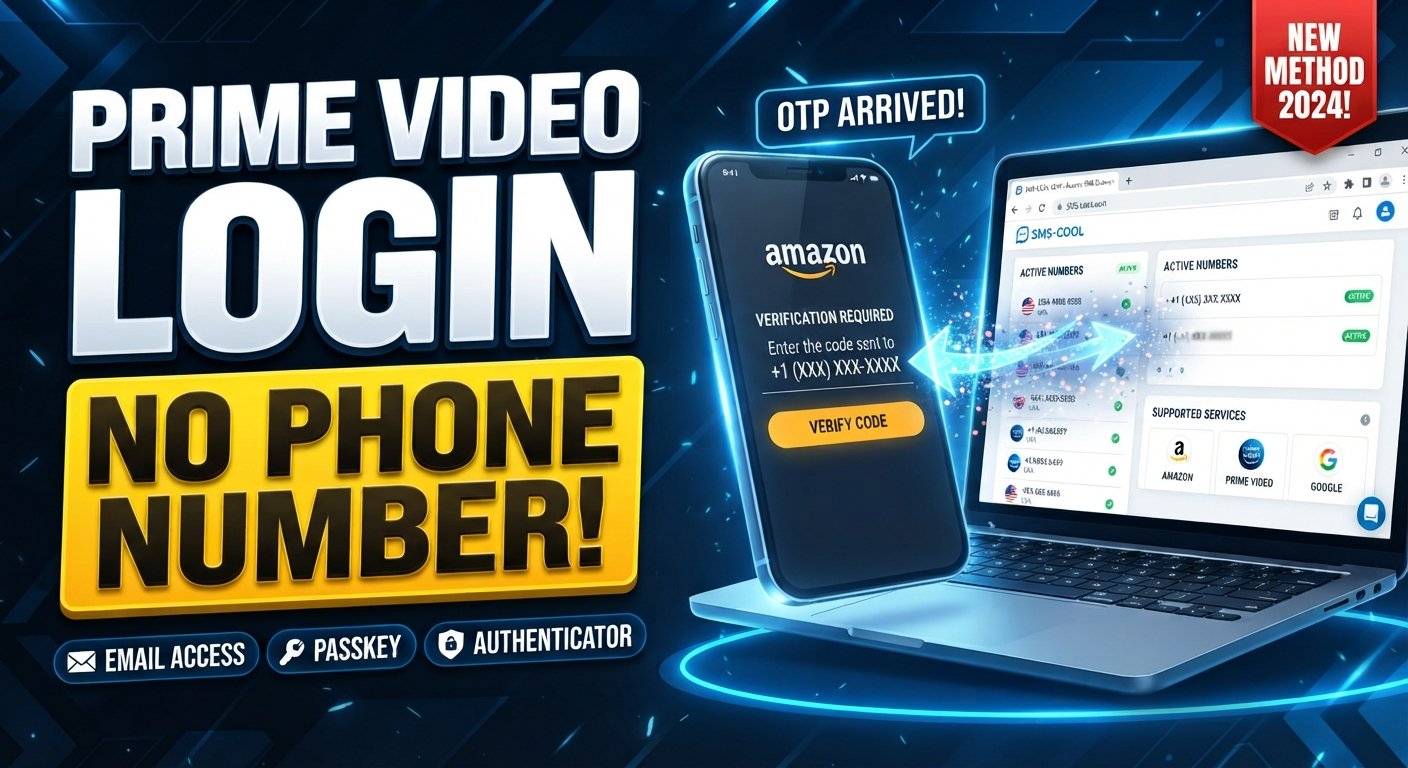
How to Get Prime Video Login Without Using a Phone Number Safely
Trying to complete a Prime Video login without phone number can be frustrating when the sign-in process asks for a verification code and you do not want to use your personal mobile number—or you simply cannot access the number connected to your account.
The good news is that a phone number is not necessarily the only way an Amazon account can authenticate a sign-in. Depending on how your account is configured, Amazon may use an email address, password, passkey, security code, or another available verification method.
For situations where SMS verification is required and virtual numbers are permitted, an online SMS service such as SMS COOL can also provide a practical way to receive verification SMS without exposing your primary personal number.
The important distinction is that using an alternative number is not a way to bypass Prime Video security. You should only use a number you are authorized to use and only where the relevant service accepts that number type.
Can You Use Prime Video Without a Phone Number?
The answer depends on your Amazon account and the verification method presented during sign-in.
Prime Video access is connected to your Amazon account, so the available login methods are influenced by your Amazon account setup. Amazon states that some accounts can use an email address and password, while other accounts may use a one-time security code sent to a mobile number or email. Passkeys can also be available for supported accounts and devices.
That means there is no single method that works for every person searching for Prime Video without phone number access.
If the login page gives you an email-based option, passkey, or another supported method, use that first. If Amazon specifically requires an SMS code, you need an eligible number capable of receiving the requested verification message.
Why Does Prime Video Ask for Phone Verification?
Phone verification is part of the broader security process surrounding Amazon accounts.
A one-time code helps confirm that the person attempting to sign in has access to the contact method associated with the account. Amazon describes two-step verification as an additional layer of security for account login. Depending on configuration, security codes can be delivered by text message or generated through an authenticator app.
You may encounter verification when:
- Signing in from a new device
- Recovering or securing an account
- Changing account security settings
- Completing an account-related process
- Using an account configured for additional verification
The exact screen and available options can vary, so always follow the authentication choices actually presented by Amazon.
Legitimate Ways to Handle Prime Video Login Verification
If you are trying to complete a Prime Video login without phone number, start with the methods already associated with your account.
1. Use Your Registered Email Address
Some Amazon accounts allow sign-in with an email address and password. Amazon's account help specifically notes that users may enter their registered email address or mobile number, depending on how the account was created and configured.
If your account supports email-based authentication, this can eliminate the need to receive an SMS during that particular login.
2. Use a Passkey If Available
A passkey can provide another supported way to authenticate without manually entering an SMS code. Amazon notes that passkeys can allow sign-in using methods such as a fingerprint, face recognition, or device PIN.
If you previously configured a passkey, check whether it is offered on your device.
3. Use an Authenticator App Where Supported
For accounts using two-step verification, an authenticator app can be an alternative to receiving an OTP by SMS.
Amazon's documentation explains that an authenticator app can generate verification codes without requiring a cellular signal.
This is particularly useful if you want account security without relying exclusively on text messages.
4. Use SMS COOL for Supported SMS Verification
If the verification process specifically requires a phone number and virtual numbers are accepted, SMS COOL is another option to consider.
SMS COOL provides virtual numbers intended for receiving SMS online. Its service documentation describes a workflow in which users select an available number, use it for a supported verification process, and access incoming messages through the platform.
This can be useful if you want to keep your primary number separate from a legitimate online verification process.
However, compatibility matters. A virtual number is not automatically accepted by every website or service. SMS COOL itself notes that third-party acceptance is not guaranteed.
How to Use SMS COOL for Prime Video Verification
If Amazon presents an SMS verification step and permits the type of virtual number you intend to use, the general process is straightforward.
Step 1: Check the Verification Requirement
Start at the legitimate Amazon or Prime Video sign-in page.
Determine whether the service is asking for an SMS code and whether another supported method—such as email, passkey, or authenticator—is available.
Step 2: Select an Appropriate Number
If a virtual number is appropriate for your situation, visit SMS COOL and review the available numbers and supported services.
Choose a number that matches the country or service requirements shown by the verification process.
Step 3: Enter the Number Correctly
Enter the selected number into the phone-number field exactly as requested.
Pay close attention to the country code and formatting. An incorrectly entered number can prevent the verification SMS from arriving.
Step 4: Request the Verification SMS
Continue through the legitimate Amazon verification process and request the code.
If Amazon accepts the number and sends an SMS, monitor your SMS COOL dashboard for the incoming message.
Step 5: Enter the Verification Code
When the Prime Video verification code arrives, enter the code into the original verification screen.
Do not share the OTP with another person. A verification code should be treated as sensitive authentication information.
Step 6: Finish the Login
If the number is accepted and the code is valid, complete the remaining sign-in steps.
If the service rejects the number, do not repeatedly attempt to circumvent the restriction. Instead, use another supported authentication method or contact Amazon support.
Comparing Common Options
There are several ways to approach Prime Video login verification, and each has different practical considerations.
OptionRequires personal phone number?Useful whenEmail and passwordNot necessarilyYour Amazon account supports email loginPasskeyNo SMS requiredYou already have a supported passkeyAuthenticator appNo SMS requiredTwo-step verification supports an authenticatorPersonal mobile numberYesYou have access to your registered numberSMS COOL virtual numberNot necessarilyAmazon accepts the selected virtual number for the relevant process
The most appropriate choice depends on your account configuration and what Amazon offers during authentication.
A virtual number should be viewed as an alternative communication method for supported verification—not as a mechanism for defeating account protections.
Important Limitations to Know
Before choosing a temporary phone number for verification, keep several limitations in mind.
Virtual Numbers May Be Rejected
Some online platforms restrict certain number types, including some virtual or temporary numbers. SMS COOL also explains that third-party acceptance can vary.
SMS Delivery Can Vary
A verification message may be delayed or fail to arrive because of routing, number availability, carrier restrictions, platform controls, or other technical issues.
Codes Can Expire
OTP and security codes are generally time-sensitive. If an earlier code no longer works, request a new one rather than repeatedly entering an expired code.
Temporary Numbers May Not Be Suitable for Account Recovery
If you intend to maintain long-term access to an account, think carefully before relying on a temporary number. Losing access to that number could make future verification or account recovery more difficult.
Follow Amazon's Requirements
The safest approach is always to use authentication methods that Amazon explicitly provides or permits. Do not attempt to evade a verification requirement or gain access to an account you do not own.
Troubleshooting Prime Video OTP Problems
If your Prime Video OTP does not arrive, try these practical checks.
Check the Number
Confirm that the country code and phone number were entered correctly.
Request a New Code
If the first code has expired or failed to arrive, use the available option to request another code.
Amazon recommends checking the entered phone number and using the option to request a new OTP when a code is not received.
Use the Newest Code
If multiple codes arrive, use the newest valid code rather than an earlier message.
Try Another Supported Method
If available, switch to email, an authenticator app, a passkey, or another authentication method associated with your account.
Check Number Compatibility
If you are using an online SMS verification service, remember that receiving SMS and being accepted by a particular platform are separate issues. A number may be capable of receiving texts but still be rejected by a platform's verification system.
Contact Amazon Support for Account Recovery
If you have lost access to the phone number, email address, or other authentication method connected to your account, use Amazon's official account-recovery and customer-service options rather than attempting to bypass verification. Amazon specifically directs users who cannot access required confirmation methods toward account recovery or customer support.
Frequently Asked Questions
Can I use Prime Video without a phone number?
Sometimes. Amazon supports different authentication methods depending on account configuration, including email, password, passkeys, and certain verification methods. If SMS is specifically required, you need an eligible way to receive the requested code.
What is a Prime Video verification code?
It is a temporary security code used during an authentication or account-verification process. Depending on your account setup, Amazon may send a security code through an available verification channel.
Can I receive a Prime Video OTP online?
If Amazon accepts the virtual number being used, an online SMS service can potentially receive the SMS. SMS COOL provides online access to virtual numbers and incoming SMS for supported verification purposes. However, acceptance by a particular third-party service is not guaranteed.
Is SMS COOL a way to bypass Prime Video security?
No. It should not be treated as a security-bypass tool. Its relevant use is receiving SMS through a virtual number when that number is permitted and accepted for a legitimate verification process.
Can I use a temporary phone number for Prime Video account verification?
Potentially, but only if the verification system accepts that number type. Availability and compatibility can change, so check the applicable requirements before relying on a temporary number.
What if my Prime Video verification SMS does not arrive?
Check the number, country code, SMS capability, and message status. Request a new code if appropriate. If the virtual number is rejected or no SMS arrives, try another authentication method supported by your Amazon account.
Can I use an authenticator instead of SMS?
For Amazon accounts configured for two-step verification, an authenticator app can be an alternative to SMS in supported circumstances. Amazon documents authenticator apps as a way to generate OTPs without relying on cellular service.
Final Thoughts
Finding a Prime Video login without phone number option does not mean bypassing authentication. It means choosing an authentication method that is legitimately available for your Amazon account.
Start with email, a passkey, or an authenticator app if those options are available. If SMS verification is required and virtual numbers are accepted, SMS COOL can be a convenient way to receive verification SMS online while keeping your primary phone number separate.
The key is compatibility: Amazon controls which authentication methods and numbers it accepts, while SMS COOL provides the virtual-number and SMS-receiving infrastructure. Used within those boundaries, SMS COOL can be a practical option for users who need a separate phone number for OTP and want a straightforward way to receive supported verification messages.