29 Sep 2026
How to Get Pexels Login Without a Phone Number: Complete Guide
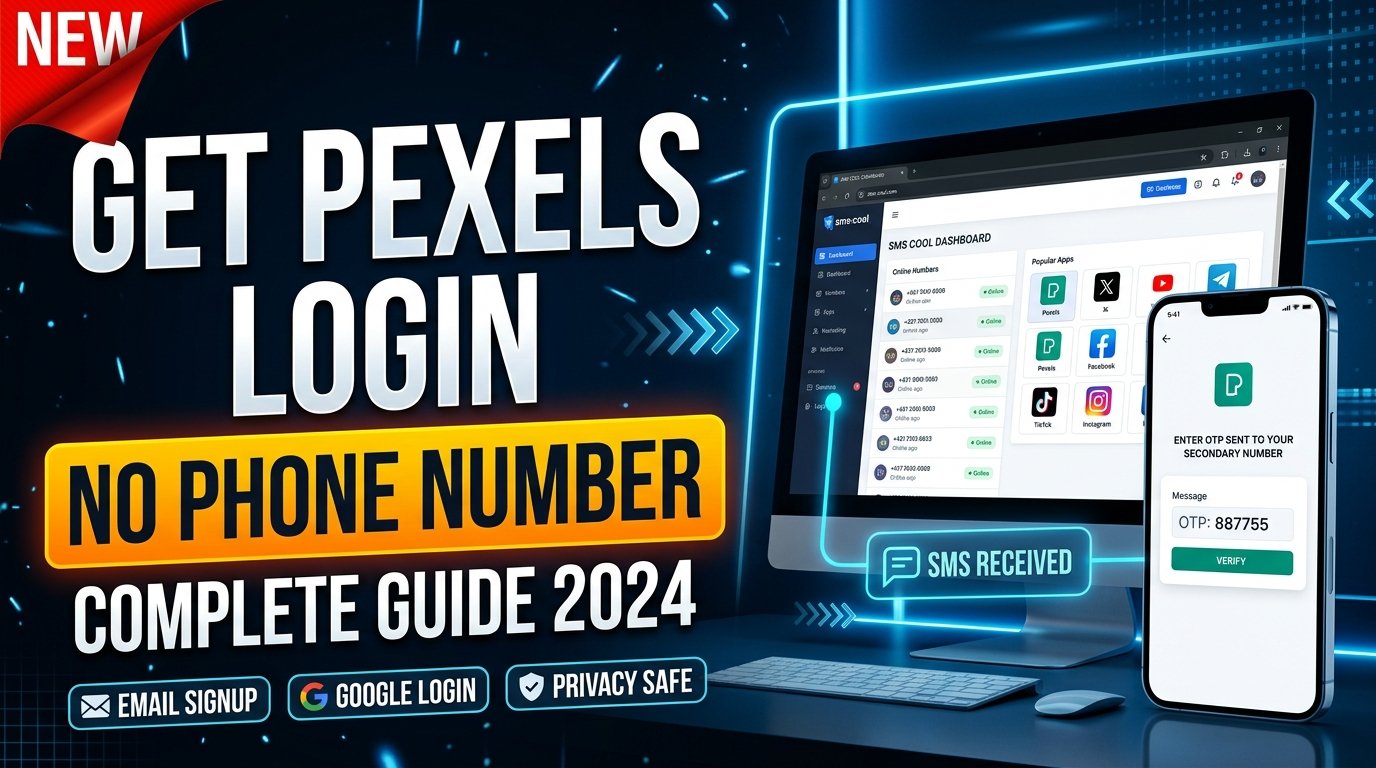
How to Get Pexels Login Without a Phone Number: Complete Guide
Want to use Pexels without handing over your personal phone number? For many people, the concern is not the account itself. It is the amount of personal contact information they need to share along the way.
The good news is that a phone number is not necessarily the first thing you need for a Pexels account. Pexels currently provides login options through Google and email, while its Help Center describes account features such as collections, download history, follows, likes, and uploading content.
However, verification requirements can vary depending on the situation. If Pexels asks for phone verification during a particular account or security process, users who prefer not to use their personal number may consider an alternative number where that method is accepted.
One practical option is an online SMS verification service such as SMS COOL.
Can You Create a Pexels Account Without a Phone Number?
In many cases, you can start with the sign-up methods Pexels makes available rather than assuming that a phone number is mandatory.
The current Pexels login page offers Google login and email login, including an email address and password option. This means users should first check the normal Pexels sign-up and login choices before looking for a temporary phone number for Pexels.
It is important to distinguish account creation from phone verification.
A website may allow registration with email or another method but later request additional verification for a particular action, account-security event, or unusual activity. The exact process can also change over time or vary between users.
If you are simply trying to access Pexels, check its available login options first. If a phone number is specifically requested, you can then consider whether an alternative number is appropriate.
Why Do People Look for Pexels Login Without Phone Number?
There are several legitimate reasons someone may prefer not to connect a personal phone number to an online account.
Privacy
Your phone number is personal information. Some users prefer to share it with as few online services as possible.
Using a separate number for a particular verification task can help keep personal and online communications separate.
Separating personal and online accounts
A personal number may already be connected to messaging apps, banking services, social networks, and contacts. Using another number for selected online services can make account management easier.
Difficulty receiving SMS
Not everyone has reliable access to SMS. Travelers, users with network problems, or people using devices without dependable mobile service may need another way to receive a verification message.
Avoiding unnecessary exposure
If a website supports another legitimate verification method, you may prefer that option. If it specifically requires SMS, a suitable virtual phone number can be an alternative where permitted.
The goal is not to bypass security. It is to use an available verification method without unnecessarily exposing your primary number.
What Is SMS Verification?
SMS verification is a simple process used to confirm that someone can access a particular phone number.
The process usually looks like this:
- A website asks for a phone number.
- You enter an eligible number.
- The website sends a temporary verification code by SMS.
- You receive the message.
- You enter the Pexels verification code or OTP into the relevant field.
- The website checks the code and continues the process if it is valid.
The code is normally temporary and intended for a specific verification attempt.
Phone verification can be useful for confirming access to a communication channel, but it can also create privacy concerns for users who do not want their personal number associated with every online service.
That is where online SMS verification can provide another option.
How SMS COOL Can Help
SMS COOL is an online service that provides virtual phone numbers and SMS-based verification options. Its platform describes instant virtual numbers for receiving SMS verification codes, along with longer-term number rentals and service-specific options.
For someone looking for a Pexels login without phone number, the idea is straightforward: instead of using your personal mobile number, you can check whether an available SMS COOL number is suitable for the verification process you are trying to complete.
The important limitation is compatibility. SMS COOL states that it does not guarantee successful registration with third-party platforms, and a platform can reject a particular virtual number or verification attempt.
Basic SMS COOL verification process
- Visit SMS COOL.
- Choose the appropriate service or available number if an option suitable for your verification task is listed.
- Use the provided SMS COOL phone number during the relevant verification process, provided the platform accepts that type of number.
- Wait for the SMS verification code.
- Open the SMS COOL dashboard and check for the incoming message.
- Enter the received code in the verification field.
- Complete the account process if Pexels accepts the verification method.
SMS COOL's own service information describes receiving OTP messages through its dashboard and offers both instant numbers and rental options.
This should be viewed as a practical verification option—not a way to bypass Pexels security, guarantee account approval, or overcome restrictions imposed by Pexels.
Step-by-Step Guide to Pexels Login Without Your Personal Phone Number
If your goal is to access Pexels without giving the platform your personal number, start with the simplest route.
Step 1: Open Pexels
Go to the official Pexels login or registration page and review the options currently displayed.
The available login page currently includes Google and email-based login options.
Step 2: Try an available non-phone option
If email or Google login meets your needs, you may not need SMS verification at all.
For someone creating a new Pexels account, this is the first option worth checking.
Step 3: Identify whether phone verification is actually required
Do not obtain a temporary number simply because you expect a phone check.
Proceed until Pexels tells you that phone verification is required. Requirements can differ depending on the account process and circumstances.
Step 4: Consider a separate number
If SMS verification is required and you do not want to use your personal number, check whether a virtual number is suitable and permitted.
An SMS verification service can provide access to a number capable of receiving SMS messages, subject to availability and platform compatibility.
Step 5: Use SMS COOL if appropriate
If SMS COOL has an available number for the relevant service, select it and follow the service's instructions.
Make sure you understand whether the number is temporary or rented and how long you can access incoming messages.
Step 6: Receive and enter the verification code
If Pexels sends an SMS, monitor the SMS COOL dashboard for the message. Enter the received verification code into the Pexels verification screen while the code remains valid.
Step 7: Keep account recovery in mind
Before relying on a temporary number, consider what happens if you later need to recover the account.
A number that you can access briefly may not be suitable for long-term account recovery. Where possible, maintain a reliable recovery method supported by Pexels.
Benefits of Using a Separate Number for Verification
A separate number can be useful when you want to keep your personal and online communications apart.
Privacy: Your primary mobile number does not need to be used for every supported verification process.
Separation: Verification messages stay separate from personal texts and calls.
Convenience: Online SMS services can let you receive SMS through a web-based dashboard rather than relying exclusively on your normal phone.
Accessibility: A virtual number may be useful when your regular mobile service is unavailable or inconvenient.
Reduced personal exposure: Using a separate number can limit how widely your personal contact information is shared.
These benefits depend on the service, number type, platform rules, and the specific verification process involved.
Things to Keep in Mind Before Using Online SMS Verification
Online SMS verification is not suitable for every situation. Before using a virtual or temporary number, consider the following.
- Not every website accepts virtual numbers. Some platforms may reject particular number types, carriers, or previously used numbers.
- Verification codes can expire. If a code arrives late, you may need to request another one.
- Numbers can have usage restrictions. Some services limit repeated use or availability for particular platforms.
- Account recovery can be difficult. If you lose access to the verification number, recovering an account may become more complicated.
- Read the relevant policies. Check Pexels' terms and privacy information as well as the terms and privacy practices of your SMS provider.
- Protect verification codes. Treat OTPs as sensitive account information and do not share them with other people.
- Use services lawfully. Do not use online SMS verification for fraud, impersonation, spam, unauthorized access, or other prohibited activity.
SMS COOL's terms specifically state that users are responsible for their account activity and prohibit illegal, fraudulent, abusive, or unauthorized use.
Pexels Login Without Phone Number: Common Problems and Solutions
Verification code not arriving
First, check that the number was entered correctly and that the selected number is currently available for the requested service.
Avoid repeatedly requesting codes in quick succession. Wait briefly, then try again if the platform provides another verification attempt.
Number not accepted
A virtual number is not automatically compatible with every platform. If Pexels rejects the number, check whether another legitimate login method is available or contact Pexels support.
Expired code
Verification codes are generally time-sensitive. If the code has expired, request a new one and use the latest code rather than an earlier message.
Service unavailable
The problem may be caused by number availability, SMS delivery, or a temporary issue with either service. Trying an available alternative number or waiting before making another attempt may help.
Verification attempt limit
Repeated requests can sometimes trigger temporary restrictions. If you see an attempt-limit message, stop submitting new requests and follow the instructions shown by the platform.
Account recovery difficulties
If you used a temporary number and later lose access to it, recovery can be more difficult. Keep your Pexels email credentials secure and use the platform's official recovery options when necessary. Pexels provides an account password-reset process for users who have forgotten their login password.
Frequently Asked Questions
Can I create a Pexels account without my personal phone number?
Yes, you may be able to use an available Pexels sign-up method that does not require your personal phone number. The current login page offers Google and email login options. If Pexels later requests phone verification, the available options may depend on the specific situation.
Does Pexels always require phone verification?
Not necessarily. Pexels currently displays email and Google login options, so users should check the available registration or login methods before assuming SMS verification is mandatory.
Can SMS COOL receive a Pexels verification code?
SMS COOL provides numbers designed to receive SMS verification messages, but whether a particular Pexels verification request works with a specific number cannot be guaranteed. Compatibility depends on Pexels and the number available at the time.
Is online SMS verification safe?
It can be useful for legitimate verification needs, but users should consider privacy, number ownership, account recovery, and the policies of both services. Never share verification codes unnecessarily.
Can I use a virtual phone number for verification?
A virtual phone number can be used for supported verification workflows, but acceptance is controlled by the platform requesting verification. A virtual number is not guaranteed to work everywhere.
What should I do if the Pexels verification code does not arrive?
Check the number, wait for possible delivery delays, and avoid repeatedly requesting codes. If the issue continues, try an available legitimate verification method or contact Pexels support.
Can I use the same verification number repeatedly?
That depends on both the platform and the number provider. Some services restrict repeated use, and a number may already have an account history associated with it. For an important account, consider whether a longer-term number is more appropriate than a disposable one.
Final Thoughts
Getting a Pexels login without phone number does not necessarily mean finding a way around Pexels security. In many cases, the first step is simply to check whether email or Google login is available for your account, since Pexels currently offers those options.
If Pexels specifically asks for SMS verification and you prefer not to provide your personal number, a separate virtual number can be another option where supported.
SMS COOL provides virtual numbers and online SMS receiving for supported verification workflows, giving users a practical way to separate certain online verification messages from their personal phone. However, compatibility with Pexels is not guaranteed, so users should always follow the platform's requirements and keep account-recovery considerations in mind.
The simplest approach is to use the verification method Pexels actually offers, protect your account credentials, and choose an alternative number only when it is appropriate and permitted.