19 Sep 2026
How to Get Outlook Login Without Phone Number Easily & Safely
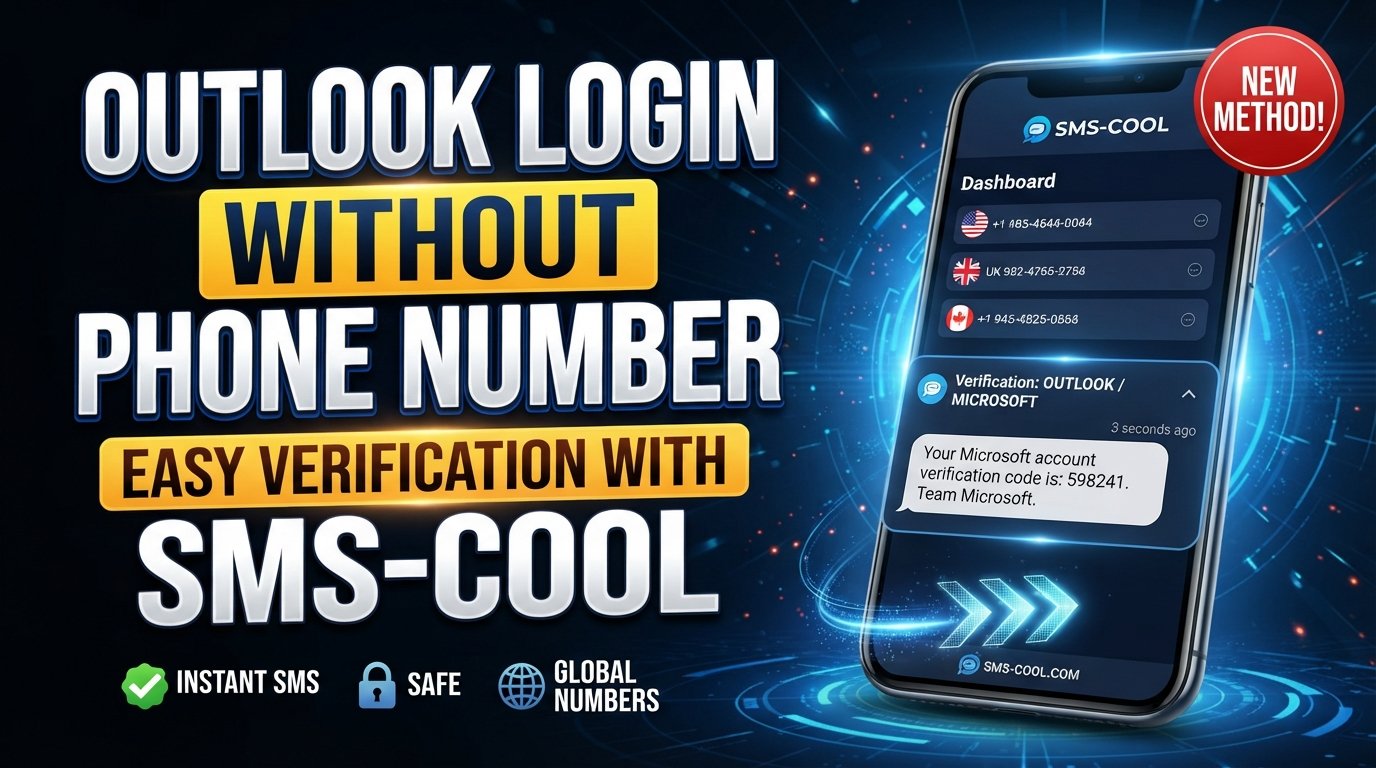
How to Get Outlook Login Without Phone Number
Trying to access Outlook and suddenly being asked for a phone number can be frustrating, especially when you would rather not connect your personal number to another online account.
Microsoft can request phone verification for different reasons, including account protection, unusual activity checks, account creation, or recovery. In some situations, users may be able to continue through another verification method. In others, an SMS-capable number may be required.
This is where an online SMS verification service can be useful. Services such as SMS COOL provide access to SMS-enabled numbers that may be suitable for verification when the relevant service accepts them.
The important point is that SMS COOL does not bypass Microsoft's security systems. Instead, it can provide a practical alternative to using your personal phone number when an Outlook verification flow supports an external SMS number.
Can You Get Outlook Login Without a Phone Number?
There is no universal method that guarantees an Outlook login without phone verification.
Microsoft determines which verification steps are required based on factors such as the account, region, sign-in circumstances, security signals, account history, and the specific verification flow being presented. As a result, one person may be able to sign in with an existing authentication method while another may be asked for an SMS code.
If Microsoft specifically requires a phone number, one option is to use a number other than your personal mobile number, provided that Microsoft accepts it and doing so is consistent with Microsoft's requirements.
For people searching for an Outlook account without phone number, the practical distinction is between avoiding phone verification entirely and avoiding the use of your personal phone number. The second option may be possible in some circumstances through a suitable SMS verification service.
Why Does Outlook Ask for a Phone Number?
Phone verification is generally connected to account security rather than simply being an arbitrary signup requirement.
Common situations in which Microsoft may request a phone number include:
- Account security: A phone number can provide an additional way to confirm account ownership.
- Identity and anti-abuse checks: Verification can help services distinguish legitimate account activity from automated or suspicious behavior.
- Unusual sign-in activity: A new device, unfamiliar location, or other unusual activity can trigger additional verification.
- Account recovery: Microsoft may use available recovery methods to help confirm ownership when access is lost.
- Account creation: During signup, Microsoft may sometimes request an SMS verification step.
These requirements can change depending on the circumstances. Therefore, instructions that promise a guaranteed way to create an Outlook account without phone number verification should be treated cautiously.
How SMS Verification Can Help
If Microsoft presents an SMS verification step, the basic process is straightforward: a phone number is entered, Microsoft sends an Outlook verification code, and the user enters that code into the verification field.
An online SMS verification service can provide the receiving number without requiring you to use your everyday personal mobile number.
A temporary phone number for Outlook can therefore be useful when the verification service supports the required destination and Microsoft accepts the particular number.
The process typically looks like this:
- Obtain an SMS-enabled number from a suitable service.
- Enter the number into the Microsoft verification field.
- Request the verification SMS.
- Wait for the message to arrive.
- Retrieve the code from the SMS service.
- Enter the code into Microsoft's verification screen.
- Continue with the remaining sign-in or account setup process.
Acceptance is not guaranteed. Microsoft may reject certain numbers, require another verification method, or apply additional security checks.
How to Use SMS COOL for Outlook Verification
SMS COOL is the practical solution discussed in this guide for users who need to receive an SMS verification message without using their personal phone number.
If an appropriate number is available and Microsoft accepts it, the workflow can be completed online.
Step 1: Visit SMS COOL
Open the SMS COOL service and review the available SMS or verification numbers.
Look for a number appropriate for the verification destination and the service you're using.
Step 2: Choose an Available Number
Select an available number that supports receiving the type of SMS required.
Availability can vary, so the number you need may not always be available.
Step 3: Enter the Number in Microsoft
When Microsoft asks for phone verification, enter the SMS COOL number in the appropriate field.
Make sure the country or regional prefix is handled correctly according to the verification form.
Step 4: Request the Verification Code
Continue through Microsoft's verification process and request the SMS.
Microsoft will determine whether the number can be used and whether additional verification is necessary.
Step 5: Check the SMS COOL Inbox
Return to SMS COOL and monitor the corresponding inbox for the incoming message.
If the verification SMS is successfully delivered, you should see the code there.
Step 6: Enter the Code
Copy the Outlook SMS verification code and enter it into the Microsoft verification field.
Avoid sharing the code with anyone else.
Step 7: Complete the Remaining Steps
Once Microsoft accepts the code, continue with the remaining account creation or login process.
If Microsoft requests another verification method, follow the available legitimate options rather than attempting to circumvent the security process.
Benefits of Using SMS COOL
Using an online SMS verification service can be convenient for people who prefer not to provide their personal mobile number for every online verification request.
Potential advantages include:
- Less reliance on your personal number: You may not need to expose your everyday mobile number for a supported verification step.
- Online SMS access: Messages can be viewed through an online service rather than your regular phone.
- Convenience: The process can be completed without changing your normal mobile setup.
- Useful for verification scenarios: A temporary or virtual phone number for verification can be practical when a service accepts it.
- Privacy considerations: Separating a verification number from your personal number can reduce unnecessary sharing of personal contact information.
- Simple workflow: The process generally involves selecting a number, requesting a code, receiving the SMS, and entering it.
However, these benefits depend on the number, service, and verification flow. They should not be interpreted as a guarantee that Microsoft will accept every number.
Things to Know Before Using a Temporary Number
Before using a temporary SMS number, there are several important considerations.
First, some numbers may have been used previously. A service provider may rotate or reassign numbers, which means a number should not automatically be treated as a permanent private identity.
Second, Microsoft may reject certain temporary or virtual numbers. A number that works for one verification flow may not work for another.
Third, temporary verification and long-term account security are different things. If you are creating an important Microsoft account, consider the recovery options Microsoft provides and maintain legitimate recovery information where appropriate.
A temporary number may be useful for receiving an initial verification message, but it should not be assumed to provide permanent access to an account.
For important accounts, users should also consider whether they can add an authenticator, recovery email, security key, or another supported recovery method after successfully accessing the account.
Outlook Login Without Phone Number: Common Problems and Solutions
Even when using an online SMS verification service, verification may not always work immediately.
Verification code does not arrive
Give the service a reasonable amount of time to receive the message. Check that you selected the correct number and that the service supports incoming messages from the relevant verification system.
If the message never arrives, the number may not be supported or available for that verification flow.
Microsoft rejects the number
Microsoft can reject certain phone numbers or require a different verification method.
If this happens, do not repeatedly submit the same number. Check whether another legitimate verification option is available or try a different supported number.
The code has expired
Verification codes are usually time-sensitive. If a code expires, request a new one and enter the latest code rather than repeatedly using an older message.
Too many verification attempts
Repeated attempts can lead to additional security checks or temporary restrictions.
If you encounter an attempt limit, stop submitting codes repeatedly and follow the instructions displayed by Microsoft.
SMS service is unavailable
An online SMS service may occasionally have limited number availability or temporary delivery issues. If the required number is unavailable, you may need to wait for another suitable number or use another legitimate verification method.
Microsoft asks for another verification method
This is important: receiving an SMS does not guarantee that the entire Microsoft verification process will be completed.
If Microsoft requests another authentication method, follow the available options. An SMS service should be viewed as a method for receiving a verification message, not as a way to bypass account security.
Is SMS COOL Safe for Outlook Verification?
No online verification service should be described as completely risk-free or guaranteed to work with every platform.
When using SMS COOL or another SMS verification service, consider what information you are entering and what the service actually needs. A verification service should generally only be used for the information necessary to receive the SMS.
Most importantly, never give your Outlook or Microsoft password to an SMS verification provider. You should also avoid sharing authentication codes with other people.
There is another important privacy consideration: a temporary number may not be exclusively associated with you forever. For that reason, temporary SMS numbers can be more appropriate for limited verification situations than for long-term account recovery.
For accounts containing important personal, financial, business, or professional information, use Microsoft's supported security and recovery features whenever possible.
Frequently Asked Questions
Can I log into Outlook without a phone number?
Sometimes. Whether you can complete an Outlook sign in without phone number depends on the verification methods Microsoft offers for your particular account and sign-in circumstances. If SMS verification is mandatory, you may need an accepted phone number or another supported verification method.
Can I create an Outlook account without my personal phone number?
You may be able to create an account without using your personal number if Microsoft offers another verification option or accepts a different SMS-enabled number. An online SMS service such as SMS COOL can be an option when the verification flow supports the number.
How can I receive an Outlook verification code?
If Microsoft sends an SMS verification message, you can receive it on an accepted phone number. Depending on the verification flow, an SMS COOL number may be able to receive the message. Availability and acceptance vary.
Can I use a temporary number for Outlook verification?
A temporary SMS number may work when Microsoft accepts that number for the particular verification request. However, some temporary or virtual numbers may be rejected, already used, or unsuitable for future account recovery.
Why is Outlook asking for phone verification?
Microsoft may request Outlook phone verification for account creation, security checks, unusual activity, recovery, or other verification circumstances. The exact requirements can vary by account and situation.
What should I do if my Outlook verification code does not arrive?
Check that the number was entered correctly and that the selected SMS service supports the relevant verification message. If the code still does not arrive, request a new code or use another verification method offered by Microsoft.
How does SMS COOL work for verification?
SMS COOL provides access to SMS-enabled numbers that can receive messages online. When a supported service sends a verification code to an accepted number, the incoming message can appear in the corresponding SMS COOL inbox for you to retrieve.
Conclusion
Finding a way to access Outlook without using your personal phone number can be useful when you want to keep your everyday number separate from online accounts.
However, there is no universal method for avoiding Microsoft's phone verification requirements. Microsoft can decide when additional verification is necessary based on the account, region, sign-in circumstances, security checks, and other factors.
If SMS verification is required, SMS COOL offers a practical option to explore when a suitable number is available and accepted by the verification flow. It can help you receive an Outlook verification code online without automatically exposing your personal mobile number.
The key is to use the service responsibly: don't attempt to bypass Microsoft's security controls, don't share passwords or verification codes, and keep appropriate recovery methods for important accounts.
If you need an online SMS option for a supported verification process, exploring the available numbers on SMS COOL can be a convenient next step.